Text Enhancer Online Free | AI Text Enhancer for Images
Use AI Text Enhancer online to enhance text in image, improve blurry screenshot and document text, and preview how Text Enhancer makes words and numbers clearer for free.
Drag your image here, or
Reference Image (Max 50MB)


See How Our Text Enhancer Makes Blurry Text Clearer
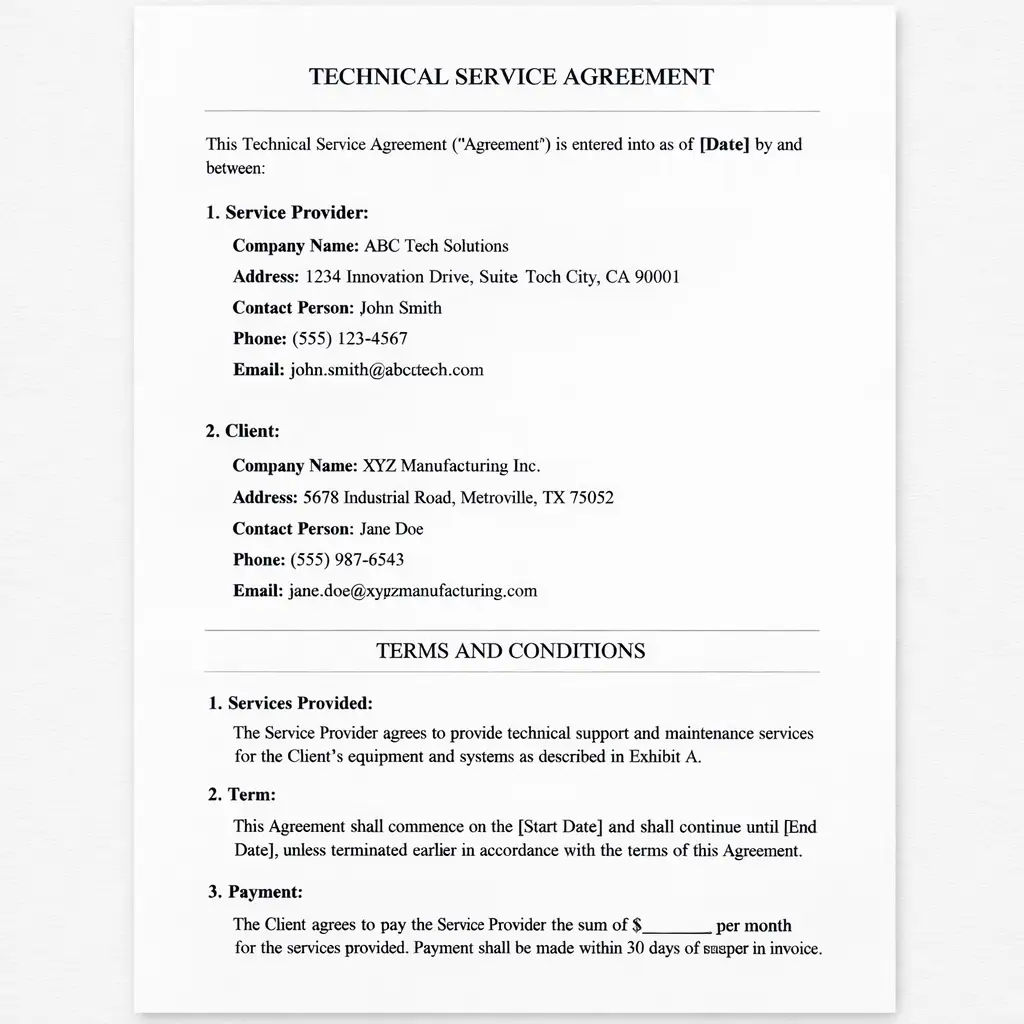
Make Blurry Screenshot Text Easier to Read
Text Enhancer makes blurry screenshot text clearer by sharpening character edges and improving contrast. It helps app screenshots, chat captures, and interface text look easier to read without making the whole image look harsh.
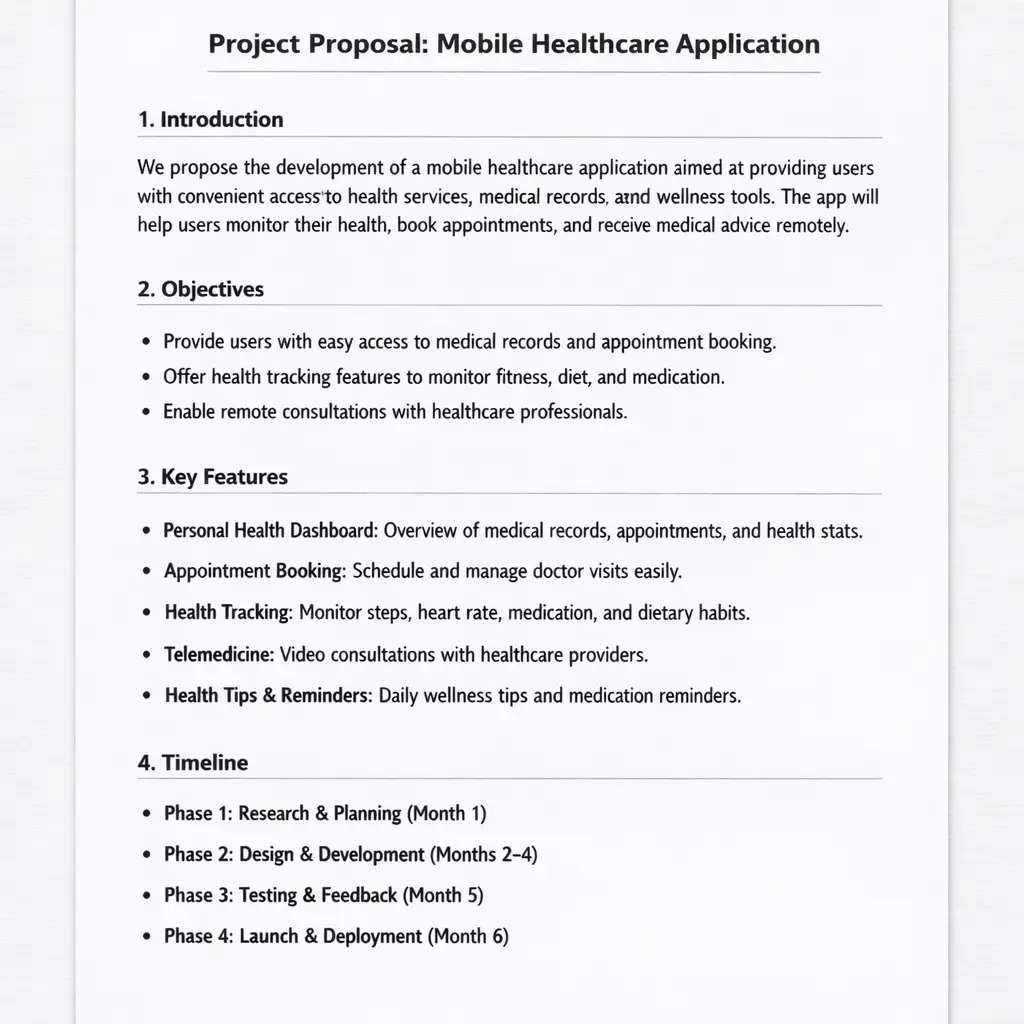
Improve Scanned Document and PDF Text Clarity
Use Text Enhancer for scanned documents and images exported from PDFs when letters look soft, low-contrast, or slightly noisy. This Text Enhancer improves readability while keeping page details natural.
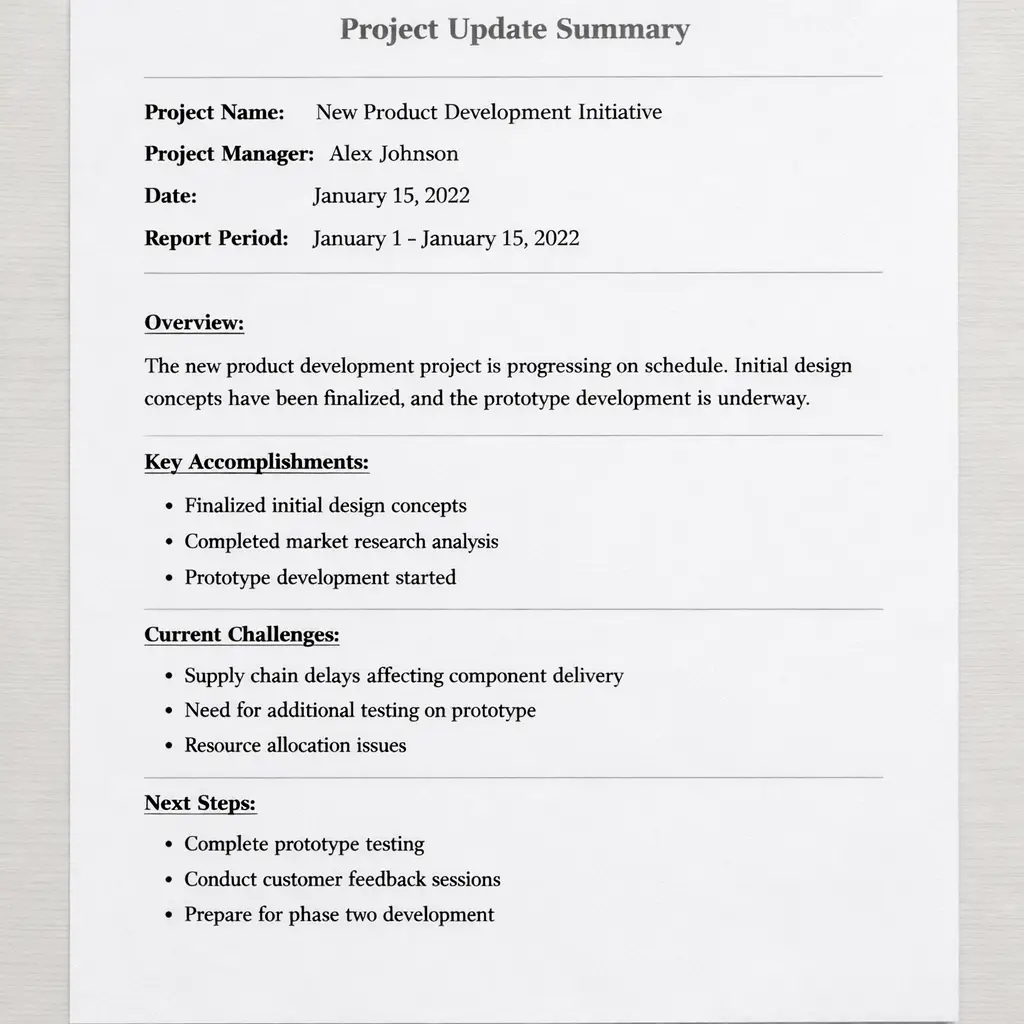
Enhance Receipts, Forms, and Small Print
Text Enhancer helps make small print, receipt details, forms, and document photos easier to read by cleaning up noisy text regions and making words and numbers stand out more clearly.
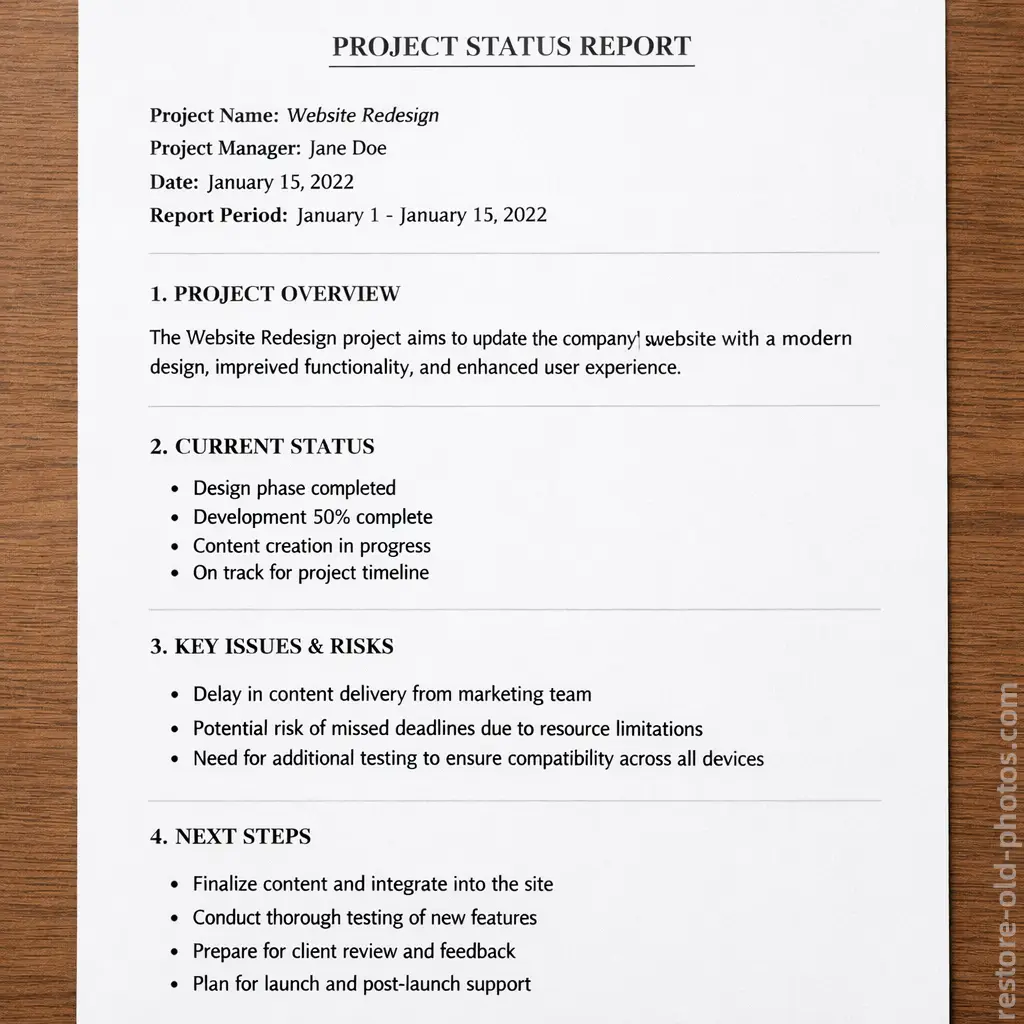
Make Notes, Labels, and Photo Text Clearer
Use Text Enhancer for notes, labels, dates, and text captured inside everyday photos. Text Enhancer works best when the main goal is readable text. If the entire image has strong motion blur or missed focus, use Unblur Image instead.

What Is a Text Enhancer?
- •A Text Enhancer is a tool that improves the readability of text inside images such as screenshots, scans, document photos, receipts, and PDF exports.
- •Text Enhancer can sharpen letter edges, increase contrast around words and numbers, and reduce blur or noise that makes text hard to read.
- •Text Enhancer works well when you need to read blurry text in a screenshot, scan, receipt, certificate, handwritten note, or photo of a document.
- •Text Enhancer focuses on text clarity first, so it is better for readable words and numbers than a general full-image enhancement workflow.
- •If the whole image only needs more overall clarity, use Image Sharpener. If the image has strong motion blur or missed focus, use Unblur Image instead.
How to Enhance Text in an Image in 4 Steps
Step 1: Upload Your Image
Upload a screenshot, scanned page, receipt, PDF image, or photo that contains blurry, faded, or low-contrast text.
Step 2: Let AI Analyze the Text
The AI detects text regions and identifies blur, low contrast, and noise that are making letters and numbers harder to read.
Step 3: Improve Text Readability
Text Enhancer sharpens character edges, boosts contrast, and cleans up noisy text areas so the content looks clearer and easier to read.
Step 4: Preview and Download
Preview the improved result, compare the readability change, and download the image when you are satisfied.
Why Choose Our Text Enhancer
Our Text Enhancer is built to make text in images clearer online with a fast workflow, a free preview, and a specialist focus on text readability.
Built for Text in Images
Text Enhancer is designed for screenshots, scans, receipt photos, document images, labels, and notes where the main goal is better text readability, not just generic image enhancement.
Clearer Letters Without Heavy Overprocessing
Text Enhancer improves text clarity by sharpening edges and contrast around characters while keeping the rest of the image natural instead of overly sharpened.
Works for Screenshots, Scans, and Small Print
A strong fit for blurry screenshot text, scanned pages, receipts, forms, dates, signatures, and dense small print that needs to be easier to read.
Online Workflow with Free Preview
Use Text Enhancer in your browser, preview the improved text readability, and download only when the result looks right for your use case.
Use Text Enhancer to Make Image Text Clearer
Use AI Text Enhancer to improve blurry text, boost readability in screenshots and document photos, and preview how Text Enhancer makes image text clearer online for free.