Image Sharpener Online Free | Sharpen Blurry Images
Use Image Sharpener to sharpen blurry images online, improve edge detail, make photos clearer, and improve text readability with a free preview.
Drag your image here, or
Reference Image (Max 50MB)


Image Sharpener makes soft images crisper by enhancing edges. For heavy motion blur or out-of-focus shots, use Unblur Image instead. Need higher resolution after sharpening? Try AI Image Upscaler. For broader photo quality improvement, see Photo Enhancer.
See How Our Image Sharpener Improves Clarity


Sharpen Soft Photos and Improve Edge Detail
Image Sharpener makes soft, low-clarity photos look cleaner by sharpening edges and recovering finer detail. It works best when the image needs clearer definition rather than heavy deblur.
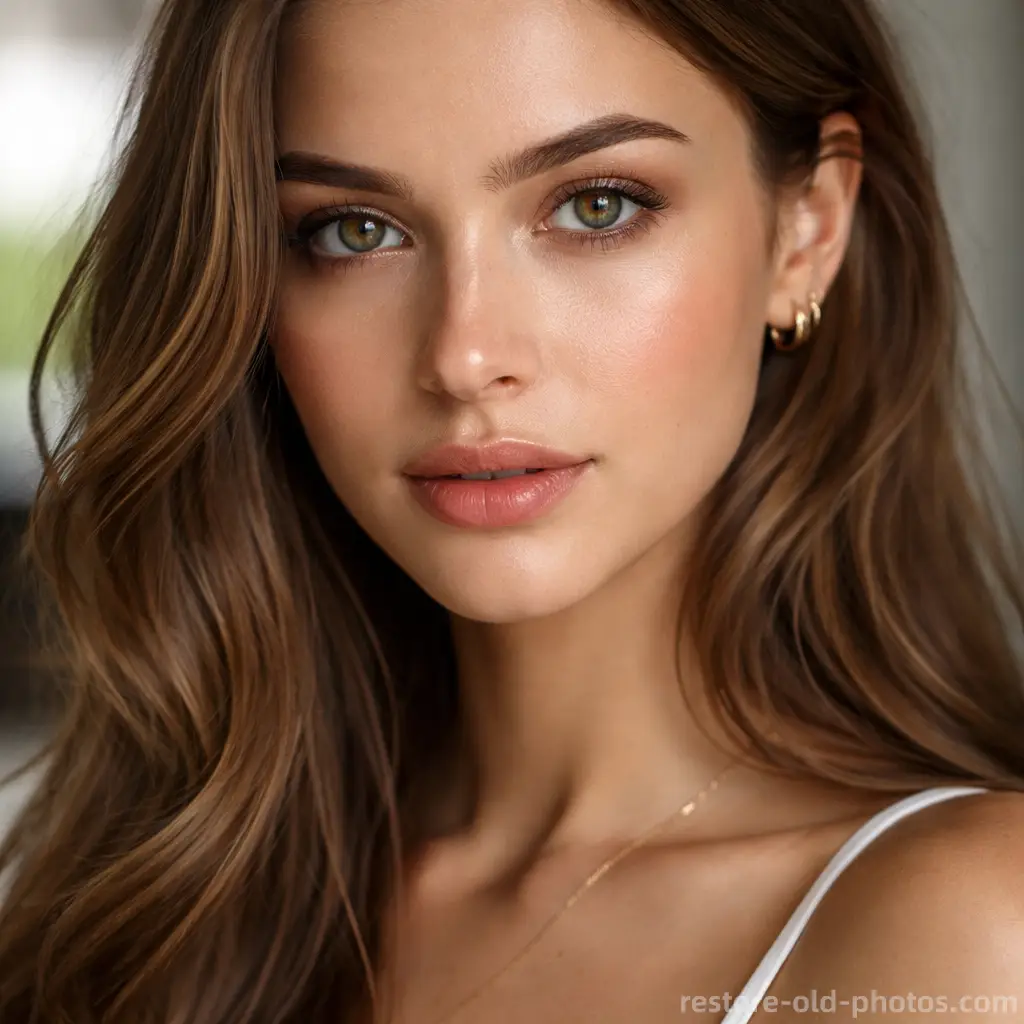
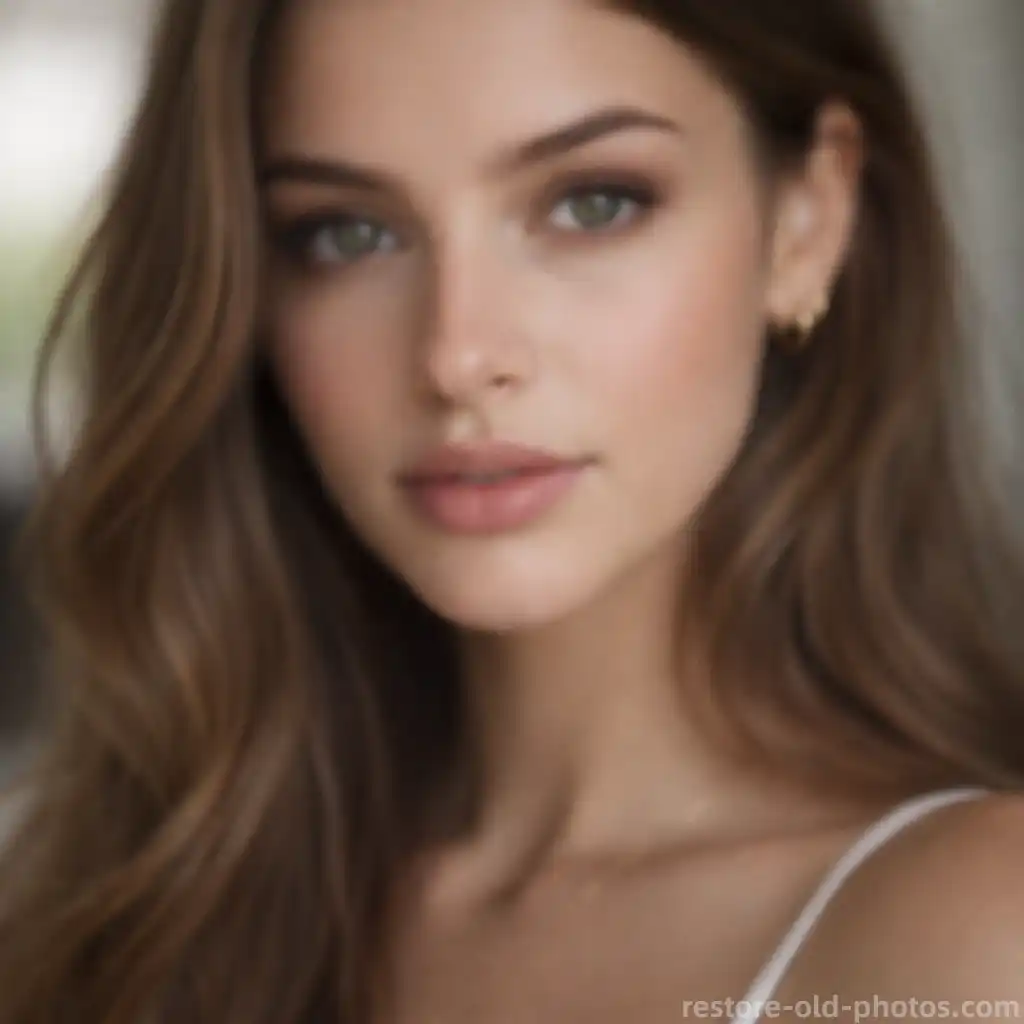
Sharpen Faces and Portraits Naturally
Use Image Sharpener to improve portrait clarity by sharpening key facial details like eyes, hair, and contours while keeping skin texture natural. Great for profile pictures and lightly soft portraits.
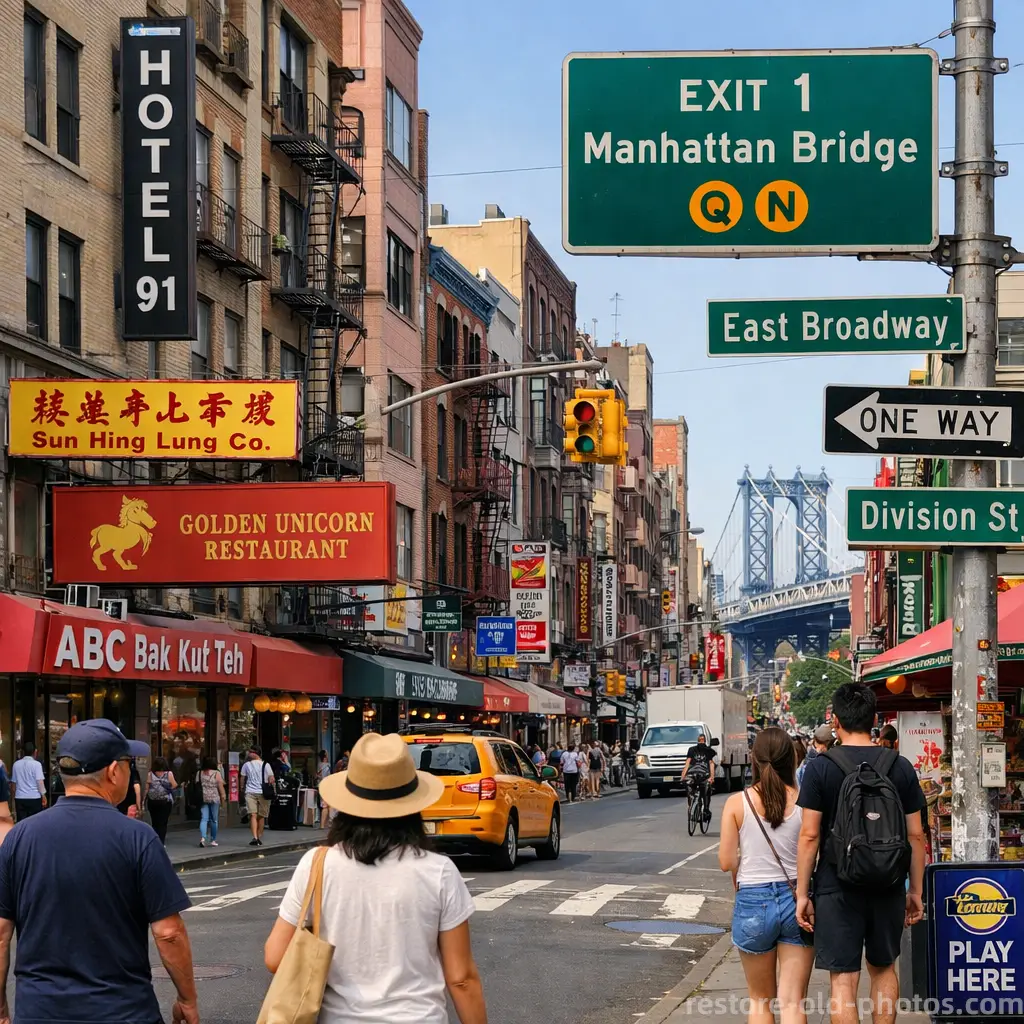
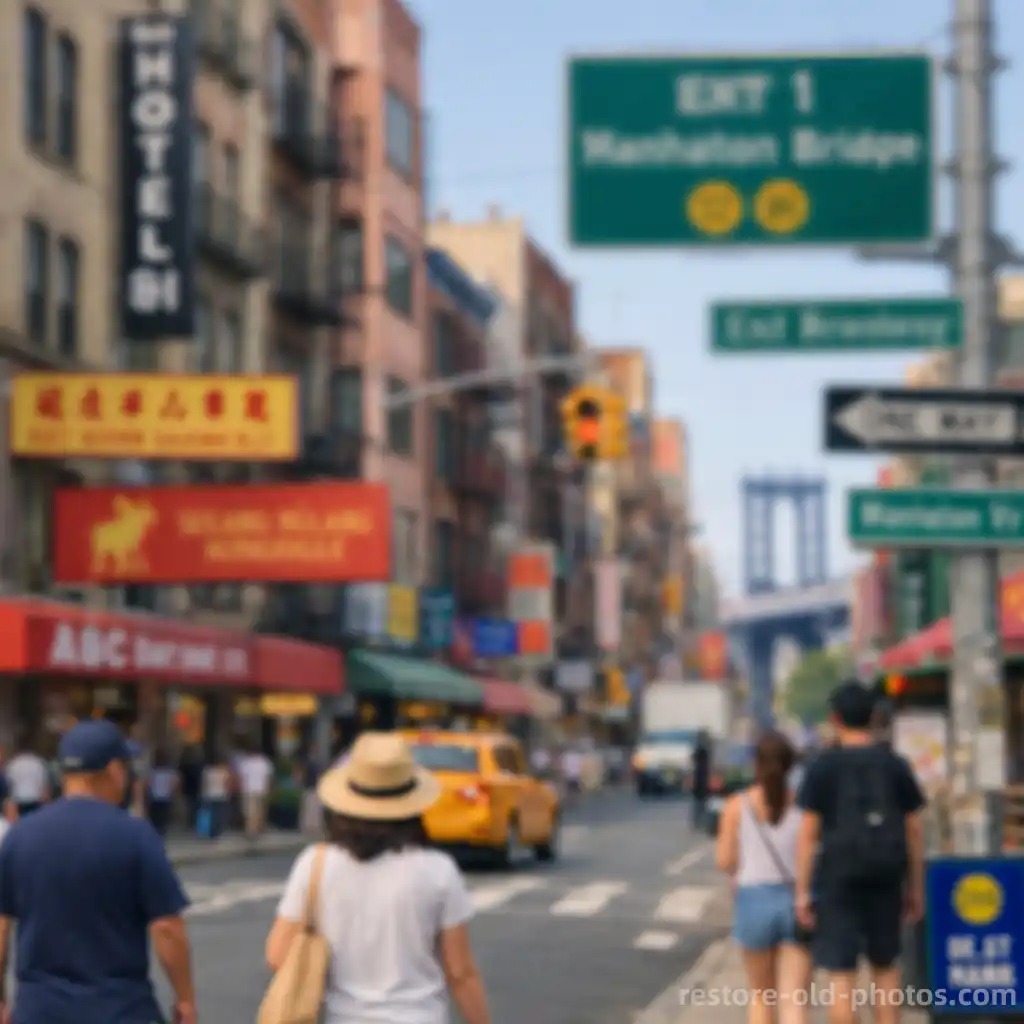
Sharpen Streets, Signs, and Everyday Details
Image Sharpener helps street scenes, signs, and architectural details look clearer by improving local contrast and edge definition without making the image look harsh or overprocessed.
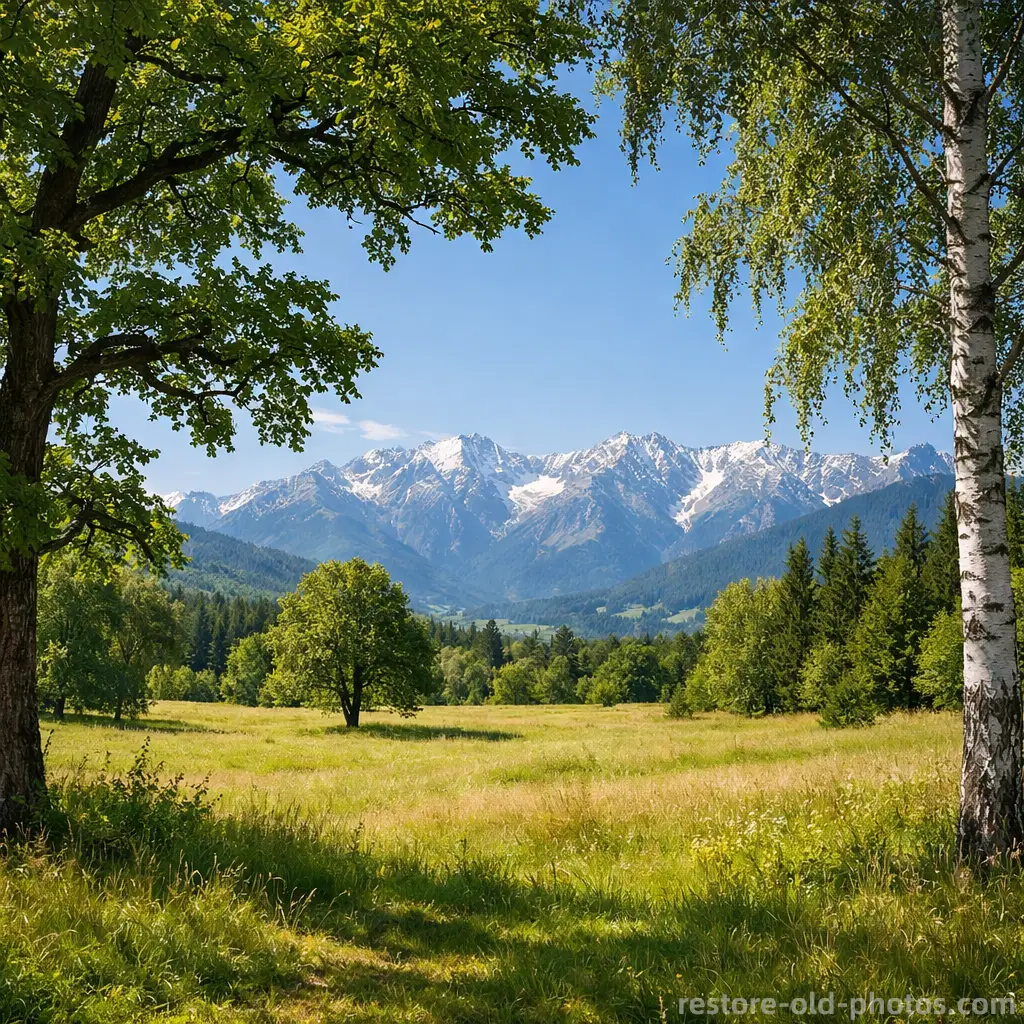
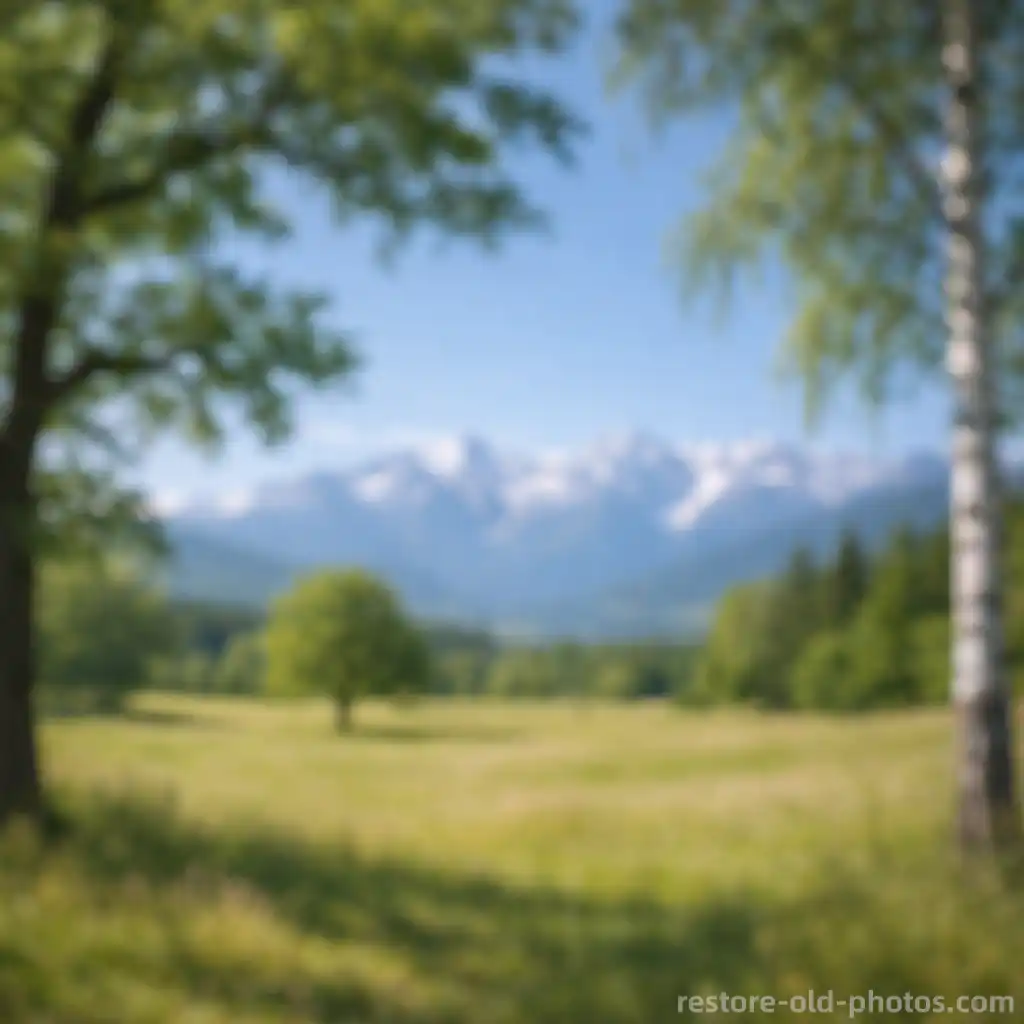
Make Landscape Photos Clearer
For scenery and travel shots that look slightly soft, Image Sharpener boosts detail and clarity across the frame. If the photo has strong motion blur or missed focus, use the Unblur Image tool instead.

What Is an Image Sharpener?
- •An Image Sharpener is a tool that makes images look clearer by enhancing edges, fine details, and local contrast.
- •Compared with basic filters, an AI image sharpener can adapt sharpening to different regions such as faces, textures, and text.
- •Common use cases include sharpening slightly blurry photos, improving low-clarity screenshots, and making text in images easier to read.
- •Image Sharpener is best for mild blur and soft images. For strong motion blur or missed focus, use the Unblur Image tool.
- •If you need a larger file after sharpening, use AI Image Upscaler to increase resolution once the image looks clear. If the image is an old photo and you want the broader AI old photo restoration workflow first, start from Restore Old Photos.
How to Sharpen an Image (4 Steps)
Step 1: Upload Your Image
Upload a blurry or soft photo to Image Sharpener. JPG, JPEG, PNG, and WEBP are supported.
Step 2: Analyze Blur and Detail
Image Sharpener analyzes edges, textures, faces, and text to decide where sharpening will help most.
Step 3: Sharpen the Image
Image Sharpener sharpens edges and improves clarity while aiming to avoid harsh halos and over-sharpening artifacts.
Step 4: Preview & Download
Preview the sharpened result, then download it when you're satisfied with the level of clarity.
Why Choose Our AI Image Sharpener
Fast, browser-based sharpening for clearer edges, natural detail, and more readable text.
Great for Mild Blur
Image Sharpener is ideal for soft photos and light blur where you need clearer detail rather than heavy deblurring.
Natural Results
Designed to improve edge definition without creating harsh halos or overly processed textures.
Online Free Preview
Try Image Sharpener online and preview the result before downloading.
Helpful for Text and Screenshots
Improve clarity in screenshots, notes, and document photos when the text looks slightly soft or hard to read.