Old photos hold precious memories, but over time they can fade, blur, tear, or lose color. Fortunately, modern technology makes it easier than ever to bring old photos back to life. In this guide, you’ll learn how to restore old photos using professional tools, AI-powered solutions, and free online methods—no advanced skills required.
Whether your photos are printed, scanned, or digital, this tutorial will help you choose the best restoration method for your needs.
What Does Old Photo Restoration Mean?
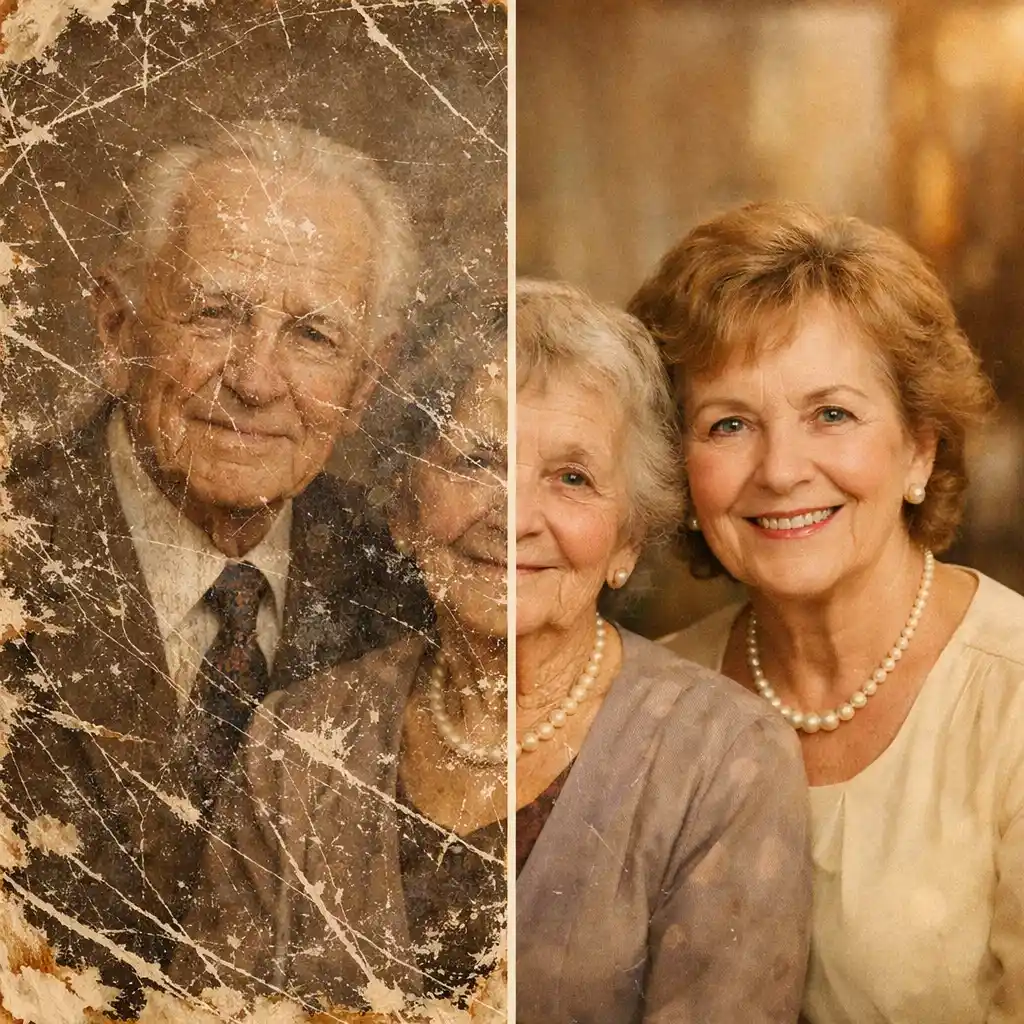
Old photo restoration is the process of repairing damaged photographs by removing scratches, fixing blur, restoring missing details, and correcting faded or discolored areas. Traditional restoration required Photoshop expertise, but today, AI old photo restoration tools can do the work automatically in seconds.
Depending on the condition of your photo, restoration may include:
- Fixing cracks, stains, and scratches
- Enhancing sharpness and clarity
- Colorizing black and white photos
- Restoring faded colors
- Improving overall image quality
Method 1: Restore Old Photos with AI (Fastest & Easiest)
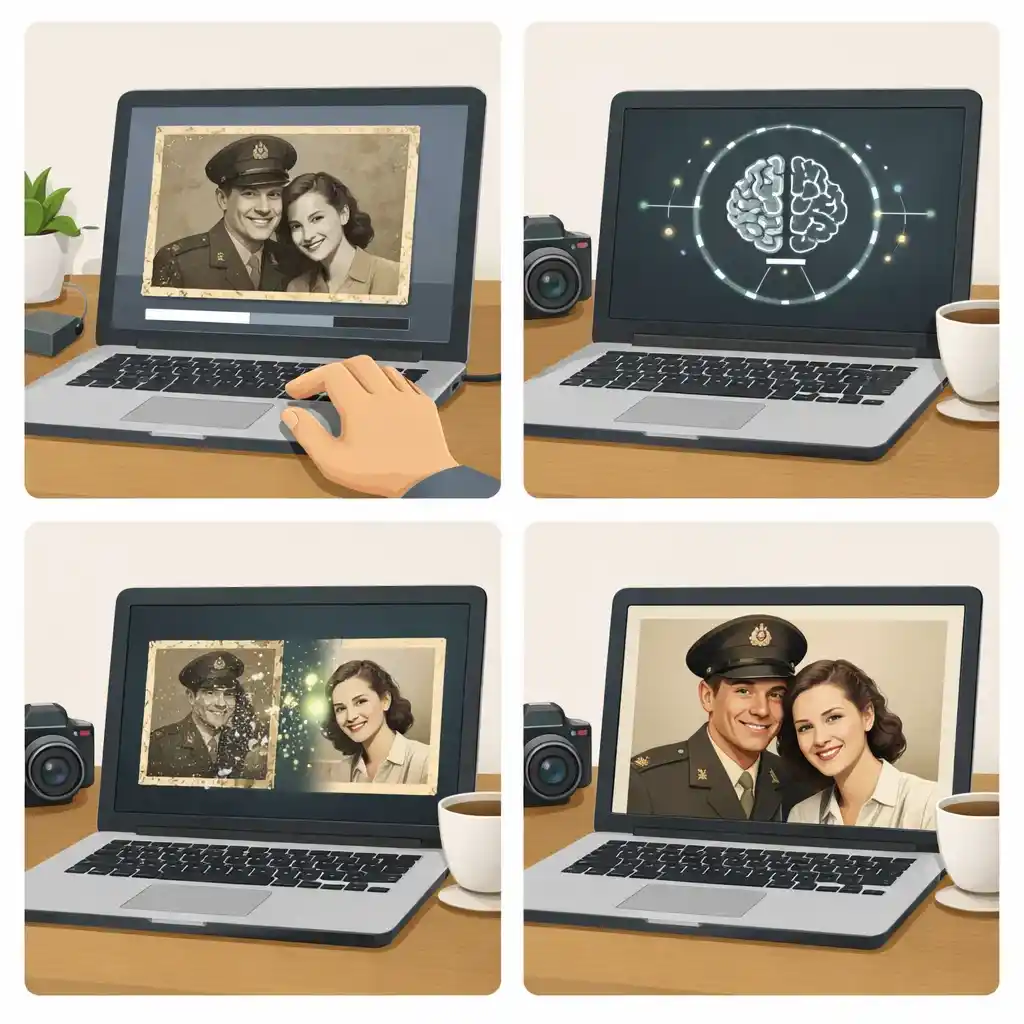
AI-powered tools are now the most popular way to restore old photos. They analyze damaged areas and intelligently rebuild missing details with minimal effort from the user.
If you want the fastest solution, you can restore old photos online using AI—no software installation required.
How AI Photo Restoration Works
AI models are trained on millions of images to recognize faces, textures, and patterns. When you upload an old photo, the AI automatically:
- Removes noise and scratches
- Sharpens blurry areas
- Enhances facial details
- Restores faded tones
You can also learn more about the technology behind this process on our AI old photo restoration page.
Steps to Restore Old Photos Using AI
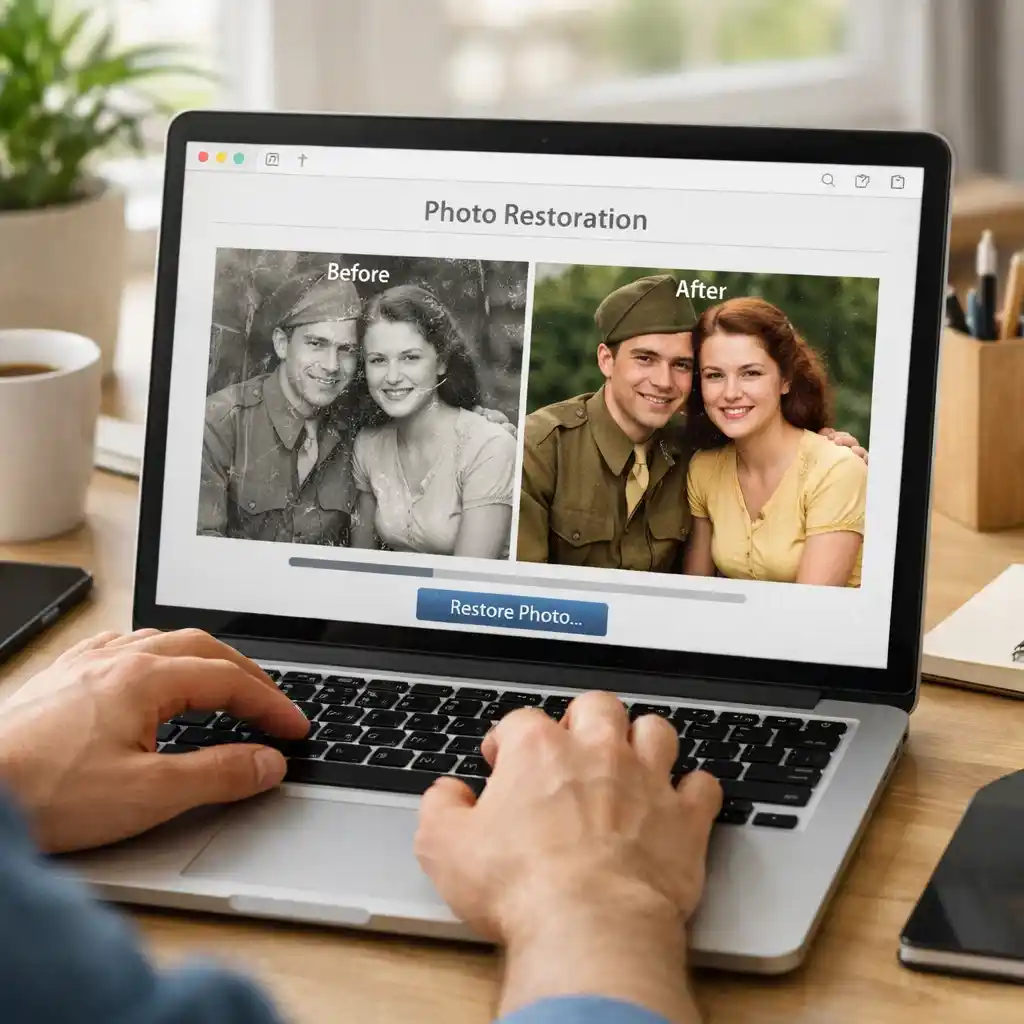
- Upload your old or damaged photo
- Select restoration or enhancement options
- Let the AI process the image automatically
- Preview and download the restored photo
Many users prefer AI tools because they allow you to restore old photos online for free or at very low cost.
Method 2: Restore Old Photos Online for Free
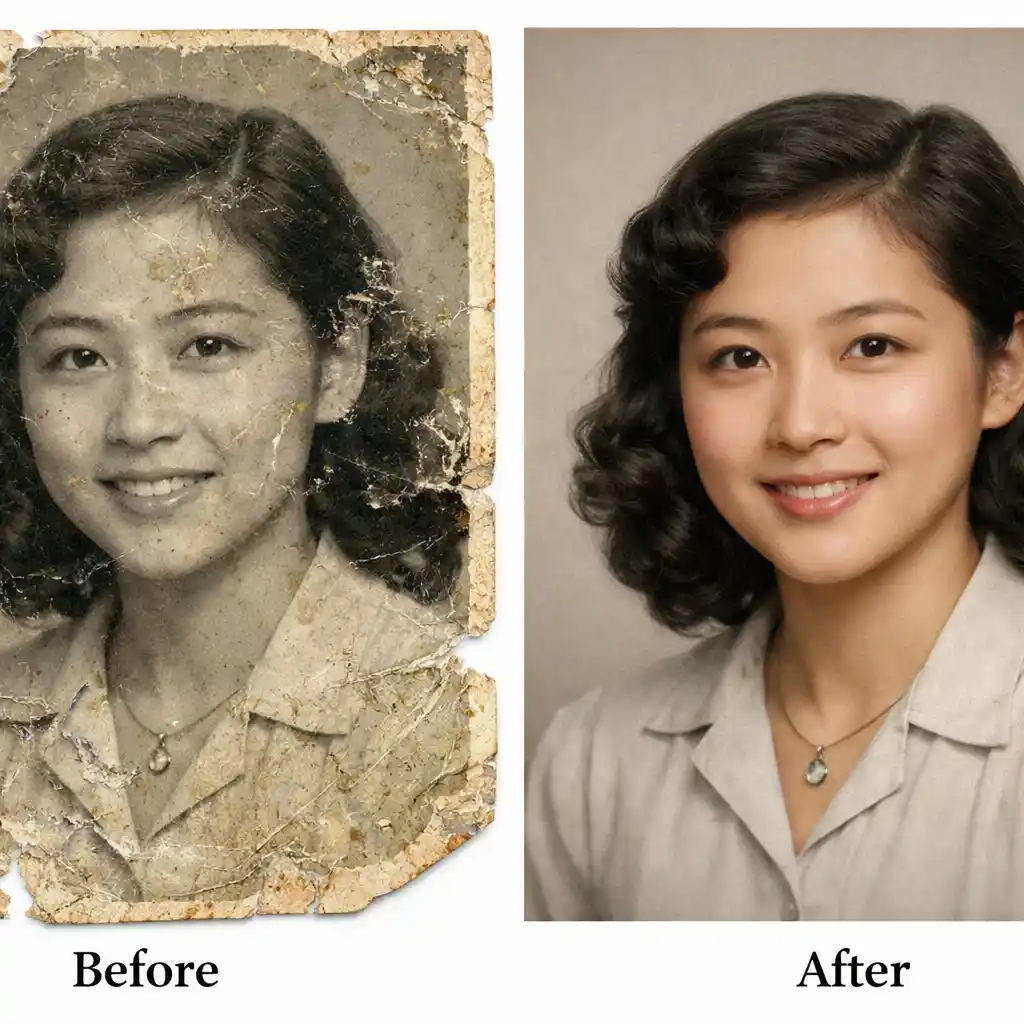
If you don’t want to install software, online restoration tools are a great choice. They work directly in your browser and support most image formats.
You can try an online old photo restoration tool that offers:
- Scratch and damage repair
- AI sharpening and clarity enhancement
- Color restoration and colorization
- One-click processing
👉 Try our recommended tool to restore old photos online in just a few seconds.
These tools are ideal for beginners, families, and anyone who wants quick results without technical knowledge.
Method 3: Restore Old Photos Using Photoshop (Manual Control)
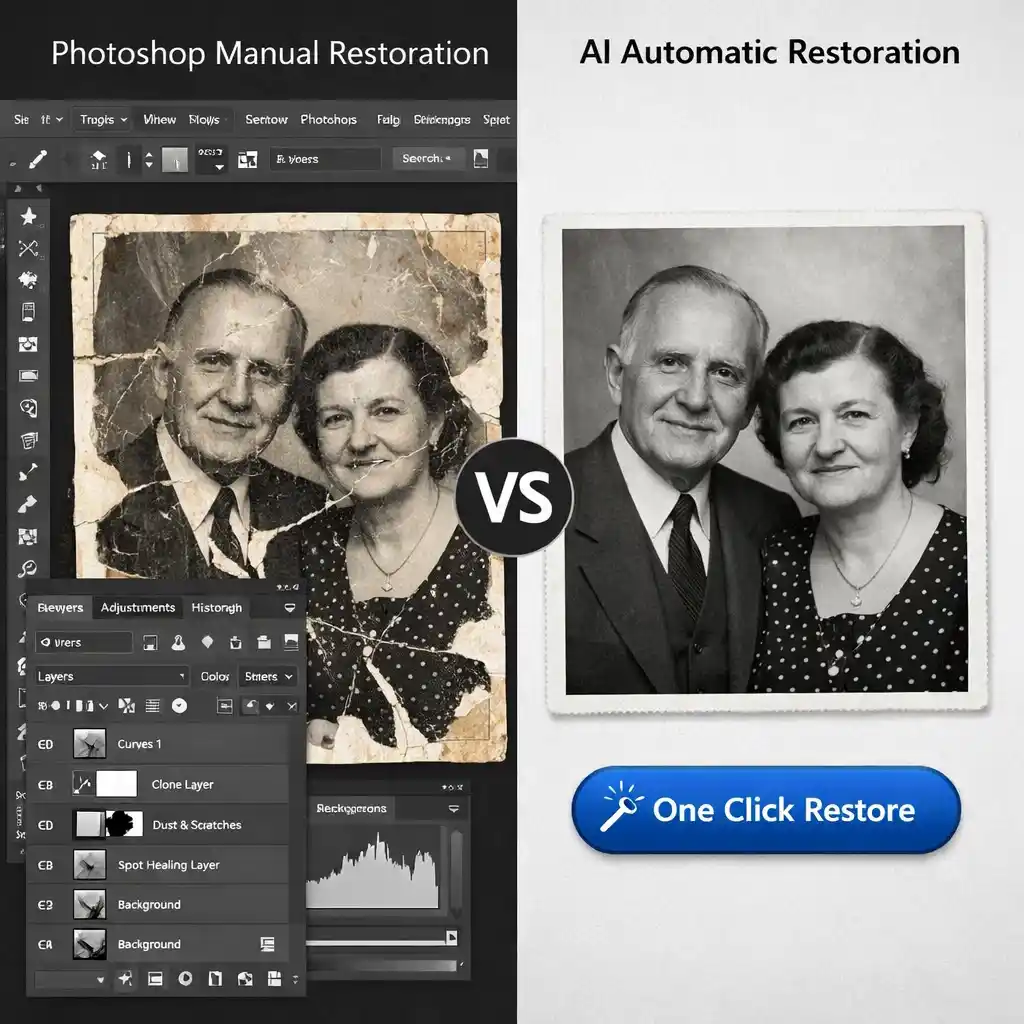
Photoshop is a powerful option for users who want full control over the restoration process. However, it requires time and experience.
Common Photoshop Tools for Photo Restoration
- Spot Healing Brush (scratches and dust)
- Clone Stamp Tool (repair damaged areas)
- Neural Filters (AI-based enhancements)
- Color Balance & Curves (fix faded colors)
While Photoshop can produce excellent results, it’s not beginner-friendly. For most users, AI-based photo restoration offers faster and more consistent outcomes.
Method 4: Restore Old Photos on Phone (iPhone & Android)
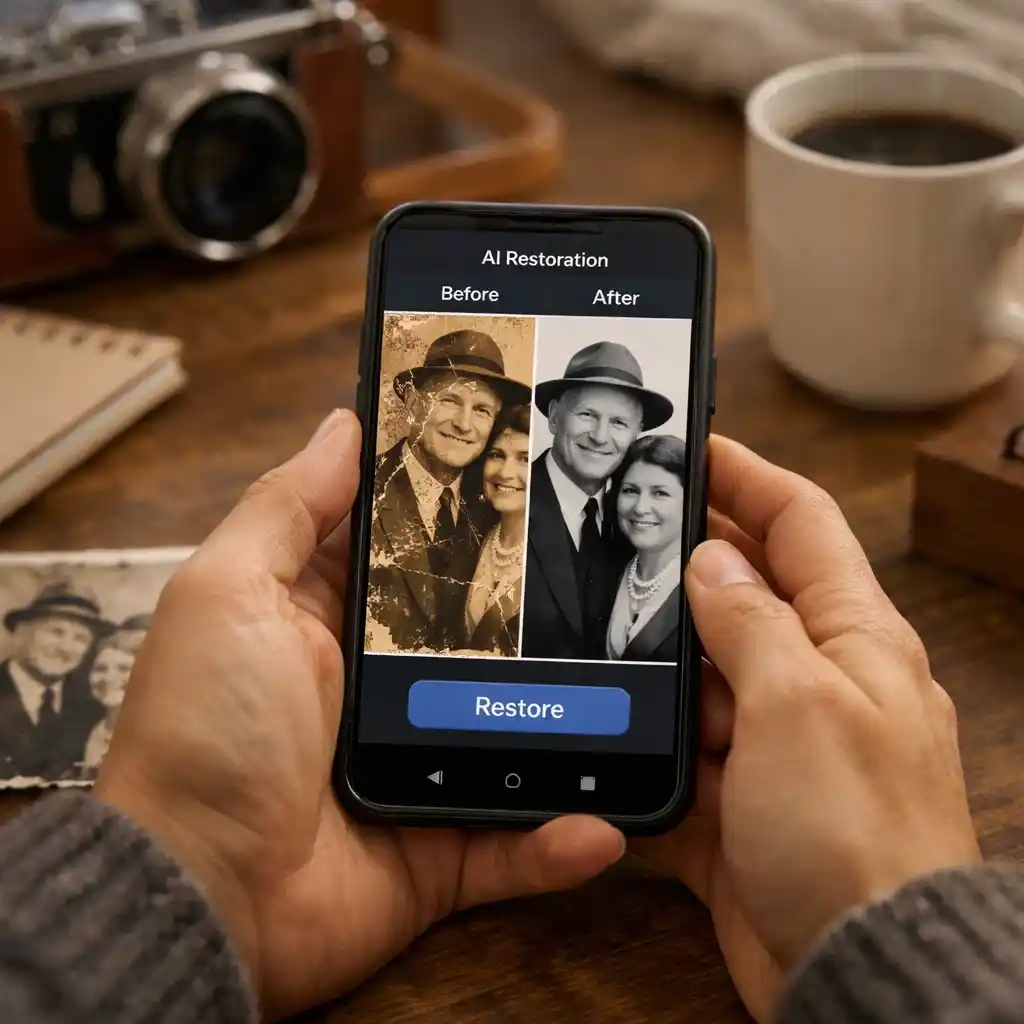
Mobile apps allow you to restore old photos directly on your phone. These apps are convenient if your photos are already stored on your device or cloud services.
Popular features include:
- One-tap AI enhancement
- Face restoration
- Color correction
- Upscaling and sharpening
However, mobile apps often limit free usage or add watermarks, which is why many users prefer to restore old photos online for free using browser-based tools.
Can AI Really Restore Very Old or Damaged Photos?
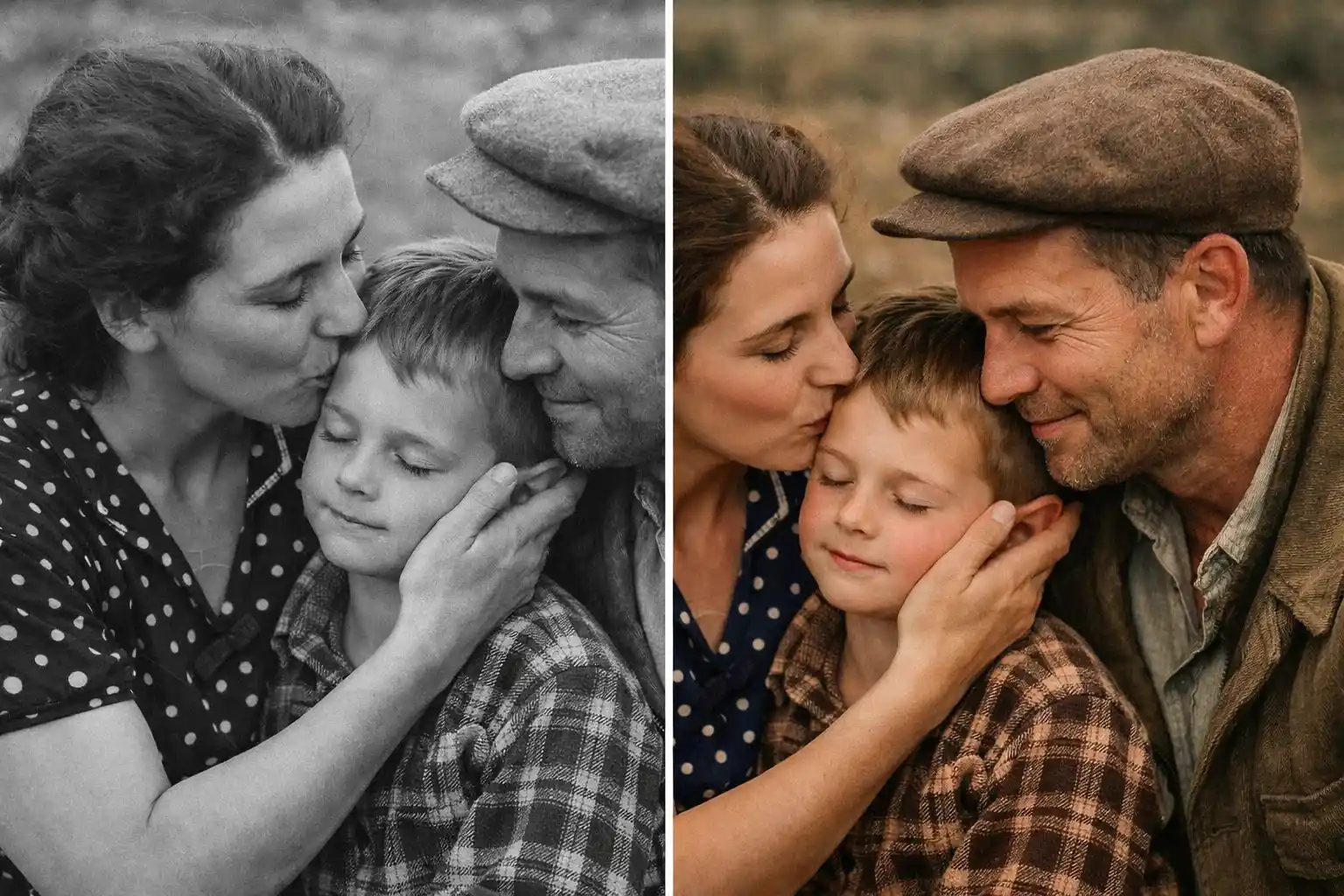
Yes—modern AI tools can handle:
- Old black and white photos
- Blurry or low-resolution images
- Printed photos scanned from albums
- Photos with heavy scratches or cracks
For severely damaged images, combining AI restoration with manual editing may give the best results. You can also explore advanced techniques on our AI old photo restoration guide.
Tips for Better Old Photo Restoration Results
- Scan printed photos at high resolution (300–600 DPI)
- Avoid over-processing (too much sharpening can look unnatural)
- Save a copy of the original image before editing
- Try multiple tools to compare results
Using the right tool can make a dramatic difference, especially when restoring family photos and historical images.
Restore Old Photos Easily with AI
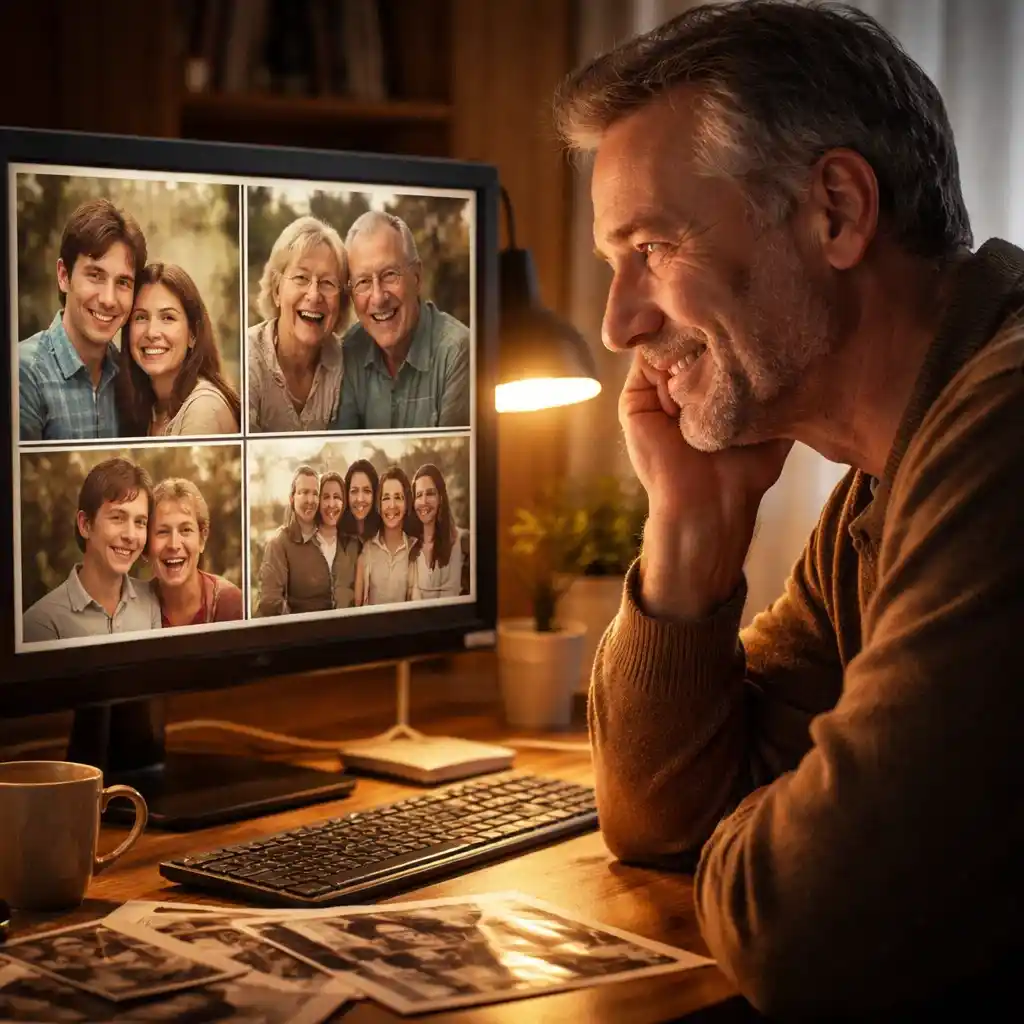
Restoring old photos no longer requires professional skills or expensive software. With modern AI tools, anyone can repair, enhance, and colorize old images in minutes.
If you want the easiest solution, try our restore old photos online tool or explore our AI-powered photo restoration solutions on the home page to bring your memories back to life.
Frequently Asked Questions
Can I restore old photos for free?
Yes. Many online tools offer free trials or limited free restorations.
Is AI photo restoration safe?
Reputable tools process images securely and do not store your photos permanently.
What’s the best method for beginners?
AI-based online tools are the easiest and fastest option.
Bringing old photos back to life has never been easier. Choose the method that fits your needs and start restoring your memories today.