Enhance Scanned Photos — Improve Quality of Scanned Images Online Free
Fix soft, noisy, or flat scanned photos with AI. Our free online tool enhances scanned images automatically — cleaner detail, better contrast, and ready to share. Try now.
Drag your image here, or
Reference Image (Max 50MB)


Enhance Scanned Photos Before and After Examples

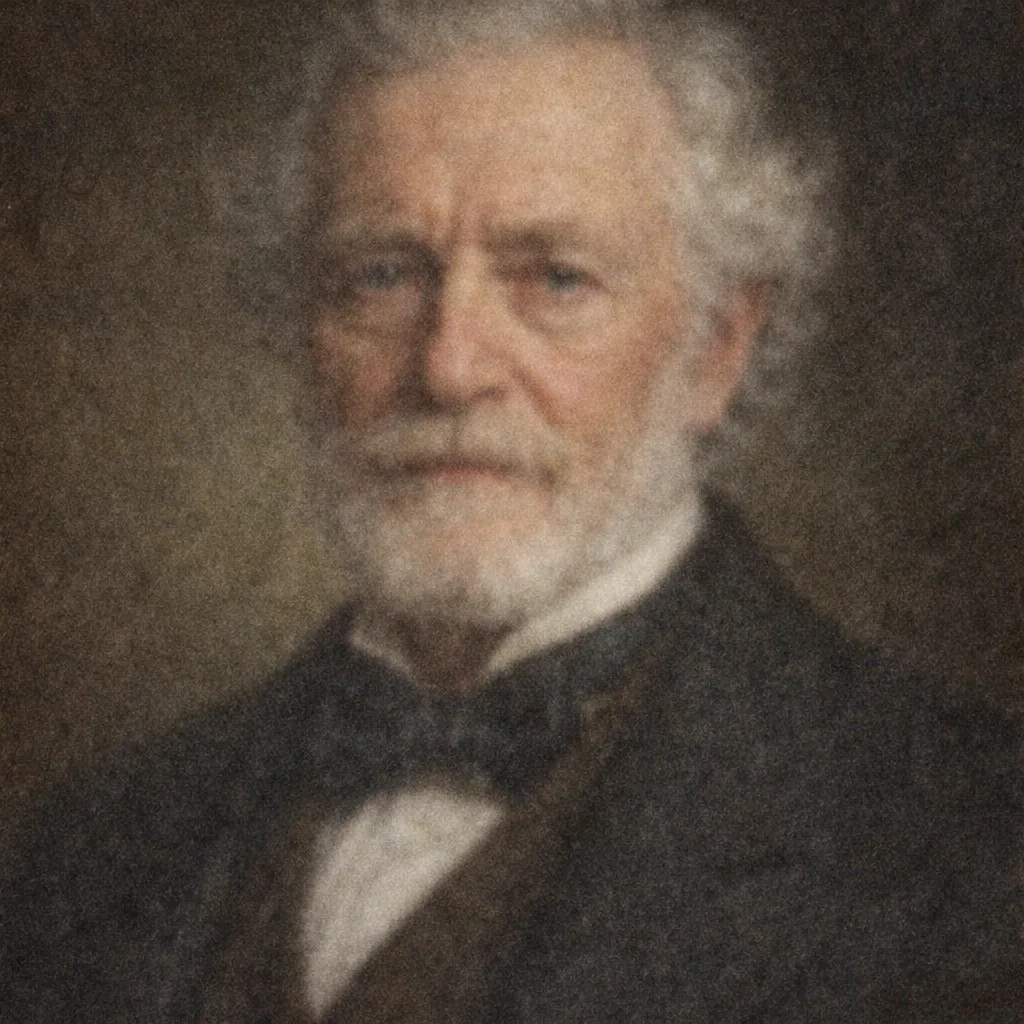
Improve Soft Low-Quality Photo Scans
Enhance Scanned Photos helps digitized images that look soft after scanning. Use Enhance Scanned Photos for scanner softness and weak digital detail, not for full deblurring or out-of-focus repair.
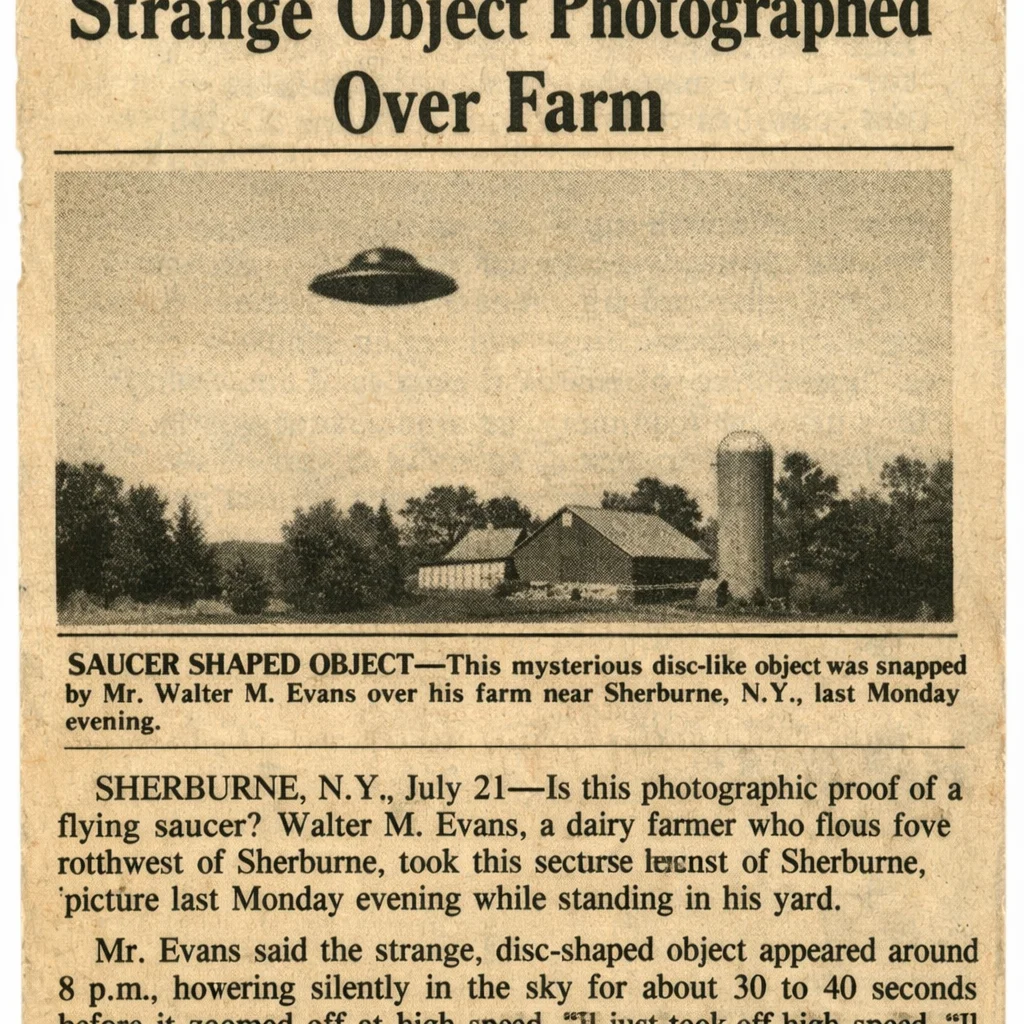
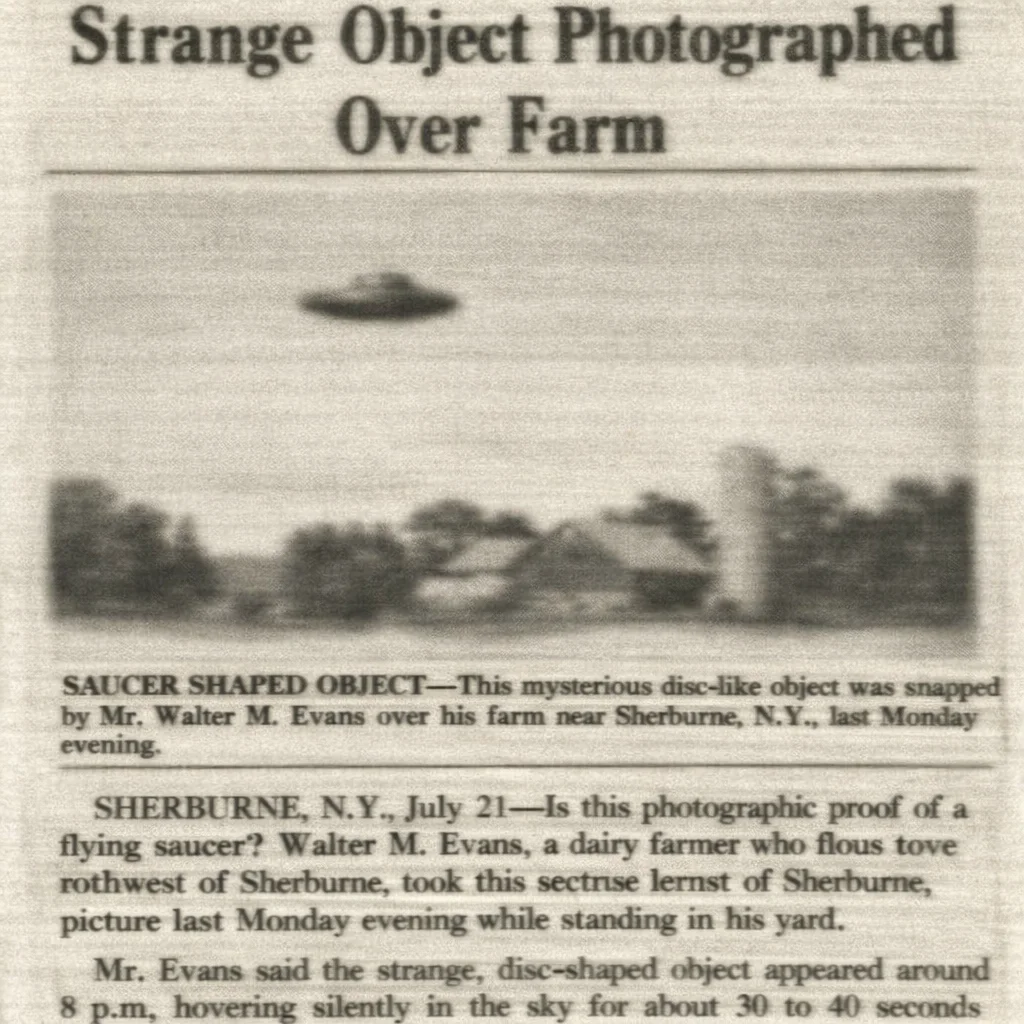
Clean Scan Noise and Compression Artifacts
Enhance Scanned Photos removes scanner noise, digital grain, and JPEG artifacts that make scanned photos look rough or dirty. Enhance Scanned Photos cleans the file while keeping faces and textures natural.
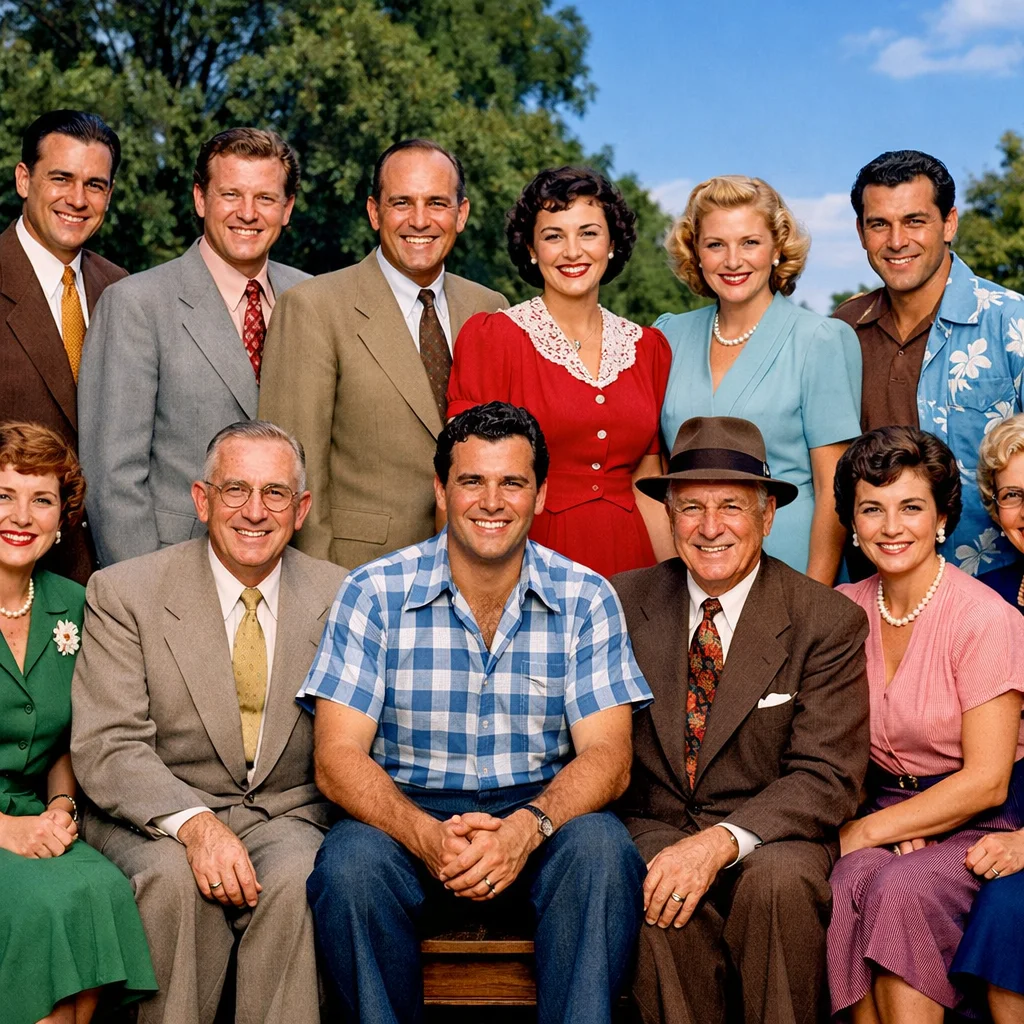
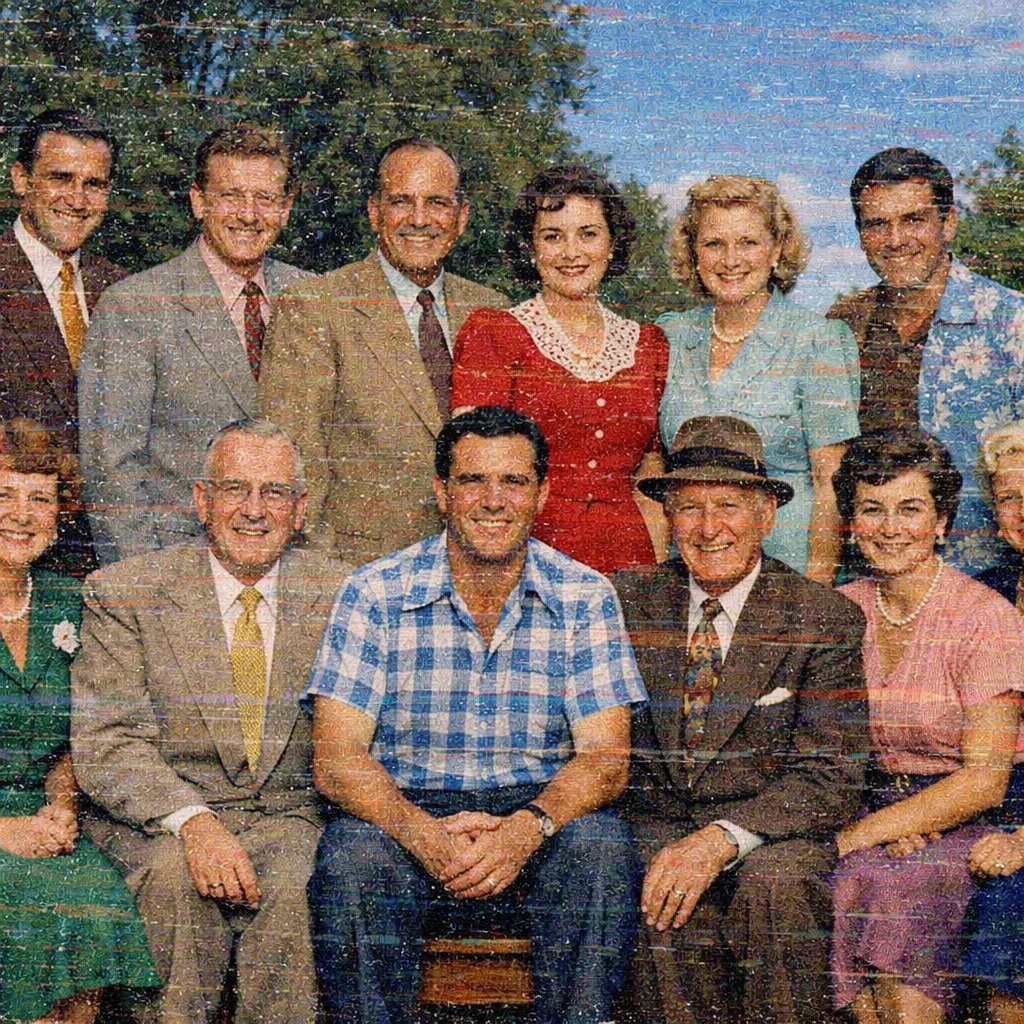
Fix Flat Scan Contrast and Weak Detail Separation
Enhance Scanned Photos improves scanned photos that look gray, flat, or low-energy after digitizing. Enhance Scanned Photos strengthens contrast and local detail without turning the page into a faded-photo restoration route.
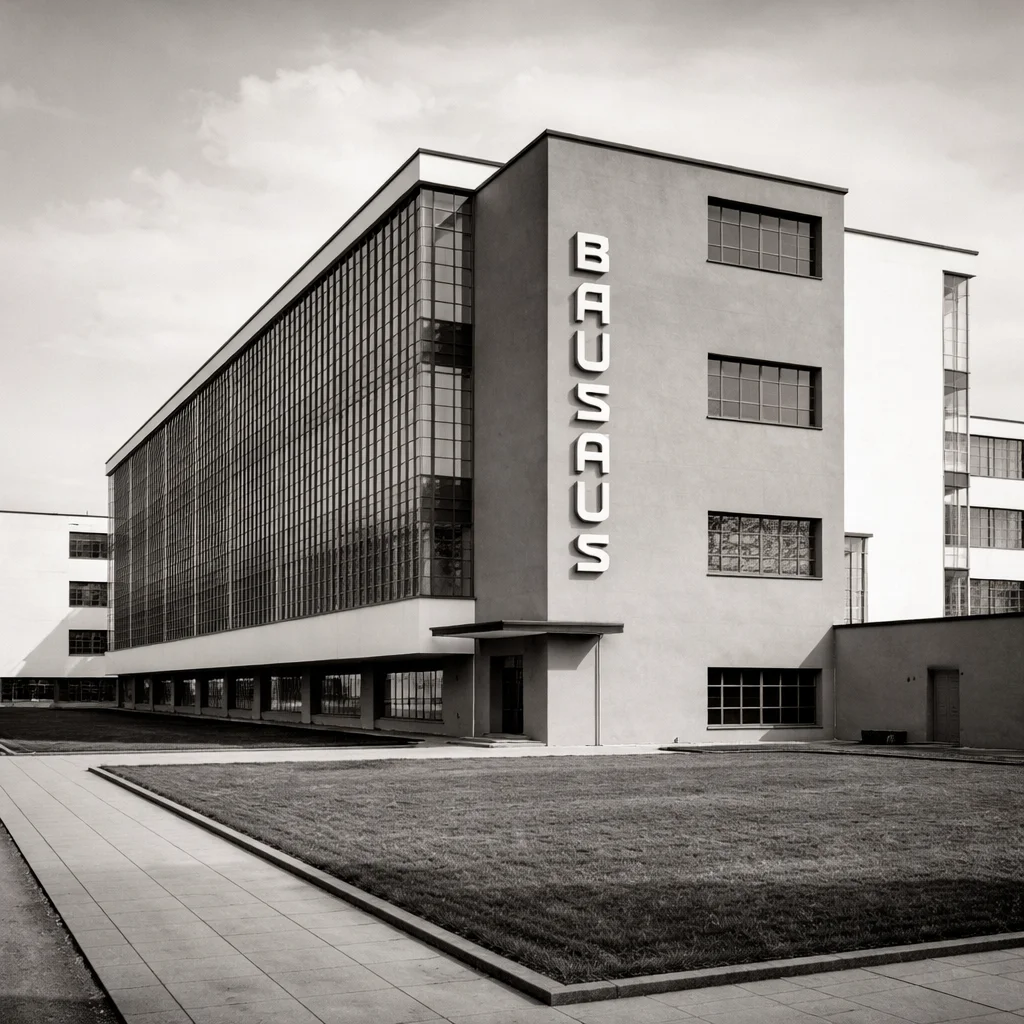
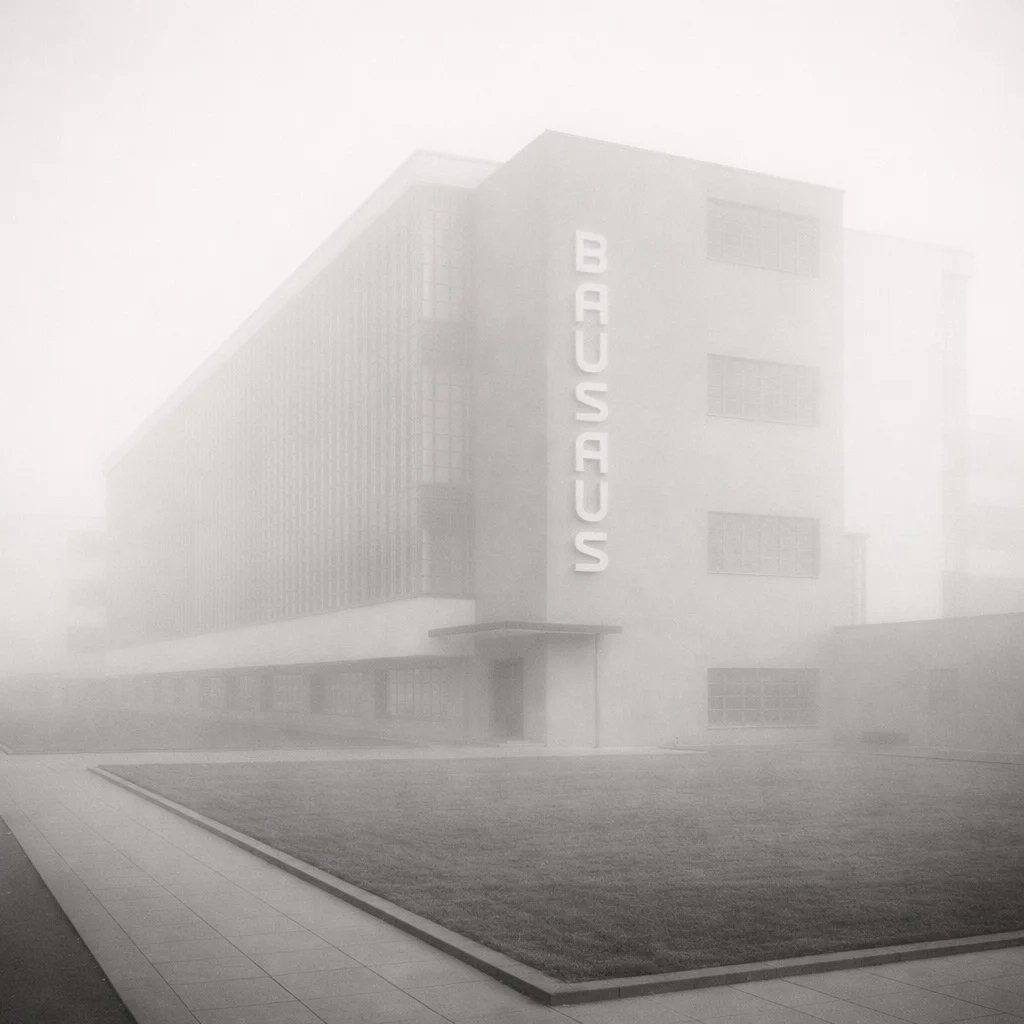
Improve Old Photo Scans for Sharing and Archiving
Use Enhance Scanned Photos when the original print is mostly intact but the digital copy looks weak. Enhance Scanned Photos helps create a cleaner file for storage, sharing, or light printing.

What Is Enhance Scanned Photos?
- •Enhance Scanned Photos is an AI tool for improving the digital quality of a photo after it has already been scanned.
- •Use Enhance Scanned Photos for scans that look soft, noisy, flat, compressed, or slightly off in color because of the scanning process.
- •Enhance Scanned Photos is for scan-quality cleanup after scanning, not for teaching how to capture the print in the first place. If you still need scanning guidance, use Scan Old Photos.
- •If the original print itself looks faded or washed out, use Restore Faded Photos instead of treating it as an Enhance Scanned Photos problem. If the photo has tears, scratches, stains, or missing areas, use Restore Damaged Photos.
- •Enhance Scanned Photos works best when the original print is mostly intact, but the digitized copy needs cleaner detail and better scan quality. If you want the broader AI old photo restoration workflow beyond scan cleanup, start from Restore Old Photos.
How to Enhance Scanned Photos in 4 Steps
Step 1: Upload Your Scanned Photo
Upload a scanned photo that looks soft, noisy, flat, or slightly off in color after digitizing so Enhance Scanned Photos can analyze it.
Step 2: Let AI Detect Scan Quality Issues
Enhance Scanned Photos checks scanner softness, digital noise, compression artifacts, flat contrast, and mild scan-related color cast.
Step 3: Improve the Scan Automatically
Enhance Scanned Photos cleans the scan, improves local detail, and strengthens the digital copy while keeping faces, textures, and tones natural.
Step 4: Preview and Download
Preview the Enhance Scanned Photos result, compare it with the original scan, and download the cleaner version for archiving, sharing, or printing.
Why Choose Enhance Scanned Photos
Enhance Scanned Photos is built for digital scan-quality problems, not for every kind of photo repair.
Focused on Scan Quality Issues
Enhance Scanned Photos works well for scanner softness, digital noise, compression artifacts, and flat scans that need a cleaner digital copy.
Keeps Results Natural
Enhance Scanned Photos improves scanned photos without relying on fake recoloring, harsh sharpening, or invented detail that can make old memories look artificial.
Helps You Choose the Right Tool
Use Enhance Scanned Photos when the problem is scan quality. If the photo is mainly faded, damaged, or blurry, use the matching specialist page instead of forcing every problem into scan enhancement.
Fast for Archiving and Sharing
Enhance Scanned Photos lets you upload the scan, preview the improvement, and keep a cleaner digital version for family history, storage, and everyday use.
Enhance Scanned Photos Online Free
Use Enhance Scanned Photos to clean noisy scans, fix flat digitized contrast, and make soft scanned photos look clearer without drifting into damage repair or blur-only editing.