Convert Old Photos to Digital Online Free | AI to Convert Old Photos to Digital
Use AI to convert old photos to digital online free. Convert old photos to digital from printed memories into clean digital copies for preservation, backup, archiving, and easy family sharing.
Drag your image here, or
Reference Image (Max 50MB)


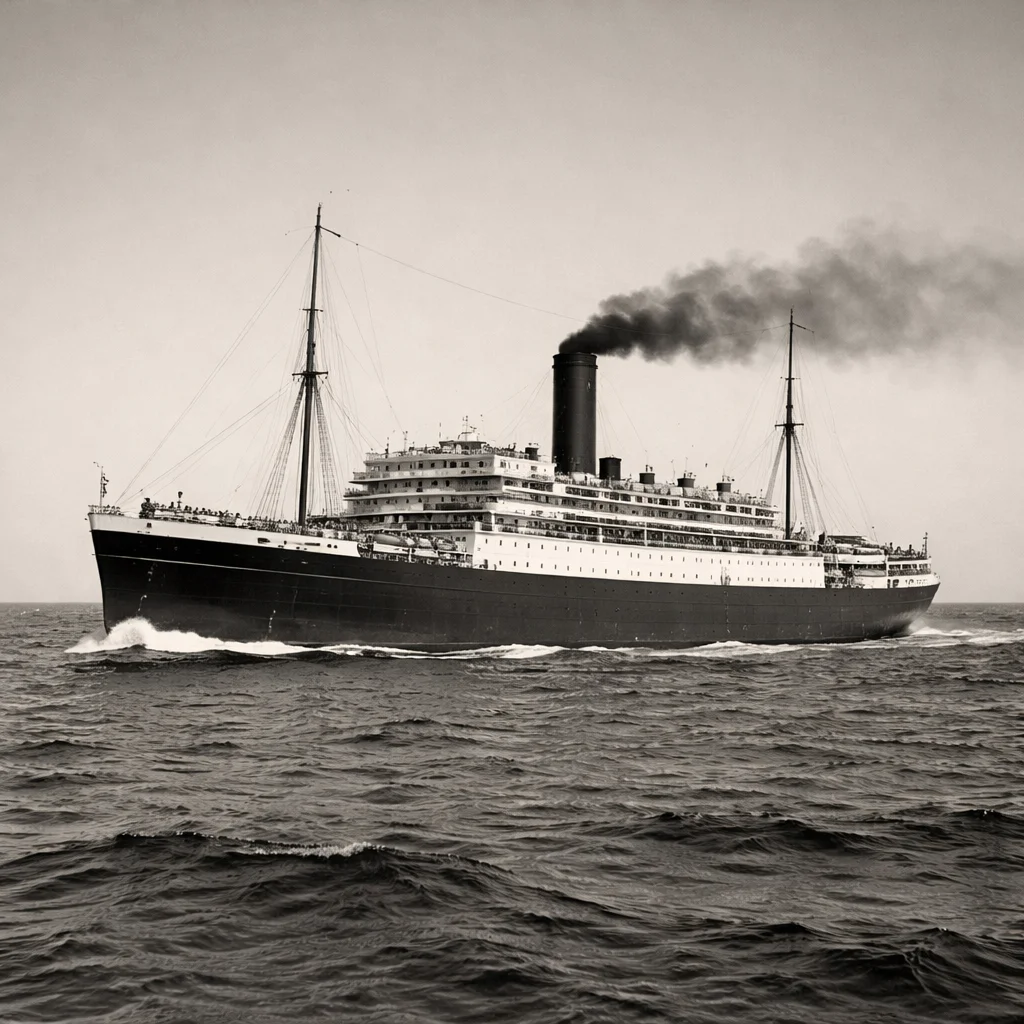
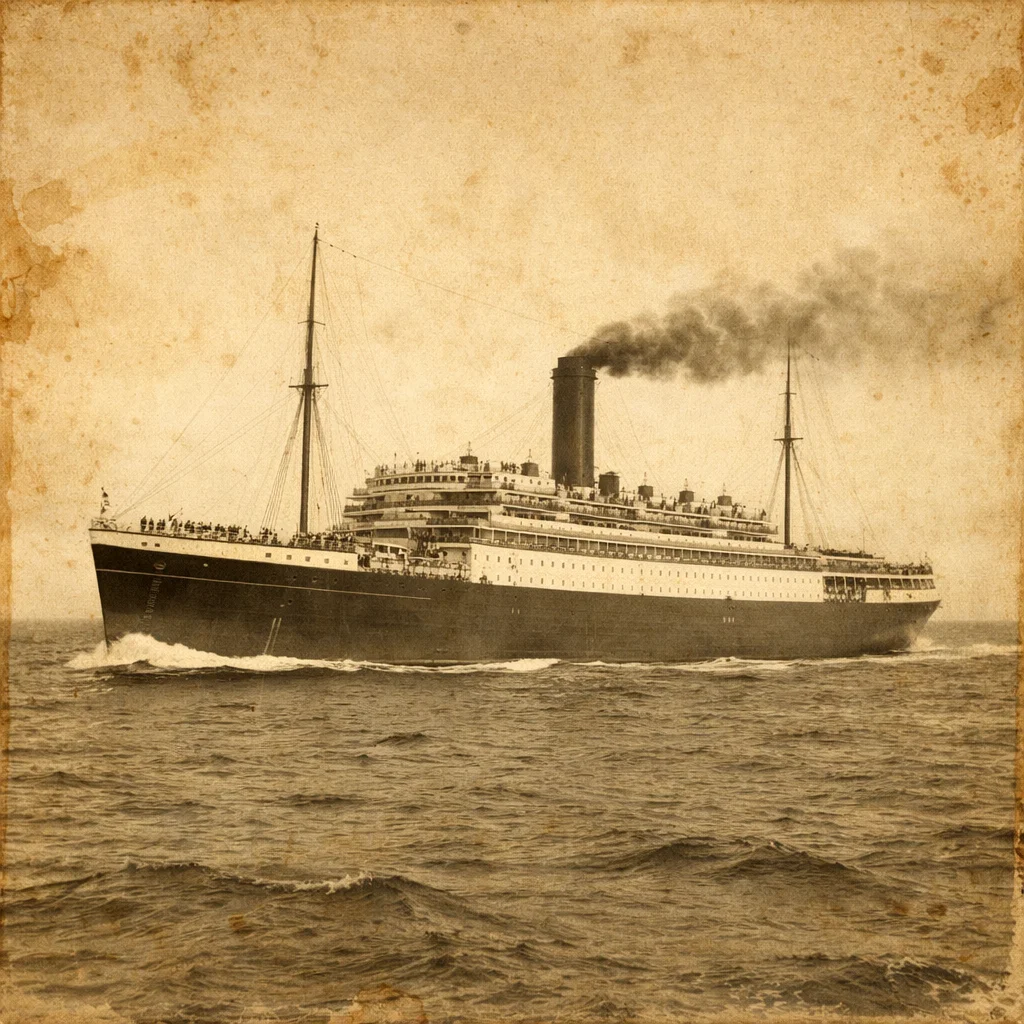
Convert Old Photos to Digital Before and After Examples
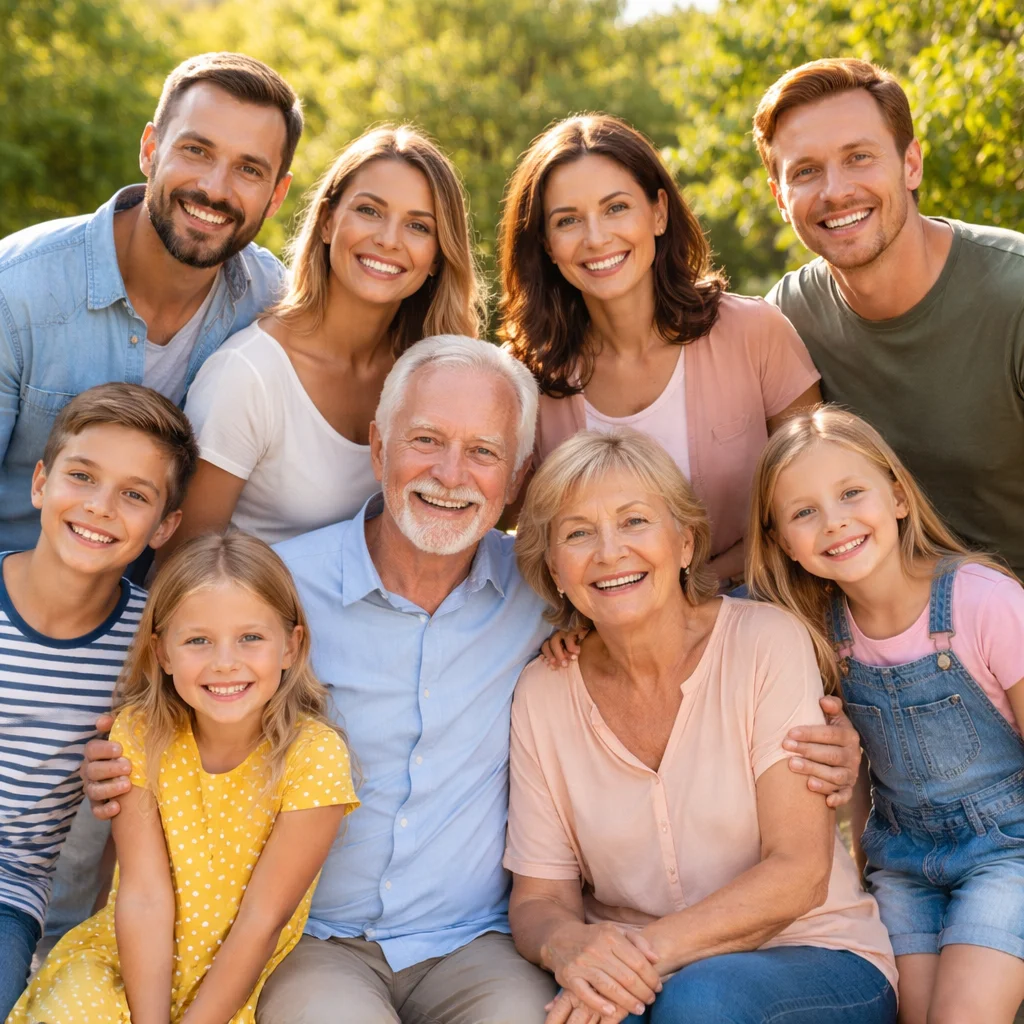
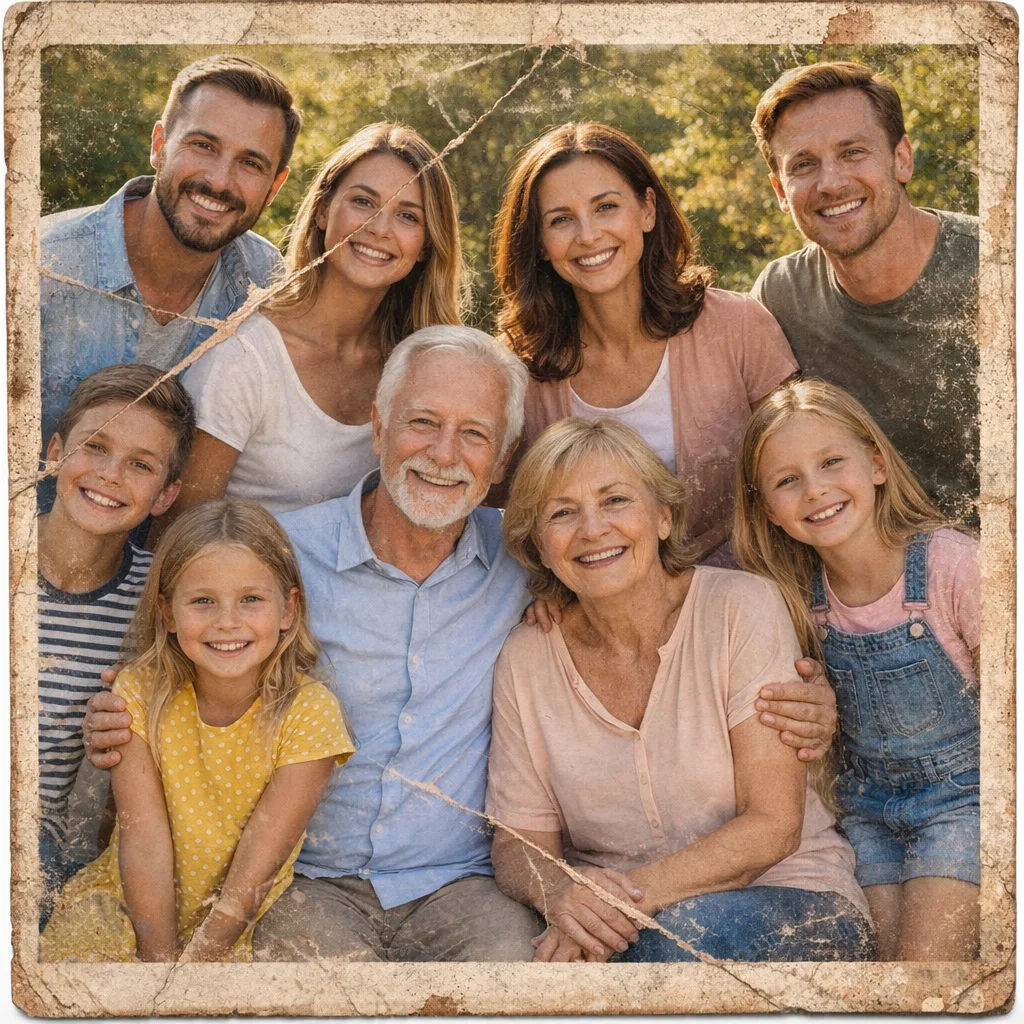
Turn Printed Photos into Clean Digital Copies
Convert old photos to digital by uploading a scan or phone photo of an old print and turning it into a clear digital file that is easier to save, organize, and reuse while keeping the original look natural.
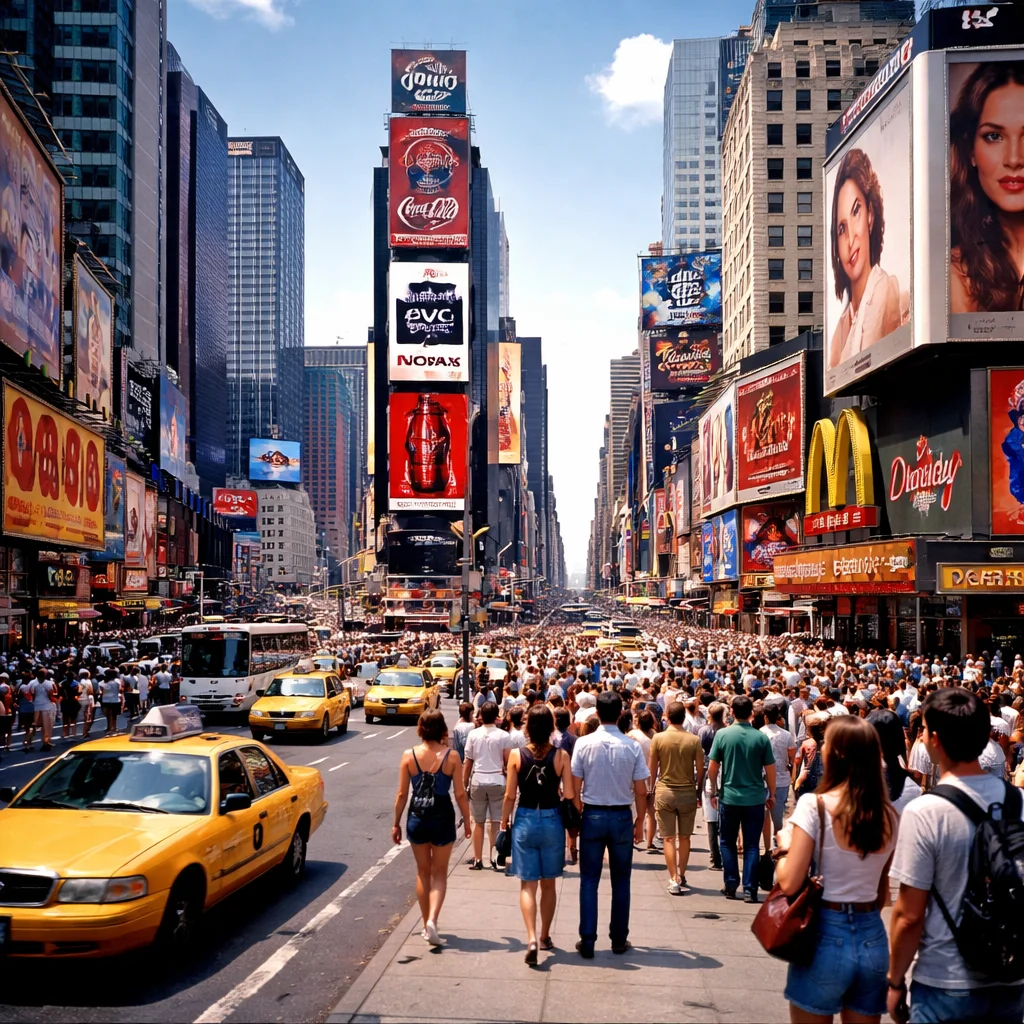
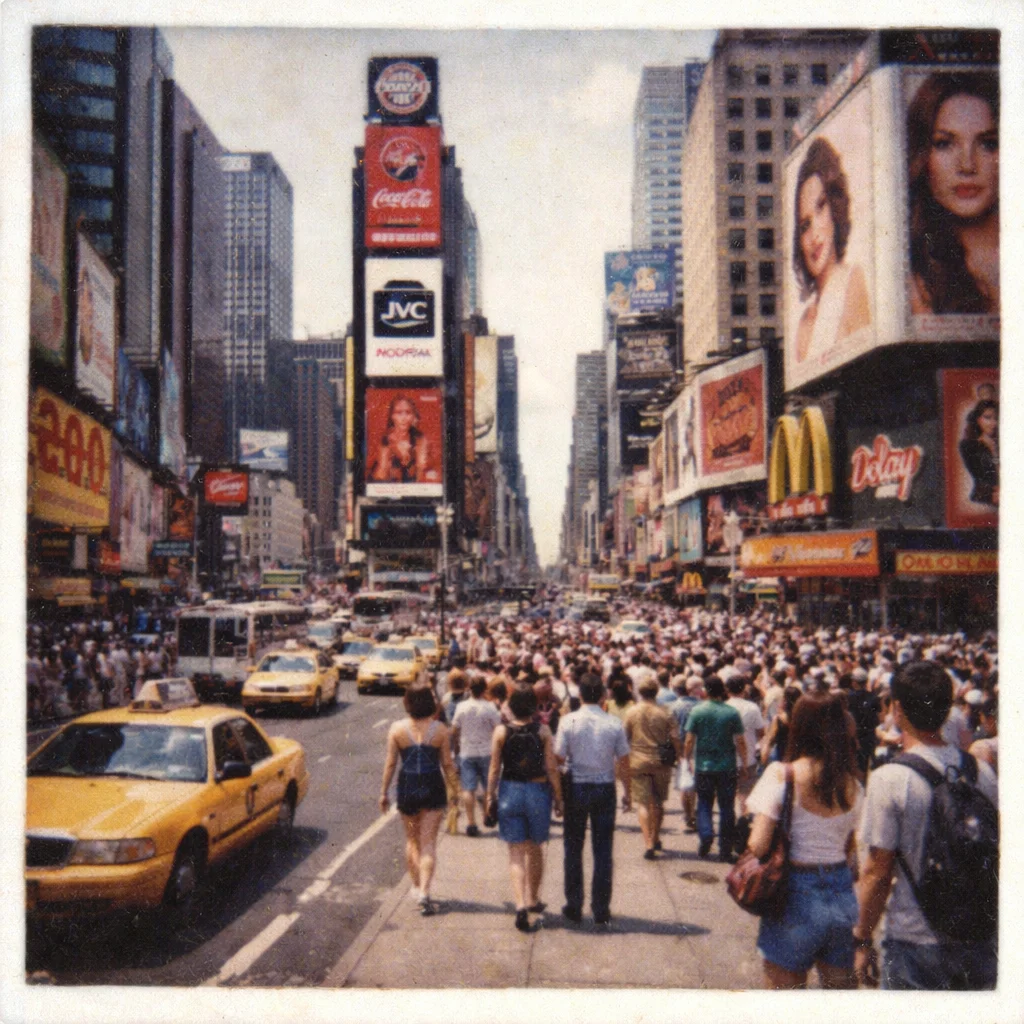
Build Family Backups and Archives
Convert old photos to digital so important memories are no longer trapped in fragile prints, albums, or boxes. Digital copies are easier to back up in cloud storage and family archives.
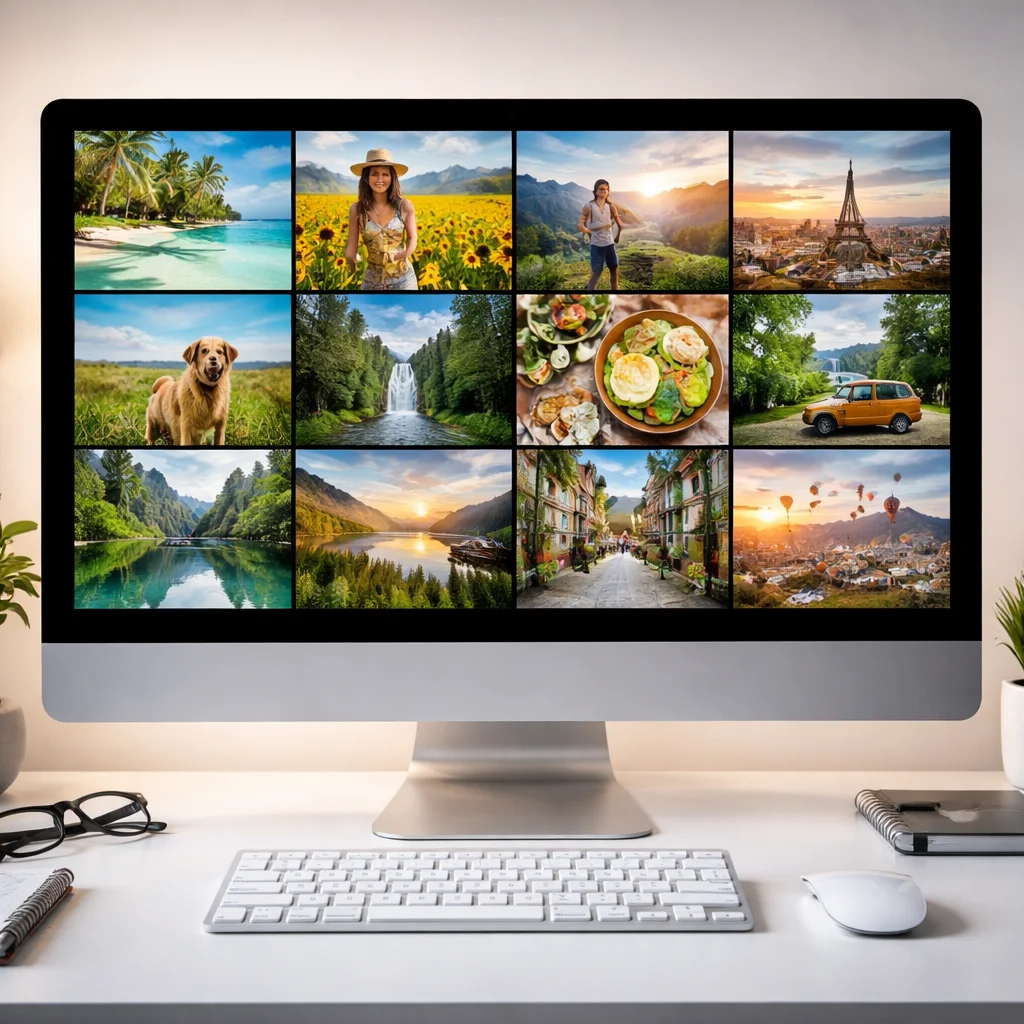
Make Digitized Photos Easier to View and Share
Convert old photos to digital into a cleaner copy that looks better on phones, laptops, and shared albums. Light AI cleanup helps the file feel usable without turning the page into a full restoration workflow.
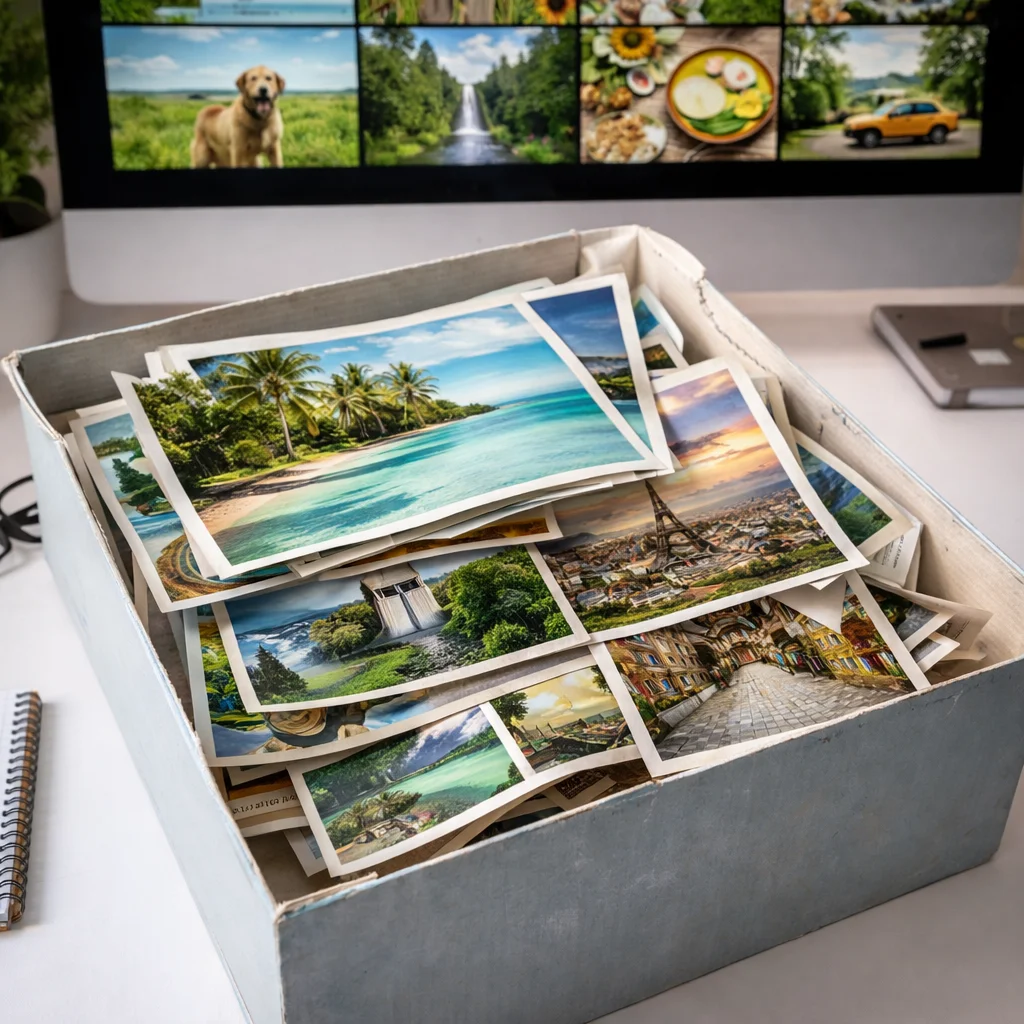
Reuse Old Prints Without Rehandling Them
Once you convert old photos to digital, you can send them to family, add them to slideshows, or make fresh reprints without repeatedly handling the original paper photo.

What Does It Mean to Convert Old Photos to Digital?
- •Convert old photos to digital means turning printed photo memories into image files by starting with a scan or a clear photo of the print.
- •When you convert old photos to digital, the goal is preservation: digital copies are easier to back up, organize, archive, and share than aging paper photos.
- •This page focuses on how to convert old photos to digital into a clean digital version, not on teaching scanner setup or doing heavy photo restoration. If you need scanner, DPI, or capture guidance first, use Scan Old Photos.
- •If the print is already scanned and mainly needs digital cleanup, use Enhance Scanned Photos. If the original print is torn, faded, stained, or badly damaged, use the matching restoration page instead of treating every problem as a convert old photos to digital task.
- •Convert old photos to digital works best when you start with a reasonably sharp scan or photo of the print, ideally around 300 DPI or a clear phone capture in good light. For the broader AI old photo restoration workflow after digitizing, start from Restore Old Photos.
How to Convert Old Photos to Digital (4 Steps)
Step 1: Scan or Photograph the Print
Create a clear source image from the physical photo so you can convert old photos to digital cleanly. A flatbed scan is great, but a sharp phone photo in even lighting also works.
Step 2: Upload the Image File
Upload your scanned or photographed print to start Convert Old Photos to Digital. JPG, PNG, and WEBP files are supported.
Step 3: AI Creates a Clean Digital Copy
Convert Old Photos to Digital prepares a natural-looking digital version of the print with light clarity and presentation improvements so the image is easier to save, view, and share.
Step 4: Download, Back Up, and Share
Download the Convert Old Photos to Digital result, save it to your archive or cloud storage, and share it with family without risking the original print.
Why Choose Convert Old Photos to Digital
Convert Old Photos to Digital gives you a focused way to digitize printed memories into clean files for storage, backup, archiving, and sharing.
Built for Digitizing Printed Photos
Use Convert Old Photos to Digital when your main goal is to turn a physical old photo into a usable digital file, rather than follow a long scanning tutorial or start a full restoration project.
Helps Preserve Family Memories
Convert Old Photos to Digital makes it easier to protect memories against loss, organize them by date or family branch, and keep multiple backups for long-term preservation.
Keeps the Original Look Natural
Convert Old Photos to Digital improves the file lightly so the photo stays believable and familiar instead of looking over-processed or artificially remade.
Makes Sharing and Reprinting Easier
Once you convert old photos to digital, you can send them to relatives, add them to family albums, or make new prints from the saved digital copy.
Convert Old Photos to Digital with AI
Use Convert Old Photos to Digital to turn printed memories into clean digital files for backup, archiving, family sharing, and future reprints.