Unblur Image Online Free | AI Deblur & Blur Remover
Use AI to unblur image files online, deblur photos, remove blur, and fix blurry pictures in seconds. Unblur Image improves motion blur, out-of-focus shots, and text clarity with a free preview.
Drag your image here, or
Reference Image (Max 50MB)


Unblur Image removes motion blur, focus blur, and camera shake. If your image has noise or grain instead, try Remove Noise from Photo. If it just needs sharper edges, use Image Sharpener. For the broader AI old photo restoration workflow, start from Restore Old Photos Online.
See How Our AI Unblur Image Tool Fixes Blur
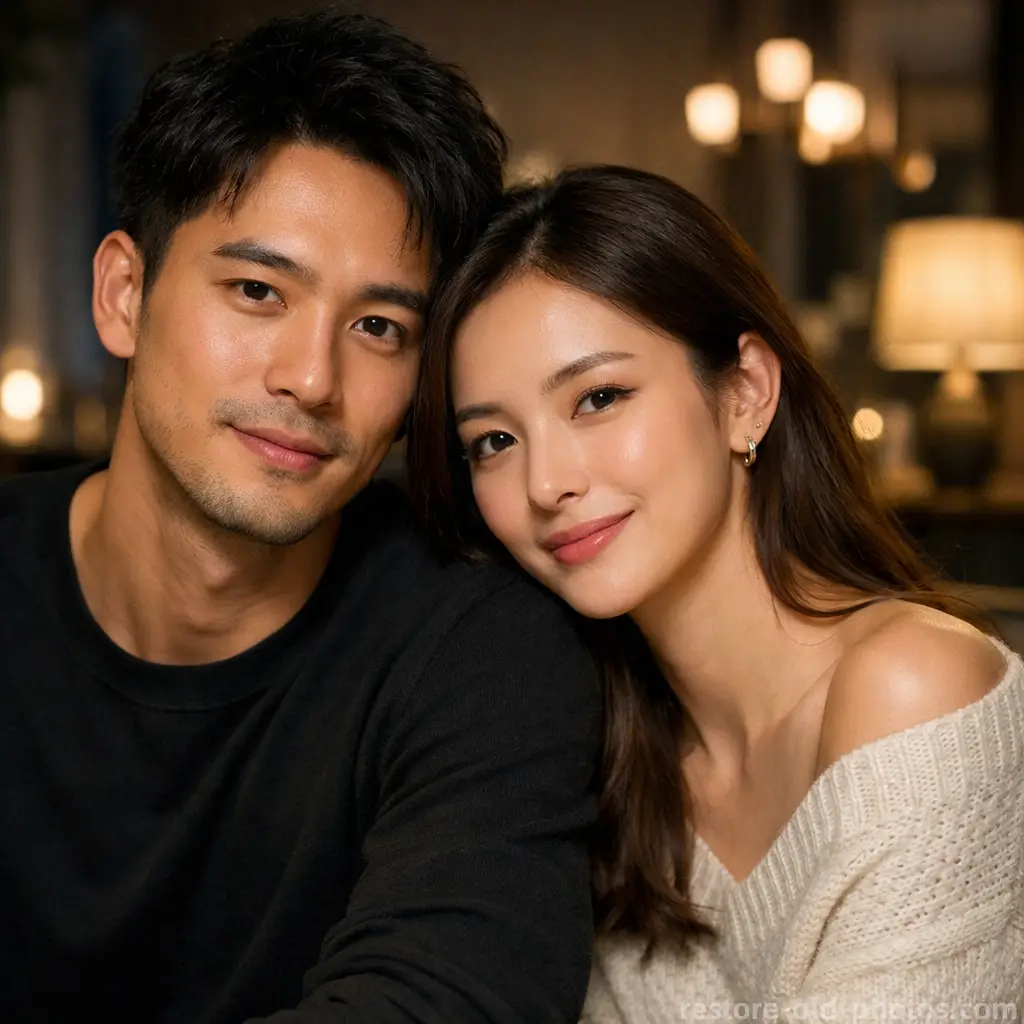
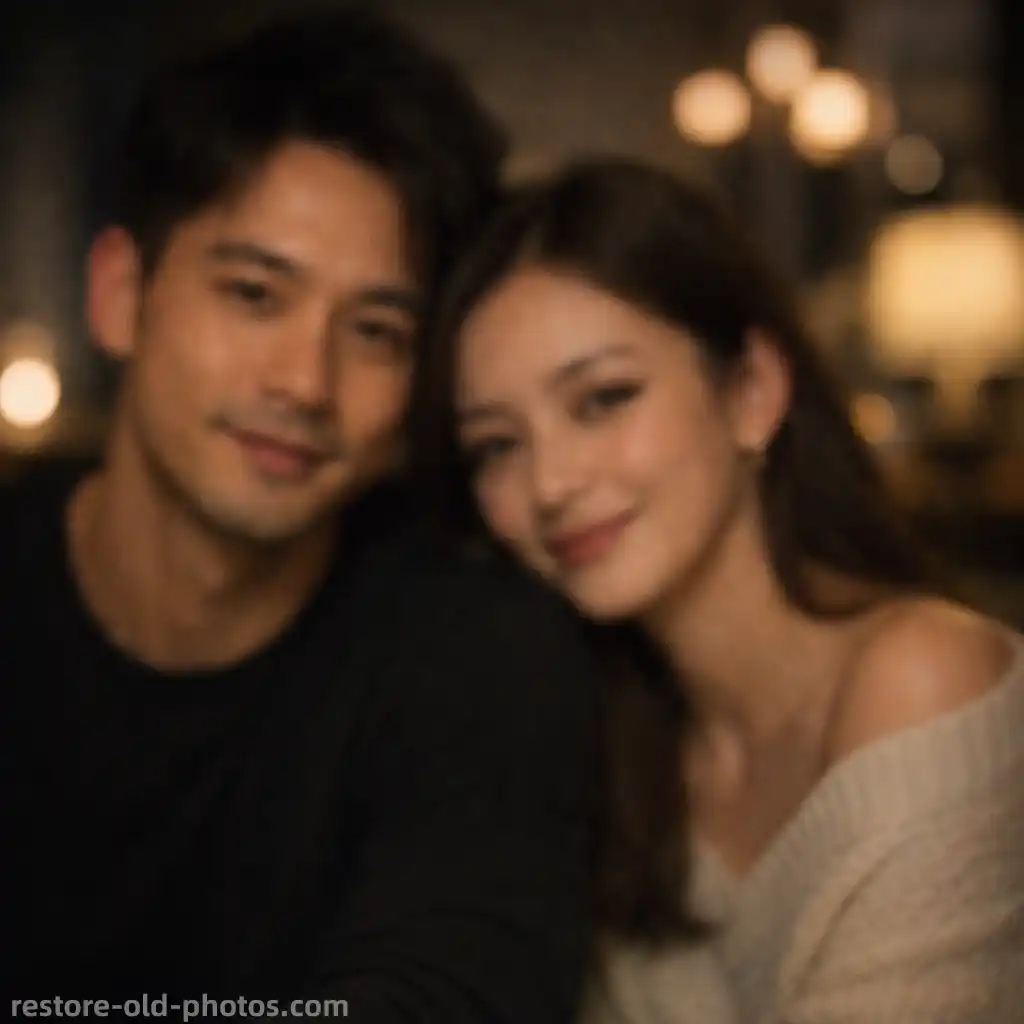
Fix Motion Blur and Camera Shake
Unblur Image helps reduce motion blur caused by camera shake or moving subjects. This Unblur Image workflow deblurs the photo, restores cleaner edges, and makes blurry details easier to see without harsh artifacts.
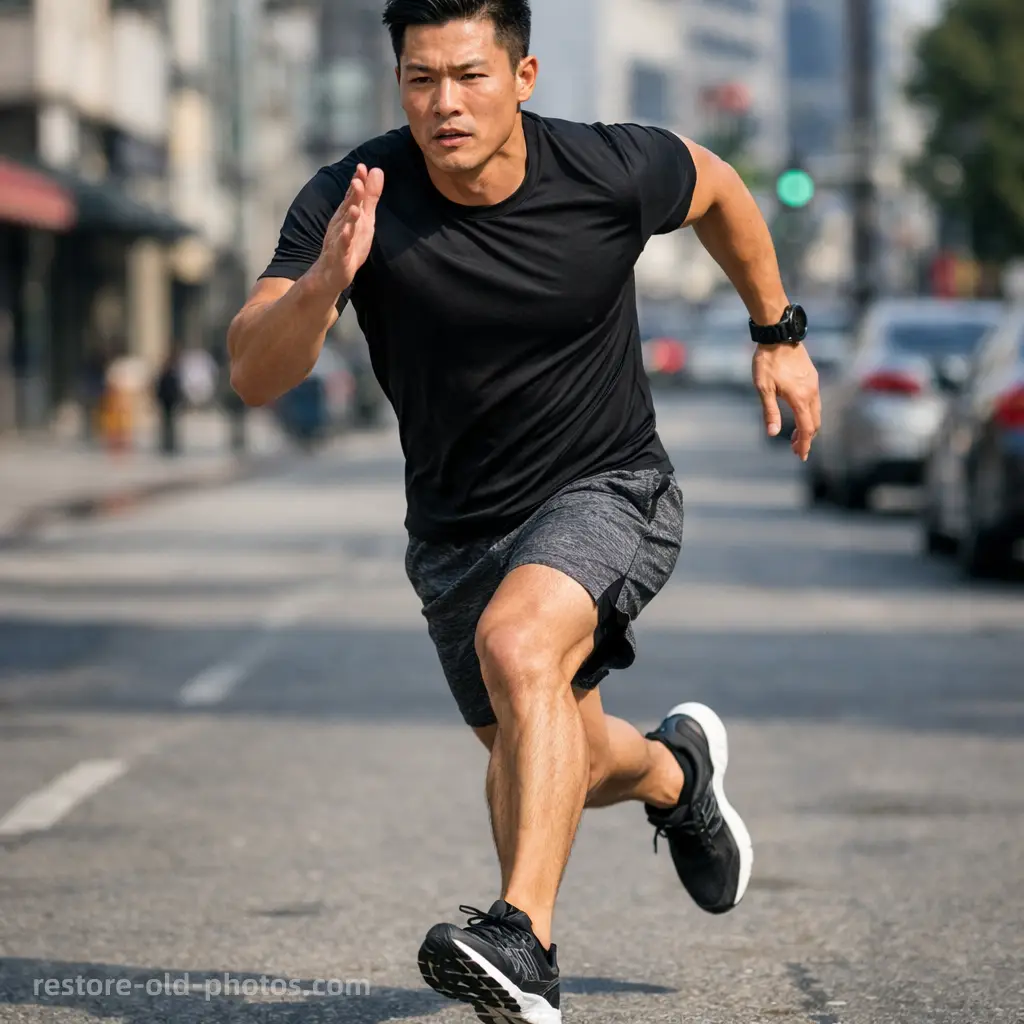
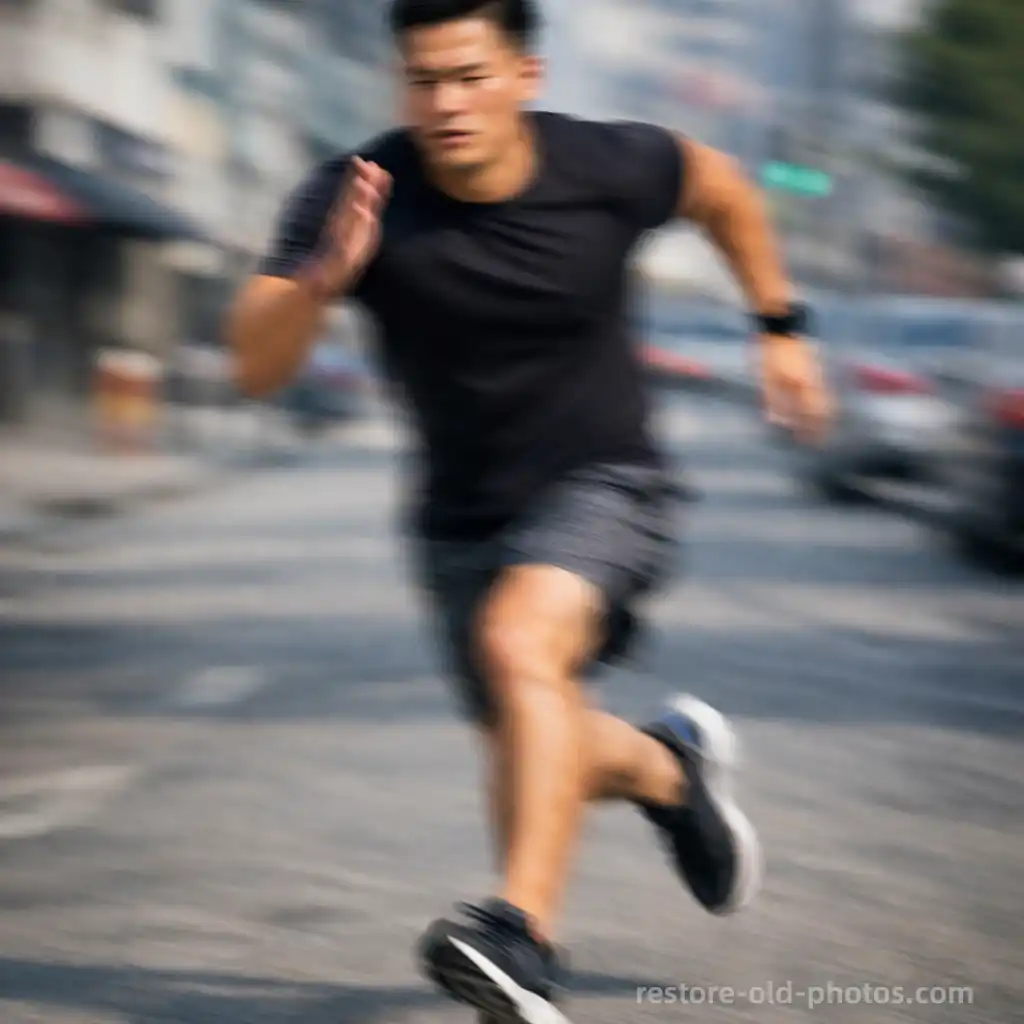
Deblur Out-of-Focus Photos
Use Unblur Image for soft, out-of-focus photos. AI can recover clarity and improve readable detail so the image looks cleaner, less blurry, and more usable.
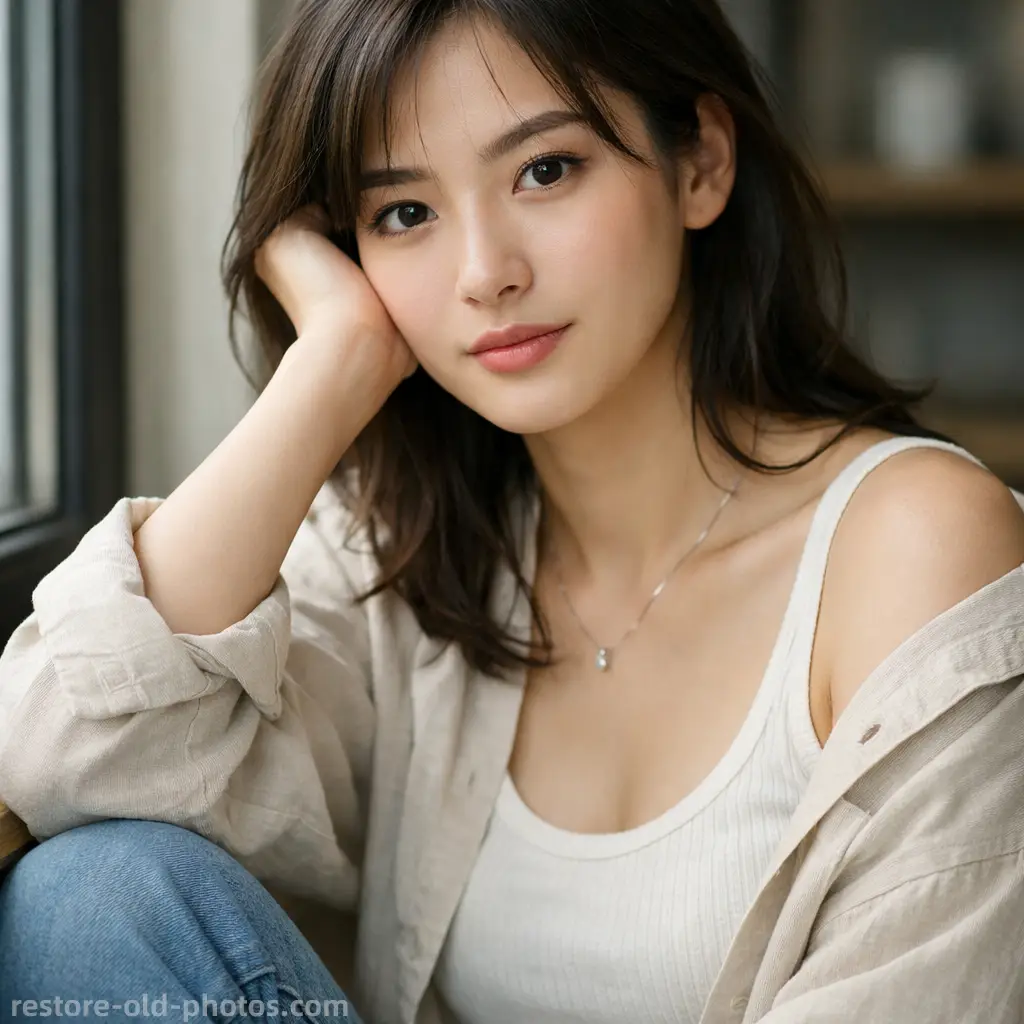
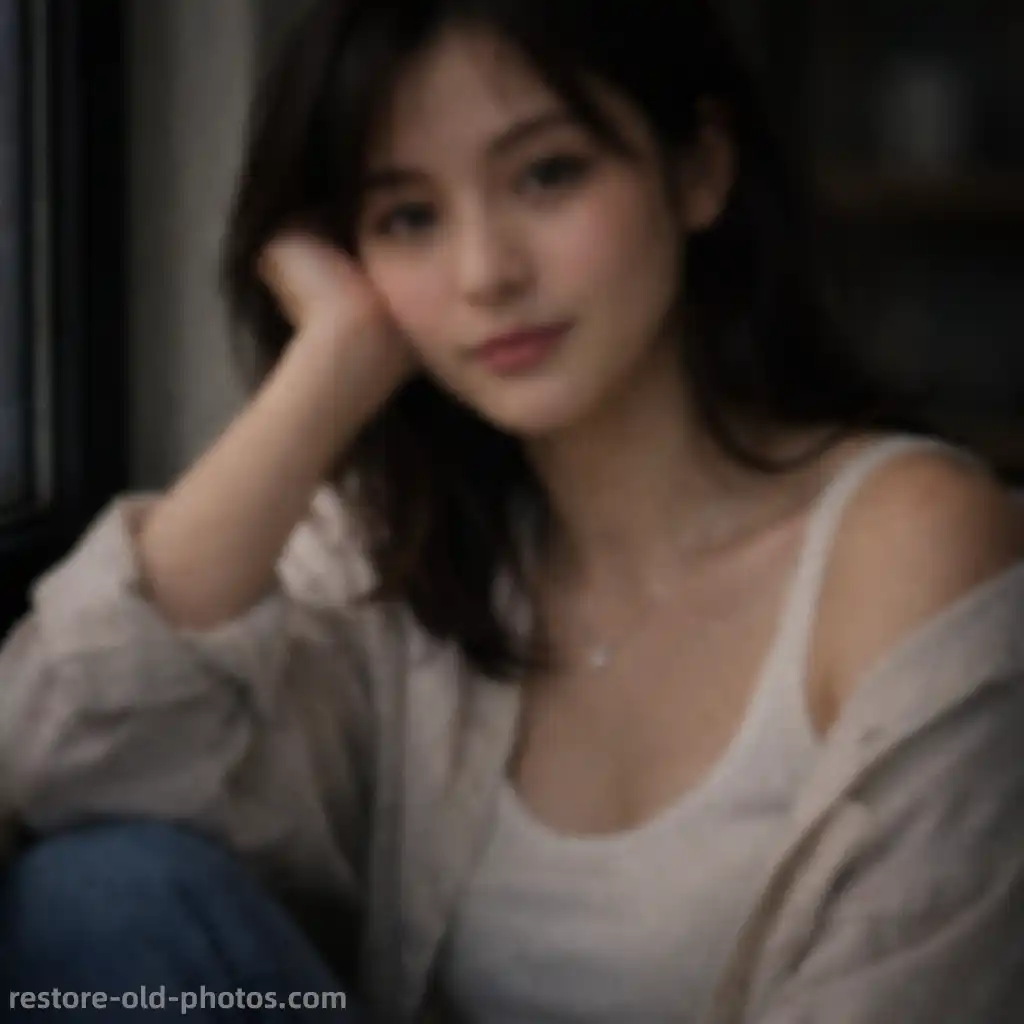
Unblur Portraits and Faces Naturally
Unblur Image improves blurry portraits by recovering facial detail around the eyes, hair, and contours while keeping skin texture and identity natural.
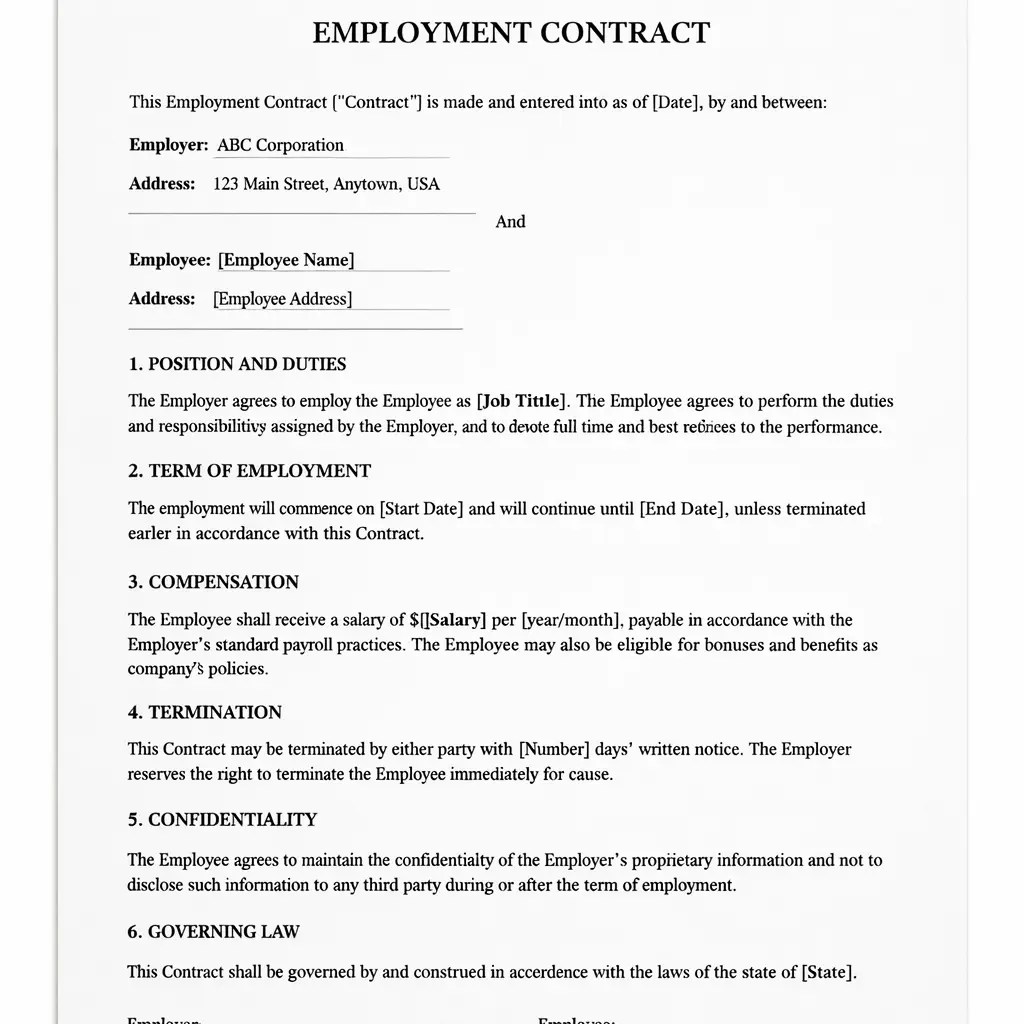
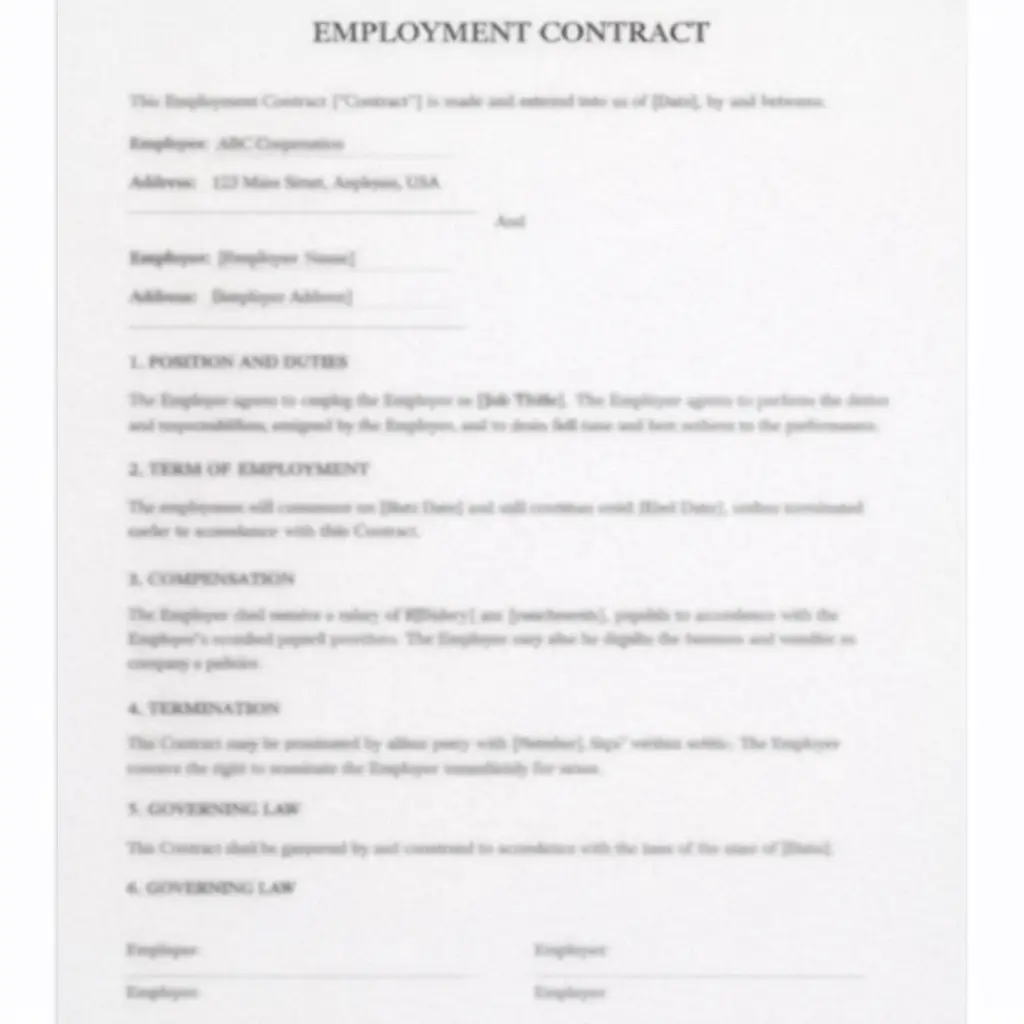
Unblur Text in Images, Screenshots, and Docs
Unblur Image can improve text clarity in screenshots and document photos, helping blurry words, letters, and edges look sharper and easier to read.

What Is an AI Unblur Image Tool?
- •Unblur Image is an AI-powered tool that reduces blur caused by motion, camera shake, or focus issues.
- •Compared with basic sharpening, an AI unblur tool analyzes blur patterns and rebuilds detail more intelligently.
- •It can deblur photos, improve text readability, and recover cleaner edges while trying to avoid halos and unnatural artifacts.
- •Use Unblur Image when the main problem is blur. If the image mostly needs extra crisp edges, use Image Sharpener instead.
- •Unblur Image is useful for smartphone photos, screenshots, document images, portraits, and slightly blurry digital pictures. If the image is an old photo and you want the broader AI old photo restoration workflow first, start from Restore Old Photos.
How to Unblur an Image Online (4 Steps)
Step 1: Upload Your Blurry Image or Photo
Upload a blurry image, photo, or picture affected by motion blur, soft focus, or low clarity. Unblur Image supports JPG, JPEG, PNG, and WEBP.
Step 2: Let AI Detect the Blur Type
Unblur Image analyzes blur patterns and identifies important areas such as faces and text so the deblur process can focus on what matters most.
Step 3: Unblur, Deblur, and Improve Clarity
Unblur Image removes blur, restores cleaner detail, and improves text readability while aiming to keep the result natural instead of over-sharpened.
Step 4: Preview the Result and Download
Preview the Unblur Image result, compare it with the original, and download your improved image when you're satisfied.
Why Choose Our AI Unblur Image Tool
A fast, natural-looking way to use Unblur Image to remove blur and fix blurry photos online.
Built for Real Blur Problems
Works well for common blur types such as motion blur, camera shake, low-light blur, and soft focus.
Better Than Basic Sharpening Alone
Unblur Image is designed to recover blur-related detail more intelligently than a simple edge-sharpening filter.
Free Online Preview
Try Unblur Image online, preview the result, and see whether Unblur Image improves the blur before downloading.
Works for Photos, Pictures, and Text Images
Use it on portraits, screenshots, documents, and everyday blurry pictures when you need a quick clarity fix.
Use Unblur Image to Deblur Photos and Fix Blur Fast
Use Unblur Image to remove blur from photos, improve blurry pictures, and preview a cleaner result online in seconds.