Best Free AI Photo Editor Online — Edit & Enhance Photos with AI
Best free AI photo editor online — no sign up, no watermark. Edit photos with AI: enhance quality, retouch portraits, remove backgrounds, unblur & restore old photos. Try it free in seconds.
AI Photo Enhancement & Portrait Retouch
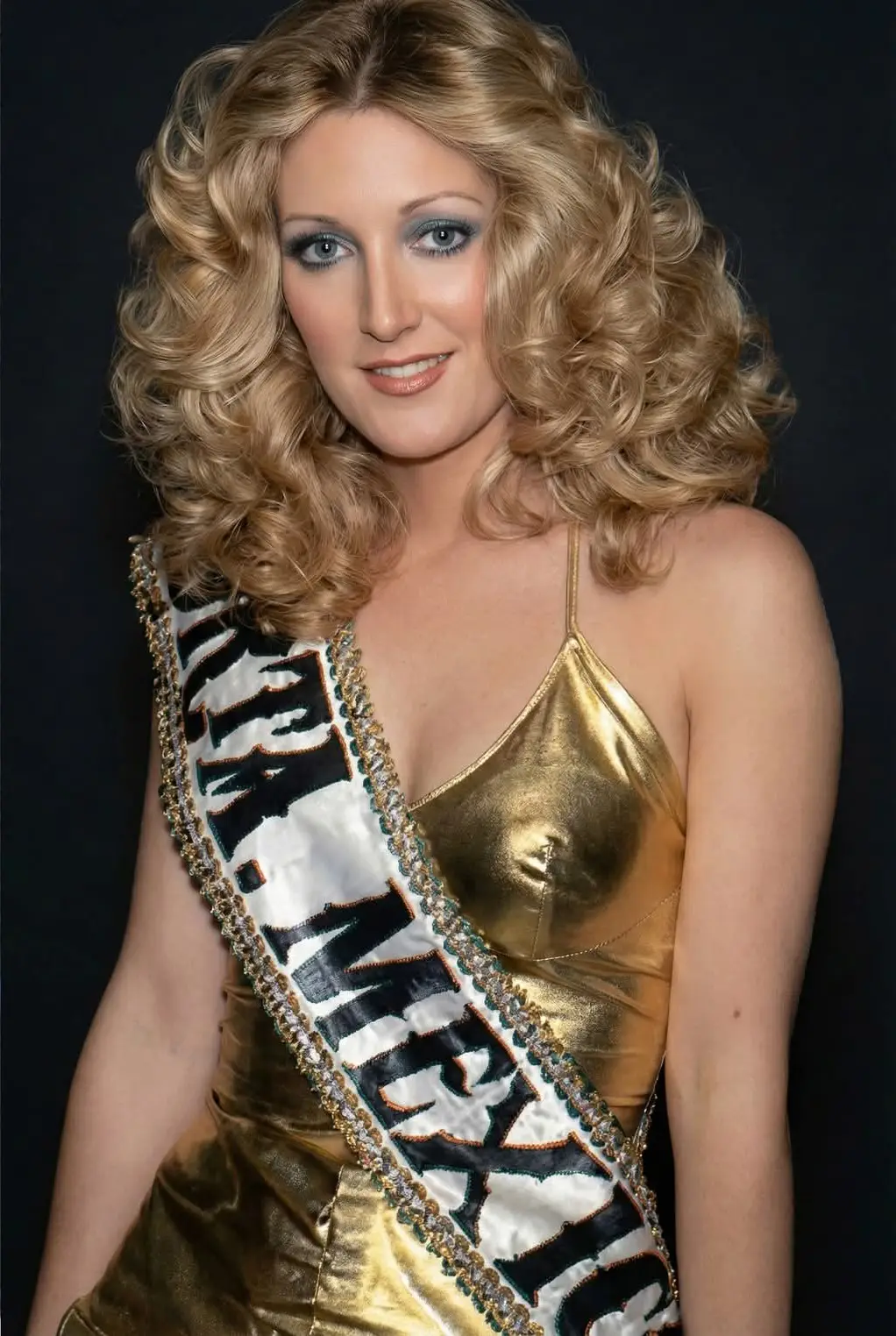
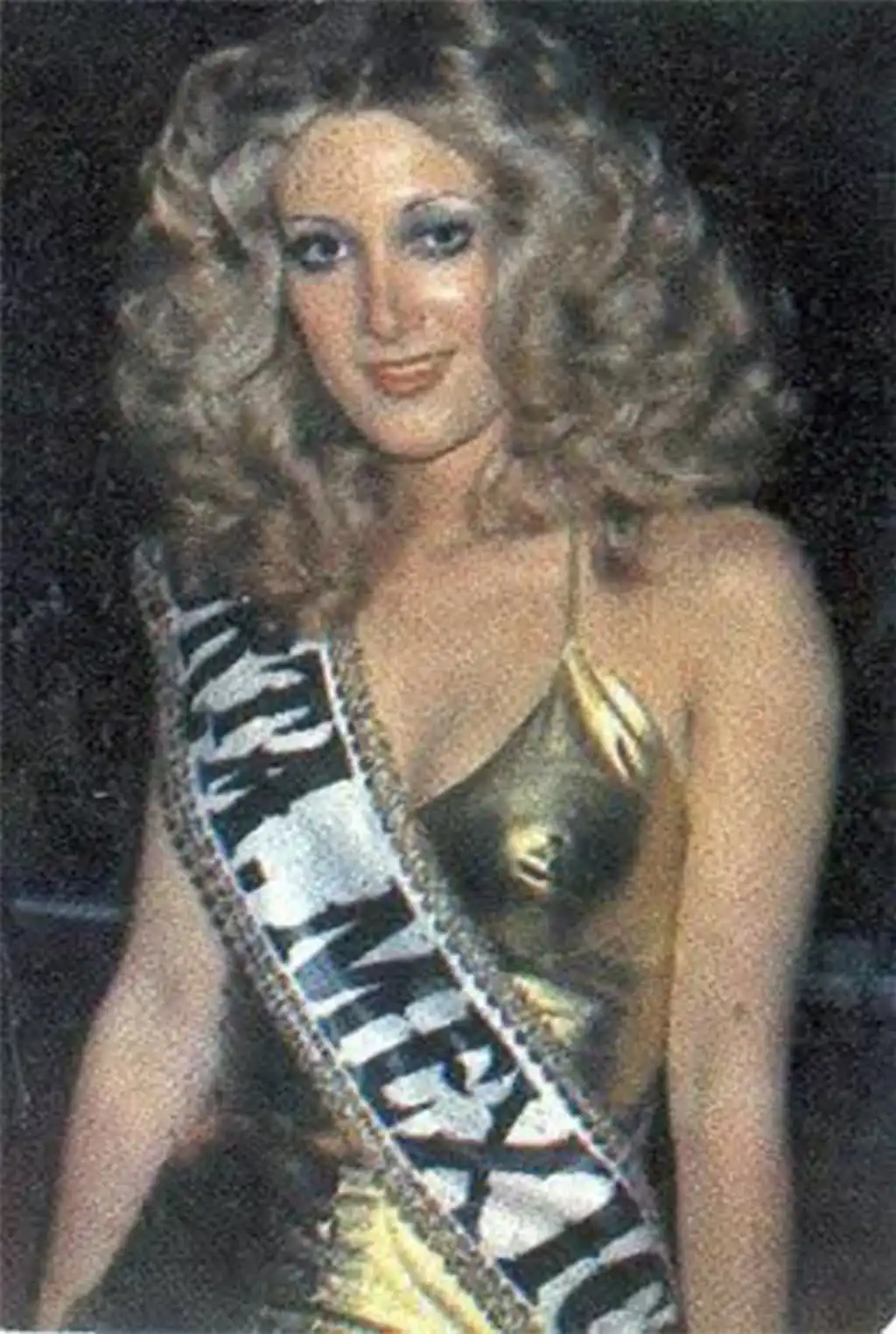
AI Photo Enhancement & Portrait Retouch
Use AI Photo Editor to enhance photo quality, adjust lighting, sharpen details, and retouch portraits. Get a cleaner, more polished look in seconds — no Photoshop skills required.
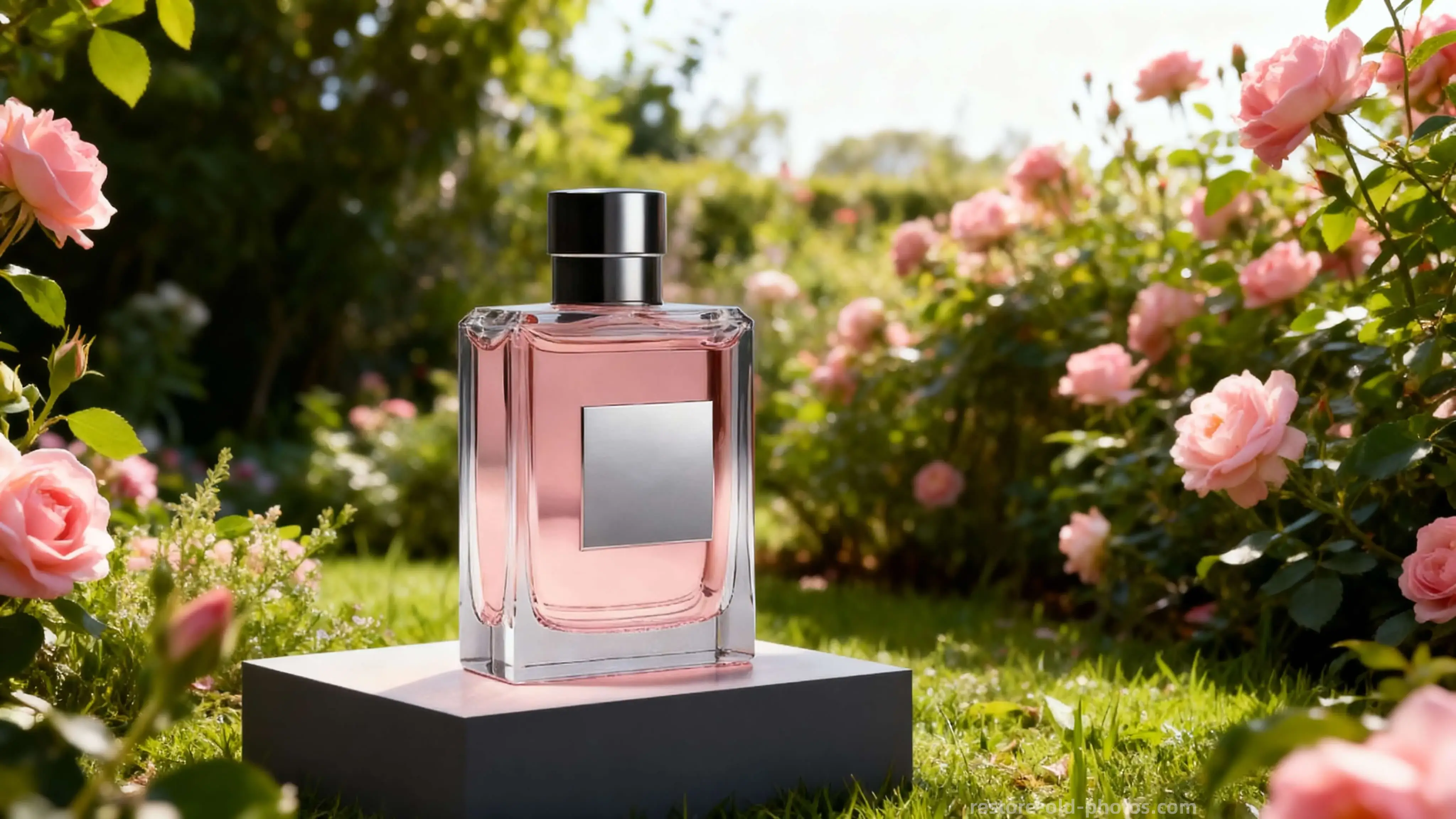
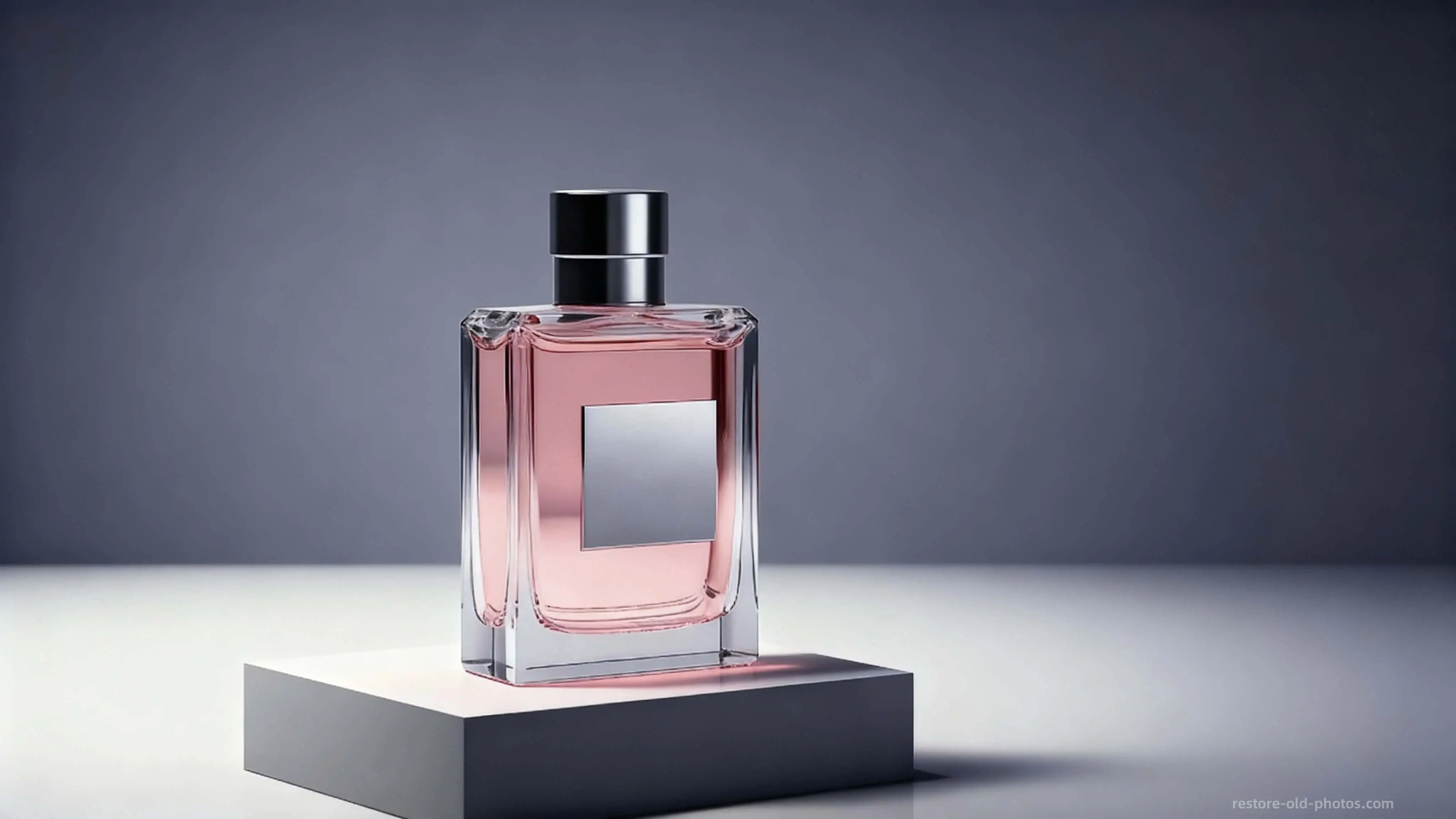
AI Background Remover & Replacer
AI Photo Editor detects subjects and replaces backgrounds with clean, professional results. Perfect for product photos, profile pictures, social media posts, and e-commerce images.
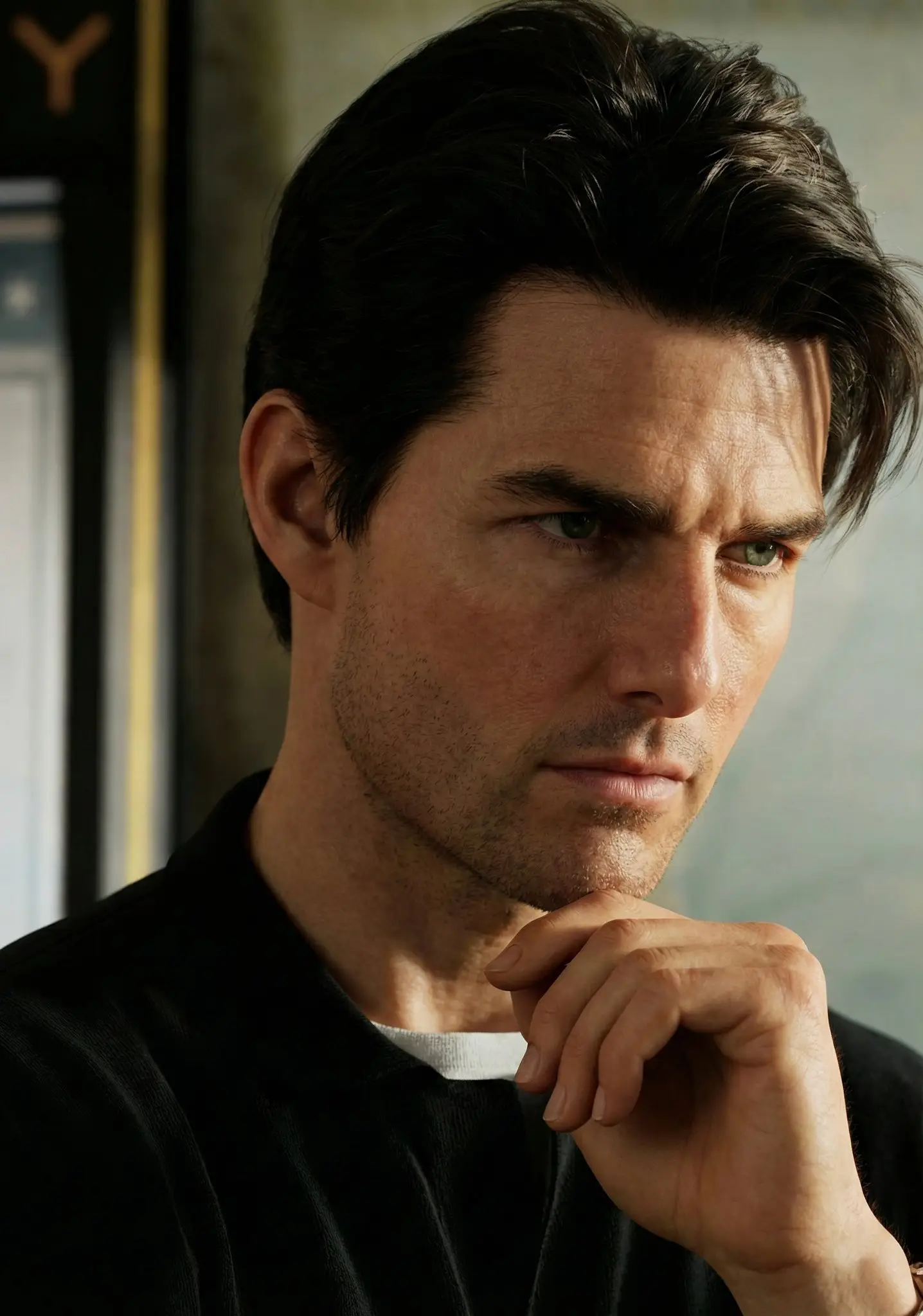
Auto Color & Exposure Correction
Fix common issues like low contrast, uneven lighting, and dull colors automatically. AI Photo Editor makes your photos look more balanced and natural without manual adjustments.


Prompt-Based AI Photo Editing
Describe your edit in plain text — AI Photo Editor applies creative changes with prompt-based editing. Change hair color, add smile, swap backgrounds, and more with simple text commands.

What Is AI Photo Editor?
- •AI Photo Editor is a free online image editor that uses artificial intelligence to help you edit photos faster with fewer manual steps — no sign up or download required.
- •Common uses include photo enhancement, portrait retouching, background removal & replacement, color correction, object removal, and creative prompt-based edits.
- •AI analyzes subjects, lighting, colors, and image quality to recommend or apply edits automatically — making it the best free AI photo editor for everyday tasks.
- •Unlike traditional editors like Photoshop, AI Photo Editor eliminates the need for complex layers, masks, and sliders. Just upload, describe your edit, and download.
- •For specialized tasks, combine AI Photo Editor with dedicated tools like unblur image, photo sharpener, AI image upscaler, or old photo restoration.
How to Edit Photos with AI (4 Simple Steps)
Step 1: Upload Your Photo
Upload a portrait, landscape, product photo, or any image to AI Photo Editor. Supports JPG, PNG, and WEBP formats up to 30MB.
Step 2: Describe Your Edit
Choose a tool or type a text prompt to tell AI Photo Editor what you want to change — adjust lighting, remove background, retouch face, or apply creative effects.
Step 3: AI Applies the Edit
AI Photo Editor processes your request in seconds and applies the edit while maintaining natural-looking, high-quality results.
Step 4: Preview & Download Free
Preview the result, compare before and after, and download your edited photo — free, no watermark, no sign up required.
Best Free AI Photo Editor Online — Why Choose Us
The fastest way to edit and enhance photos online using AI — free, no sign up, no watermark.
Instant AI-Powered Editing
AI Photo Editor enhances your photos in seconds — great for quick fixes, portrait retouching, and everyday editing without learning complex software.
Natural, High-Quality Results
Our AI delivers natural-looking edits without heavy over-processing. Photos look professionally enhanced, not artificially filtered.
All-in-One Photo & Image Editor
Use AI Photo Editor for enhancement, retouching, background removal, object removal, color correction, and creative prompt-based edits — all in one place.
100% Online, No Sign Up Required
Upload → edit → preview → download. No software installation, no account signup, no watermark. Works on any device with a browser.
Try the Best Free AI Photo Editor
Edit photos online with AI — enhance quality, remove backgrounds, retouch portraits, and apply creative edits. Free preview, no sign up, no watermark.