Repair Torn Photos Online Free | AI to Repair Torn Photos
Use AI to repair torn photos online free. Repair torn photos by rebuilding ripped edges, split seams, and missing corners in old photo prints while keeping surrounding detail natural.
Drag your image here, or
Reference Image (Max 50MB)


Repair Torn Photos Before and After Examples
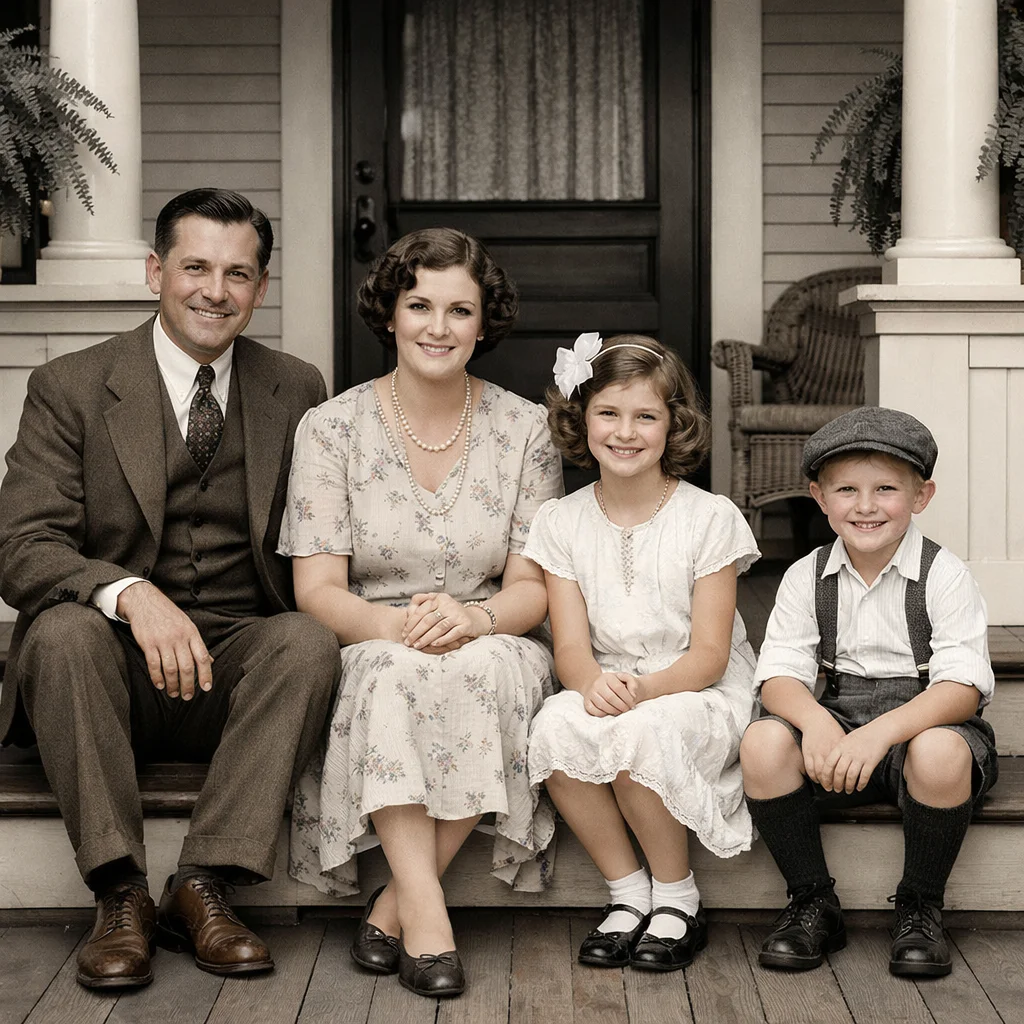
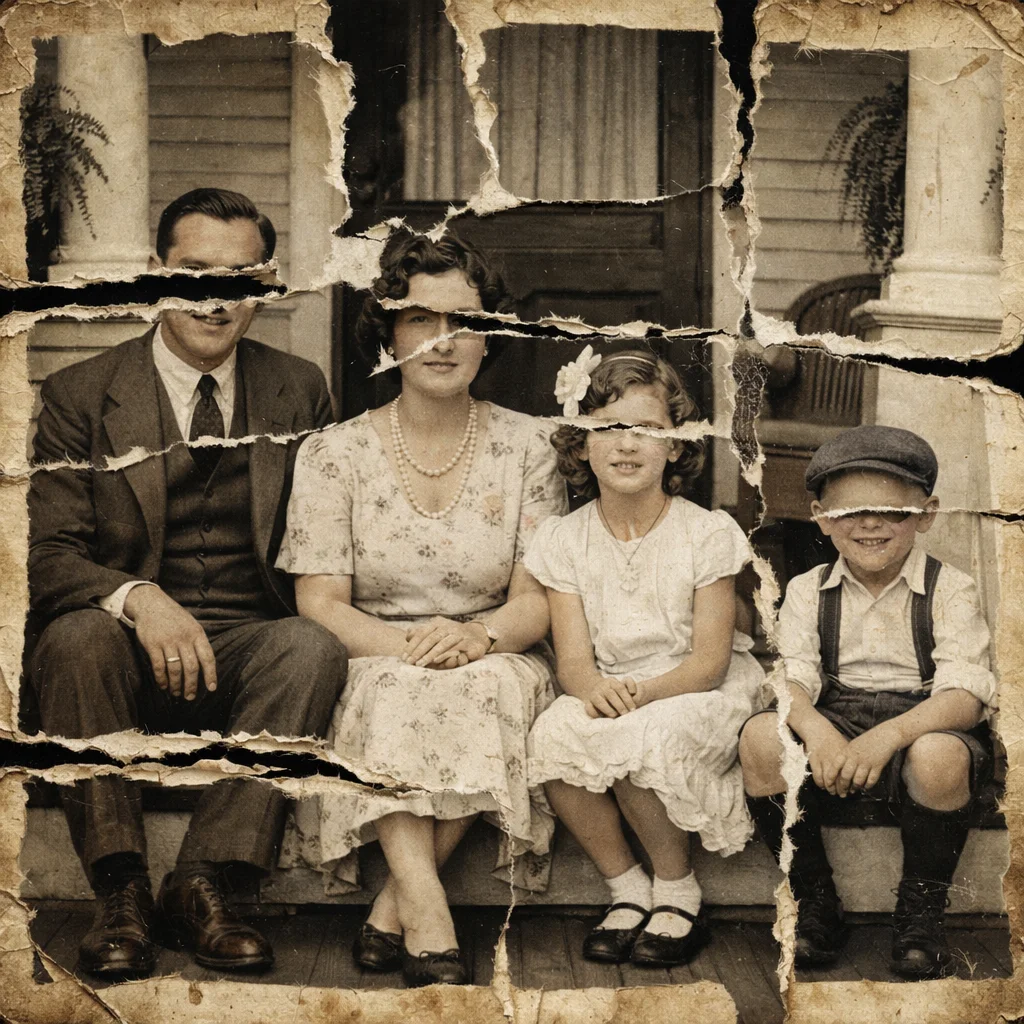
Rebuild Torn Edges on Old Family Prints
Repair Torn Photos rebuilds ripped edges and split seams on old printed photos while preserving nearby faces, clothing, and background detail as naturally as possible.
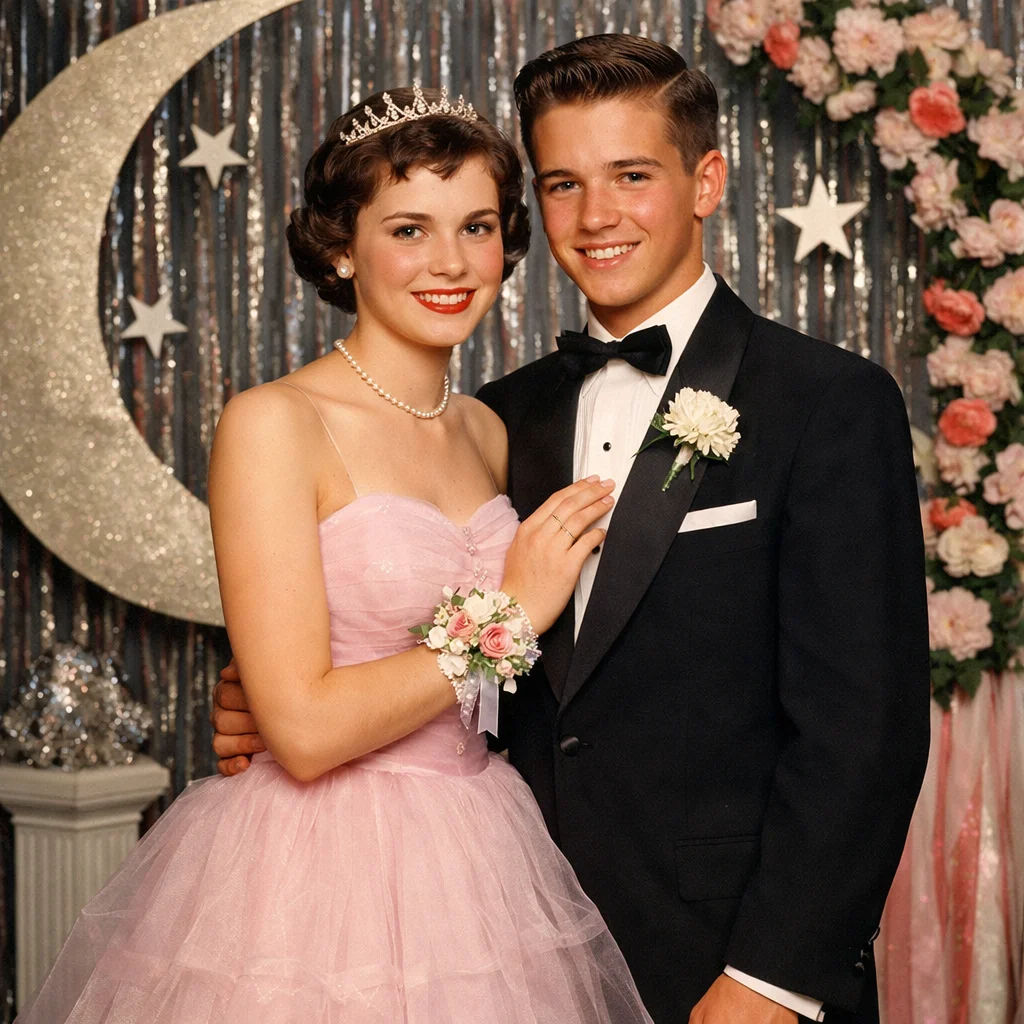

Reconstruct Missing Corners and Border Areas
Use Repair Torn Photos to rebuild missing corners, damaged borders, and partially lost edge sections when a torn print still has enough nearby detail to guide the repair.
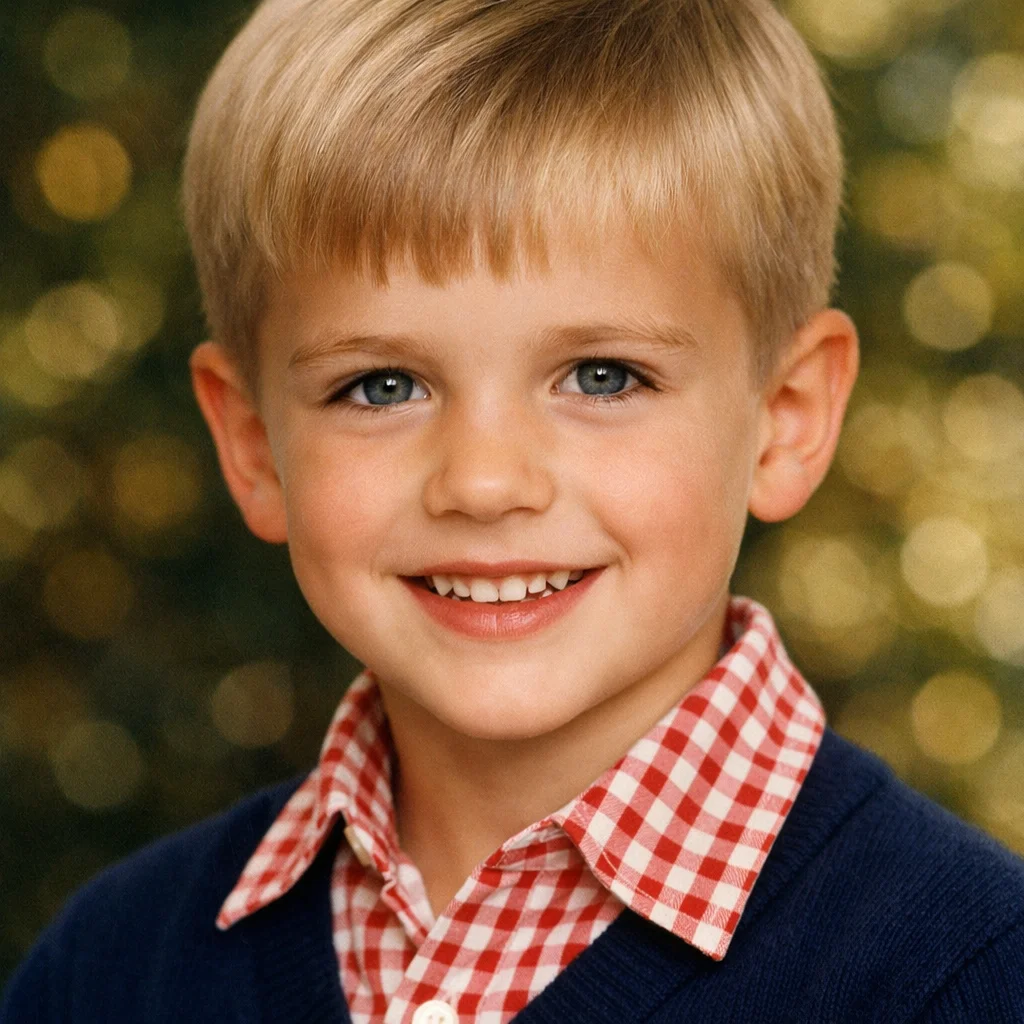
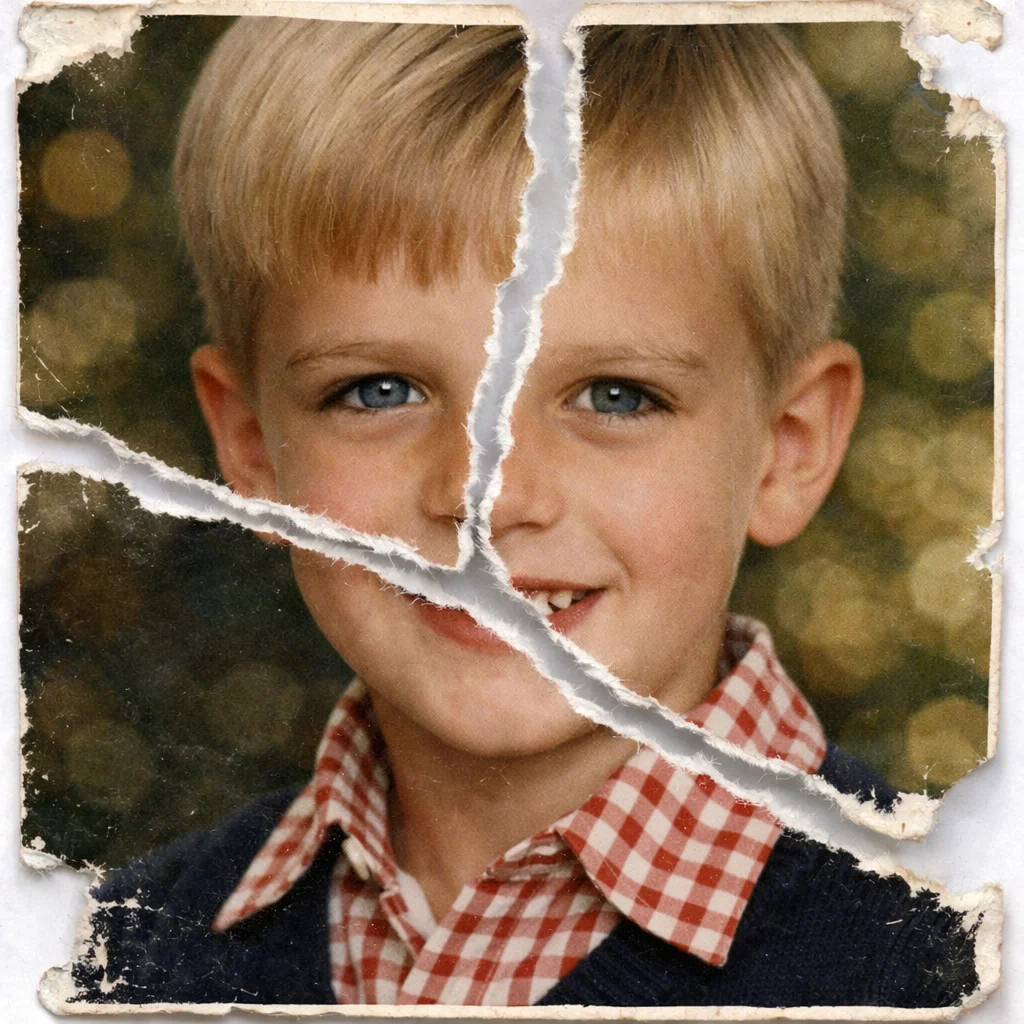
Repair Split Portraits and Group Photos
Repair Torn Photos works well for torn portraits and family group photos where the main problem is a ripped or separated print, not stain cleanup, scratch removal, or broad restoration.
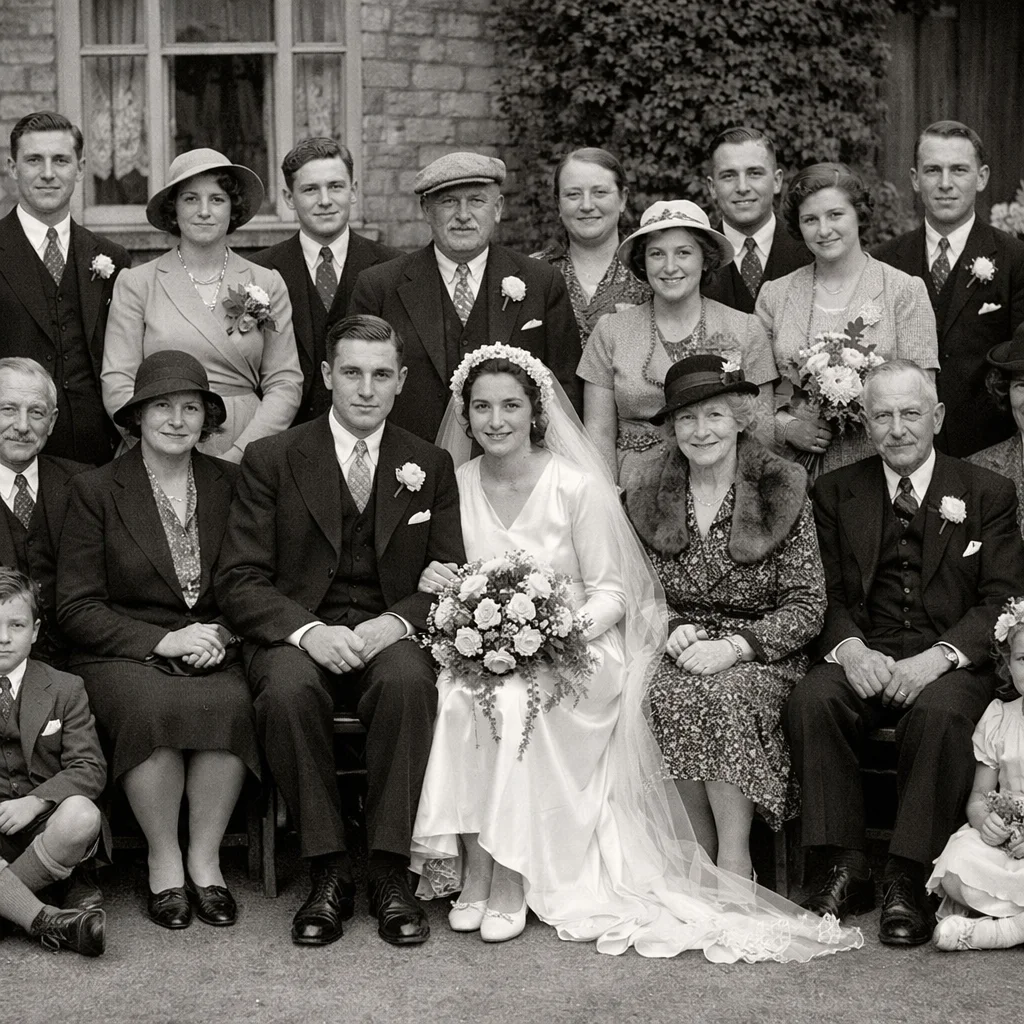
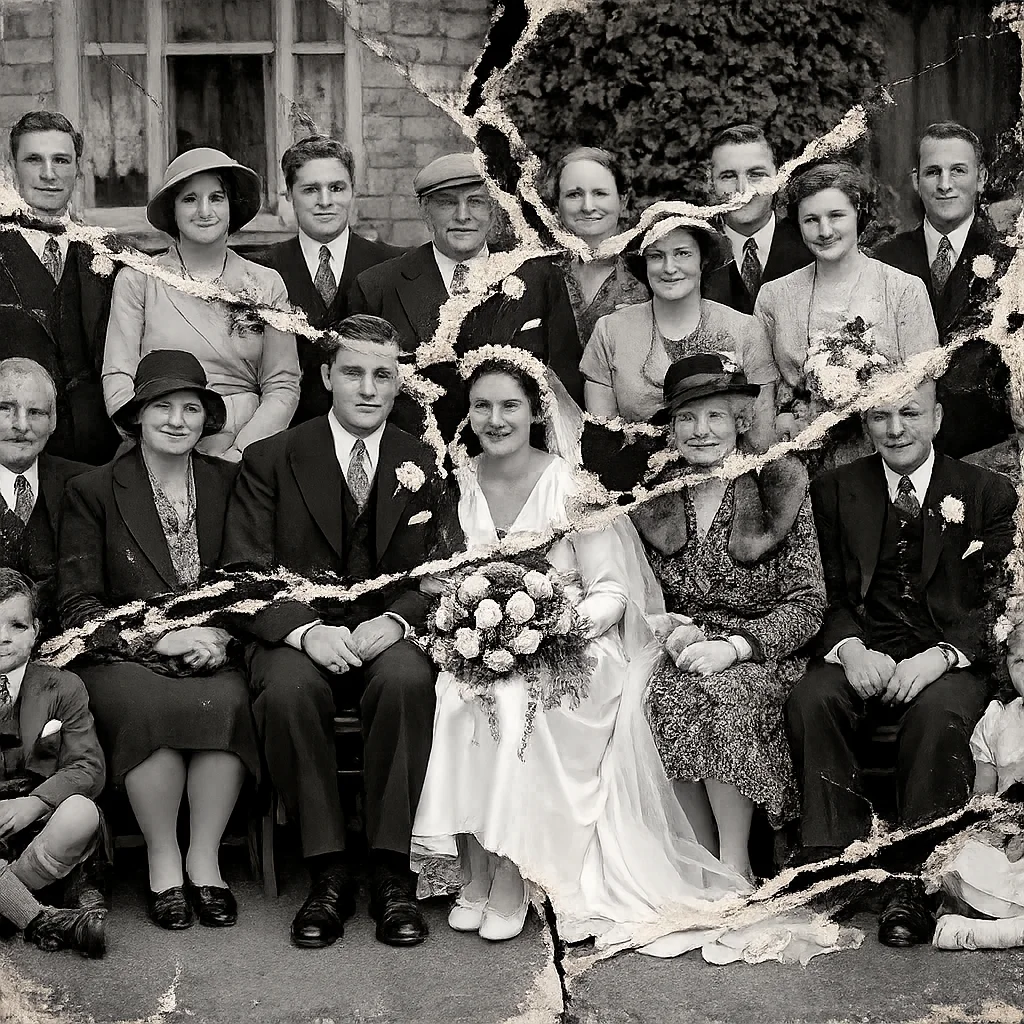
Create a Cleaner Copy for Archive and Sharing
Repair Torn Photos turns a ripped old print into a more complete digital copy that is easier to archive, back up, share with family, or use for future reprints.

What Does Repair Torn Photos Mean?
- •Repair Torn Photos means using AI to rebuild ripped, split, or partially missing old photo prints after they have been scanned or photographed clearly.
- •Use Repair Torn Photos for torn edges, missing corners, split prints, and ripped sections that need reconstruction rather than simple cleanup.
- •Repair Torn Photos works best when torn damage is the main visible problem and enough surrounding image detail still exists for AI to rebuild the broken area naturally.
- •Repair Torn Photos is not meant for scratch-only cleanup, stain-only cleanup, full faded-photo recovery, or broad damaged-photo restoration across many damage types at once.
- •For the best Repair Torn Photos result, scan or photograph the torn print clearly and keep the damaged pieces aligned as closely as possible before uploading. If you want the broader AI old photo restoration workflow before choosing a tear-specific route, start from Restore Old Photos.
How to Repair Torn Photos (4 Steps)
Step 1: Scan or Photograph the Torn Print Clearly
Before you repair torn photos, create a clear digital copy of the torn print. If the photo is in pieces, place them as close to their original position as possible before scanning or photographing.
Step 2: Upload the Torn Photo
Upload the scanned or photographed torn print so Repair Torn Photos can start the reconstruction process. JPG, PNG, and WEBP files are supported.
Step 3: AI Rebuilds the Torn Areas
Repair Torn Photos detects ripped edges, split seams, and missing sections, then reconstructs the damaged areas using nearby texture, tone, and structure.
Step 4: Preview and Save the Repaired Copy
Preview the Repair Torn Photos result, then download the repaired photo for family archives, sharing, reprints, or a later specialist repair step if the image still has other damage.
Why Choose Repair Torn Photos
Repair Torn Photos is a focused torn-photo reconstruction workflow for ripped old prints, missing corners, and split photo sections.
Built for Torn and Split Prints
Use Repair Torn Photos when the main problem is a ripped edge, split seam, broken corner, or missing section that needs reconstruction rather than basic cleanup.
Keeps the Surrounding Photo Natural
Repair Torn Photos rebuilds the torn region while trying to preserve nearby faces, clothing, and background detail instead of overprocessing the whole image.
Good for Old Family Photos and Portraits
Repair Torn Photos works well for torn family prints, damaged portraits, and scanned keepsakes where physical ripping is the main reason the image looks broken.
Makes Route Boundaries Clear
If the photo mainly has scratch lines, stain patches, fading, or several heavy damage types at once, Repair Torn Photos helps you spot when another specialist tool is the better fit.
Repair Torn Photos Online Free
Use Repair Torn Photos to rebuild ripped edges, missing corners, and split photo sections with a more natural torn-photo reconstruction workflow.