Scan Old Photos to Digital — Free Online Photo Scanner & Converter
Turn your printed photos into digital copies. Scan old photos online with our free tool — enhance, restore, and save them forever. No download needed.
Drag your image here, or
Reference Image (Max 50MB)


Scan Old Photos: Key Decisions and Next Steps


Choose Scanner or Phone Based on the Photo
When you scan old photos, a flatbed scanner is usually the best choice for fragile prints and consistent quality. A phone works well when you need a faster setup, as long as the photo is flat and the lighting is even.

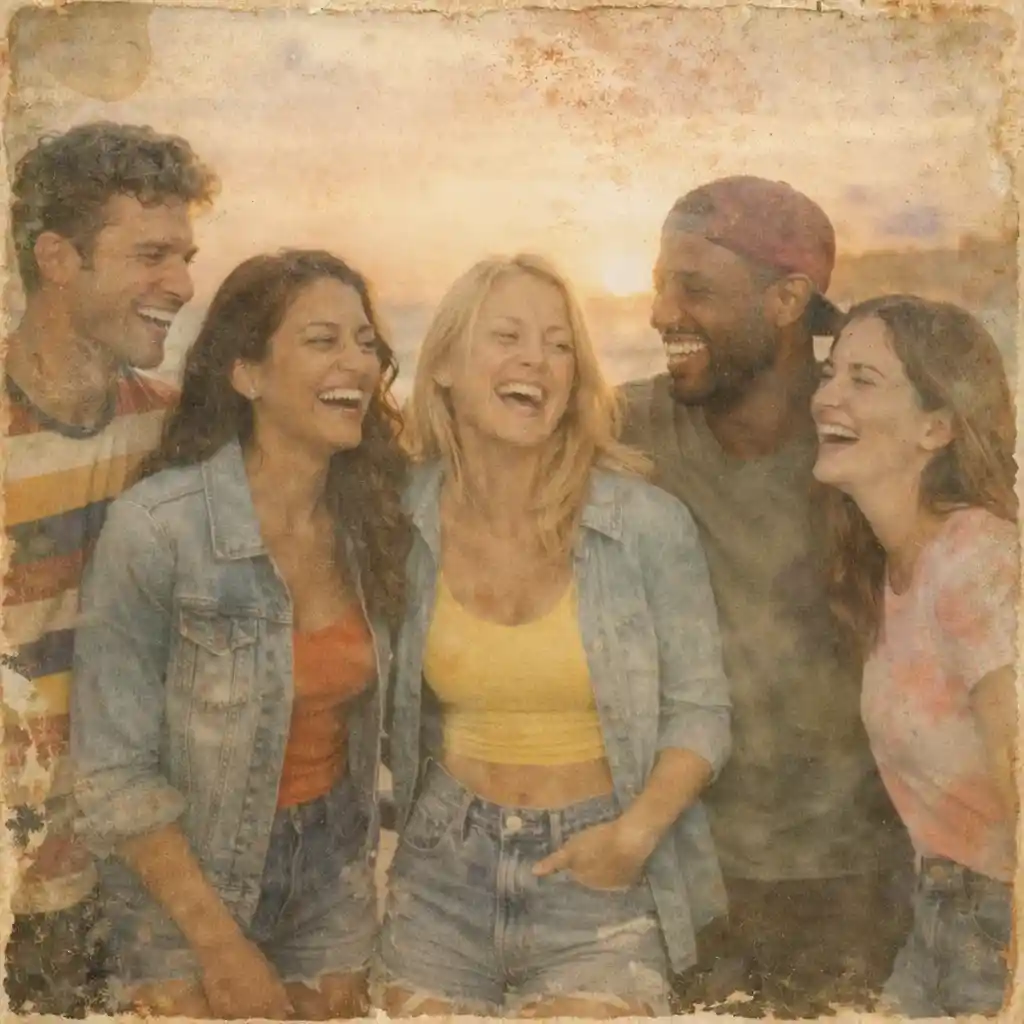
Use the Right Resolution for the Print Size
To scan old photos well, 300 DPI is a strong default for most standard prints, while 600 DPI is better for small photos or future enlargements. Better capture settings give you a stronger digital master file from the start.
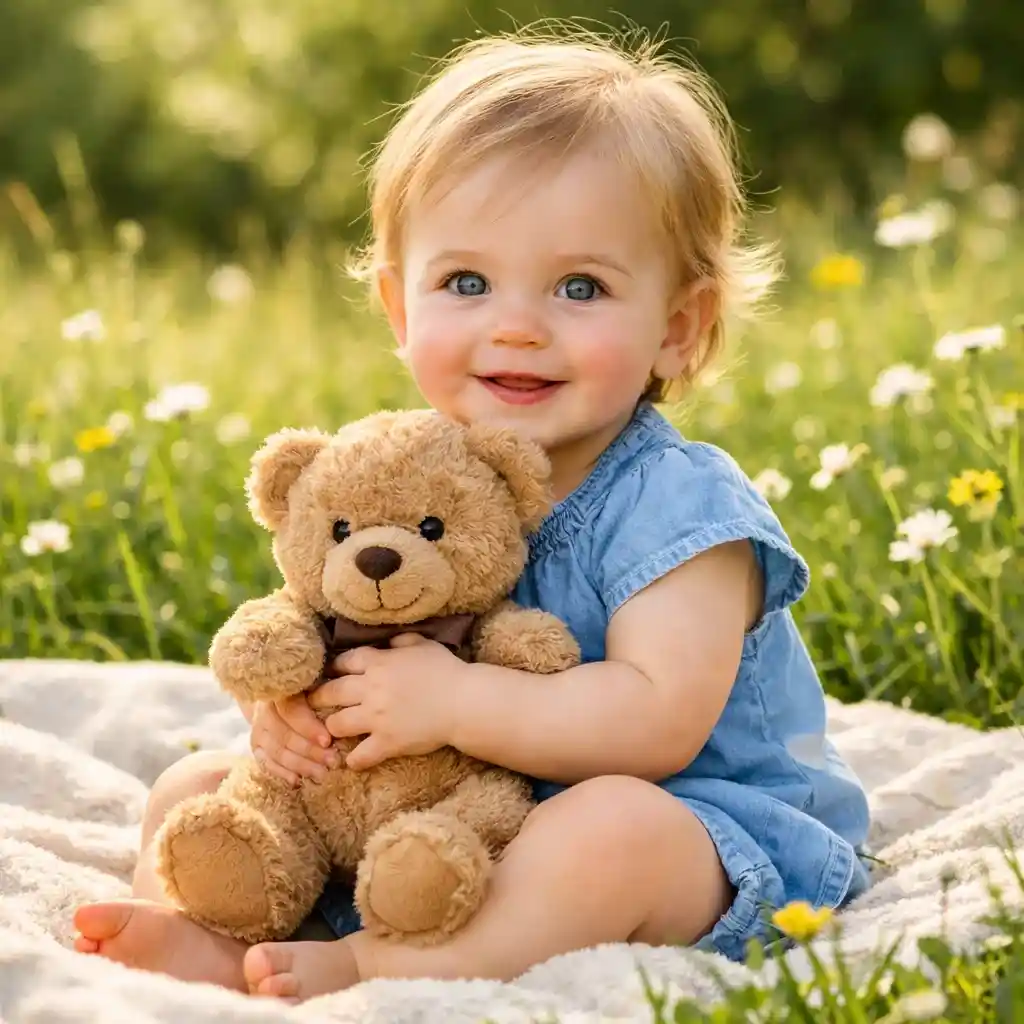
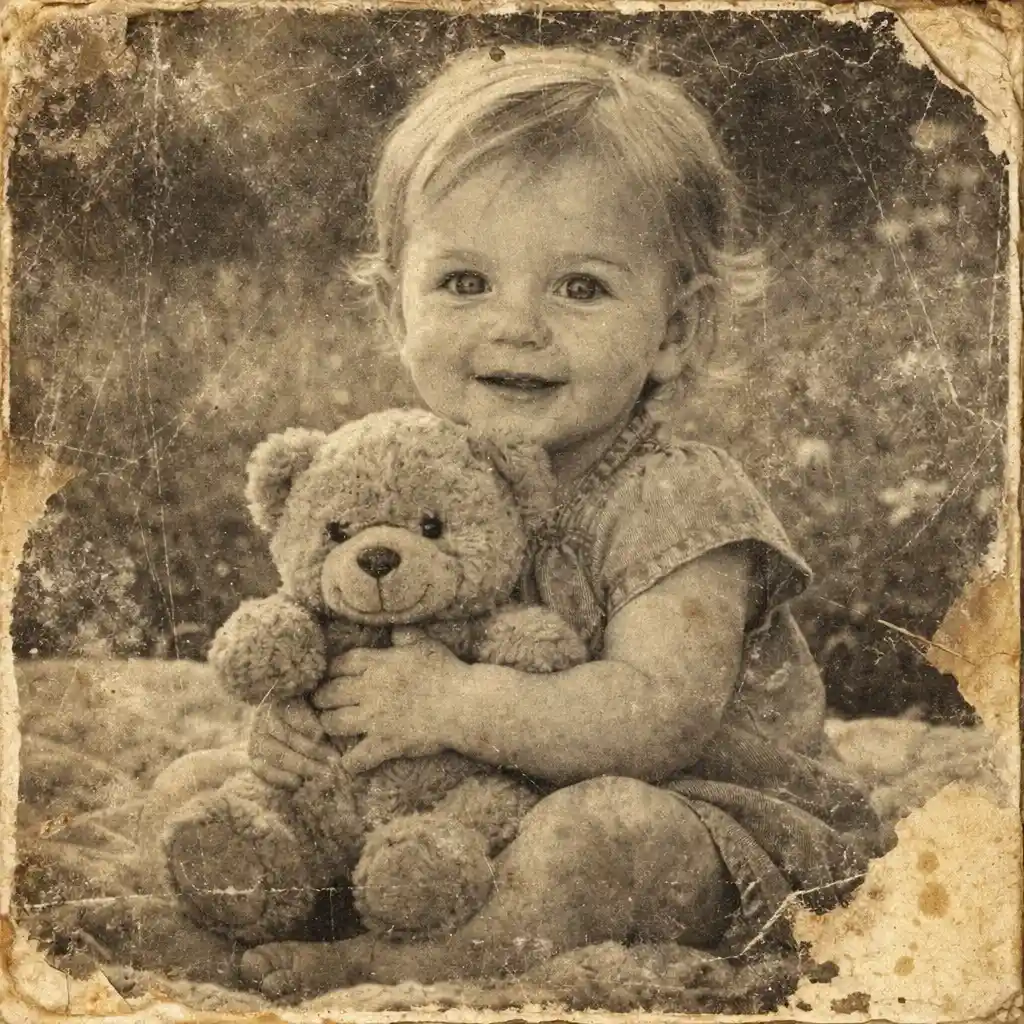
Prepare Old Prints Before You Scan
Before you scan old photos, dust, glare, bent corners, and dirty scanner glass can reduce quality. Gentle prep helps you create a cleaner scan without forcing every problem into restoration later.

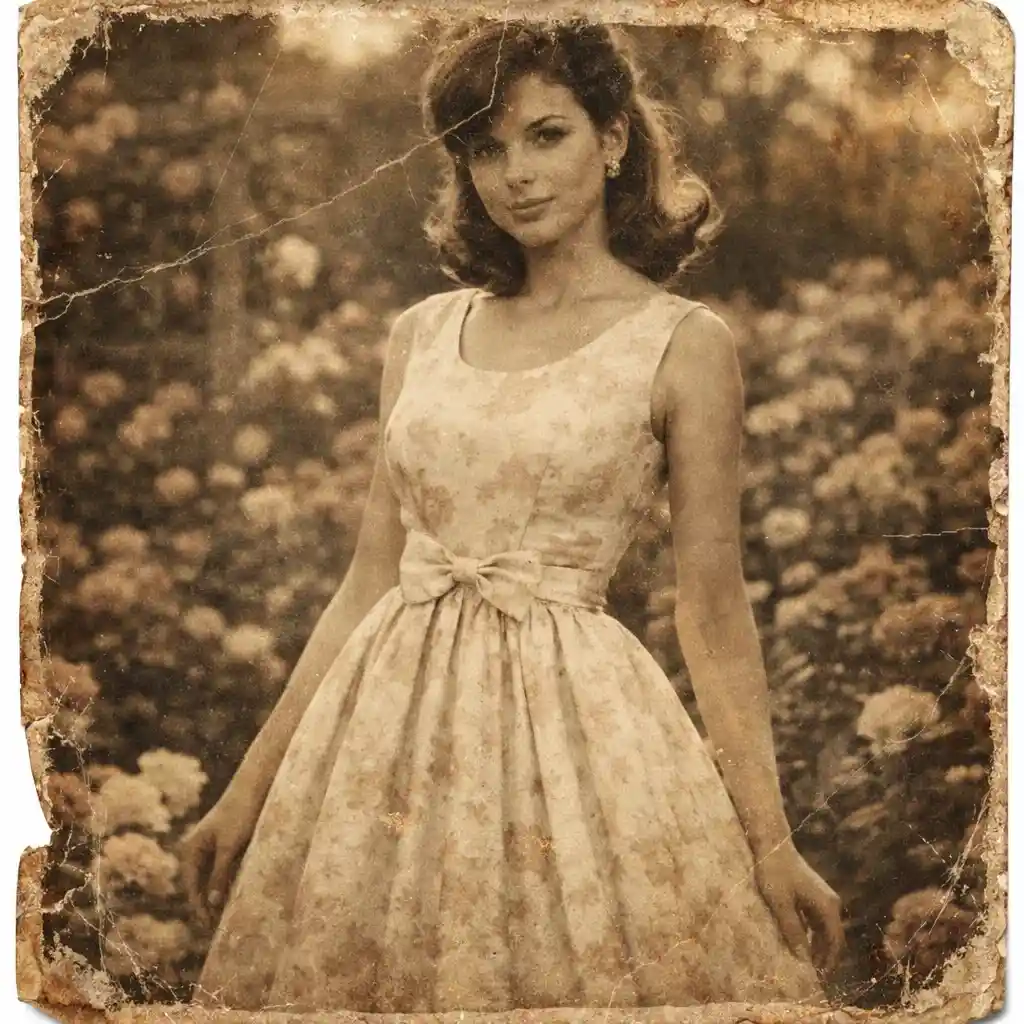
Send the Scan to the Right Specialist Tool Next
After you scan old photos, use Convert Old Photos to Digital if the main job is digitizing the print, use Enhance Scanned Photos if the digital scan looks soft or noisy, and use a restoration page if the original print itself is faded, scratched, torn, or worn.

What Is the Best Way to Scan Old Photos?
- •To scan old photos means turning physical prints into digital image files with a flatbed scanner or a careful phone capture.
- •The best way to scan old photos depends on your goal: scanners are best for consistency and detail, while phones are convenient for quick batches and easy home digitizing.
- •Before you scan old photos, protect fragile prints, wipe away loose dust gently, and make sure the photo is flat and evenly lit.
- •When you scan old photos for most standard prints, 300 DPI is a good starting point. Use 600 DPI when the photo is small or you may want larger reprints later.
- •This page is about how to scan old photos well, not doing full restoration, heavy repair, or aggressive digital enhancement after the scan is already finished. For the broader AI old photo restoration workflow after scanning, start from Restore Old Photos.
How to Scan Old Photos in 4 Steps
Step 1: Prepare the Print Safely
Before you scan old photos, handle the print by the edges, remove loose dust with a soft microfiber cloth, and clean the scanner glass if you are using one. Do not scrub delicate prints.
Step 2: Choose Scanner or Phone
To scan old photos with the most consistent quality, use a flatbed scanner. Use a phone when you need a fast setup, but keep the print flat, avoid glare, and shoot in even light.
Step 3: Set Resolution and Capture Carefully
When you scan old photos, start around 300 DPI for most prints and use 600 DPI for smaller photos or future enlargements. Save a clean high-quality master file before making any edits.
Step 4: Save, Organize, and Choose the Next Step
After you scan old photos, keep the original scan, name files clearly, store them in organized folders, and back them up. If the scan needs digitization cleanup or restoration, move to the right specialist page next.
Why Learn How to Scan Old Photos the Right Way
A better way to scan old photos gives you a better starting file for storage, sharing, archiving, and any later repair work.
Protect Fragile Family Prints
Learning how to scan old photos carefully helps you preserve old prints without repeatedly handling the original paper photo more than necessary.
Choose the Best Method for Your Situation
This page helps you decide how to scan old photos with a flatbed scanner, when a phone is good enough, and when speed matters more than perfect capture conditions.
Capture More Usable Detail from the Start
The right DPI, cleaner glass, flatter placement, and better lighting all help you scan old photos more cleanly and reduce rework later.
Know the Right Tool After Scanning
After you scan old photos, you can move to the right next page for digitization, scan cleanup, broad restoration, or damaged-photo repair instead of forcing one page to do every job.
Scan Old Photos the Right Way
Use this page to scan old photos more cleanly, create a better digital starting file, and then continue to the right specialist tool if needed.