AI Image Upscaler Online Free | Upscale Images 2x/4x
Use AI Image Upscaler to upscale images online, increase image resolution, reduce pixelation, and create clearer 4K or print-ready results with a free preview.
Drag your image here, or
Reference Image (Max 50MB)


See How Our AI Image Upscaler Increases Resolution
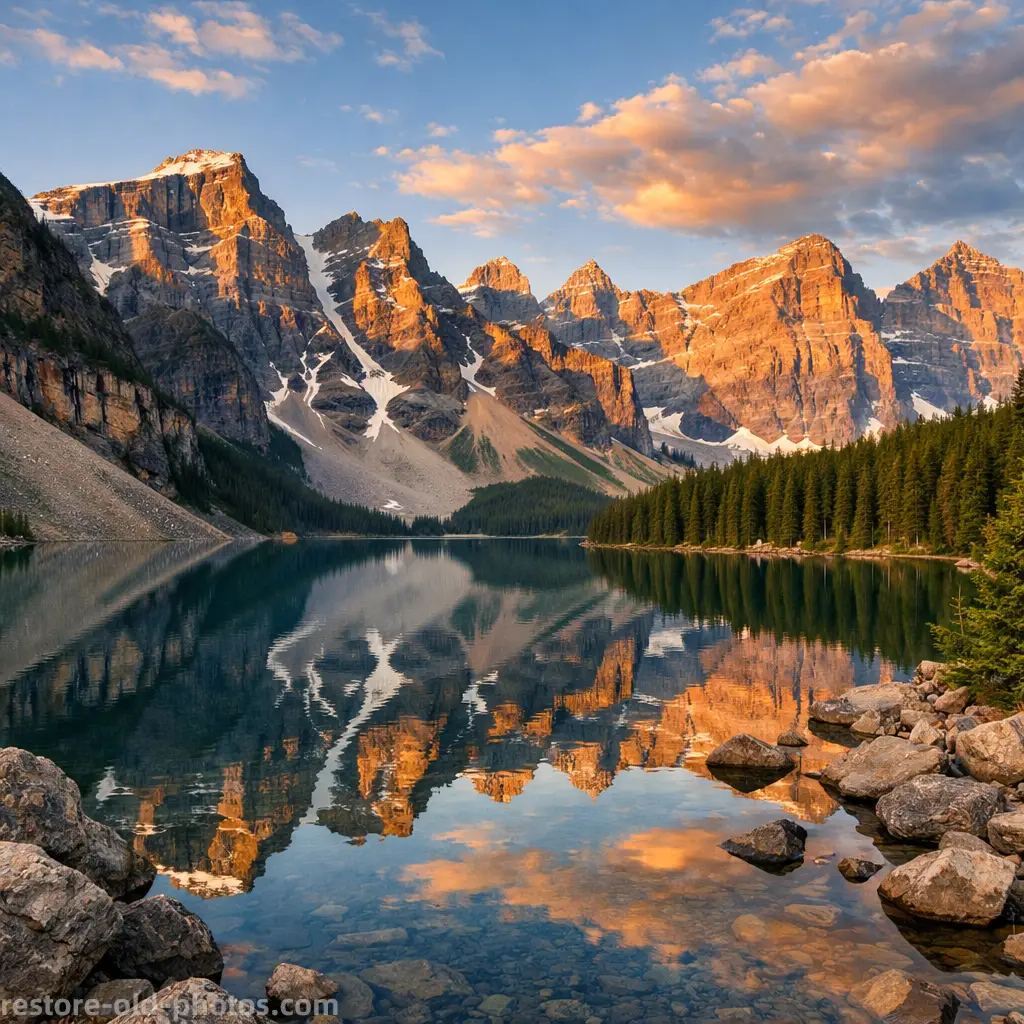
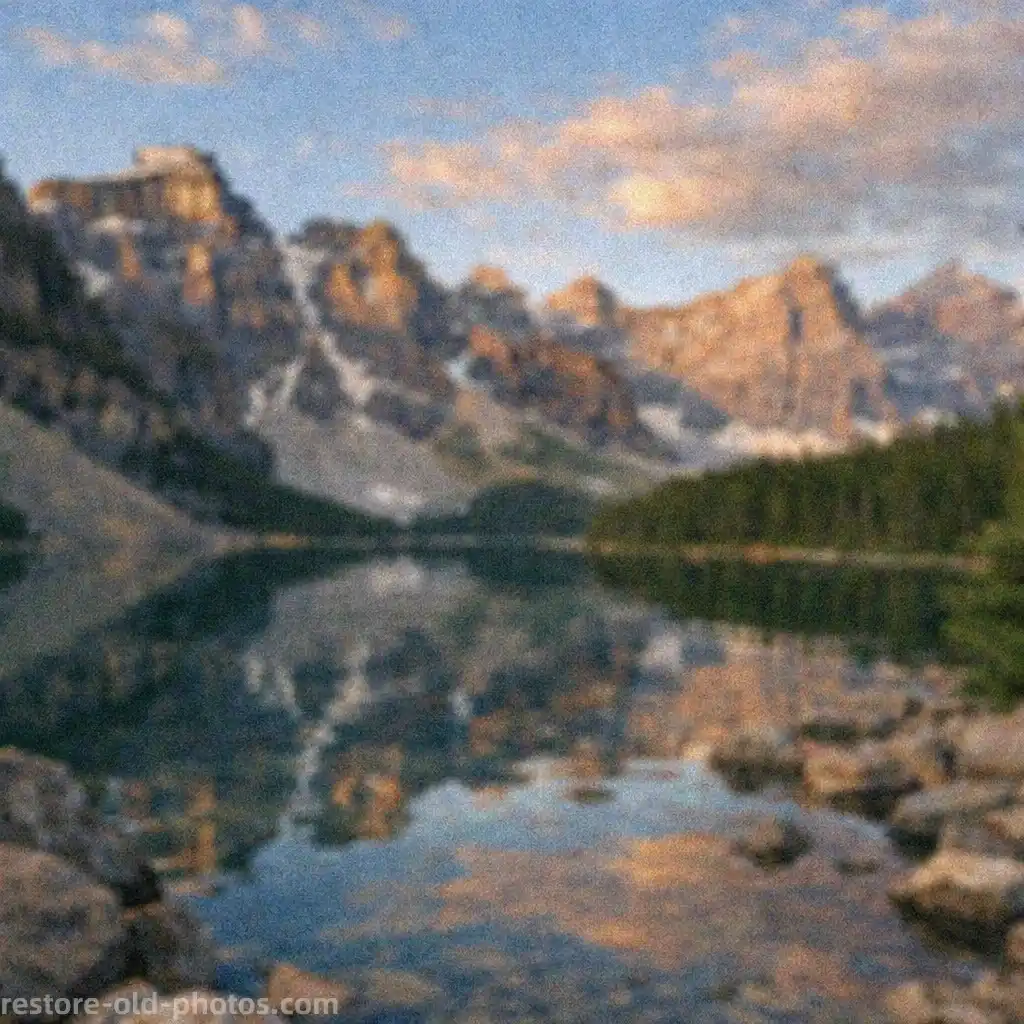
Upscale Small Landscape Images to Higher Resolution
AI Image Upscaler enlarges small landscape images while reducing visible pixelation and keeping edges cleaner than standard resizing. Use it when you want a larger, more detailed file for screens, sharing, or light print use.

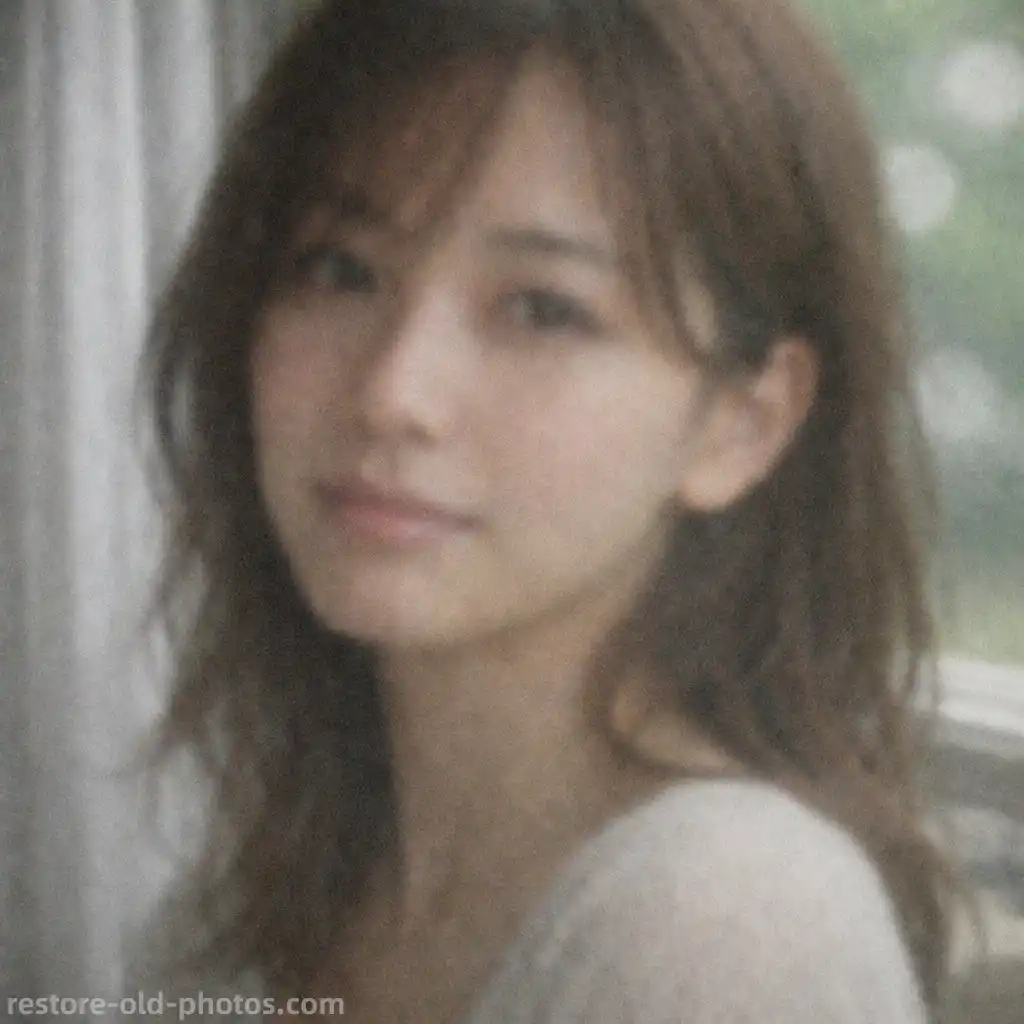
Improve Portrait Resolution for Cleaner Close-Ups
Use AI Image Upscaler to enlarge portraits and selfies that feel too small or soft for close viewing. It helps increase resolution and keep facial details more natural without pushing the image into an over-sharpened look.
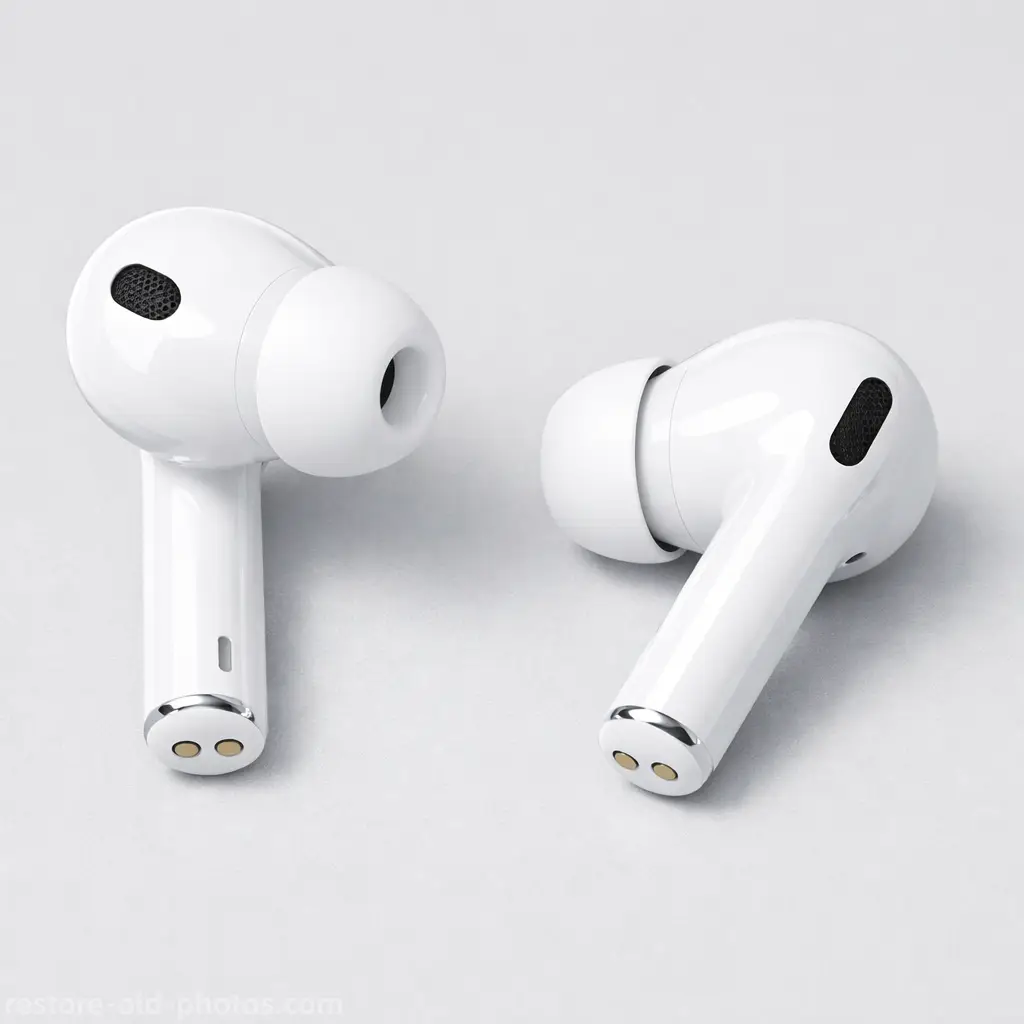
Upscale Product Photos for E-commerce and Ads
AI Image Upscaler is useful for product images that need a larger, cleaner output for listings, ads, and marketplaces. It can make photos look more presentation-ready while preserving textures and shape detail.
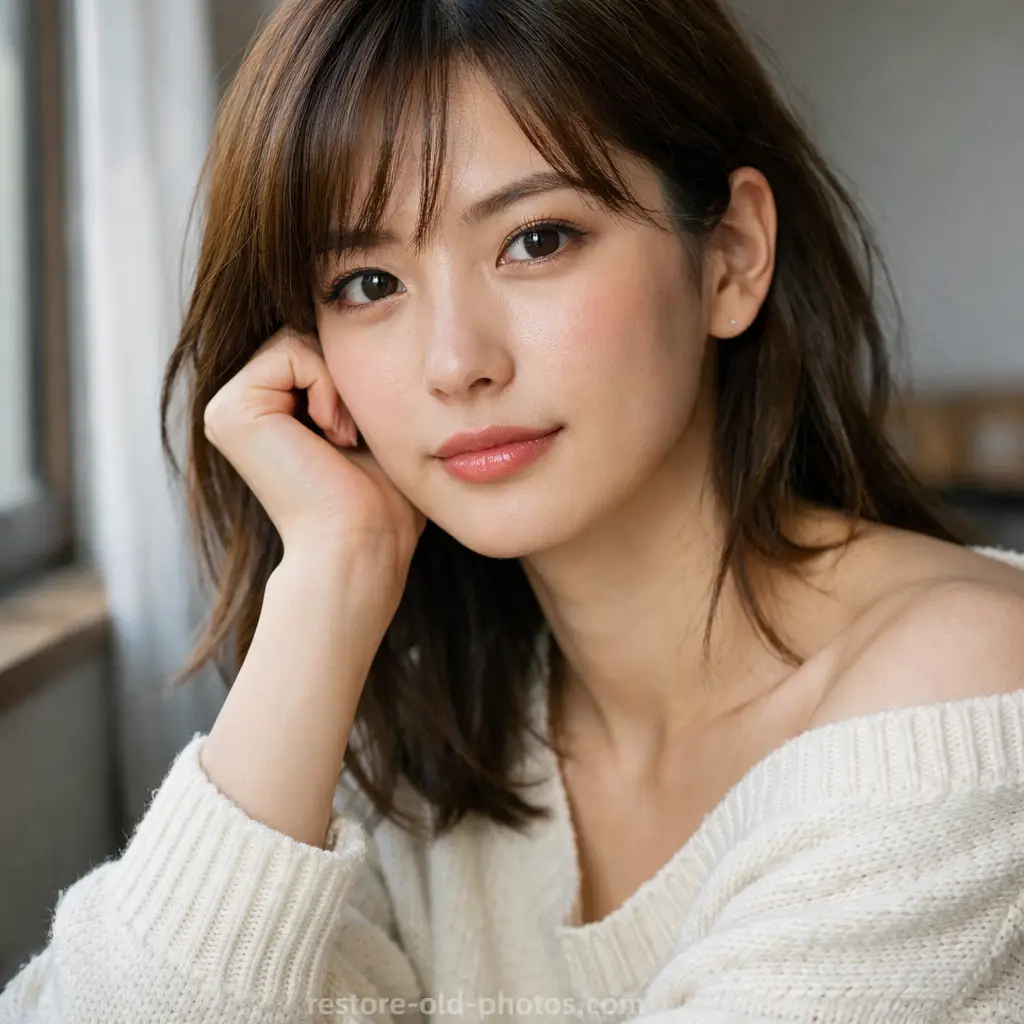
Make Images Larger for HD, 4K, and Print Workflows
Increase image resolution for design mockups, social posts, HD delivery, or print preparation. AI Image Upscaler helps turn a small image into a bigger file that looks clearer and more usable.

What Is an AI Image Upscaler?
- •An AI Image Upscaler is a tool that increases image resolution using AI instead of simple resizing.
- •AI Image Upscaler can enlarge images, photos, and pictures while reducing visible pixelation, jagged edges, and low-resolution softness.
- •AI Image Upscaler is best for 2x or 4x enlargement and small files that need to look better at a larger size.
- •If blur is the main problem, use Unblur Image first. If you only want crisper edges after upscaling, use Image Sharpener.
- •For broader color, lighting, and noise improvements, use Photo Enhancer after you increase the image resolution.
How to Upscale an Image Online in 4 Steps
Step 1: Upload Your Low-Resolution Image
Upload a small or low-resolution image, photo, or picture in JPG, JPEG, PNG, or WEBP format.
Step 2: Let AI Analyze Detail and Edges
AI Image Upscaler analyzes edges, textures, and important regions so it can increase resolution more intelligently than normal resizing.
Step 3: Upscale the Image and Reduce Pixelation
AI Image Upscaler enlarges the image, improves perceived detail, and reduces visible pixelation while trying to keep textures and contours natural.
Step 4: Preview the Result and Download
Preview the larger result, compare it with the original, and download your upscaled image when you're satisfied.
Why Choose Our AI Image Upscaler
A fast AI Image Upscaler for bigger, cleaner photos, pictures, and design assets.
Built for Resolution Increases
AI Image Upscaler is designed for low-resolution images that need to be enlarged for better on-screen viewing, sharing, or print preparation.
Better Than Basic Resizing
AI Image Upscaler can reconstruct detail more intelligently than simple stretch resizing, helping reduce visible pixelation and softness.
Useful for 2x/4x, HD, and Print Workflows
Use it for portraits, product photos, social media assets, presentations, and other images that need a larger, clearer output.
Free Online Preview
Try AI Image Upscaler online, preview the larger result, and see whether the resolution increase looks right before downloading.
Use AI Image Upscaler to Increase Resolution Fast
Use AI Image Upscaler to enlarge images, reduce pixelation, and create a bigger, cleaner result for 4K, ecommerce, or print use.