Remove Noise from Photo Online Free | AI to Remove Noise from Photo
Use AI to remove noise from photo files online free. Remove noise from photo images with help for grain, color speckles, and rough low-light texture while keeping natural detail in a fast preview.
Drag your image here, or
Reference Image (Max 50MB)


Remove Noise from Photo Before and After Examples


Reduce Low-Light Noise in Portrait Photos
Use Remove Noise from Photo when a portrait looks rough from low-light noise, visible grain, or colored speckles. Remove Noise from Photo focuses on digital noise reduction while trying to keep skin texture and facial detail natural.

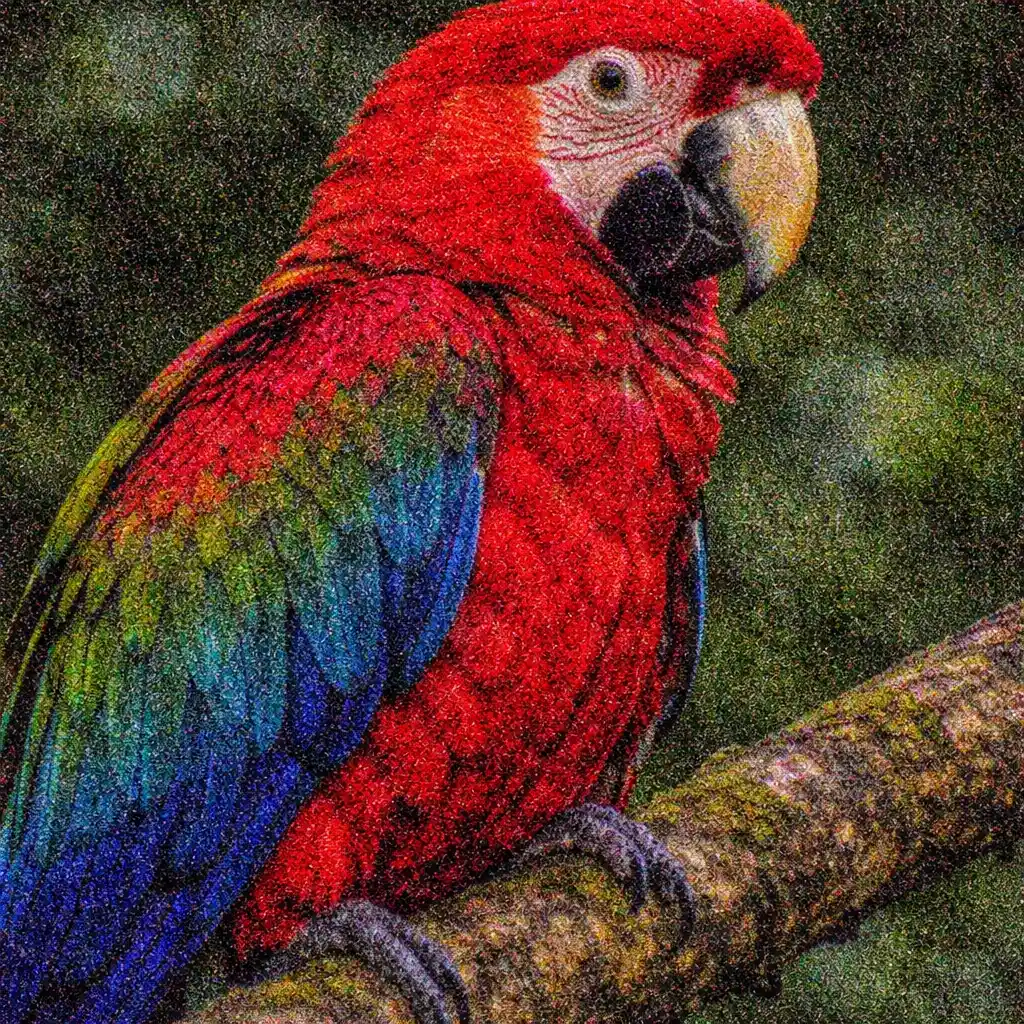
Clean Up High-ISO Grain Without Heavy Smoothing
Remove Noise from Photo helps high-ISO photos that show coarse grain and rough texture, especially in shadows and backgrounds. Remove Noise from Photo reduces that noisy look without turning the image into a plastic-smoothed blur.


Reduce Color Speckles and Rough Noise in Dark Areas
Remove Noise from Photo can clean up chroma noise, random color flecks, and rough low-light texture in darker parts of an image. Remove Noise from Photo is built for noise problems rather than full deblurring or broad enhancement.
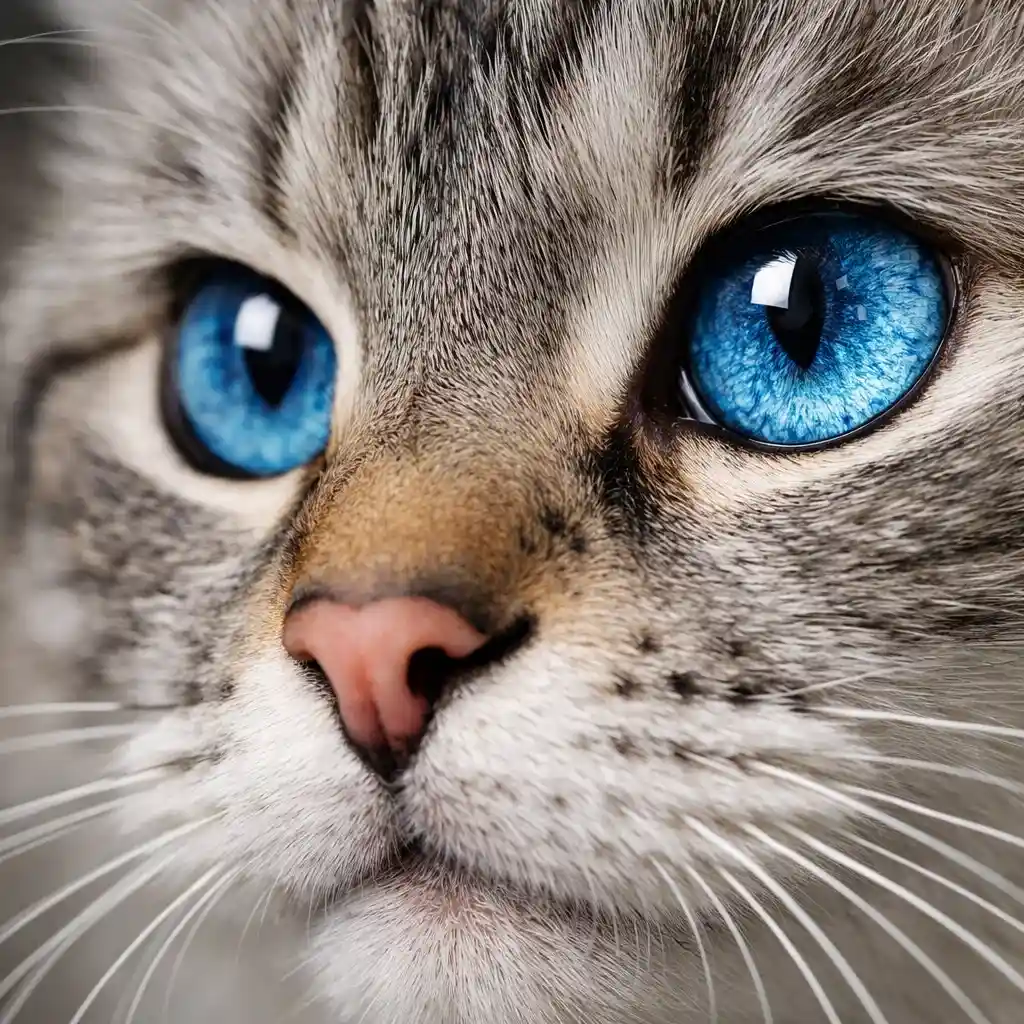
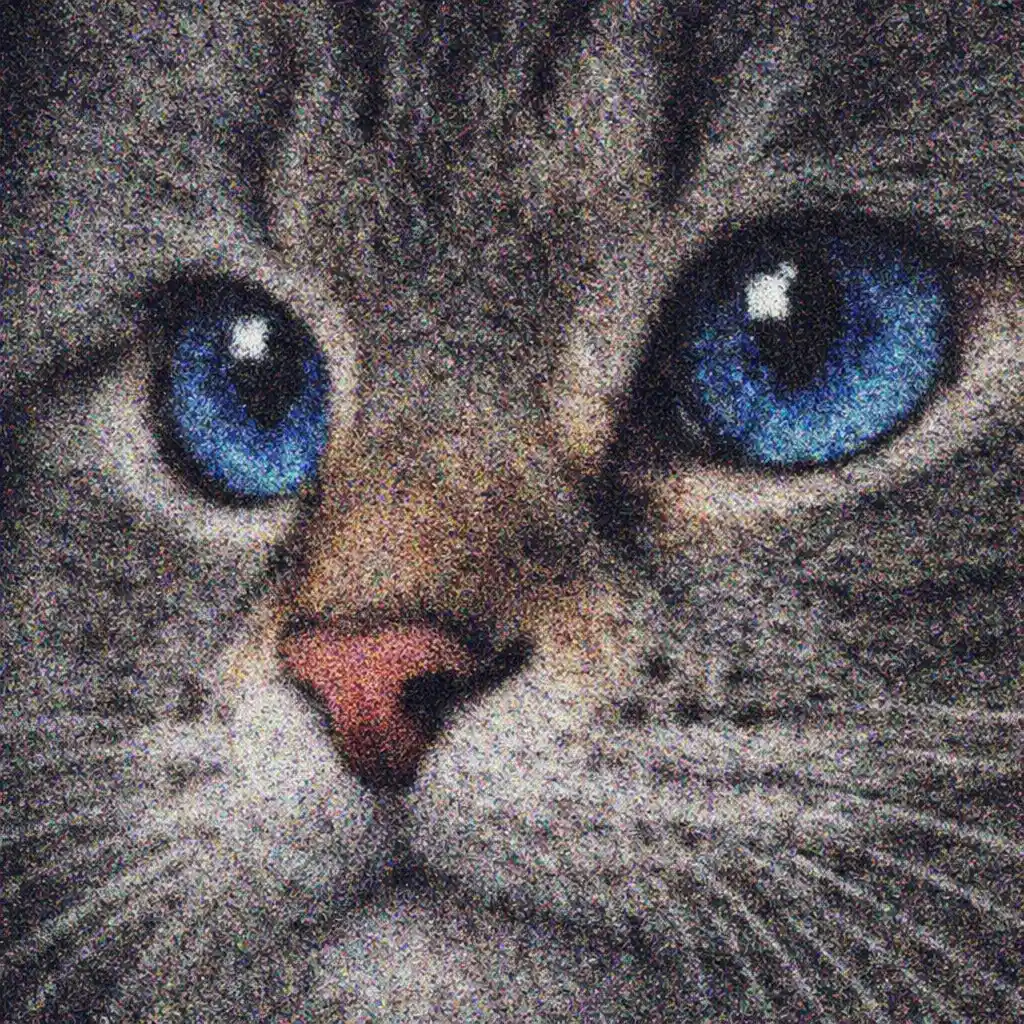
Denoise Compressed Digital Photos for a Cleaner Look
Use Remove Noise from Photo when noise and compression artifacts stack together and make a digital file look dirty. Remove Noise from Photo helps create a cleaner image for sharing, editing, or saving when visible digital noise is the main issue.

What Is Remove Noise from Photo?
- •Remove Noise from Photo is an AI tool for reducing rough grain, colored speckles, and random digital texture that appear in noisy images.
- •Use Remove Noise from Photo for low-light photos, high-ISO shots, older digital camera files, and compressed images where visible digital noise is stronger than the real detail.
- •Remove Noise from Photo analyzes the image to separate real detail from unwanted noise patterns so the photo can look cleaner without relying on basic blur filters alone.
- •Use Remove Noise from Photo when visible noise or grain is the main problem. If the image is mainly blurry from motion or missed focus, use Unblur Image instead. If the image mainly needs extra crispness, use Image Sharpener instead.
- •If the file is a scanned photo with scan-quality issues such as scanner softness or flat contrast, use Enhance Scanned Photos. If the image needs broader overall cleanup, use Photo Enhancer. If it is an old photo and you want the broader AI old photo restoration workflow first, start from Restore Old Photos.
How to Remove Noise from Photo Online (4 Steps)
Step 1: Upload Your Noisy Photo
Upload the image that shows visible grain, speckles, or rough digital noise so Remove Noise from Photo can analyze it. JPG, JPEG, PNG, and WEBP are supported.
Step 2: Let AI Detect the Noise Type
Remove Noise from Photo checks for luminance noise, chroma noise, grain, and compression-related roughness so it can target the noise pattern more precisely.
Step 3: Denoise While Keeping Real Detail
Remove Noise from Photo reduces visible noise and grain while trying to keep edges, texture, and natural detail intact instead of over-smoothing the whole image.
Step 4: Preview and Download the Cleaner Result
Preview the Remove Noise from Photo result, compare it with the original, and download the cleaner version when the noise cleanup looks right.
Why Choose Remove Noise from Photo
Remove Noise from Photo is a focused way to reduce digital noise and grain online without turning this page into a blur fixer or a broad enhancement tool.
Built for Digital Noise Problems
Remove Noise from Photo is designed for visible grain, color speckles, rough low-light texture, and other digital noise issues rather than every kind of image repair.
Keeps Results More Natural
Remove Noise from Photo aims to reduce noise without aggressive smoothing, fake sharpening, or overprocessed skin and textures that make the image look artificial.
Fast Online Denoise Workflow
Use Remove Noise from Photo to upload a noisy image, preview the cleanup, and download the result in your browser without needing Photoshop, Lightroom, or extra plugins.
Helps You Pick the Right Specialist Tool
If the image is mainly blurry, scanned poorly, or broadly low quality, Remove Noise from Photo helps point you to Unblur Image, Enhance Scanned Photos, or Photo Enhancer instead.
Remove Noise from Photo Online Free
Use Remove Noise from Photo to reduce grain, color speckles, and rough digital noise while keeping the image natural enough for sharing, editing, or archiving.