Old Photo Color Restoration — Bring Faded Colors Back to Life (Free, Online)
Restore the original colors of your faded vintage photos with AI. Our free online tool automatically corrects color loss in old photographs. Try it now — no sign-up needed.
Drag your image here, or
Reference Image (Max 50MB)


Old Photo Color Restoration repairs faded, yellowed, or discolored vintage color photos. Have a black and white photo that needs new color? Use Photo Colorization instead. For the broader AI old photo restoration workflow, start from Restore Old Photos Online.
Old Photo Color Restoration Before and After Examples
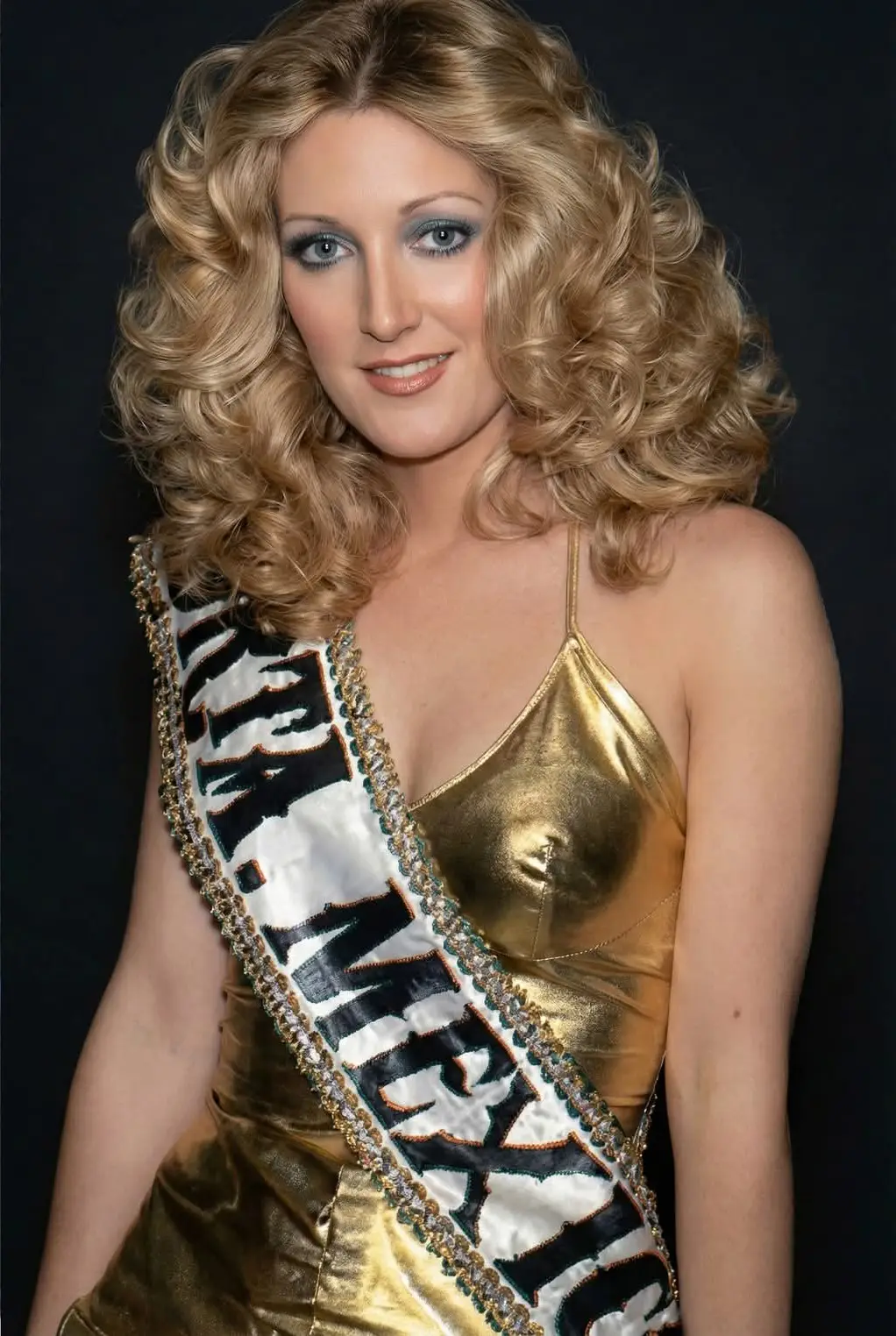
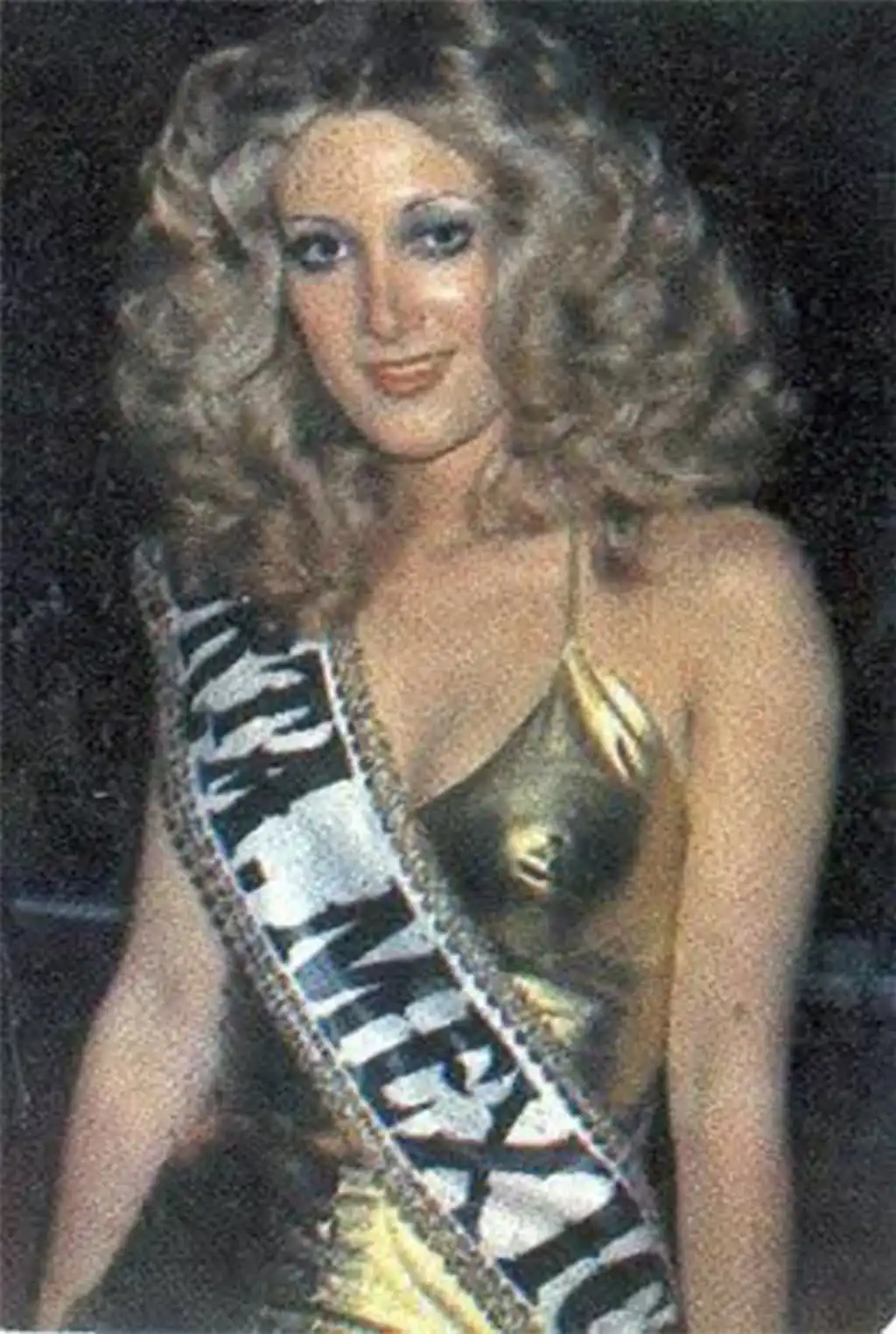
Restore Faded Color in Vintage Family Photos
Old Photo Color Restoration restores faded color in old family photos by rebuilding natural red, blue, and skin-tone balance without making the image look newly recolored.

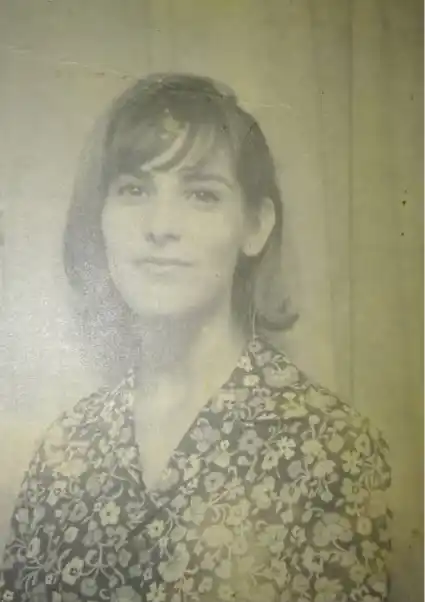
Fix Yellowing and Color Cast in Old Prints
Use Old Photo Color Restoration to reduce yellowing, remove warm color cast, and clean up uneven tones in scanned vintage prints and aging album photos.
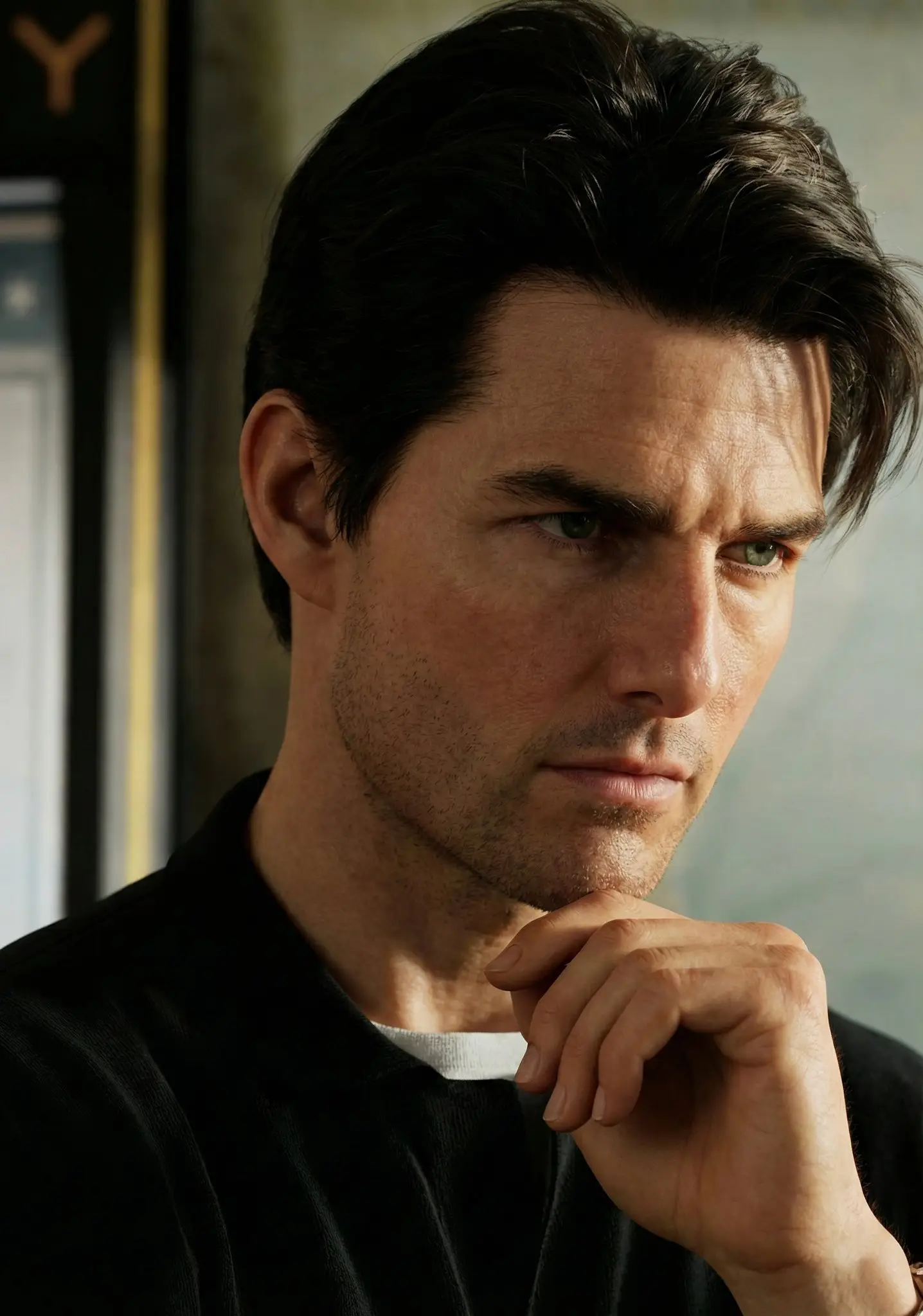
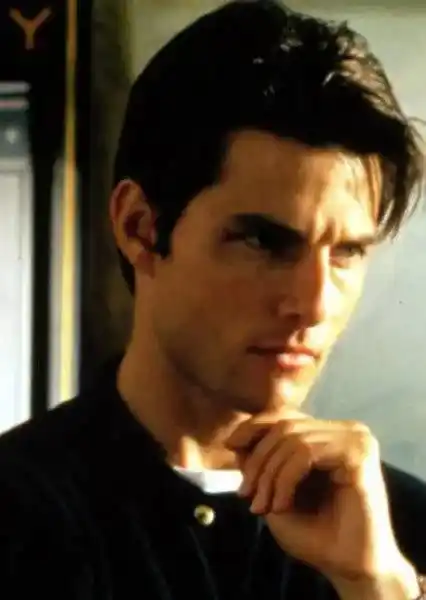
Repair Dull Tones in Old Color Portraits
Old Photo Color Restoration improves washed-out portraits by bringing back believable skin tones, clothing color, and background separation while preserving the original mood.
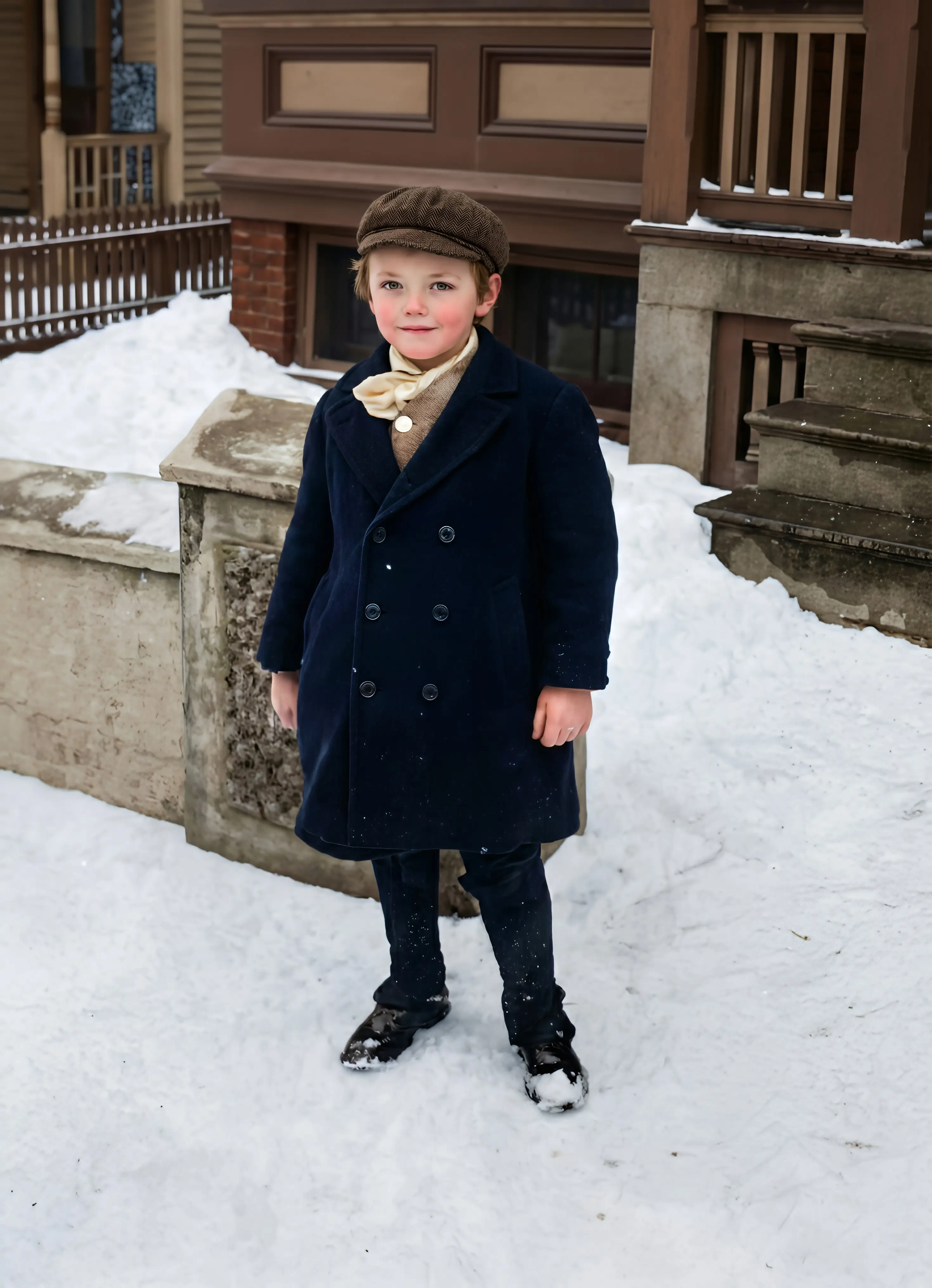
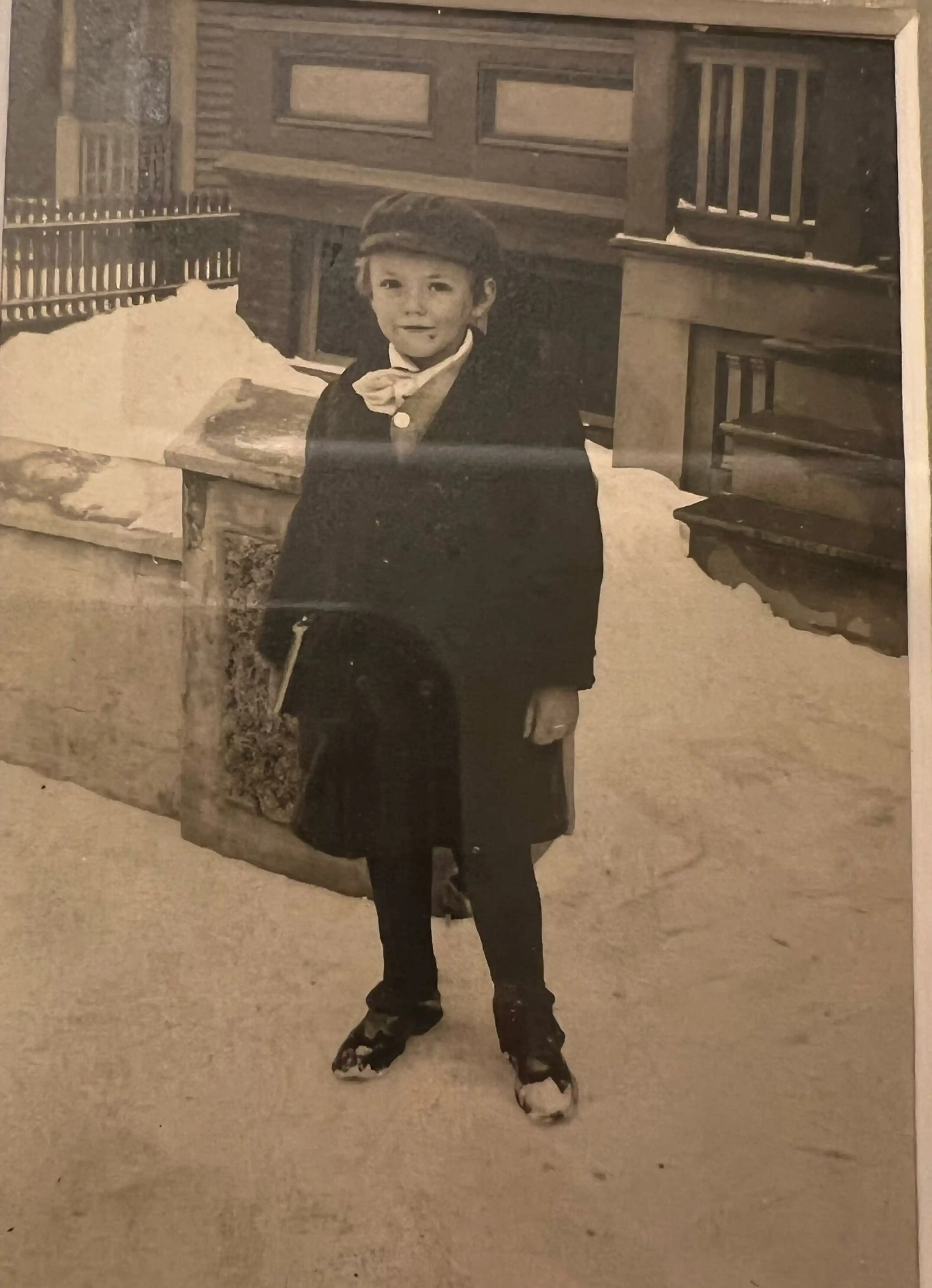
Use Photo Colorization Only for Black and White Photos
Old Photo Color Restoration is for already-color old photos with fading or discoloration. If the image is black and white and needs new color added, use Photo Colorization instead.

What Is Old Photo Color Restoration?
- •Old Photo Color Restoration is an AI tool for fixing faded color, yellowing, and discoloration in old color photos.
- •Old Photo Color Restoration is designed for already-color vintage prints and scanned old photos whose original tones have become dull, shifted, or uneven over time.
- •Common old photo color restoration problems include faded skin tones, weak contrast, yellow tint, magenta cast, and washed-out backgrounds caused by aging paper or scanning.
- •Old Photo Color Restoration is different from Photo Colorization. Old Photo Color Restoration repairs existing color, while Photo Colorization adds new color to black and white photos.
- •If your photo also has scratches, tears, or heavy blur, combine Old Photo Color Restoration with photo restoration or photo enhancement for a more complete recovery. For the broader AI old photo restoration workflow, start from Restore Old Photos.
How to Restore Color in Old Photos in 4 Steps
Step 1: Upload Your Old Color Photo
Upload an old color photo, scanned print, or faded vintage portrait in JPG, PNG, or WEBP format.
Step 2: Let AI Analyze Fading and Yellowing
The model checks color loss, yellow tint, discoloration, and uneven tones across the old photo.
Step 3: Restore Natural Color Balance
Old Photo Color Restoration repairs faded tones, reduces color cast, and restores more believable skin, clothing, and background color.
Step 4: Preview and Download
Compare the before and after result, then download the restored old color photo when it looks natural.
Why Choose Old Photo Color Restoration
Old Photo Color Restoration is built for faded old color photos, so it focuses on repairing damaged color balance instead of adding brand-new color.
Built for Old Color Photos
Old Photo Color Restoration is designed for vintage color prints and scans that already had color, but now look faded, yellow, or dull.
Natural Vintage Color Recovery
Old Photo Color Restoration aims to recover believable color balance and skin tones without oversaturation or fake recoloring.
Clear Boundary from Black and White Colorization
Use Old Photo Color Restoration for faded color repair. Use Photo Colorization when a black and white image needs new color added.
Online Free Preview
Try Old Photo Color Restoration online, preview the restored result quickly, and download only when the color looks right.
Restore Faded Color in Old Photos Online Free
Use Old Photo Color Restoration to fix yellowing, dull tones, and discoloration in old color photos with AI color repair that keeps the result natural.