Remove Dust from Photos Online Free | AI to Remove Dust from Photos
Use AI to remove dust from photos online free. Remove dust from photos by cleaning dust spots, scanner dust, and small particle marks from scanned photos, film scans, and digitized prints while keeping surrounding detail natural.
Drag your image here, or
Reference Image (Max 50MB)


Remove Dust from Photos Before and After Examples
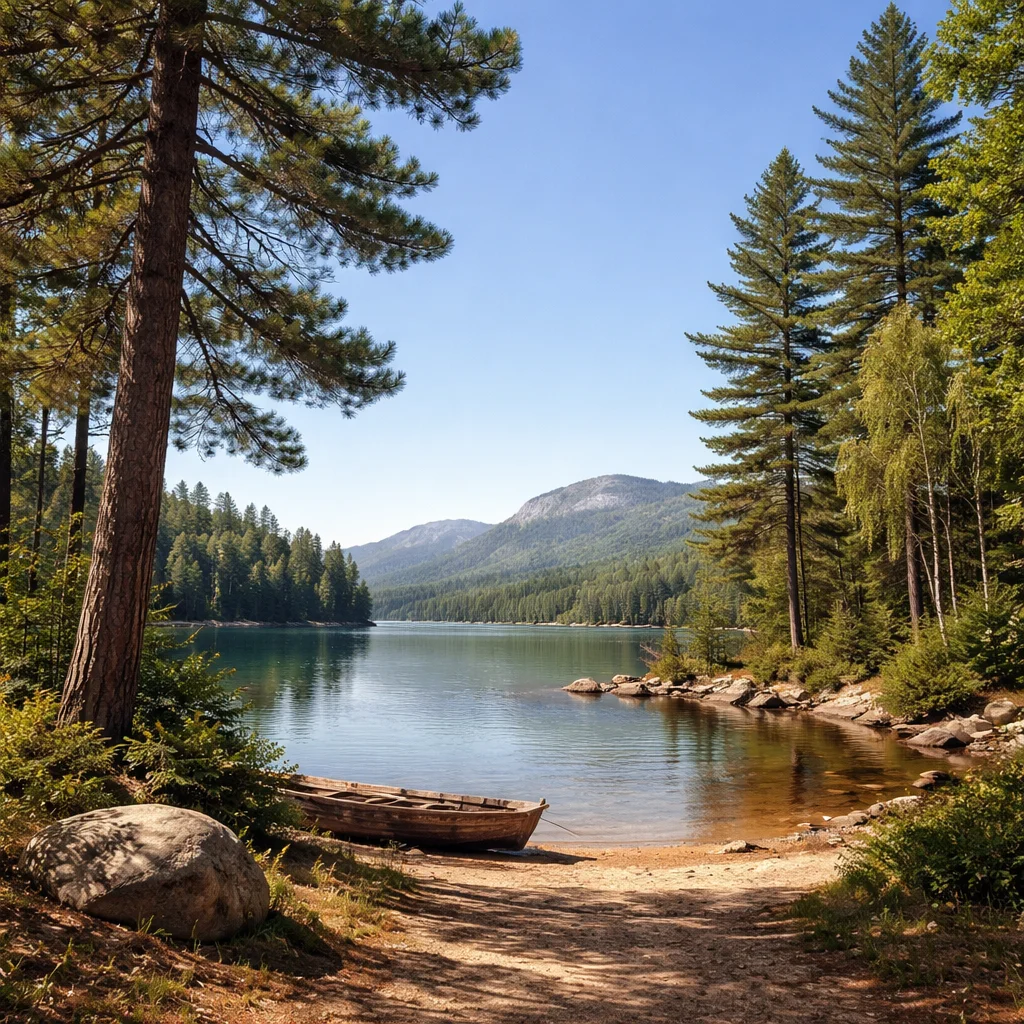
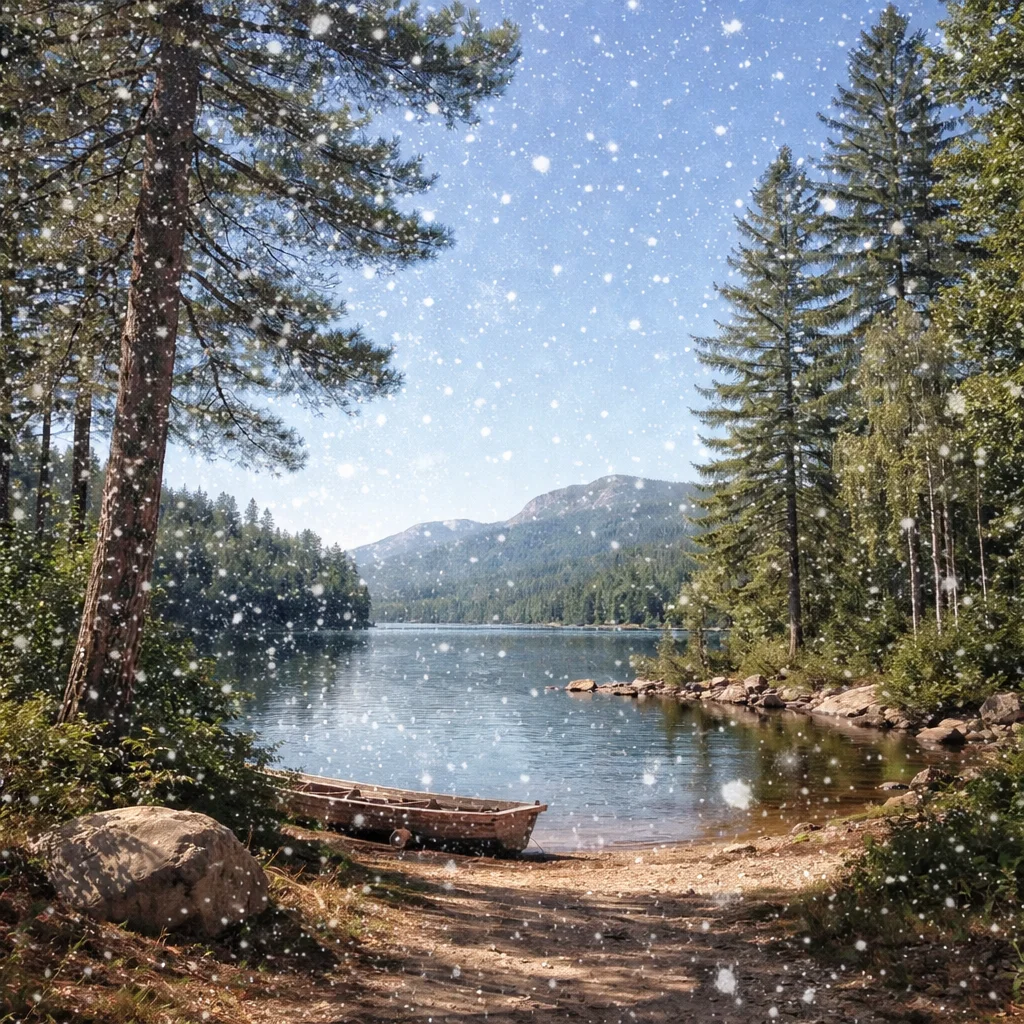
Remove Isolated Dust Spots from Scanned Prints
Remove Dust from Photos helps clean small dust spots from scanned prints, old family photos, and archive copies without changing the whole image.
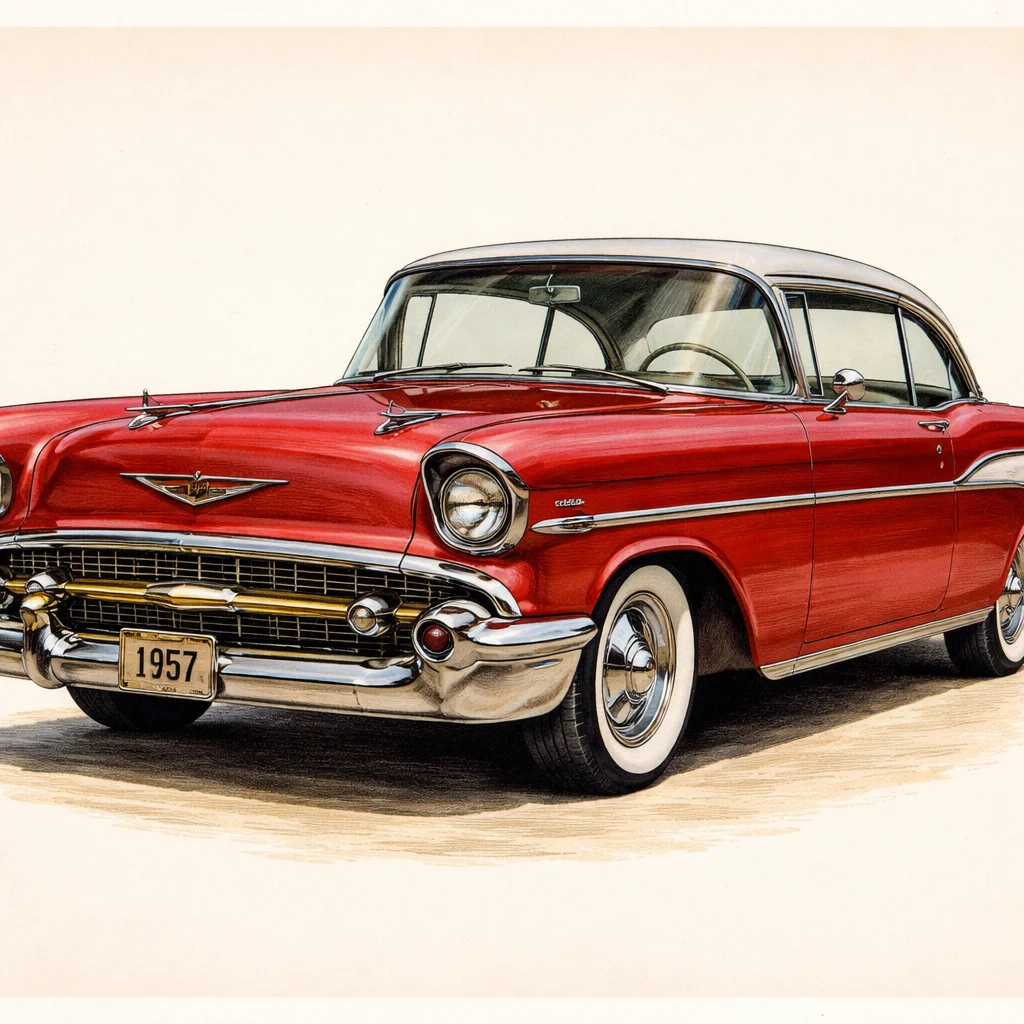
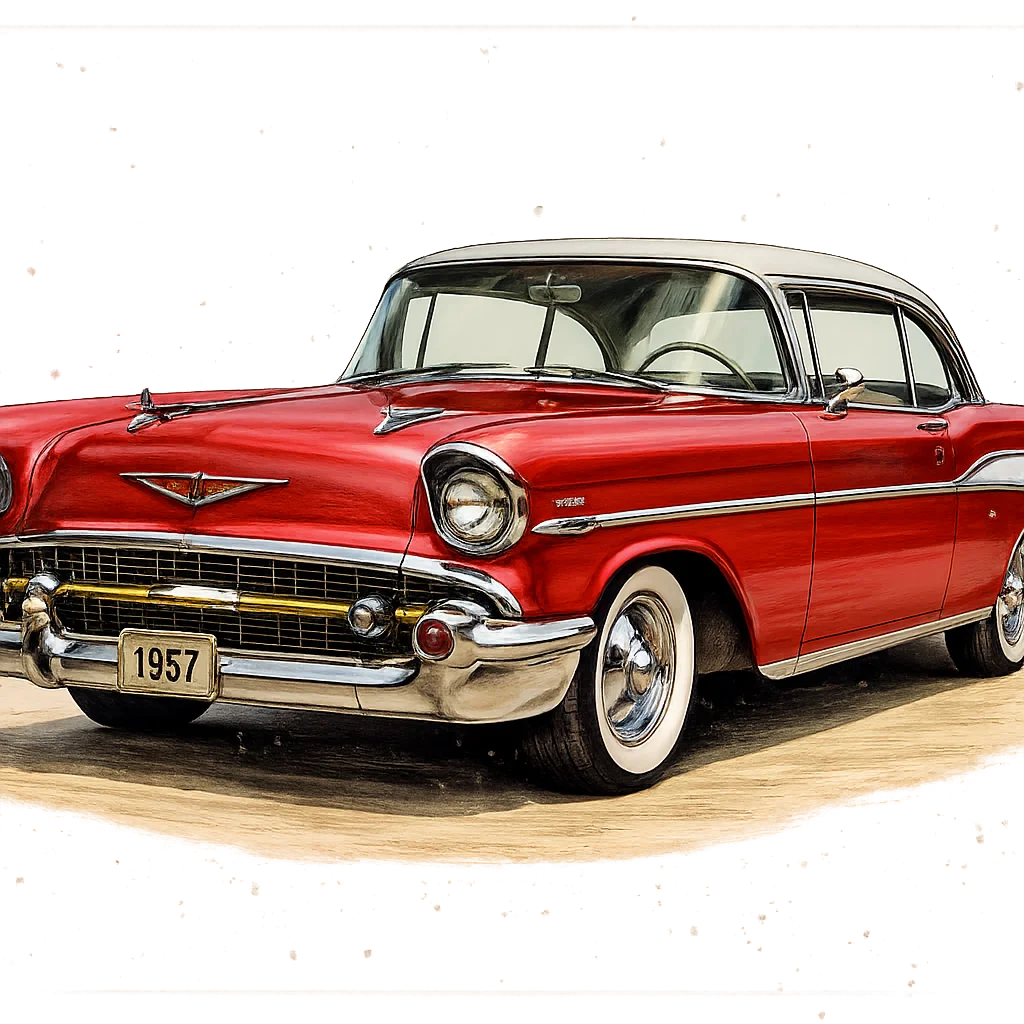
Clean Scanner Dust Without Reworking the Whole Image
Use Remove Dust from Photos to clean scanner dust and tiny particle marks while keeping real edges, texture, and tone intact around each spot.
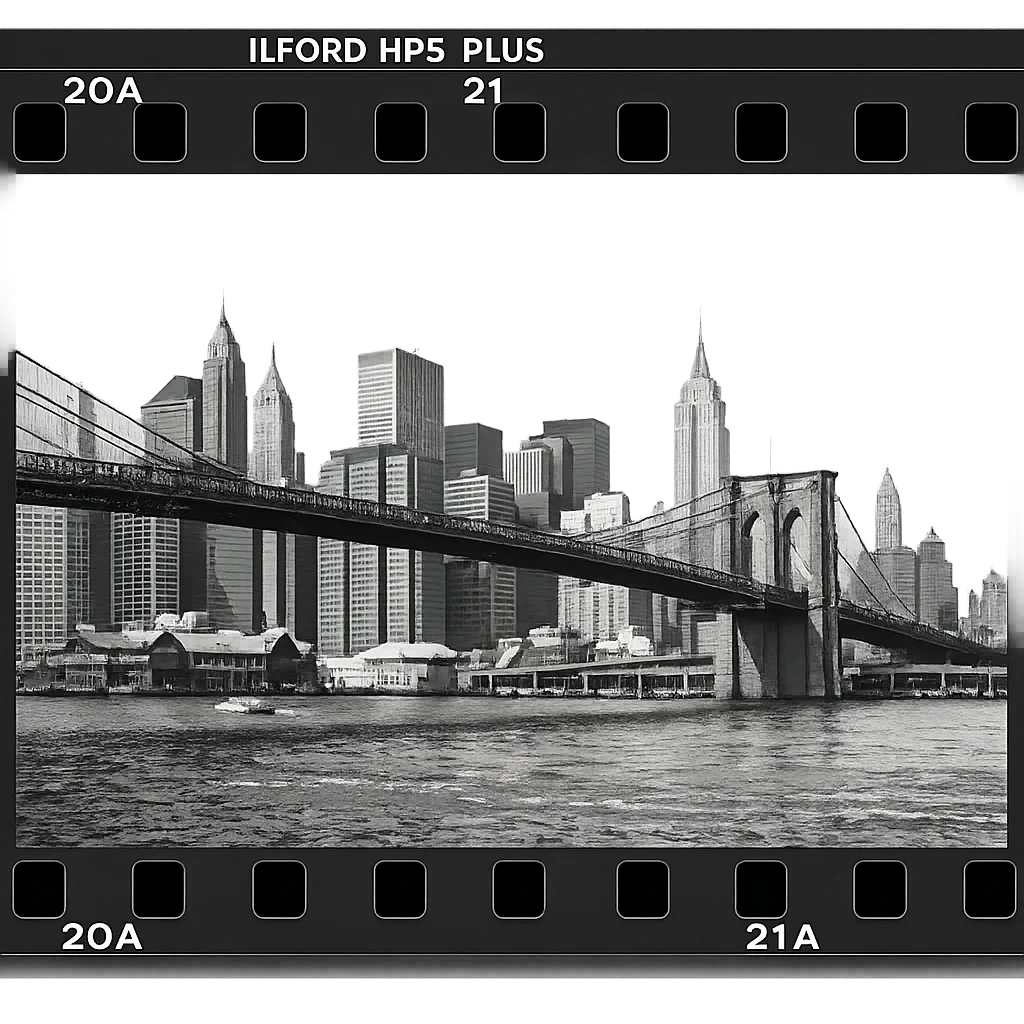
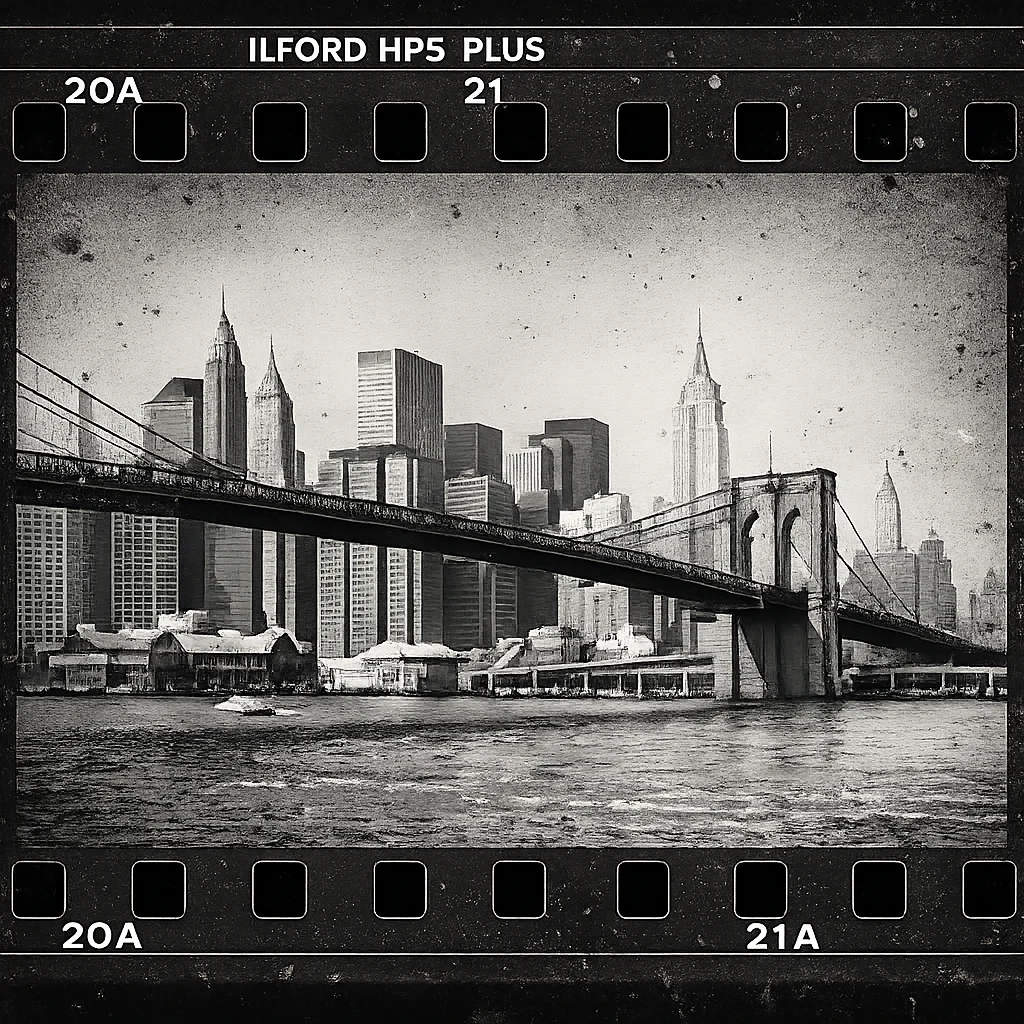
Fix Small Specks in Film and Negative Scans
Remove Dust from Photos fixes dust specks in film, slide, and negative scans when the main issue is small scattered marks rather than scratches or heavy restoration.


Clean Archival Photos for Backup and Sharing
Remove Dust from Photos prepares digitized images for backup, archiving, and sharing by cleaning visible dust artifacts while preserving the photo's natural look.

What Does Remove Dust from Photos Mean?
- •Remove Dust from Photos means cleaning isolated dust spots, dust specks, and small particle marks that appear in a digitized image.
- •Use Remove Dust from Photos when those marks come from scanner glass, film surfaces, negatives, slides, or old prints during digitizing and archiving.
- •Remove Dust from Photos is different from digital noise removal: dust appears as isolated dots or specks, while noise usually affects the whole image as grain or colored roughness.
- •Remove Dust from Photos is also different from scratch and stain repair: scratches look like lines, while stains look like blotches or patches. If dust spots are not the main problem, use the matching specialist tool instead.
- •Remove Dust from Photos works best when dust spots are the main visible problem. If the whole scan looks soft, flat, noisy, scratched, stained, or heavily damaged, use the matching specialist route instead. If you want the broader AI old photo restoration workflow before choosing a dust-specific page, start from Restore Old Photos.
How to Remove Dust from Photos in 4 Steps
Step 1: Upload a Dusty Scanned or Digitized Photo
Upload the image that has visible dust spots, scanner dust, or small particle marks so Remove Dust from Photos can analyze it.
Step 2: Let AI Find Isolated Dust Spots
Remove Dust from Photos detects scattered dust specks and small dust marks without treating the whole image as a broad restoration job.
Step 3: Clean Dust While Keeping Nearby Detail Natural
Remove Dust from Photos removes the dust spots and rebuilds the affected areas so surrounding texture, edges, and tone stay believable.
Step 4: Preview and Download the Cleaned Image
Preview the Remove Dust from Photos result, then download a cleaner image for storage, archiving, sharing, or printing.
Why Choose Remove Dust from Photos
Remove Dust from Photos is a focused AI tool for cleaning isolated dust spots from digitized images without turning the whole job into broad restoration.
Focused on Dust-Only Marks
Remove Dust from Photos is best for isolated dust specks, scanner dust marks, and small particle spots when dust is the main visible defect.
Preserves Surrounding Detail Naturally
Remove Dust from Photos cleans local spots while keeping nearby edges, texture, and real photo detail as natural as possible.
Useful for Scans, Negatives, and Printed Photos
Use Remove Dust from Photos on scanned prints, film scans, slides, negatives, and other digitized photos that show small dust artifacts.
Makes Route Boundaries Clear
If your image mainly has noise, scratches, stains, or several damage types at once, Remove Dust from Photos helps you spot when another specialist tool is the better fit.
Remove Dust from Photos Online Free
Use Remove Dust from Photos to clean dust spots, scanner dust, and small particle marks from digitized images while keeping the rest of the photo natural.