Photo Colorization — Turn Black & White Photos to Color Online Free
Colorize black and white photos instantly with AI. Free online photo colorization tool — bring your old family pictures to life in full color. No registration required.
Drag your image here, or
Reference Image (Max 50MB)


Photo Colorization adds new color to black and white photos. Already have a color photo that faded or yellowed? Use Old Photo Color Restoration instead to repair faded color. For the broader AI old photo restoration workflow, start from Restore Old Photos Online.
See How Our Photo Colorization Brings Old Photos to Life
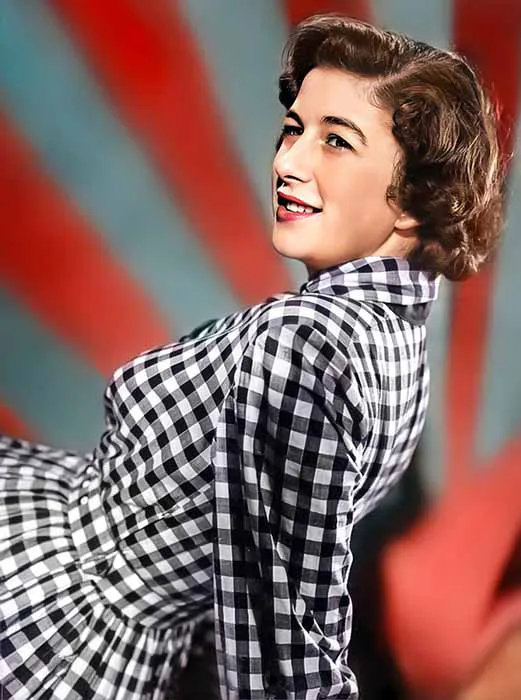
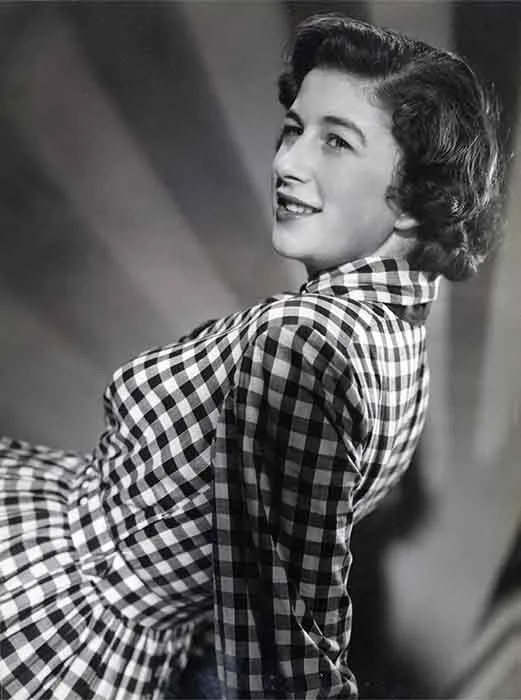
Colorize Black and White Family Portraits
Turn black and white family portraits into natural-looking color with balanced skin tones, clothing colors, and backgrounds. Photo Colorization works especially well for vintage studio portraits and scanned family photos.
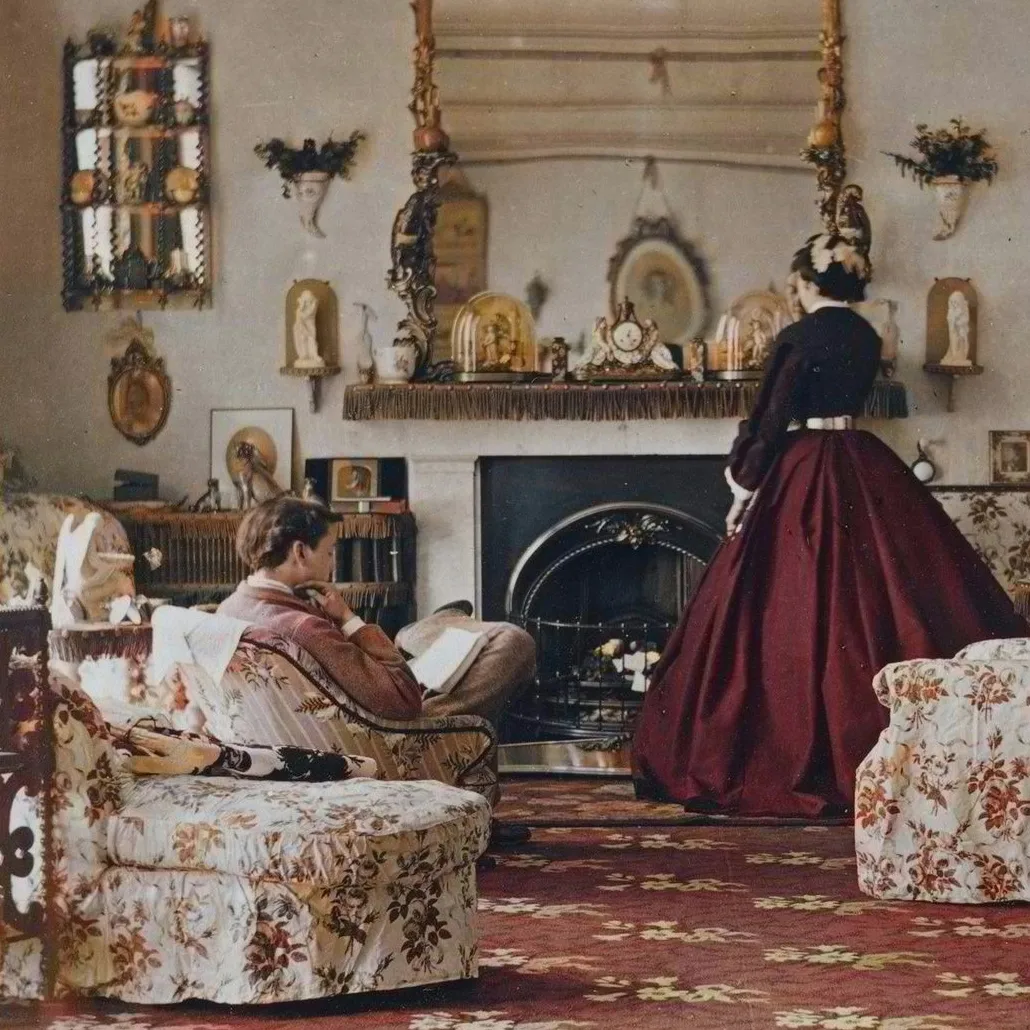
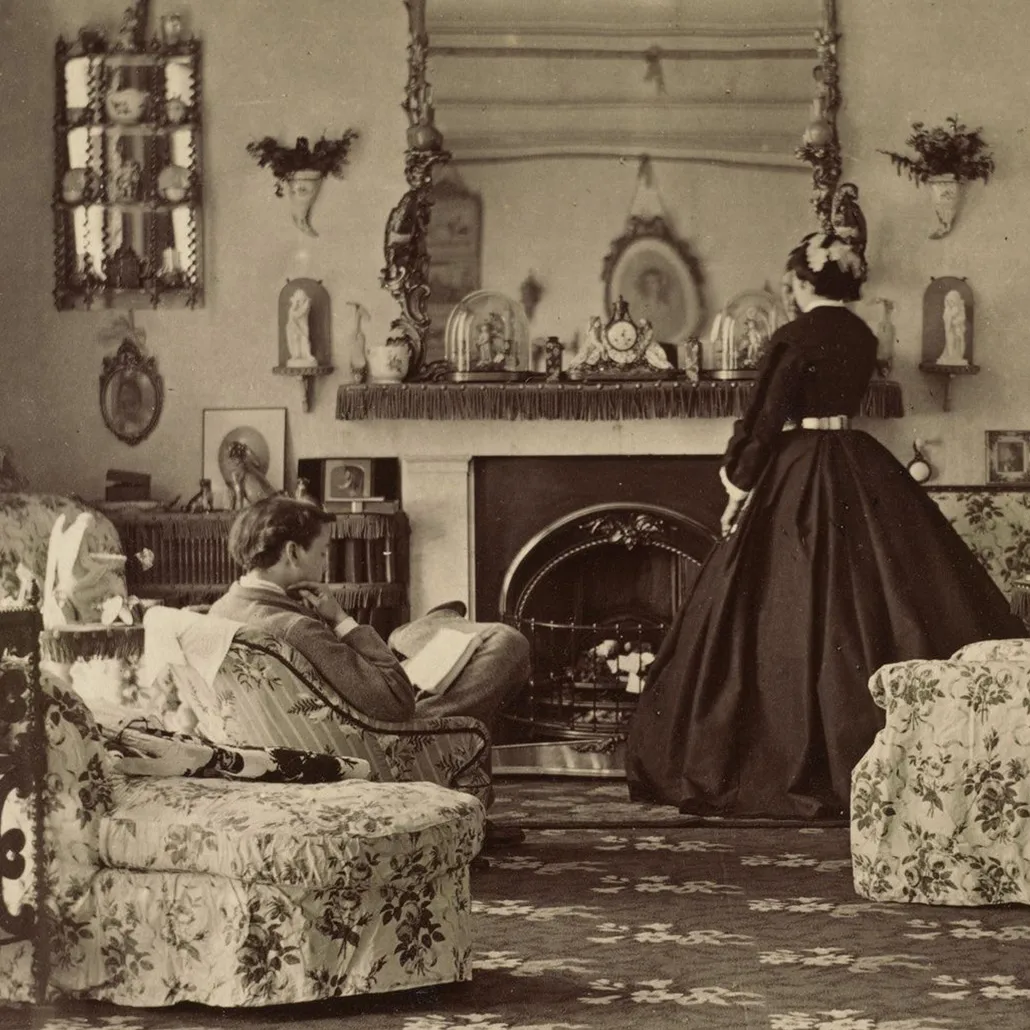
Add Natural Color to Old Wedding Photos
Bring old wedding and couple photos back to life with soft, believable color. Photo Colorization helps dresses, flowers, skin tones, and background details look natural without making the photo feel overprocessed.
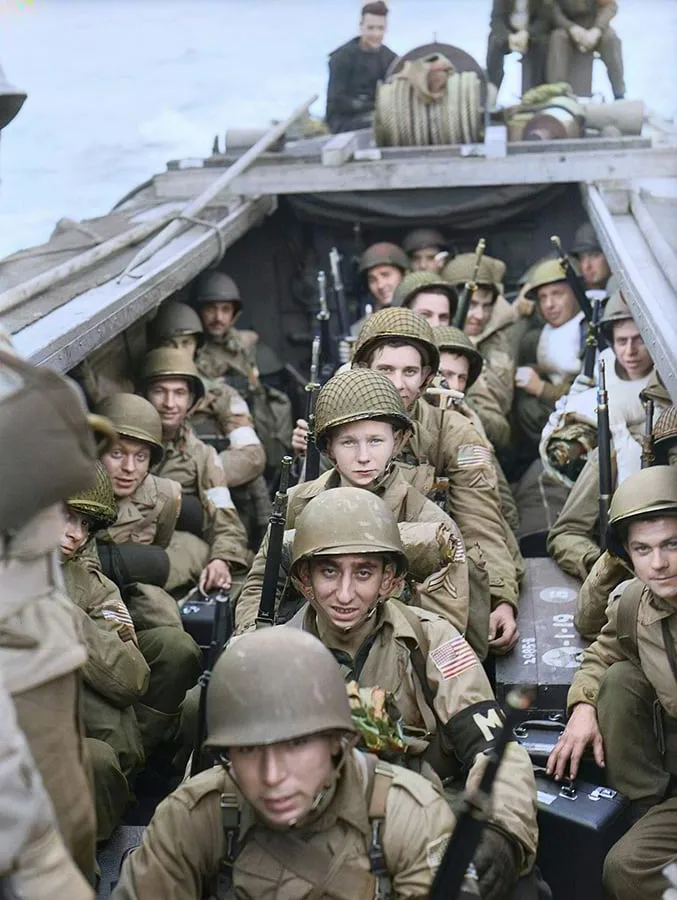
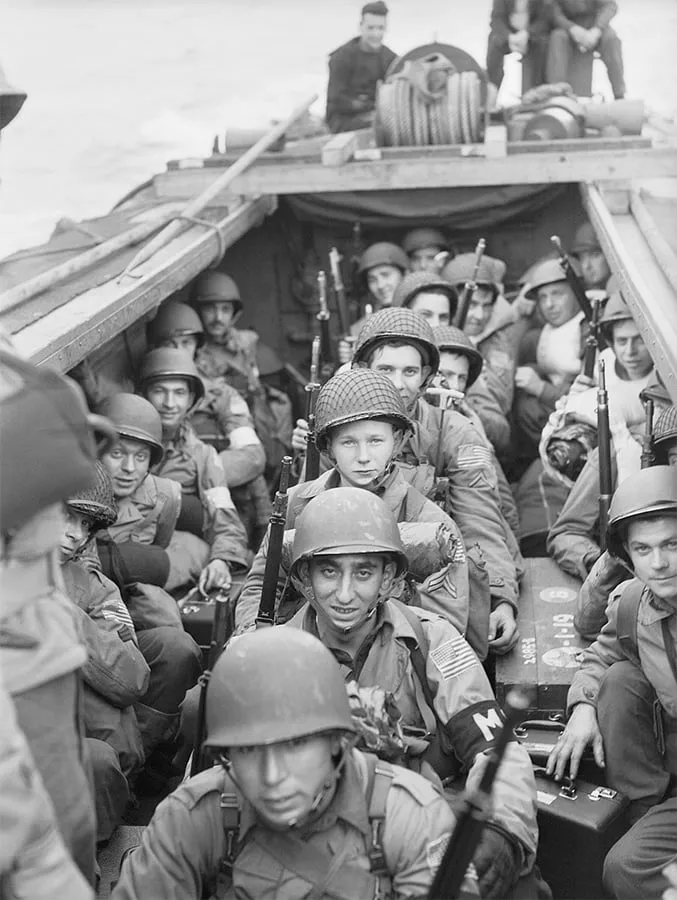
Colorize Historical Photos with a Realistic Look
Use Photo Colorization to add realistic color to historical photos, street scenes, and archival images while preserving the original details and mood of the photograph.
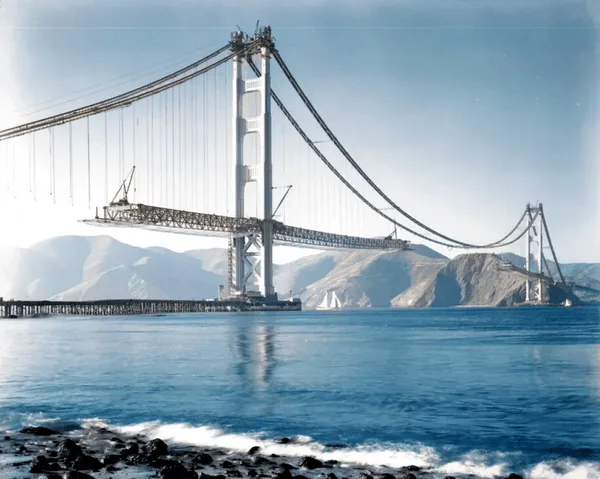
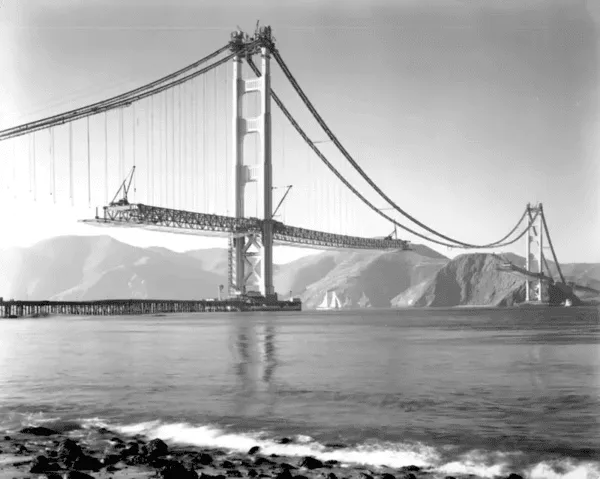
Turn Childhood and Memory Photos into Color
Photo Colorization works well for childhood photos, old memory photos, and faded prints when the goal is to add believable new color. If the image is already a color photo with fading or yellowing, use Old Photo Color Restoration instead.

What Is Photo Colorization?
- •Photo Colorization is an AI-powered way to add natural-looking color to black and white, sepia, and faded old photos.
- •Photo Colorization is commonly used to colorize old family photos, portraits, wedding pictures, childhood memories, and historical images.
- •Photo Colorization estimates realistic colors from image content such as faces, clothing, sky, scenery, and lighting rather than applying a simple filter.
- •Photo Colorization is different from Old Photo Color Restoration. Photo Colorization adds new color to black and white photos, while Old Photo Color Restoration repairs fading, yellowing, and discoloration in photos that already had color.
- •If a photo is badly damaged or blurry, restore or enhance it first, then use Photo Colorization to create a cleaner and more believable result. For the broader AI old photo restoration workflow, start from Restore Old Photos.
How to Colorize Black and White Photos in 4 Steps
Step 1: Upload Your Photo
Upload a black and white, sepia, or faded old photo that you want to turn into color.
Step 2: Let AI Analyze the Image
The AI examines faces, clothing, background details, lighting, and textures to estimate realistic colors for the photo.
Step 3: Colorize the Photo Automatically
Photo Colorization adds natural-looking color to the image in seconds while preserving the original details and overall feel.
Step 4: Preview and Download
Preview the colorized result, compare the before and after version, and download the photo when you are satisfied.
Why Choose Our Photo Colorization Tool
Our Photo Colorization tool is built to turn black and white photos into natural color online with a fast workflow, free preview, and a clear focus on adding believable new color.
Built for Black and White to Color Conversion
Photo Colorization is designed specifically for black and white, sepia, and faded old photos that need believable new color instead of generic recoloring or editing.
Natural-Looking Colorization
Photo Colorization aims for believable skin tones, clothing colors, and backgrounds so old photos look vivid without becoming overly saturated or artificial.
Great for Family, Wedding, and Historical Photos
A strong fit for old family portraits, wedding pictures, childhood memories, and historical photos that you want to bring back to life in color.
Online Free Preview
Use Photo Colorization in the browser, preview the colorized result online, and download only when you like the outcome.
Use Photo Colorization to Turn Black and White Photos Into Color
Upload an old black and white photo, preview AI Photo Colorization instantly, and see how Photo Colorization turns memories into natural color online.