Restore Water Damaged Photos Online | Fix Wet Pictures
Easily restore water damaged photos online. Our AI tool helps repair liquid stains, sticking, and color bleeding to save your precious memories.
Water Damaged Photo Restoration Tool
Watermark will be added
Images will be public
Select the aspect ratio for generated images
Select the image format
Choose a preset action or use custom prompts
Have any questions? Join our Discord
⚠️ Default 4K image generation. Wait patiently.
Example Result
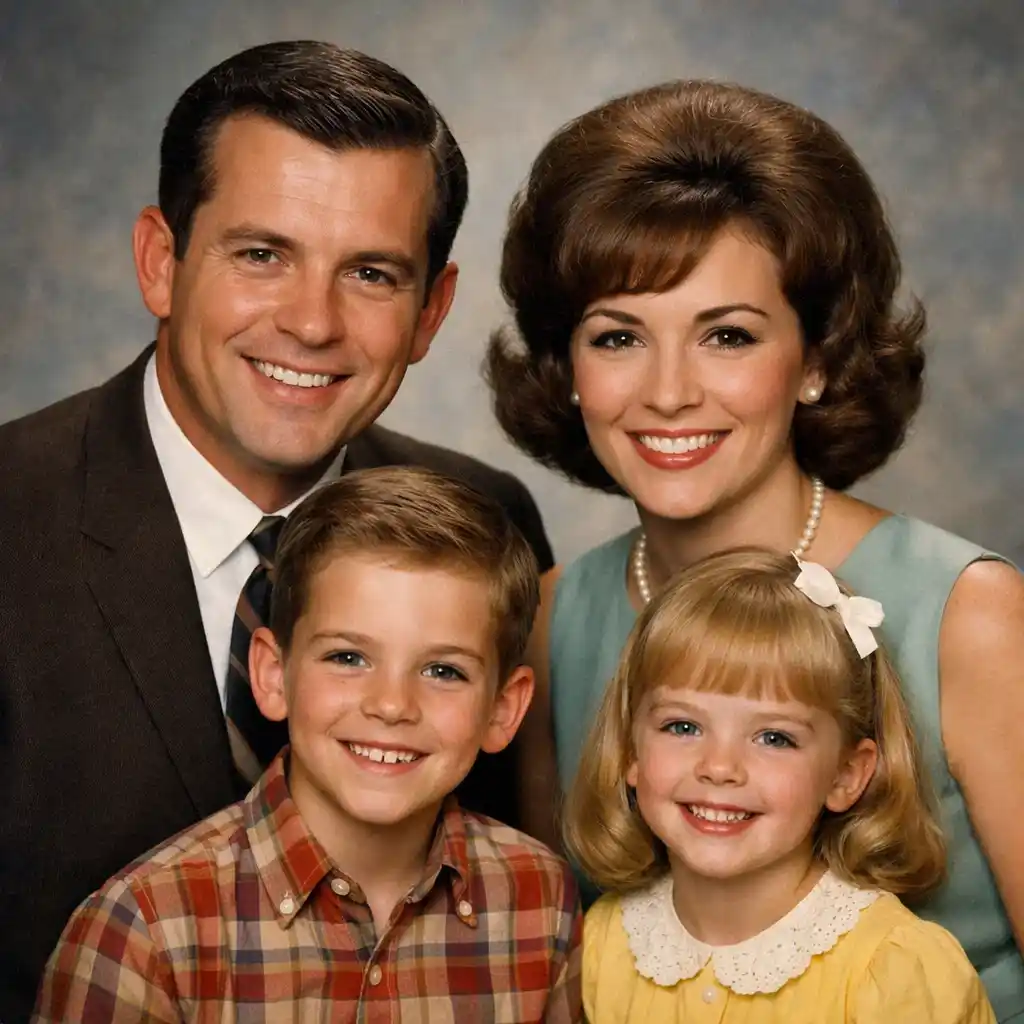
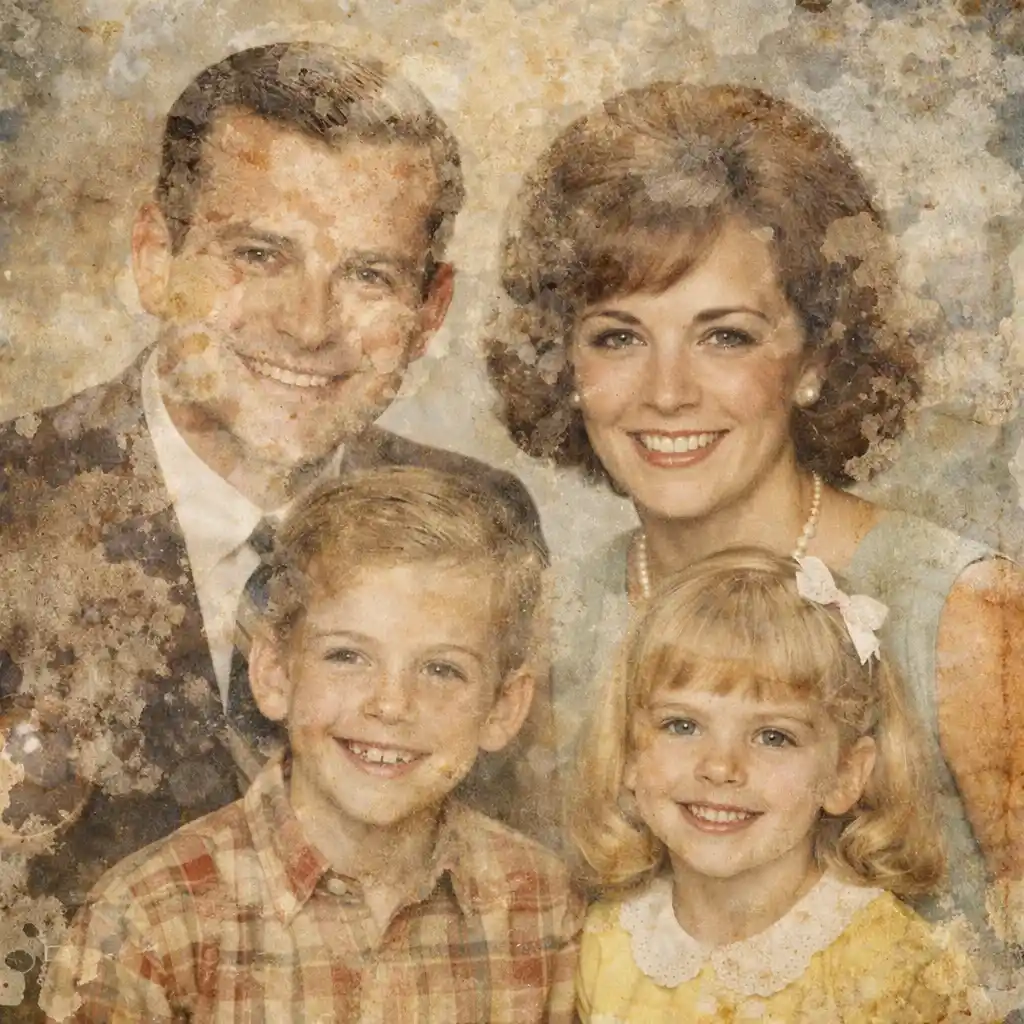
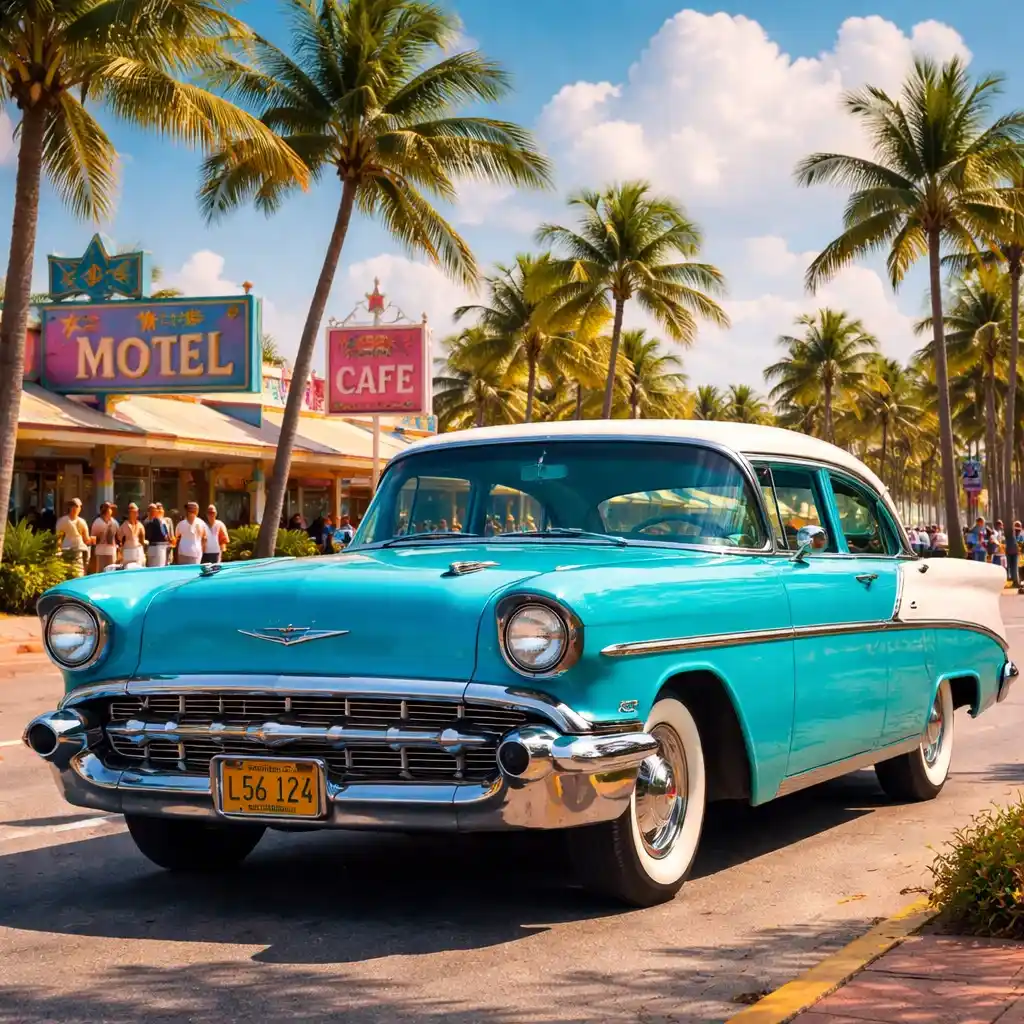
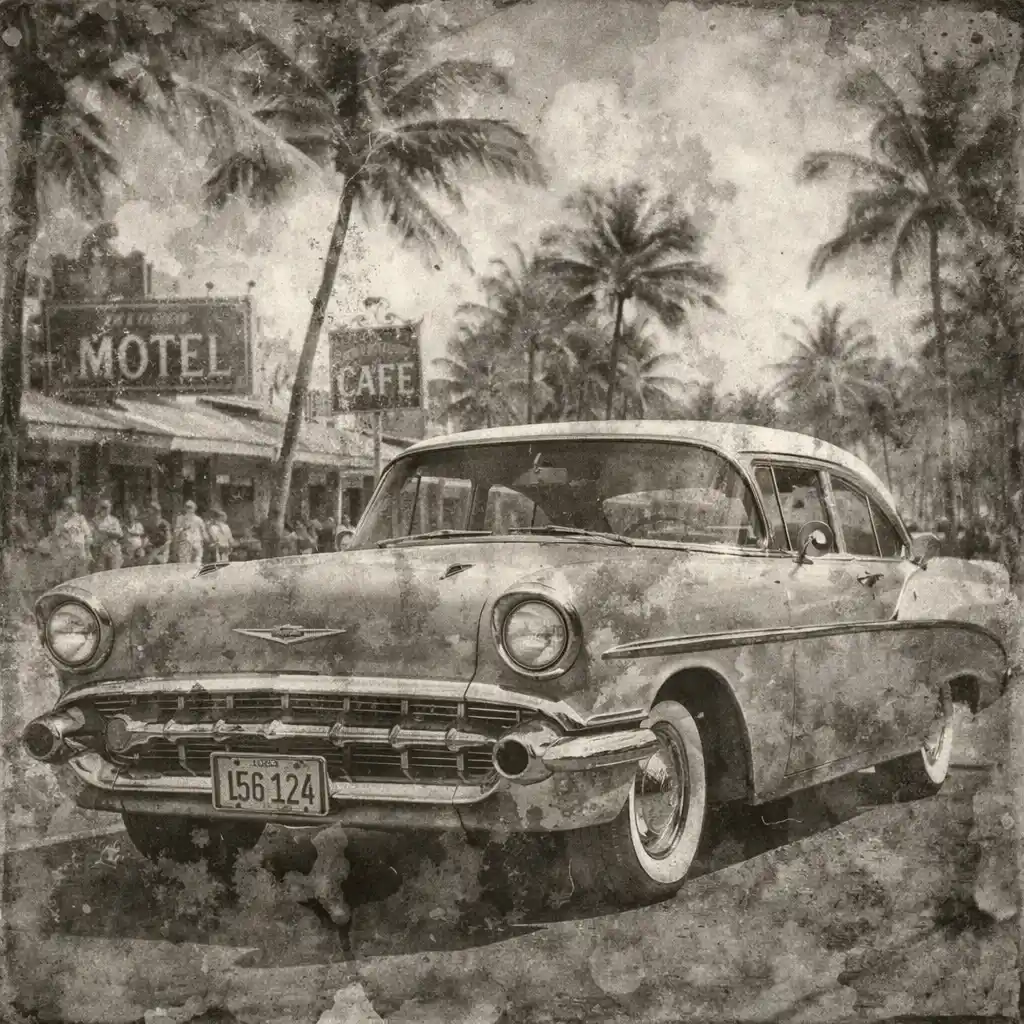
This is a demo showing the before and after effect. Start generating to see your own results!
Fix Liquid Stains and Discoloration

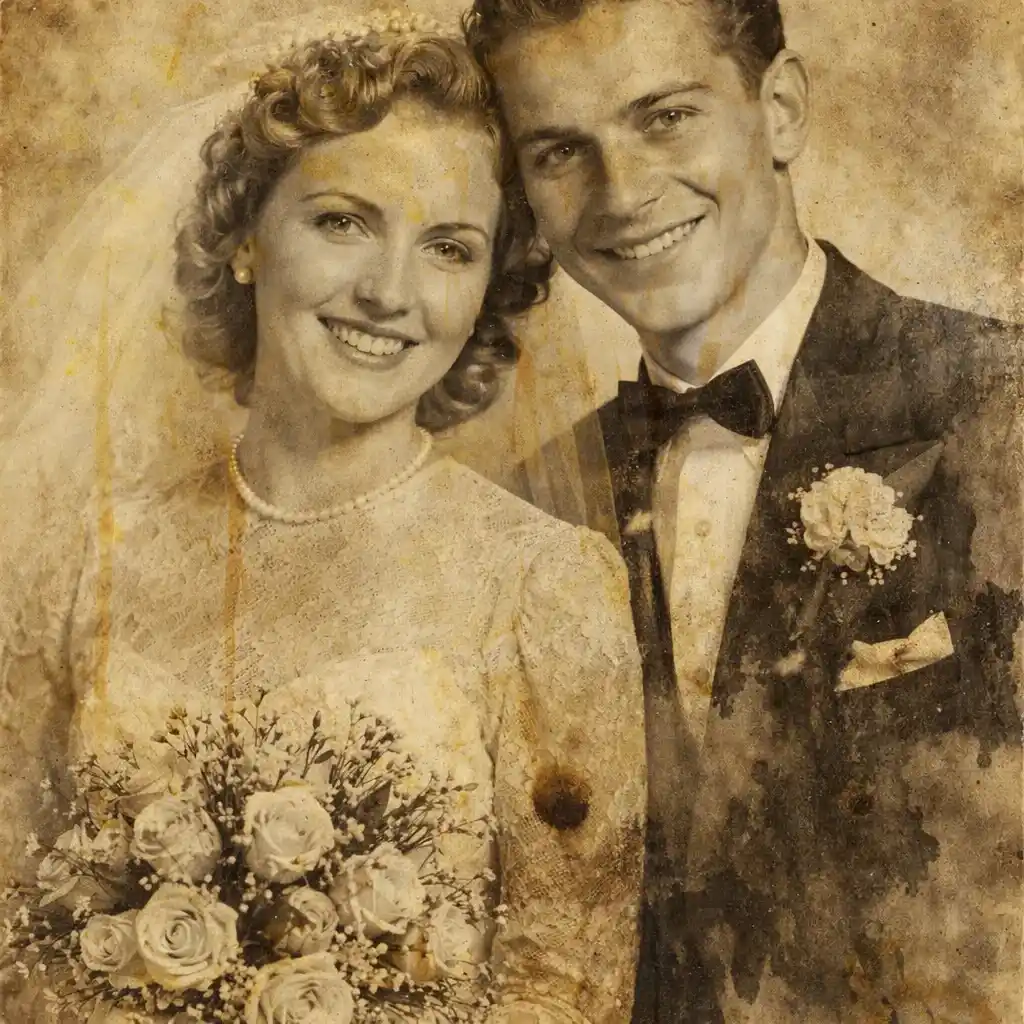
Fix Liquid Stains and Discoloration
Use AI to restore water damaged photos without manual editing. It effectively targets fluid marks, fading, and discoloration while keeping facial details natural.


Repair Wet and Stuck Areas
AI detects areas where the photo was stuck to glass or suffered peeling due to moisture, rebuilding missing details intelligently to restore the image.

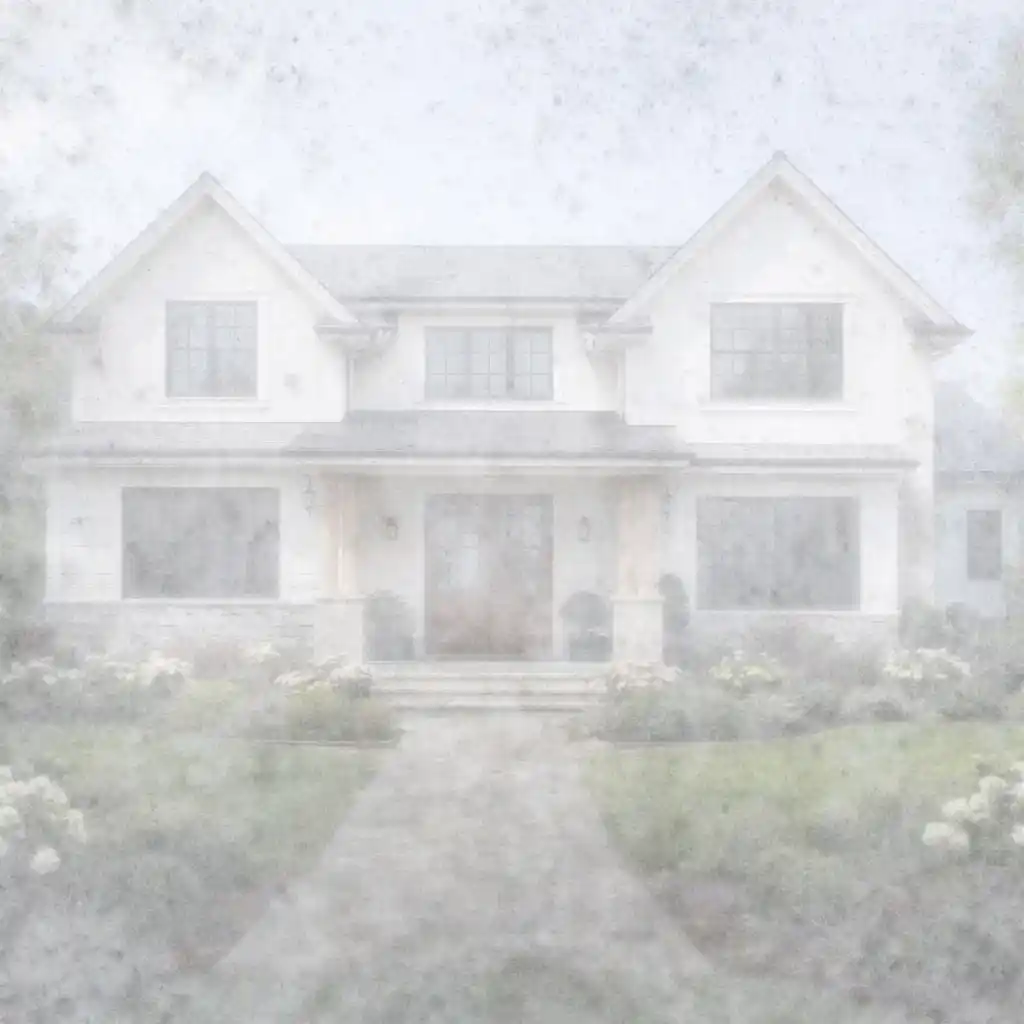
Improve Clarity on Faded Spots
Water often causes severe fading. The AI improves contrast and recovers lost details in low-quality or washed-out regions.
Optional Colorize Workflow
Combine the repair process with optional colorization. Repair the water damage first, then add vivid natural colors to black-and-white photos.

What is Water Damaged Photo Restoration?
- •To restore water damaged photos is the process of using artificial intelligence to automatically identify and repair liquid stains, bleeding, and peeling.
- •It helps salvage vintage prints or sentimental pictures that suffered from accidental spills, high humidity, or flooding.
- •AI algorithms have been trained to distinguish between original photo details and artifacts caused by water, such as uneven color patches and moldy textures.
- •The result is a much cleaner surface and repaired damage, significantly reducing the time compared to manual Photoshop retouching.
- •While AI is powerful, photos where faces are completely washed away by water may have limited recoverable details.
How to Restore Water Damaged Photos (4 Steps)
Step 1: Upload Your Wet or Stained Photo
Upload a scanned version of the picture that has water stains, bleeding, or moisture damage.
Step 2: AI Analyzes the Damage
Our AI detects the specific spots affected by liquid, isolating the damage from the original subject.
Step 3: AI Repairs the Image
The tool will automatically restore water damaged photos by fixing stains, adjusting contrast, and rebuilding lost textures.
Step 4: Download the Result
Preview your freshly repaired photo and download the high-quality restored version.
Why Choose Our AI to Fix Water Damage
A quick and effortless way to save moisture-damaged pictures.
Specialized in Liquid Damage
Designed to handle the unique challenges of fluid marks, bleeding ink, and sticking damage.
Keeps Memories Authentic
Even when rebuilding washed-out areas, the AI focuses on matching original textures to keep faces looking natural.
Works for All Photo Types
Use it on family portraits, landscapes, or documents that have been compromised by water.
Instant Results
No need to wait days for a professional restorer. Upload and repair your images in seconds.
Try It Today
Don't let water ruin your memories. Restore water damaged photos instantly with advanced AI technology.