Restore Old Photos Online Free | No Sign-Up AI Restoration
Restore old photos online for free with AI. Upload in your browser, preview the restored result instantly, and improve damaged or faded pictures.
Drag your image here, or
Reference Image (Max 50MB)


This is the main online old photo restoration tool. For specific damage types, also see Restore Damaged Photos, Restore Faded Photos, and Photo Restoration Tools. For AI-powered enhancement, try AI Image Enhancer.
Restore Old Damaged Photos Online Free
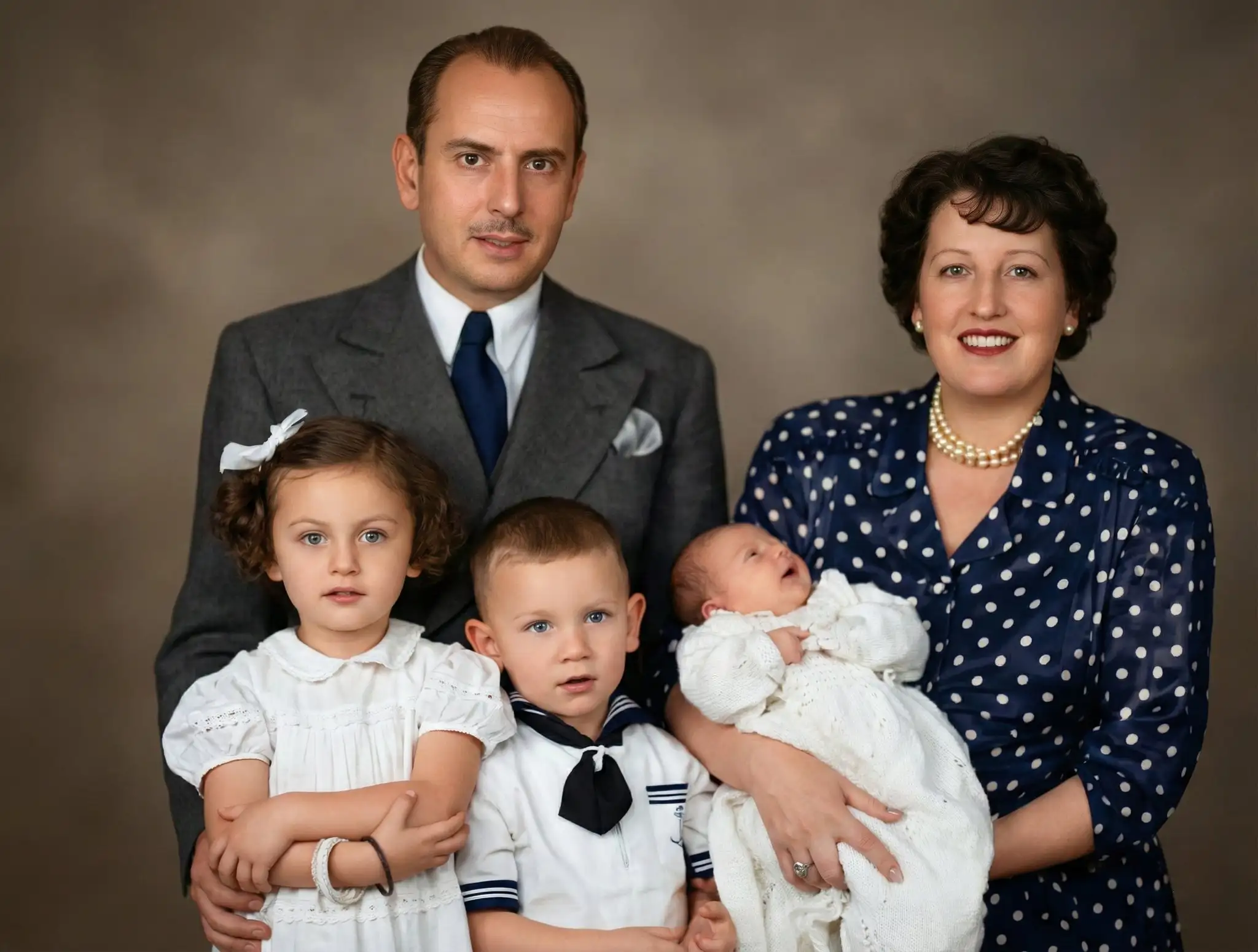
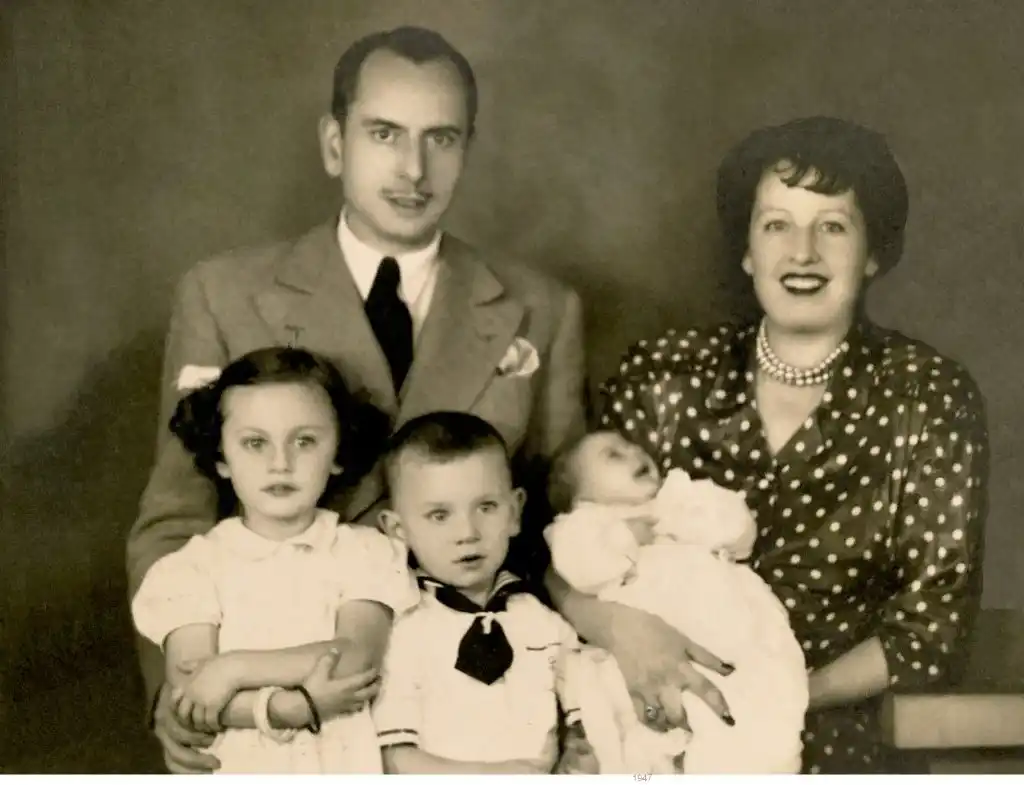
Restore Old Damaged Photos Online Free
Restore old damaged photos online by fixing scratches, cracks, stains, and torn edges. AI helps clean up common damage from old prints and low-quality scans while keeping faces and textures natural.
Restore Old Photos Online
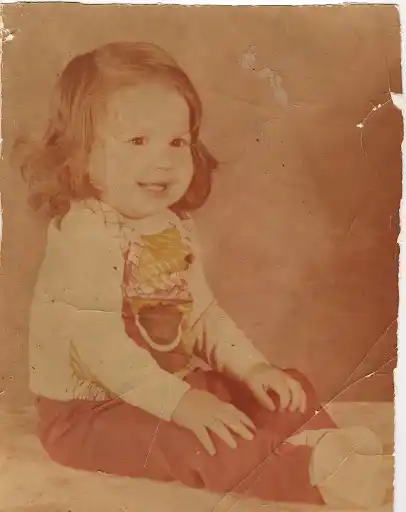
Old Photo Restoration Online Free (No Sign Up)
Try old photo restoration online free and preview the result instantly. No sign up, no login, and no software download—upload a photo and see the restoration before you decide to download.
Restore Old Photos Online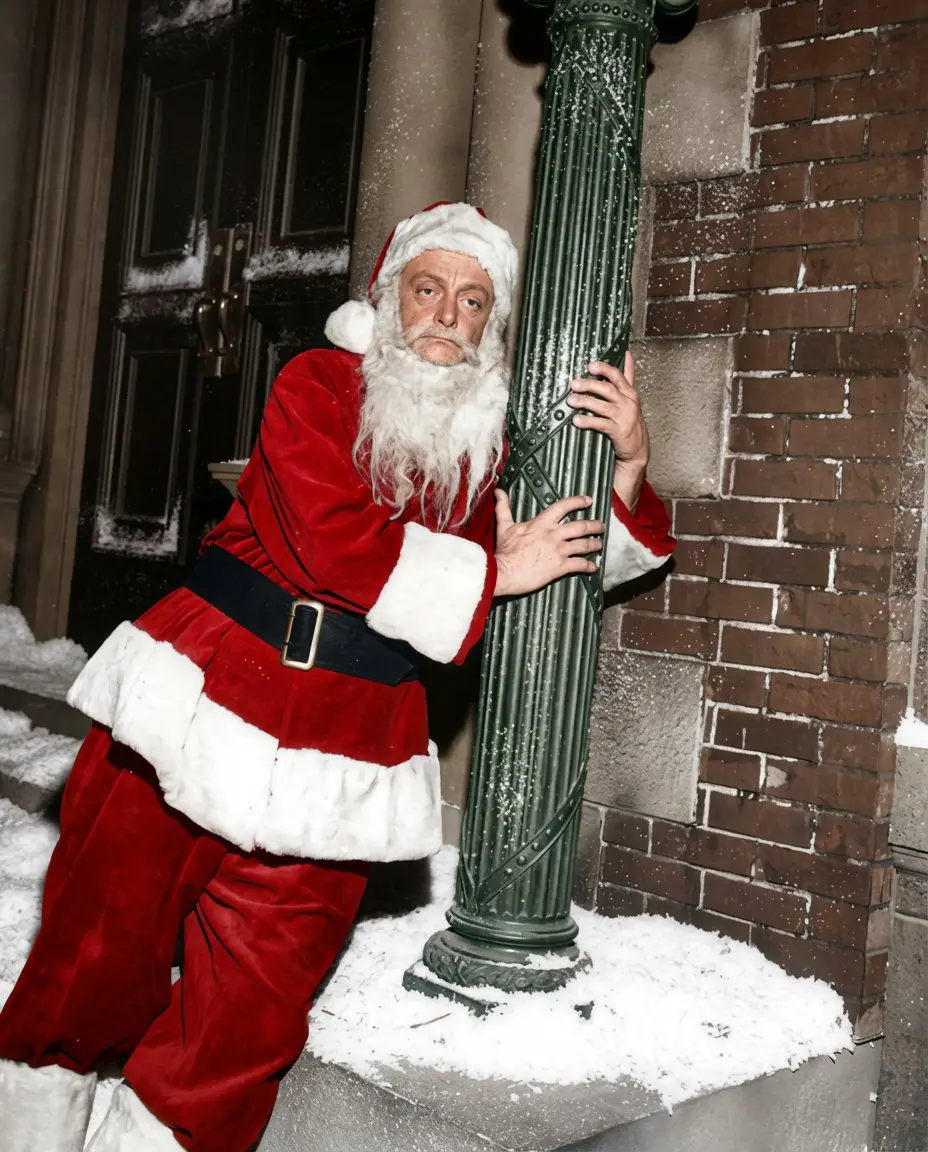
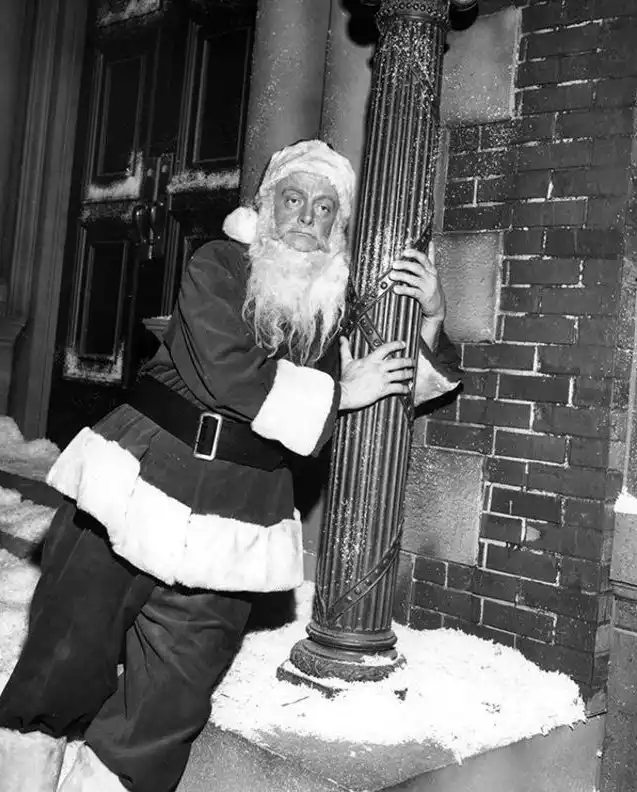
Fix Faded or Blurry Old Photos Online
Restore old photos that look faded, washed out, or slightly blurry. AI improves contrast and sharpness to make old pictures clearer while keeping the photo realistic.
Restore Old Photos Online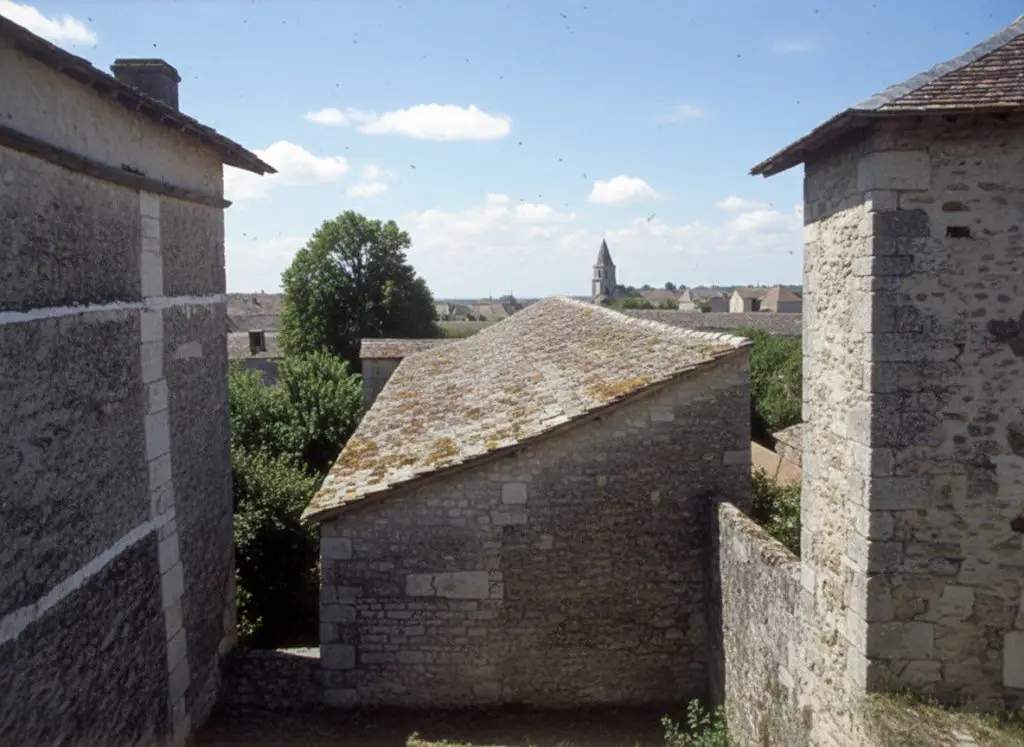
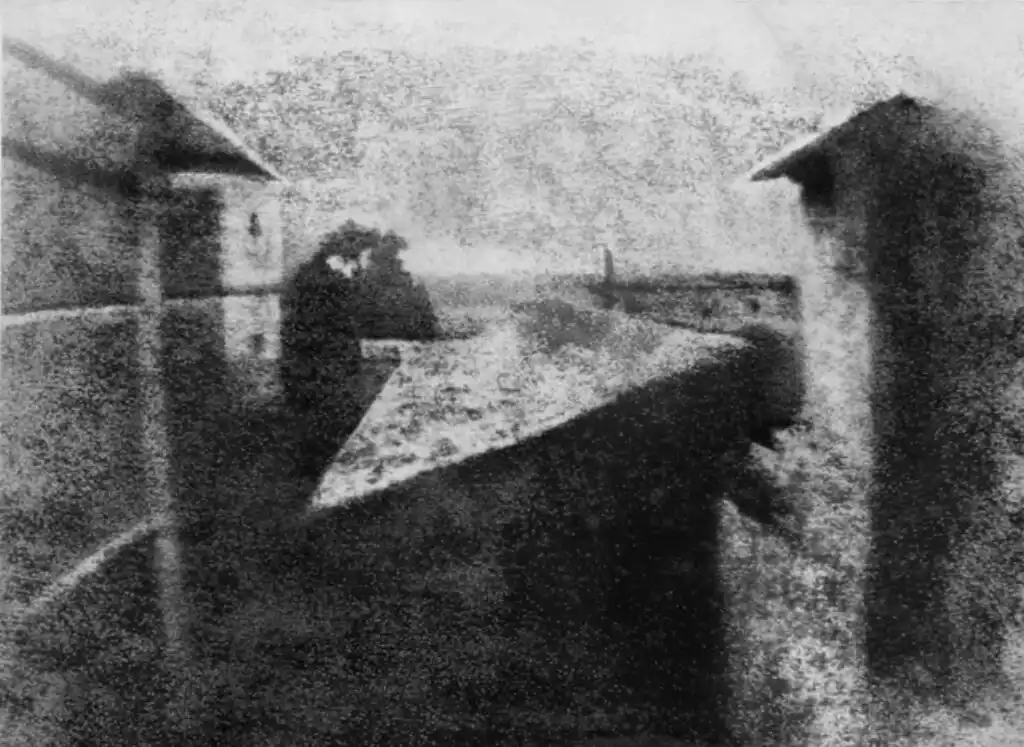
Restore Old Black and White Photos Online (Optional Color)
Restore black-and-white or sepia photos online, then optionally colorize them for a more vivid look. Great for old portraits and family albums.
Restore Old Photos Online
What Is an Online Old Photo Restoration Tool?
- •An online old photo restoration tool lets you upload a damaged, faded, or blurry picture in your browser and preview the improved result without installing software.
- •This page is focused on online use: free preview, browser-based workflow, and no-sign-up convenience for old photo cleanup.
- •It works well for common old-photo problems such as scratches, cracks, stains, fading, low contrast, and mild blur from old prints or compressed scans.
- •If you want the broader AI old photo restoration experience across all related workflows, start from Restore Old Photos.
- •If you need extra sharpness, higher resolution, or more specialized cleanup after the browser-based restoration step, combine this page with Unblur Image, Image Sharpener, or upscaling tools.
How to Restore Old Photos Online in Your Browser (4 Steps)
Step 1: Upload Your Old Photo
Upload a scanned or digital old photo (JPG, JPEG, PNG, or WEBP). Works for damaged, faded, or slightly blurry pictures.
Step 2: AI Detects Damage
AI analyzes scratches, cracks, stains, fading, blur, and low contrast to decide what to repair and enhance.
Step 3: Restore & Enhance
AI restores details, reduces visible damage, and improves clarity. You can then choose to colorize black-and-white photos if needed.
Step 4: Preview & Download
Preview the restored result for free (no sign up), then download the high-quality version when you’re ready.
Why Choose This Online Old Photo Restoration Tool
A browser-based way to restore old photos online with natural-looking results, fast preview, and no-sign-up convenience.
Repairs Common Old-Photo Damage
Helps reduce scratches, cracks, stains, and aging artifacts so old pictures look cleaner.
Fixes Fading and Mild Blur
Improves contrast and sharpness to make washed-out or slightly blurry old photos clearer.
Online Free Preview (No Login)
Try it online and preview the restoration result for free. No sign up or login required to see if it works.
Optional Colorization for B&W Photos
Restore black-and-white photos online and optionally add color to create a vivid version for sharing or printing.
Restore Old Photos Online Free (Preview First)
Upload an old photo in your browser, preview the restored result in seconds, and download when you like it—no sign up required.
Restore Old Photos Online Now