HD Picture Converter Online Free | Convert Picture to HD Quality
Use HD Picture Converter to convert pictures to HD quality online, improve low-resolution or soft images, and preview how HD Picture Converter creates a clearer HD-style result for free.
Drag your image here, or
Reference Image (Max 50MB)


HD Picture Converter enhances overall picture quality to HD. To increase resolution and image dimensions, use AI Image Upscaler. To sharpen edges and improve clarity, try Image Sharpener. For the broader AI old photo restoration workflow, start from Restore Old Photos Online.
See How HD Picture Converter Improves Resolution and Clarity

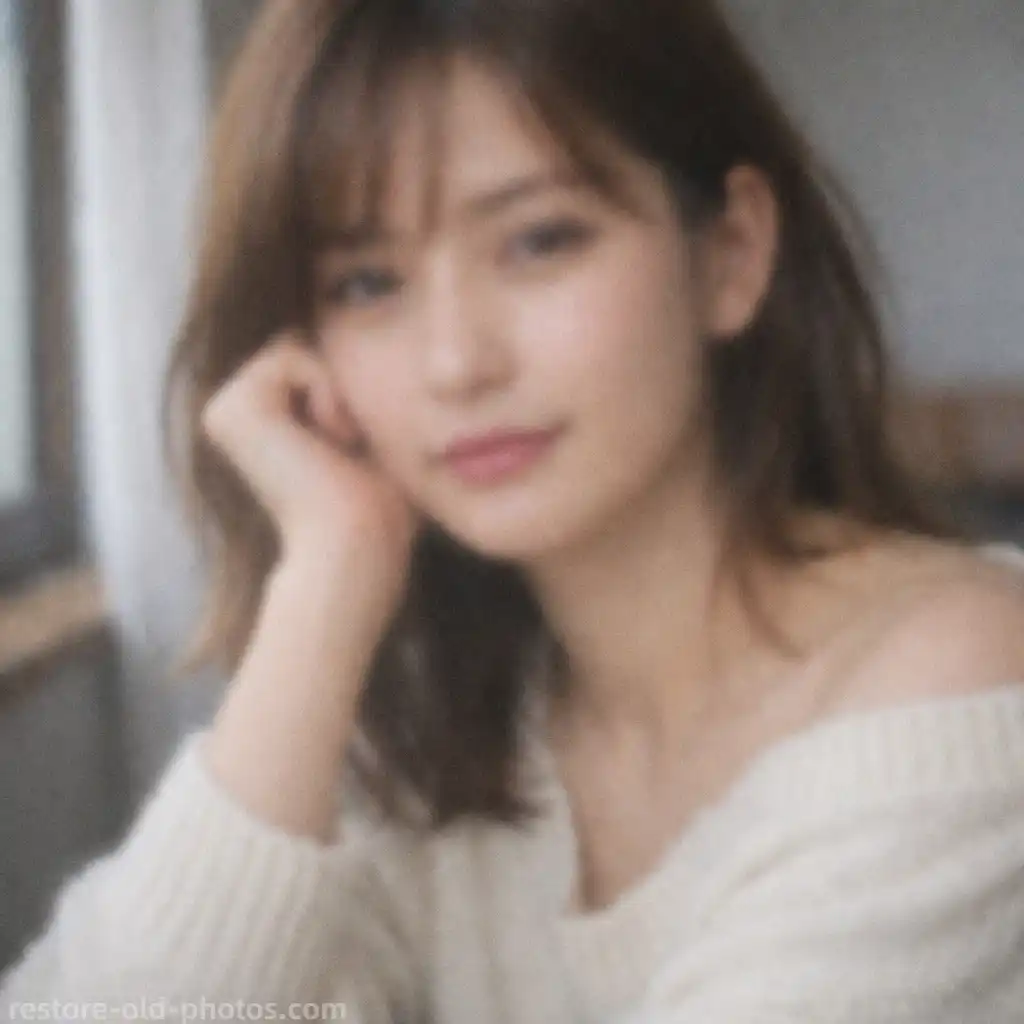
Convert Picture to HD Quality Online
HD Picture Converter helps turn ordinary or soft images into clearer HD-quality results by improving resolution, edge definition, and visible detail without making the image look unnaturally processed.
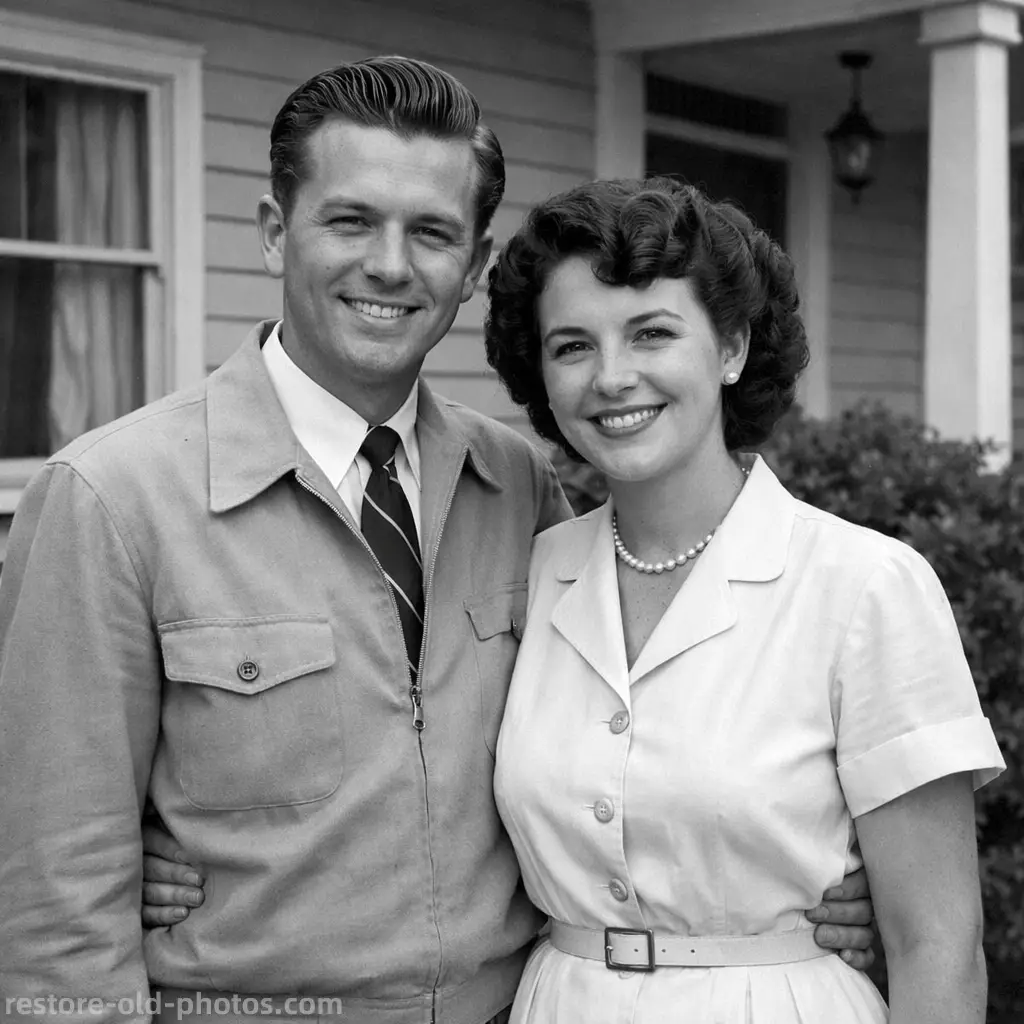
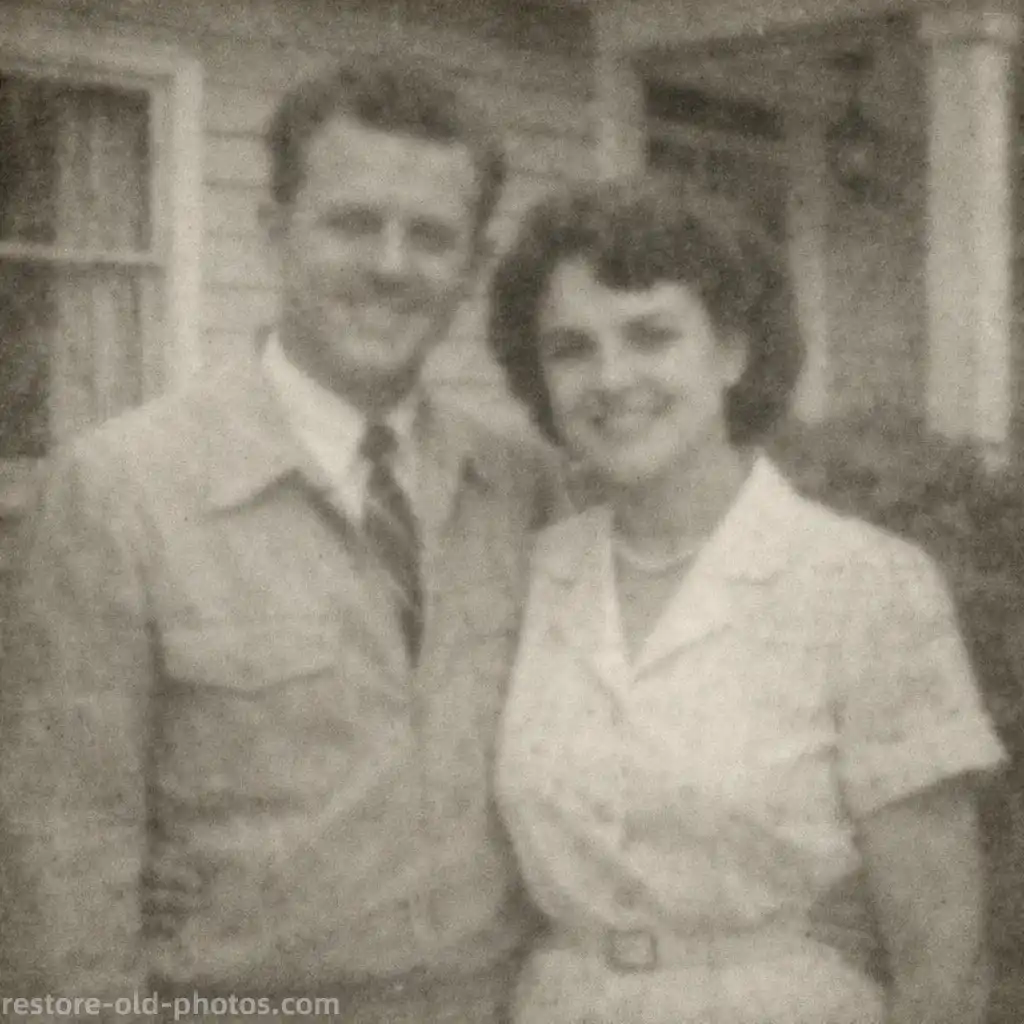
Make Blurry Pictures Clearer and More HD
Use HD Picture Converter to improve lightly blurry or low-quality pictures and make them look sharper and more HD. HD Picture Converter works best when the goal is a clearer HD-style picture rather than heavy deblur. If the image has strong motion blur or focus blur, use Unblur Image first.
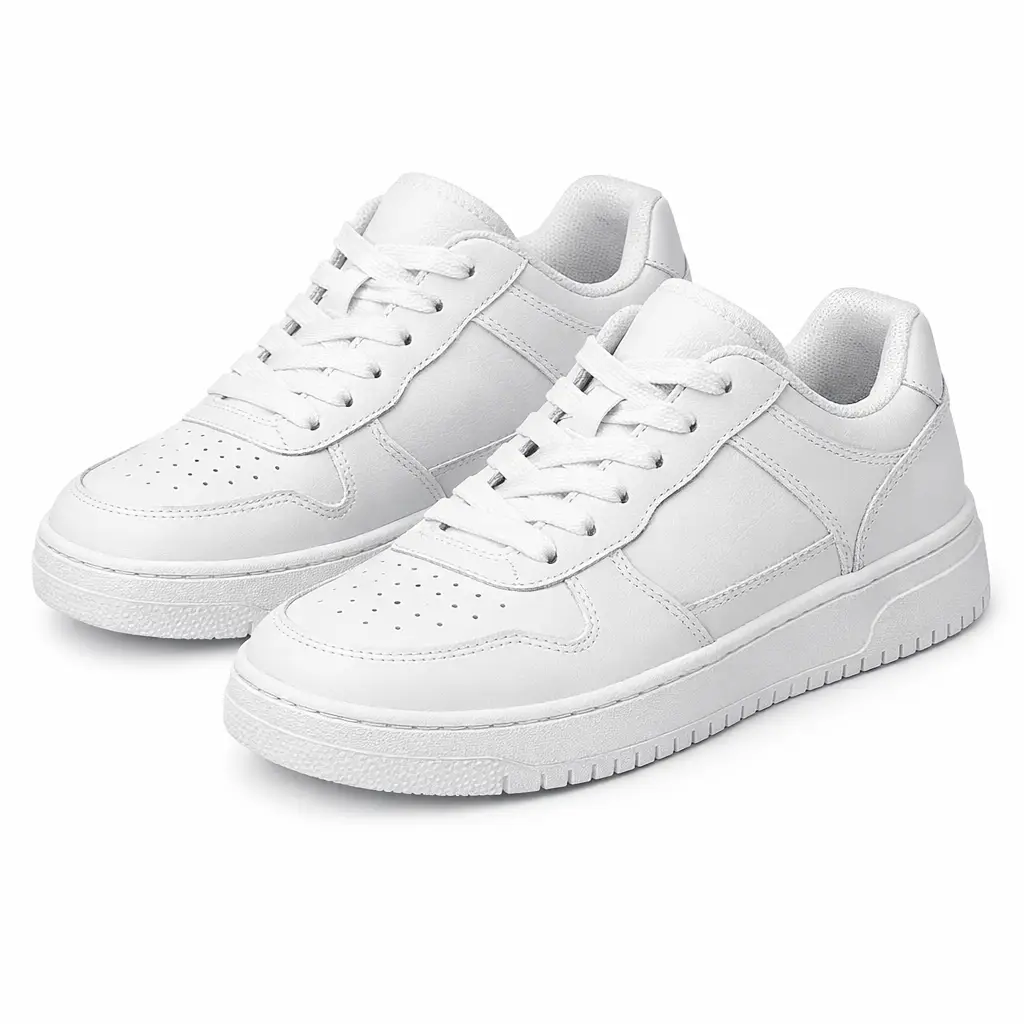
Convert Low-Resolution and Old Pictures to Higher Resolution
HD Picture Converter is useful for low-resolution pictures, old digital photos, and compressed images that need a cleaner high-resolution look. If an old photo has scratches, tears, or stains, restore it first.

Create Cleaner HD Images for Sharing and Printing
HD Picture Converter helps convert pictures to HD for social media, product listings, presentations, and light print use. If you mainly need a much larger 2x or 4x file, use AI Image Upscaler instead of treating HD Picture Converter as a pure upscaler.

What Is an HD Picture Converter?
- •An HD Picture Converter is a tool that turns low-quality or low-resolution pictures into clearer HD-style images by improving detail and perceived resolution.
- •HD Picture Converter is useful when a picture looks soft, blurry, pixelated, too small, or not clear enough for sharing, ecommerce, presentations, or light printing.
- •Instead of simple resizing, HD Picture Converter uses AI to reconstruct detail and improve edges so the image looks sharper and closer to an HD-quality picture.
- •HD Picture Converter is not exactly the same as an AI image upscaler. HD Picture Converter focuses on making a picture look clearer and more HD, while dedicated upscalers are better for stronger 2x or 4x enlargement goals.
- •If strong blur is the main problem, use Unblur Image first. If you need broader color, lighting, or overall polish, use Photo Enhancer. If you need a much larger file for HD, 4K, or print workflows, use AI Image Upscaler after or alongside this tool.
How to Convert a Picture to HD in 4 Steps
Step 1: Upload Your Low-Quality Picture
Upload a normal, blurry, small, or low-resolution picture to HD Picture Converter.
Step 2: Let AI Analyze Blur and Resolution
HD Picture Converter analyzes blur, resolution, textures, edges, and image structure automatically.
Step 3: Convert the Picture to HD Quality
HD Picture Converter improves clarity and perceived resolution to create a cleaner, more HD-looking image while trying to keep details natural.
Step 4: Preview and Download the Result
Preview the higher-quality result, compare it with the original, and download when you are satisfied.
Why Choose Our HD Picture Converter
HD Picture Converter is a simple online tool for turning blurry, soft, or low-resolution pictures into clearer HD-quality images with a fast workflow and free preview.
Built for HD Picture Conversion
HD Picture Converter is designed specifically for converting ordinary, low-quality, and low-resolution pictures into clearer HD-style results online.
Improves Resolution Without Harsh Artifacts
HD Picture Converter aims to improve clarity and detail while avoiding the over-sharpened edges, halos, and fake textures that often make edited images look unnatural.
Useful for Portraits, Products, and Old Digital Photos
Use it for portraits, product images, screenshots, social content, and old digital pictures that need a cleaner high-resolution look.
Free Online Preview
Try HD Picture Converter online, preview the improved HD result, and decide whether the conversion looks right before downloading.
Convert Picture to HD with HD Picture Converter
Use HD Picture Converter to upgrade low-quality pictures to a clearer HD-style result in seconds and preview the improvement online before downloading.