Photo Restoration Online | Restore Old Photos with AI
Photo Restoration with AI to fix scratches, tears, stains, and faded old photos. Restore faces and details in seconds—upload, preview, and download.
Photo Restoration Tool
Watermark will be added
Images will be public
Select the aspect ratio for generated images
Select the image format
Choose a preset action or use custom prompts
Have any questions? Join our Discord
⚠️ Default 4K image generation. Wait patiently.
Example Result
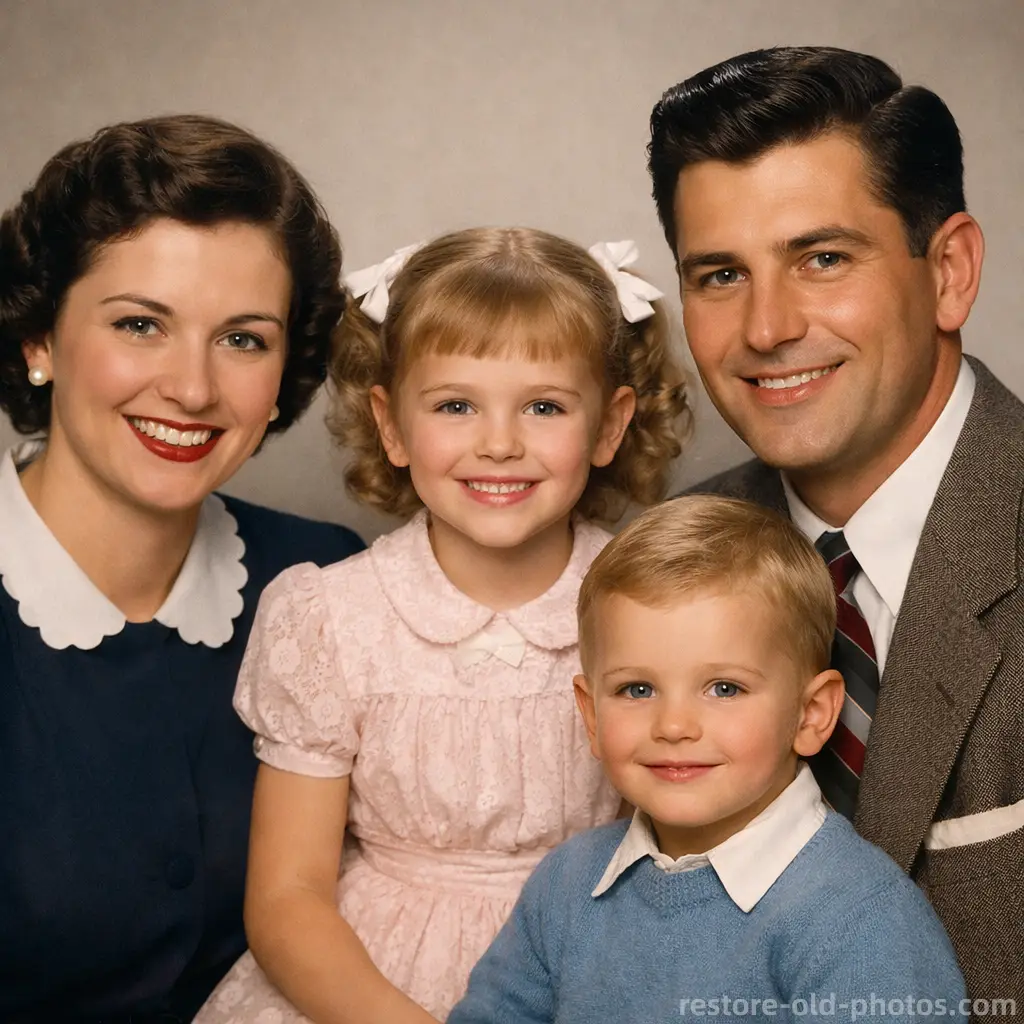
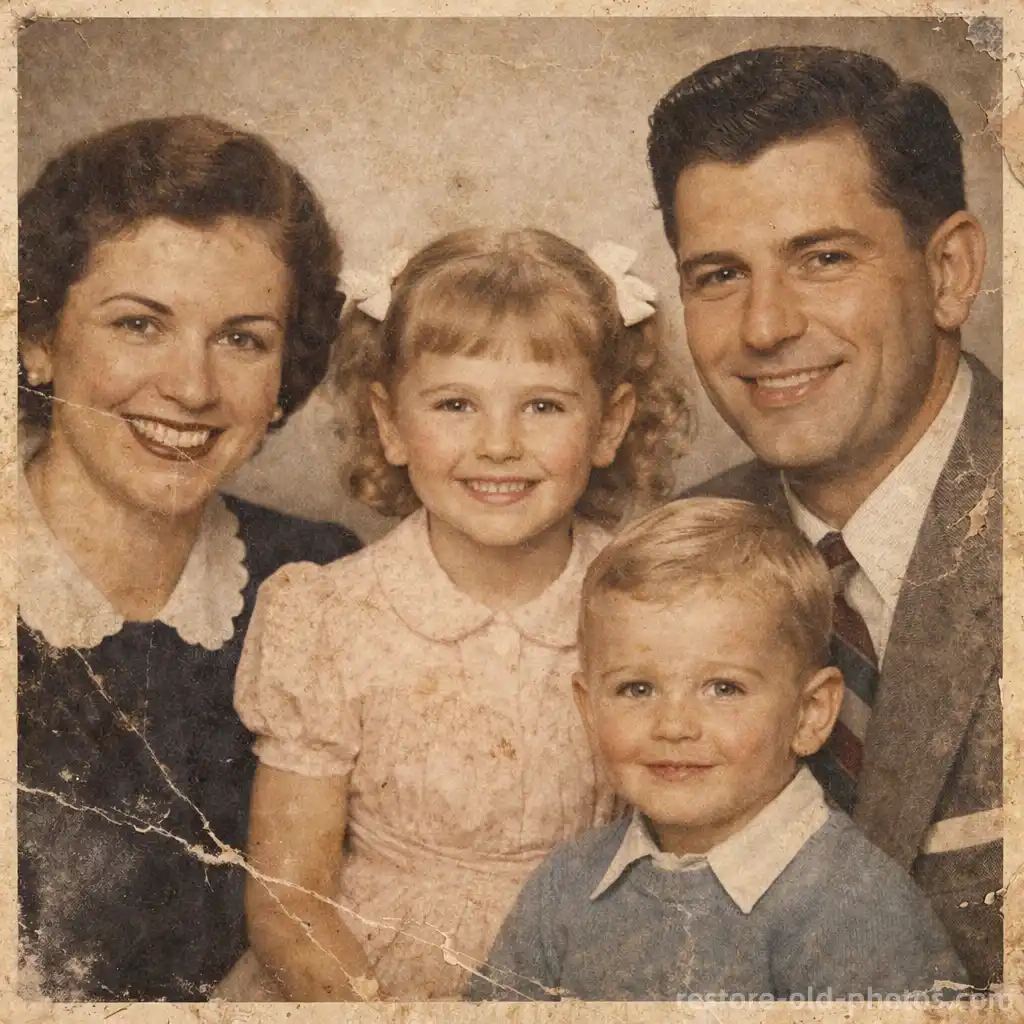
This is a demo showing the before and after effect. Start generating to see your own results!
Repair Scratches, Tears, and Stains
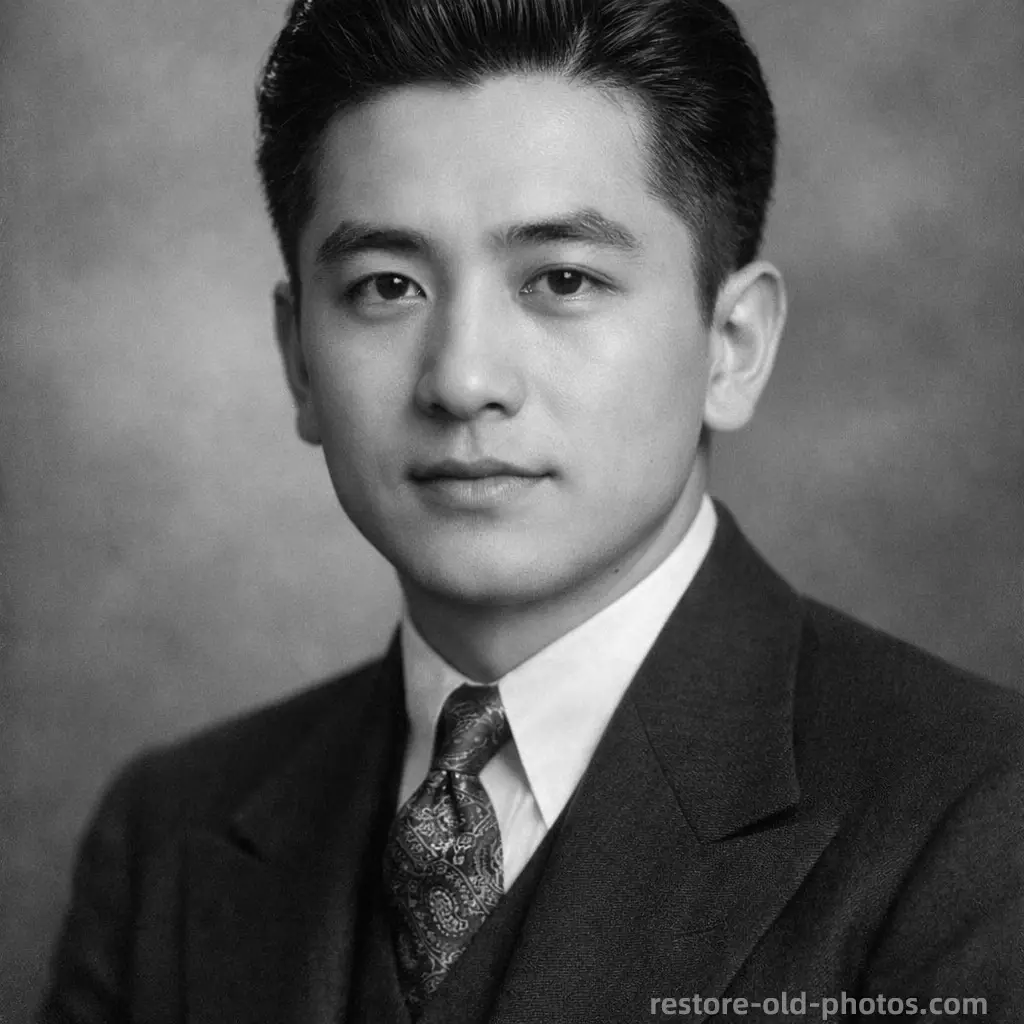
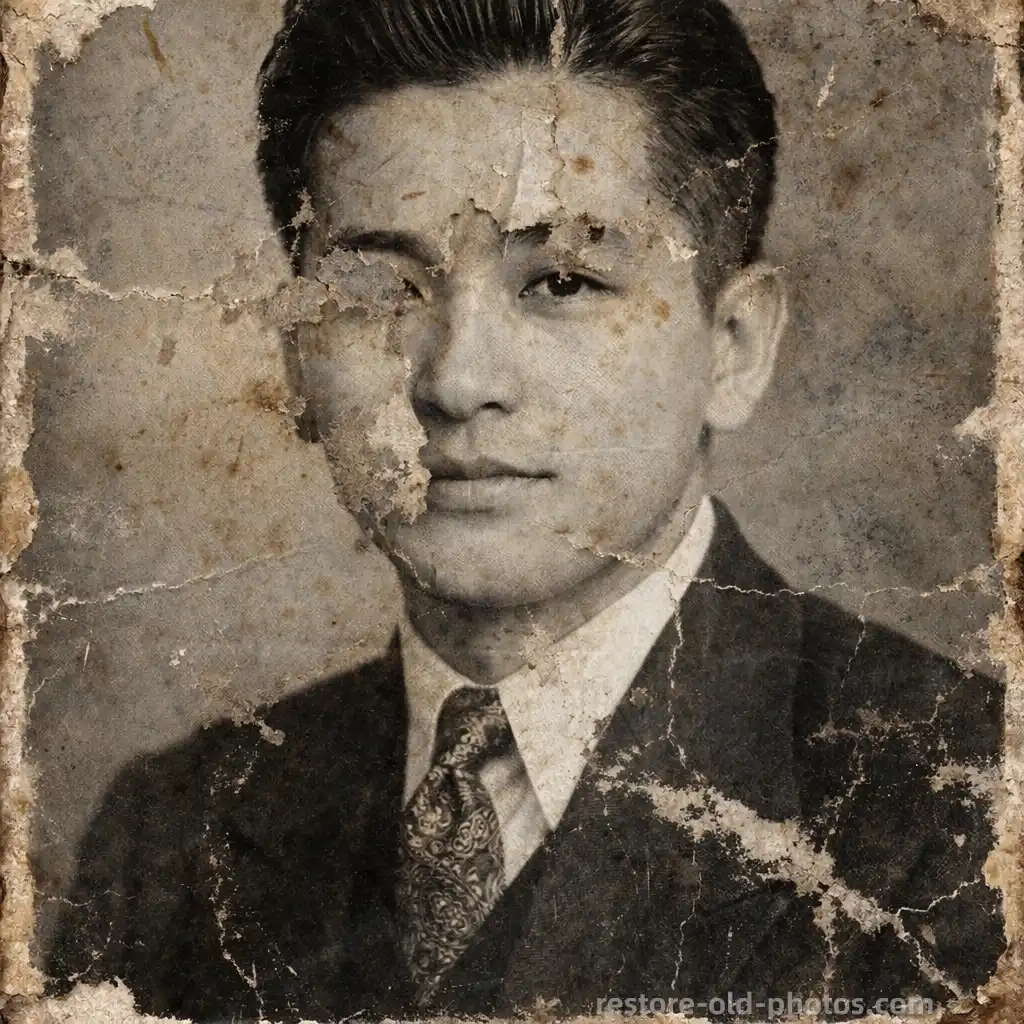
Repair Scratches, Tears, and Stains
Photo Restoration helps fix common old-photo damage such as scratches, tears, stains, dust, and creases. It repairs damaged areas while keeping textures and faces natural—great for family albums and vintage portraits.
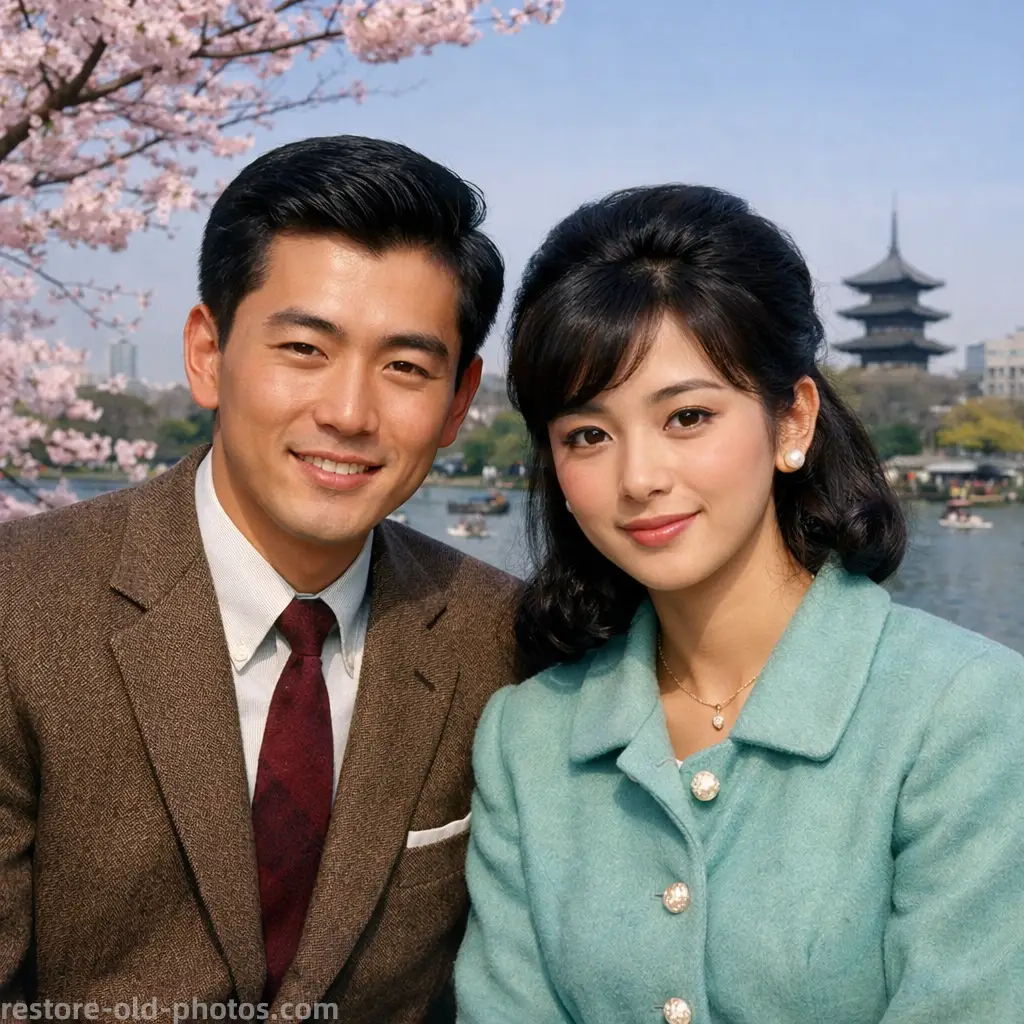
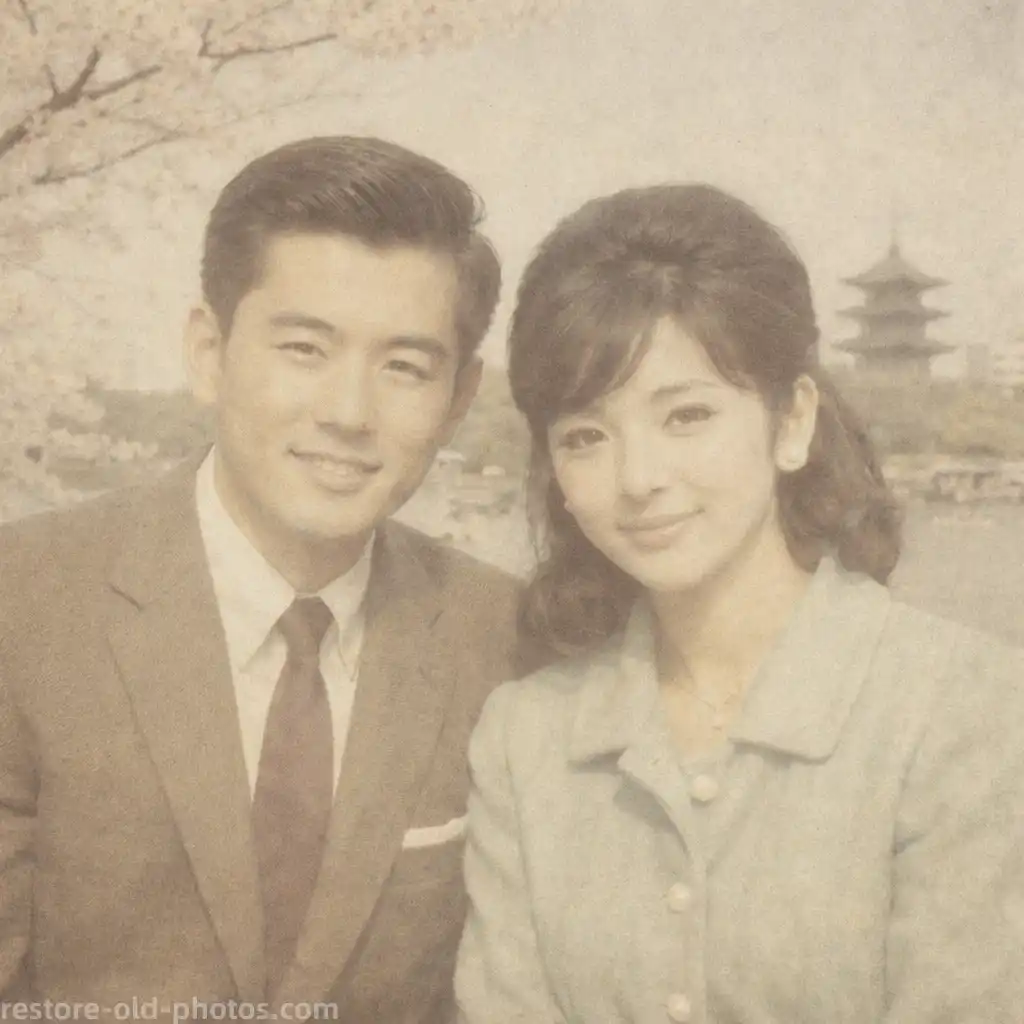
Restore Faded or Yellowed Old Photos
Use Photo Restoration to improve low contrast, fading, and discoloration from aging prints. AI restores clarity and balances tones to make old photos easier to recognize.
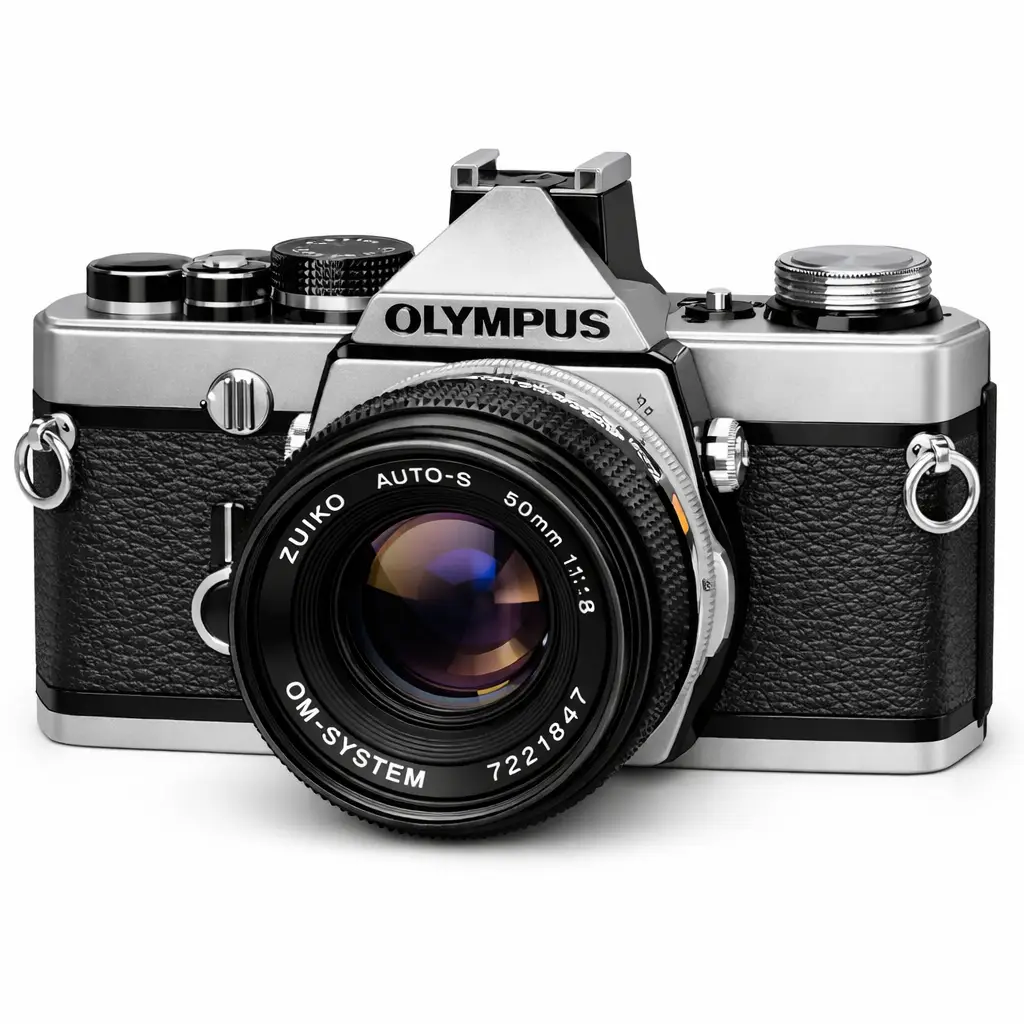
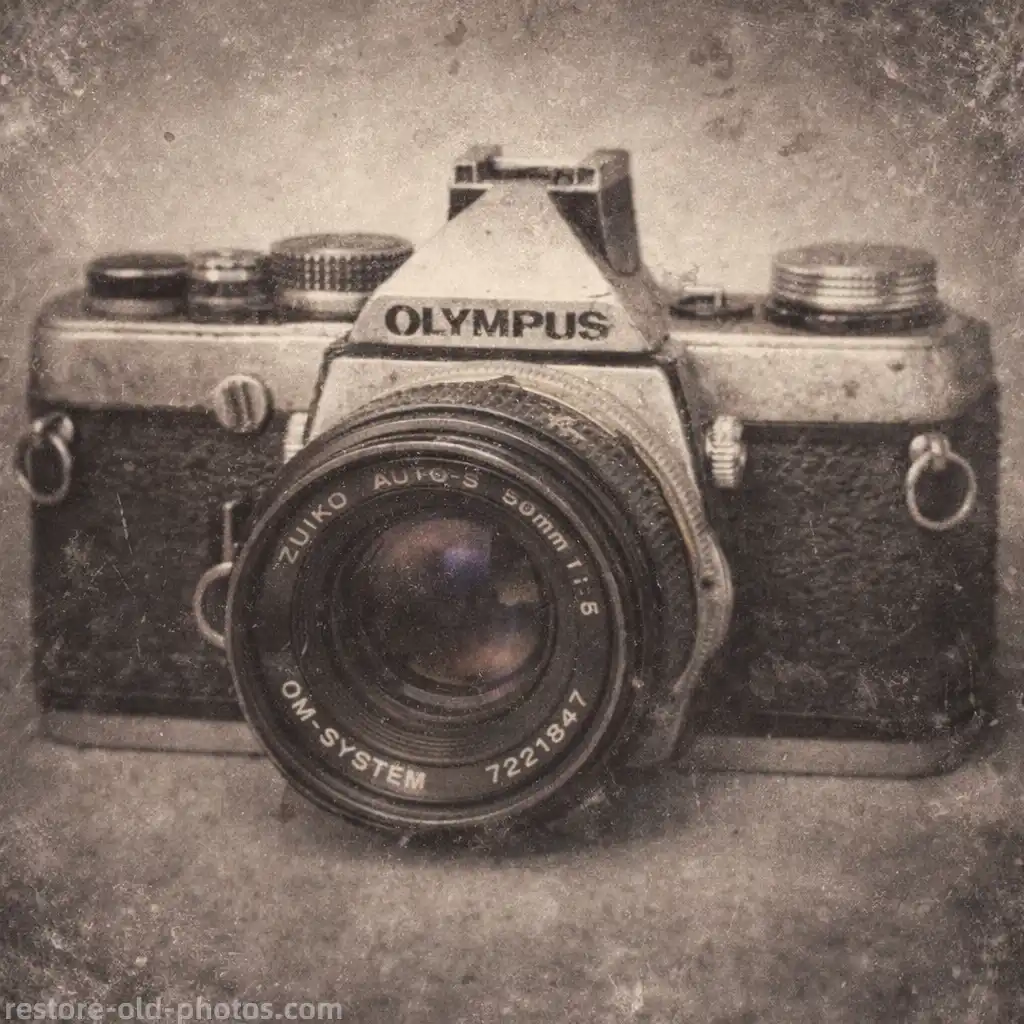
Restore Blurry Details (When Possible)
Photo Restoration can improve mild blur and recover detail in many low-quality scans. For strong motion blur, use the Unblur Image tool after restoration for better results.
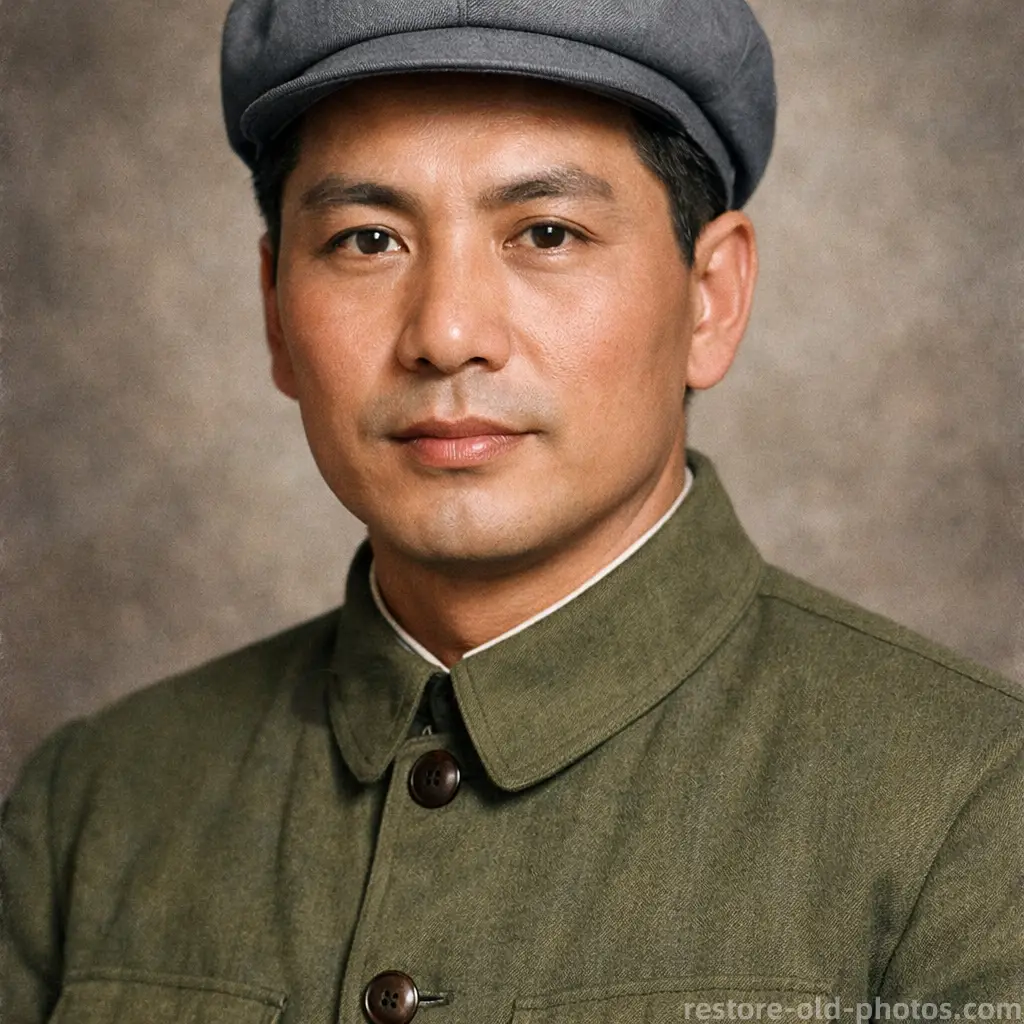
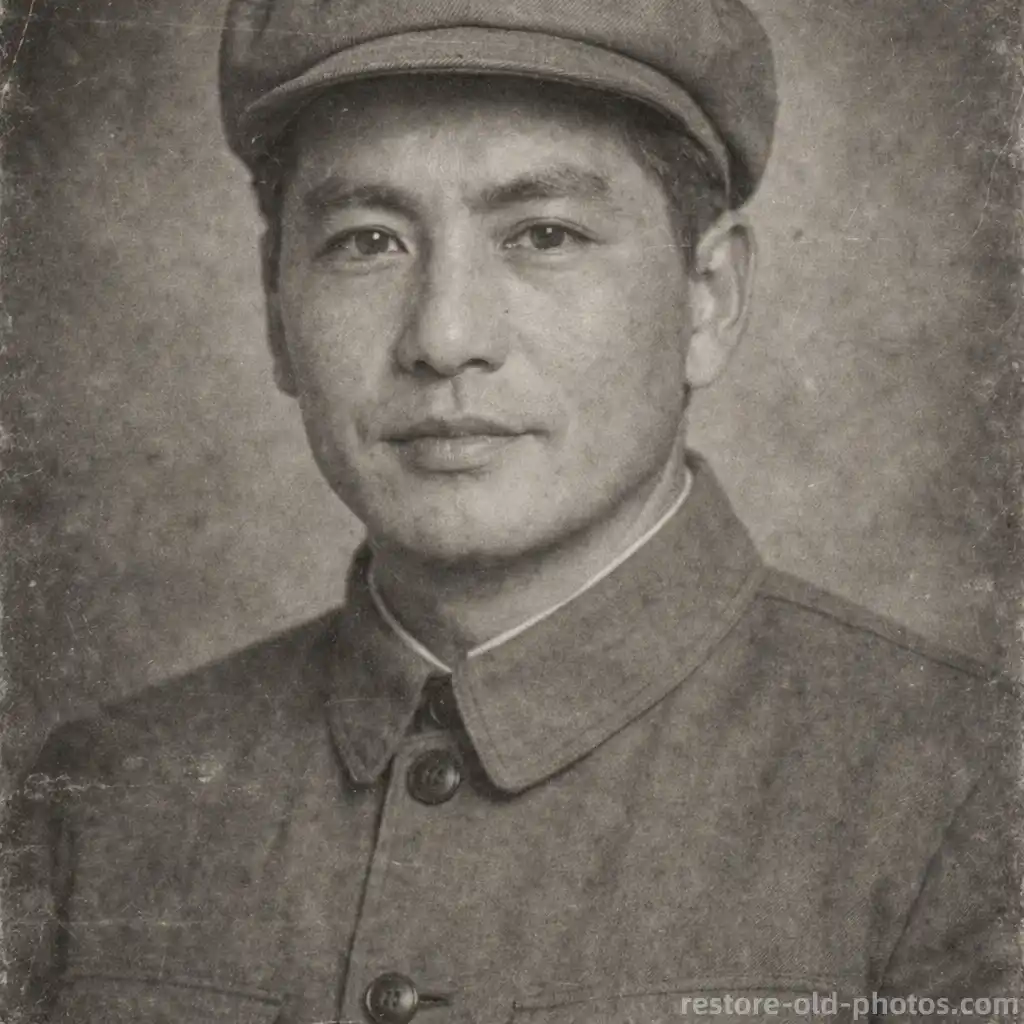
Optional Colorization After Restoration
After Photo Restoration, you can optionally colorize black-and-white photos to create a vivid color version while keeping the original style.

What Is Photo Restoration?
- •Photo Restoration is the process of repairing and improving old, damaged, or deteriorated photos using digital tools and AI.
- •It's commonly used to restore old family photos, fix damaged prints, and preserve historical images through digital archiving.
- •Modern Photo Restoration can detect damage patterns (scratches, tears, stains) and repair missing or broken areas more quickly than manual editing.
- •Typical restoration tasks include removing scratches, repairing tears, reducing stains, correcting discoloration, and improving clarity while keeping the photo natural.
- •If your main goal is pure image quality (HD/upscale), combine restoration with an enhancer or upscaler after Photo Restoration.
How Photo Restoration Works (4 Steps)
Step 1: Upload Your Photo
Upload an old or damaged photo for Photo Restoration (scratched, torn, faded, stained, or low-quality).
Step 2: AI Detects Damage
AI scans the image for scratches, tears, stains, fading, discoloration, and missing regions to plan the restoration.
Step 3: Restore & Enhance
Photo Restoration repairs damage, restores details, and improves clarity while keeping the look realistic.
Step 4: Preview & Download
Preview the restored result, then download the high-quality version when you're ready.
Why Choose Our Photo Restoration Tool
Fast, consistent restoration results for old photos—without manual retouching.
Repairs Common Old-Photo Damage
Photo Restoration helps remove scratches, fix tears, reduce stains, and recover details from aged prints.
Natural-Looking Results
Designed to avoid harsh artifacts and keep faces and textures realistic after Photo Restoration.
Works for Many Photo Types
Use Photo Restoration for portraits, family albums, black-and-white photos, scanned prints, and low-quality digital images.
Fast Workflow
Upload → restore → preview → download. Photo Restoration is built for quick results in seconds.
Restore Old Photos with Photo Restoration
Repair scratches, tears, stains, and fading with Photo Restoration powered by AI—fast and easy online.