Remove Photo Background Online Free | AI Background Remover
Remove photo background with AI instantly. Clean cutouts for portraits, products, and old photos. Replace or erase photo backgrounds with precise edge detection.
Remove Photo Background Tool
Watermark will be added
Images will be public
Select the aspect ratio for generated images
Select the image format
Choose a preset action or use custom prompts
Have any questions? Join our Discord
⚠️ Default 4K image generation. Wait patiently.
Example Result


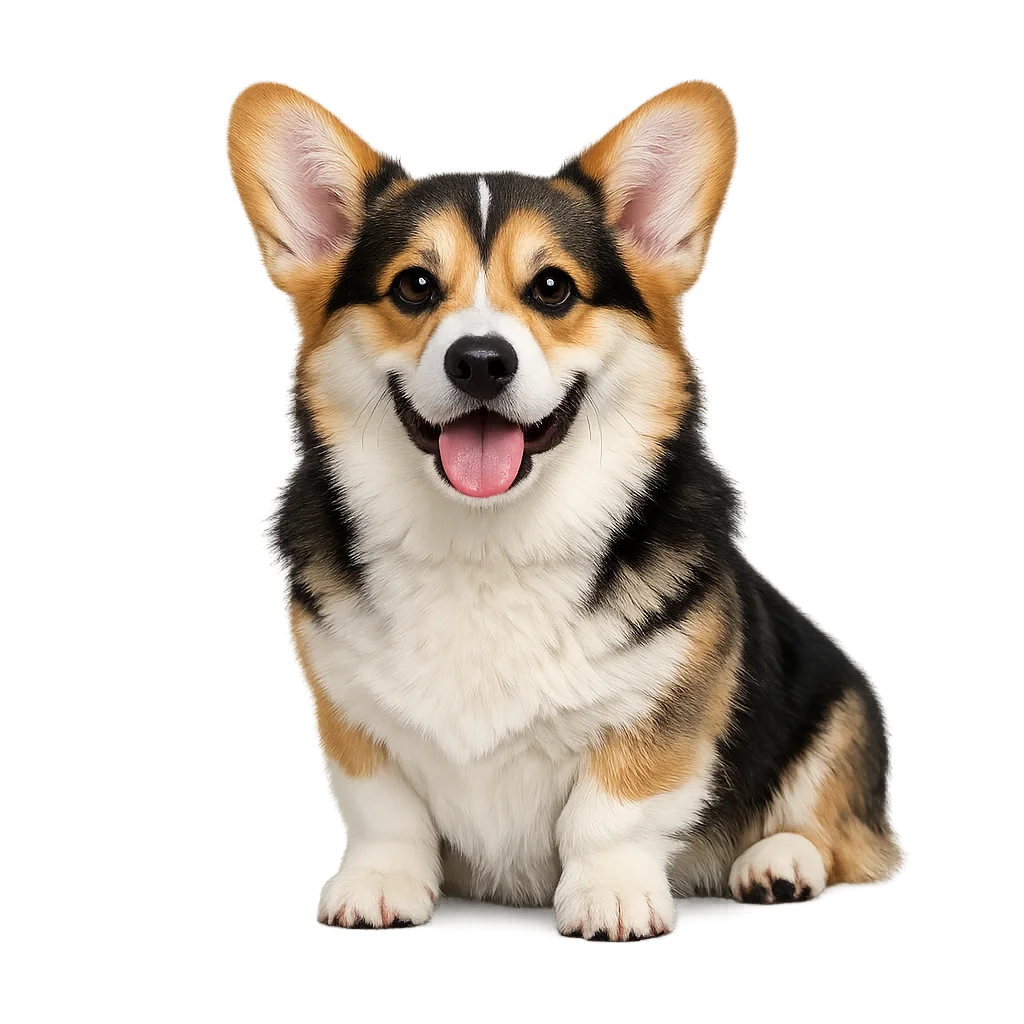
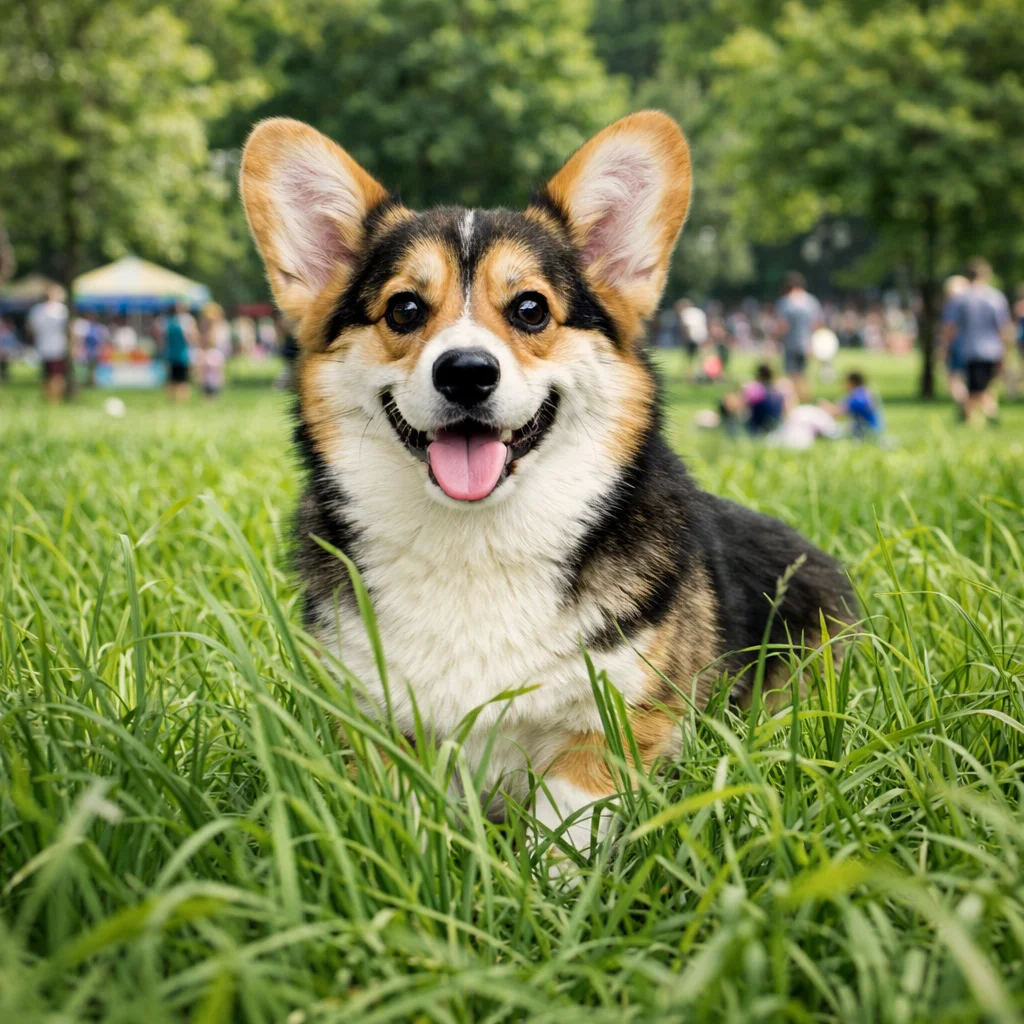
This is a demo showing the before and after effect. Start generating to see your own results!
Clean Background Removal for Portraits


Clean Background Removal for Portraits
Remove photo background from portrait shots while preserving hair, edges, and fine details. AI produces a clean cutout that keeps the subject sharp and the edges natural-looking.
Precise Cutouts for Product Photos
Remove photo background from product images to create white or transparent backgrounds for e-commerce, catalogs, and marketing materials with accurate edge definition.


Isolate Subjects in Old Photos
Remove photo background from scanned old or vintage photos to isolate individual subjects. Useful for creating composites, digital portraits, or memorial photos.


Replace Background with Custom Image
After removing the photo background, place the isolated subject on any new background—solid color, nature scene, studio backdrop, or custom design.

What Is Remove Photo Background?
- •Remove photo background is the process of using AI to detect the subject in an image and separate it from the background, producing a clean isolated cutout.
- •Traditional background removal required manual selection tools—AI automates this by detecting edges, subject boundaries, and foreground versus background regions.
- •AI can remove photo background around complex subjects including hair, fur, transparent objects, and detailed edges that are difficult to select manually.
- •The result can be exported as a PNG with a transparent background, placed on a new background color, or composited into a new scene.
- •Remove photo background works for portraits, product photos, animals, landscapes with isolated subjects, and scanned old photos with distinct subject-background contrast.
How to Remove Photo Background (4 Steps)
Step 1: Upload Your Photo
Upload the photo from which you want to remove the background—portraits, product shots, scanned prints, or any image with a distinct subject.
Step 2: AI Detects the Subject
AI analyzes the image and identifies the foreground subject and background region using edge detection and semantic segmentation.
Step 3: Remove Photo Background Automatically
AI removes the background and produces a clean cutout with smooth, natural edges around the subject, preserving fine details like hair and clothing edges.
Step 4: Download the Result
Download the background-removed image as a PNG with transparency, or with your chosen background color or replacement image applied.
Why Use AI to Remove Photo Background
A fast, precise, and fully automated way to separate subjects from backgrounds in any photo.
Accurate Edge Detection
Remove photo background with clean edges around hair, soft fabric, and other fine details that would require significant effort to cut out manually.
Works on All Photo Types
Remove photo background from portraits, product images, group photos, animal photos, and scanned old prints with consistent quality.
Transparent PNG Output
The removed background produces a transparent PNG that can be dropped into any design, editor, or compositing workflow without further editing.
Instant Results
Remove photo background in seconds—no manual masking, selection tools, or professional editing software required.
Remove Photo Background with AI
Instantly isolate subjects with clean edges—remove photo background and create transparent PNGs ready for any design or compositing use.