Restore Fire Damaged Photos Online | Fix Burnt Pictures
Restore fire damaged photos with advanced AI. Easily fix burnt edges, smoke stains, and ash marks to rescue your precious family photos.
Fire Damaged Photo Restoration Tool
Watermark will be added
Images will be public
Select the aspect ratio for generated images
Select the image format
Choose a preset action or use custom prompts
Have any questions? Join our Discord
⚠️ Default 4K image generation. Wait patiently.
Example Result
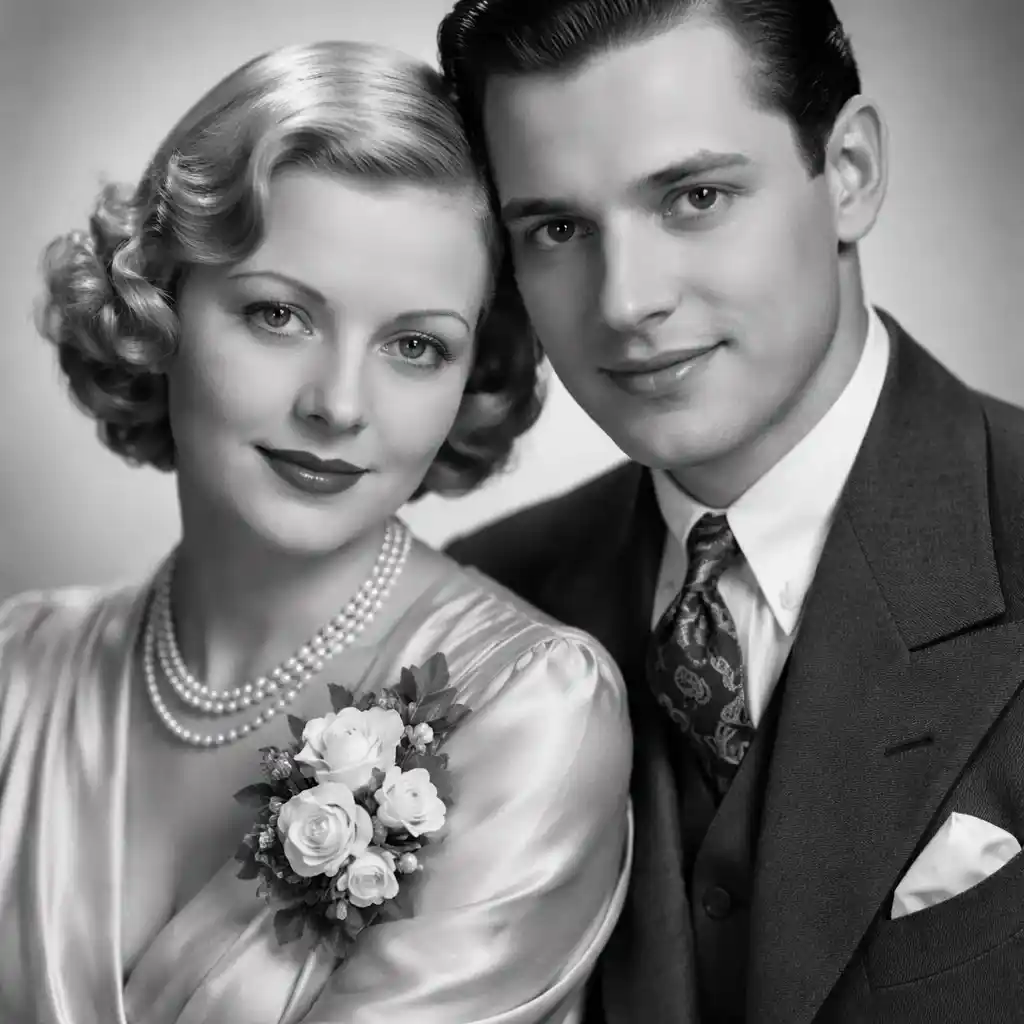
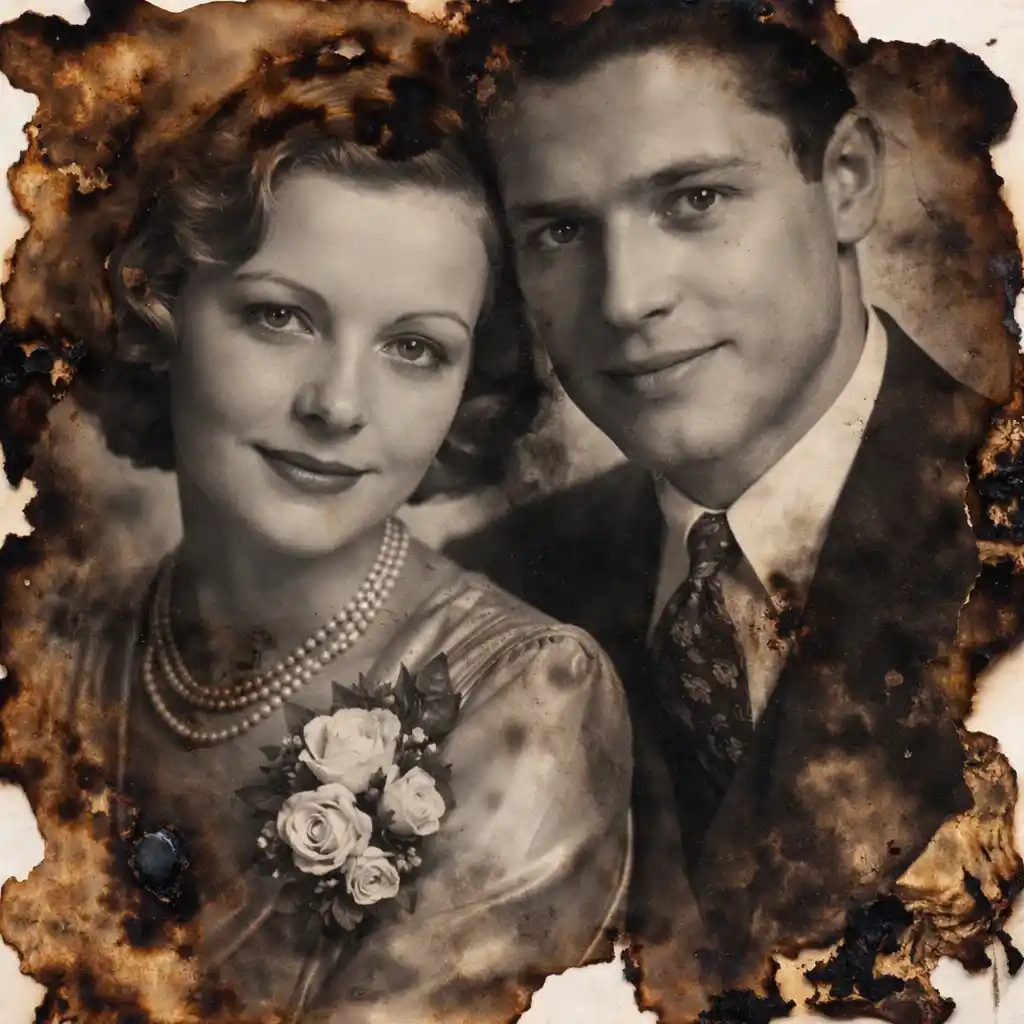
This is a demo showing the before and after effect. Start generating to see your own results!
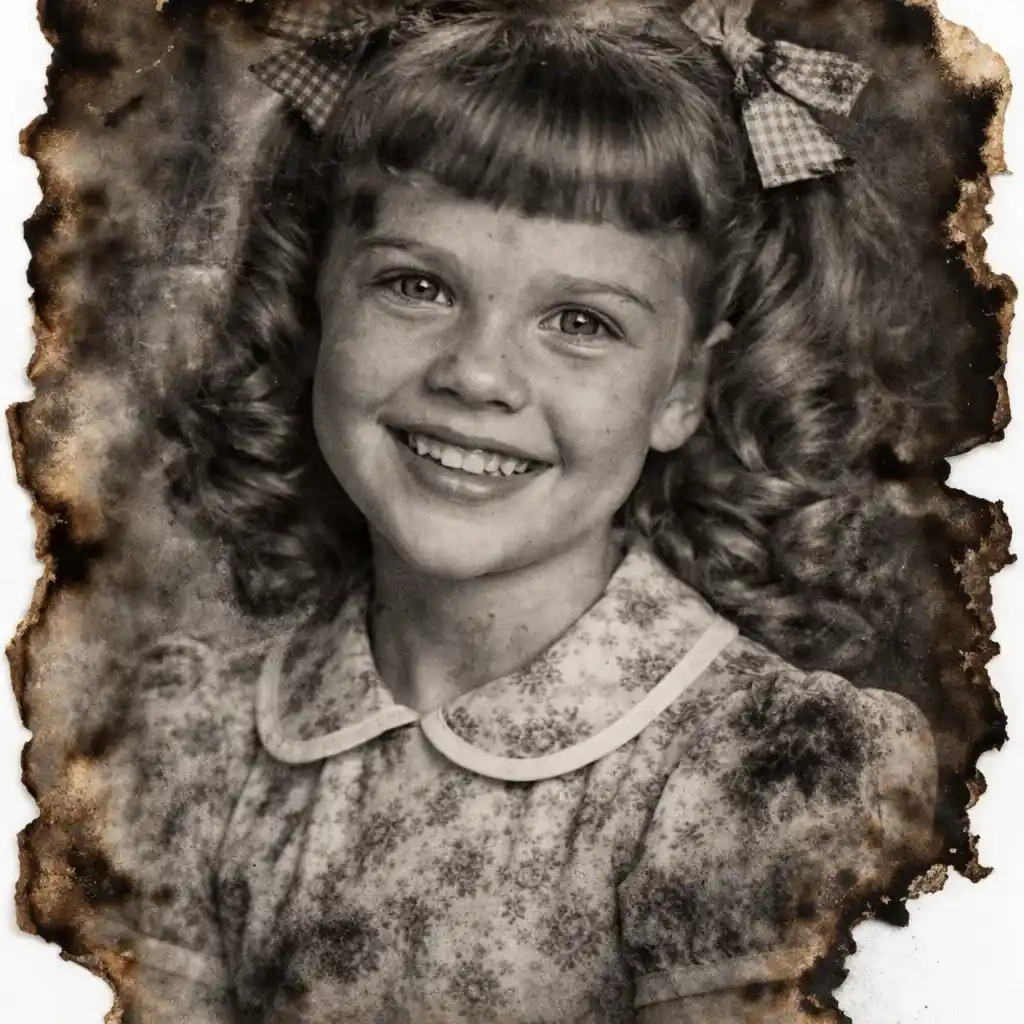
Rebuild Burnt Edges and Tears
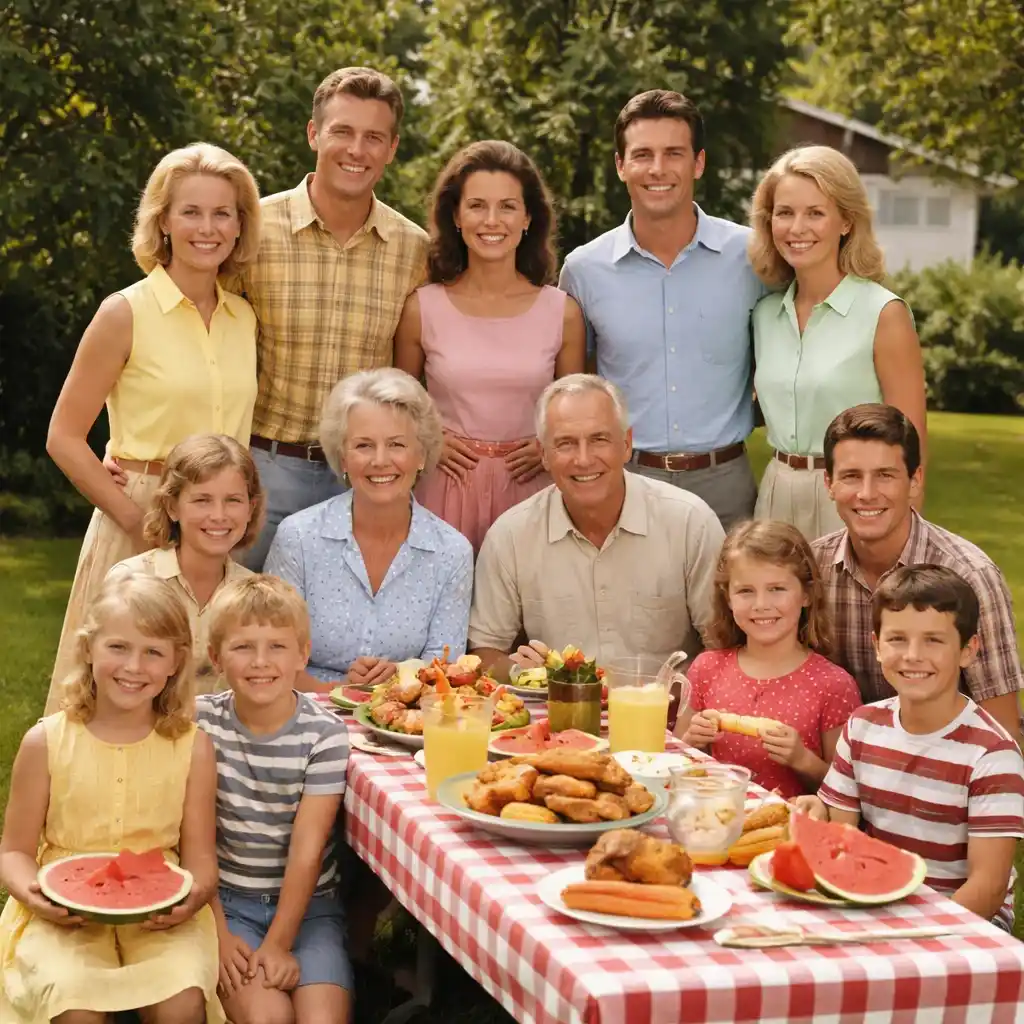
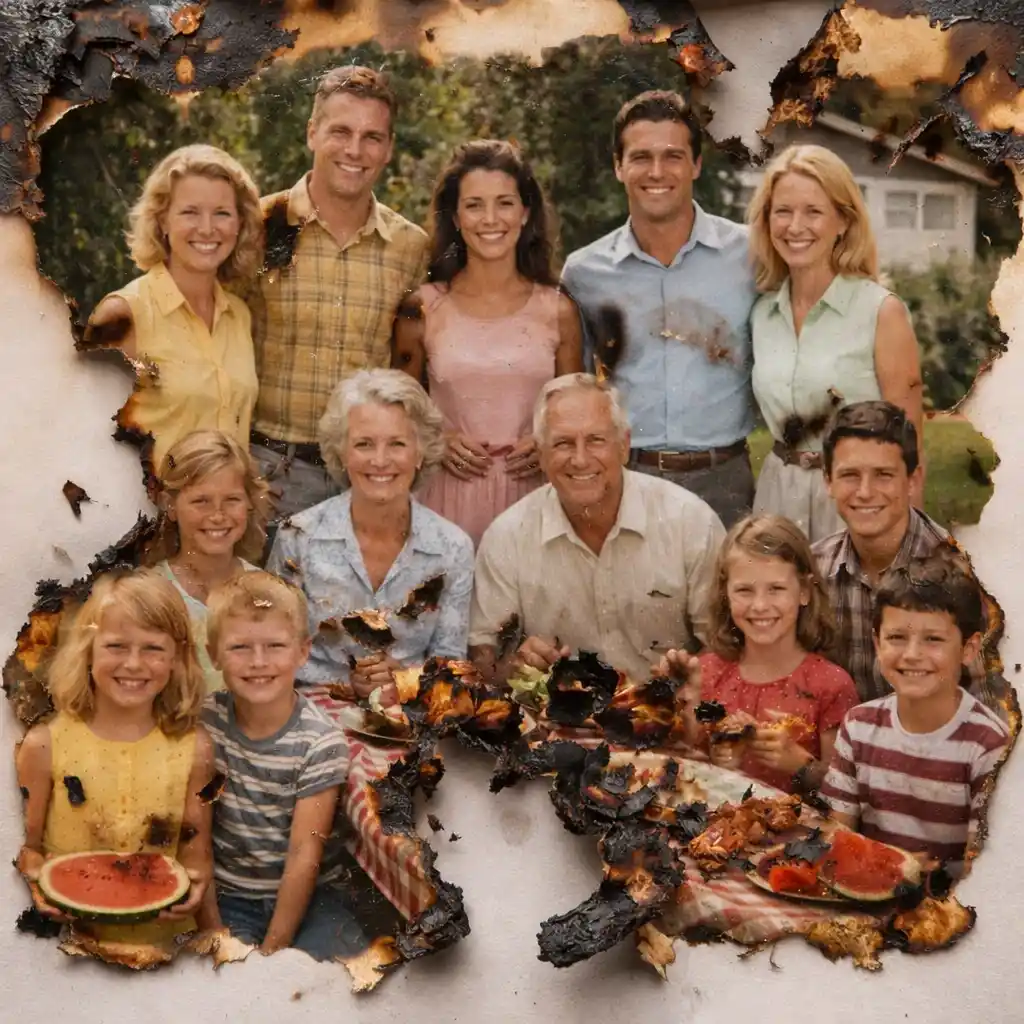
Rebuild Burnt Edges and Tears
Rescue your memories by using AI to restore fire damaged photos. The tool intelligently reconstructs burnt edges and heat-induced tears based on surrounding data.
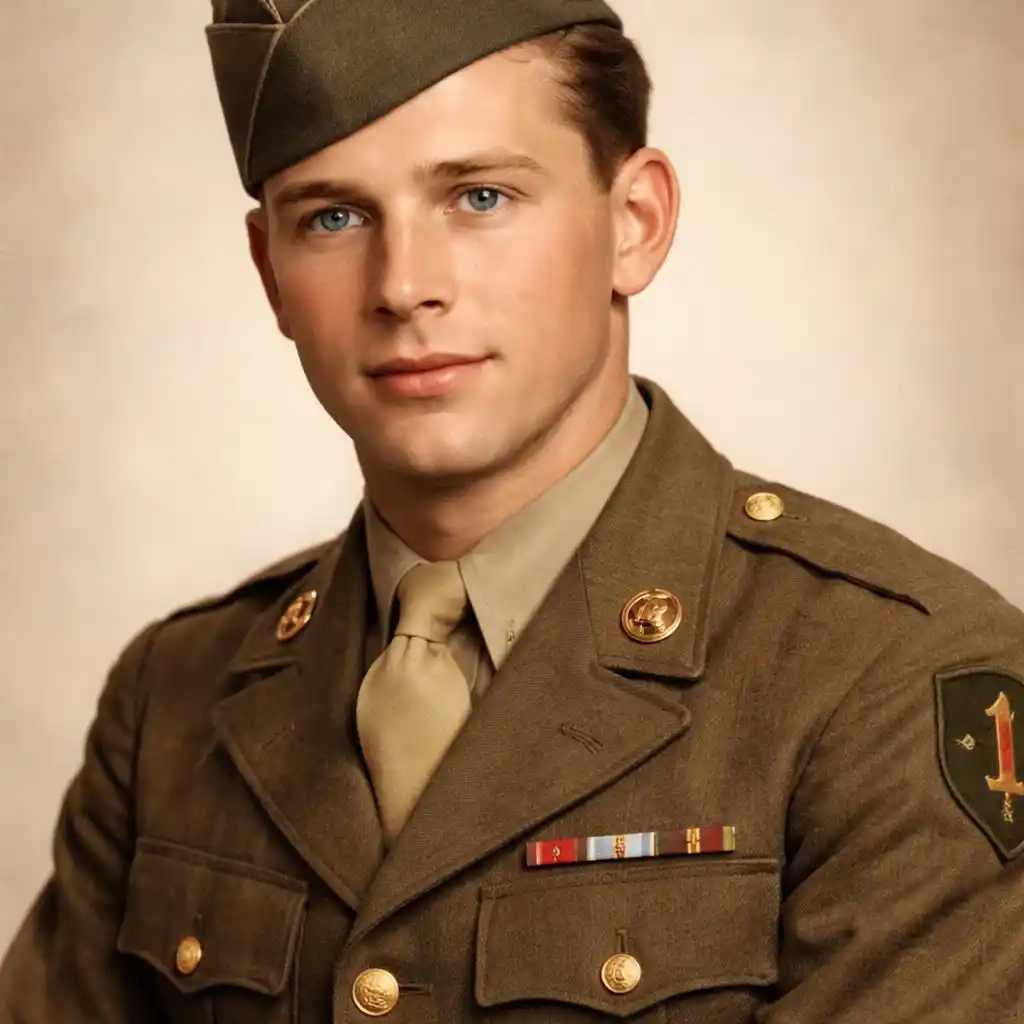
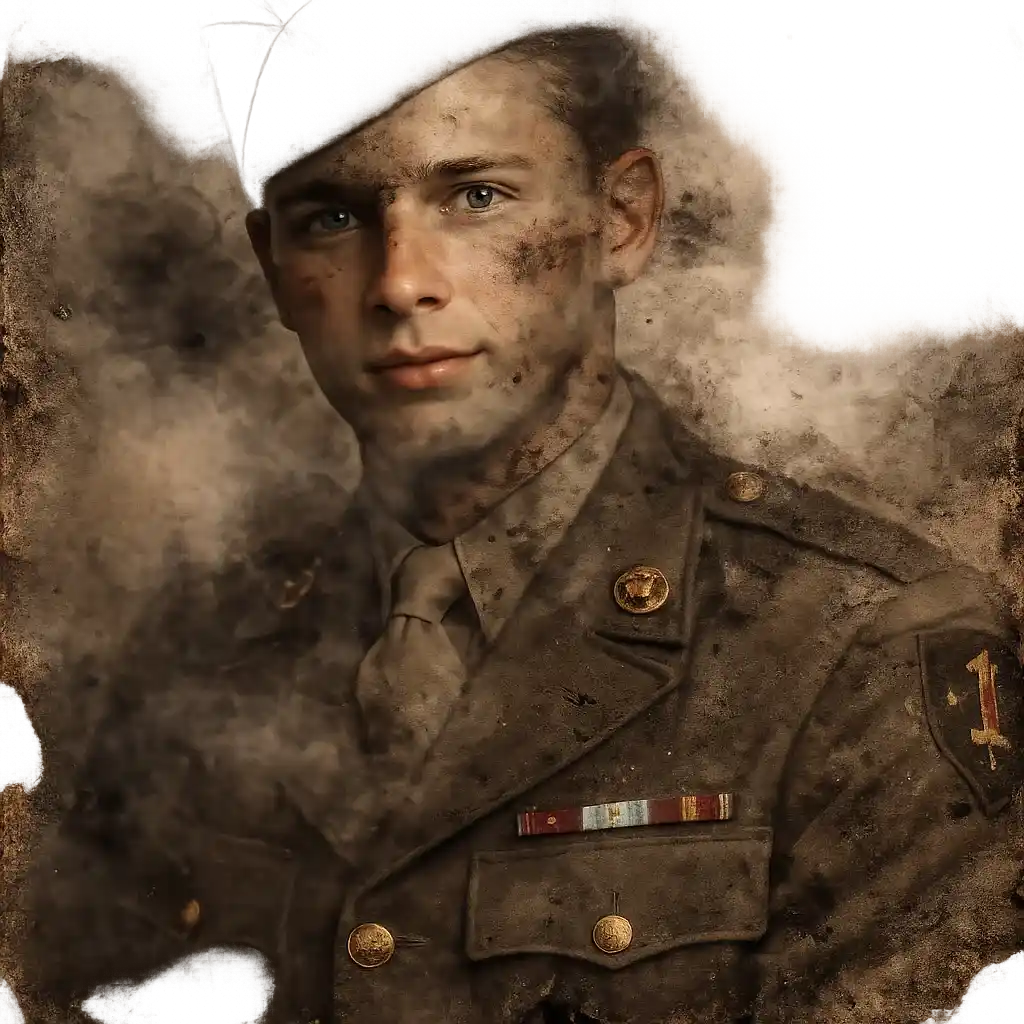
Clear Smoke Stains and Ash
Smoke and ash can leave dark, hazy stains on photographs. Our AI clears these dark blemishes to reveal the original image beneath.
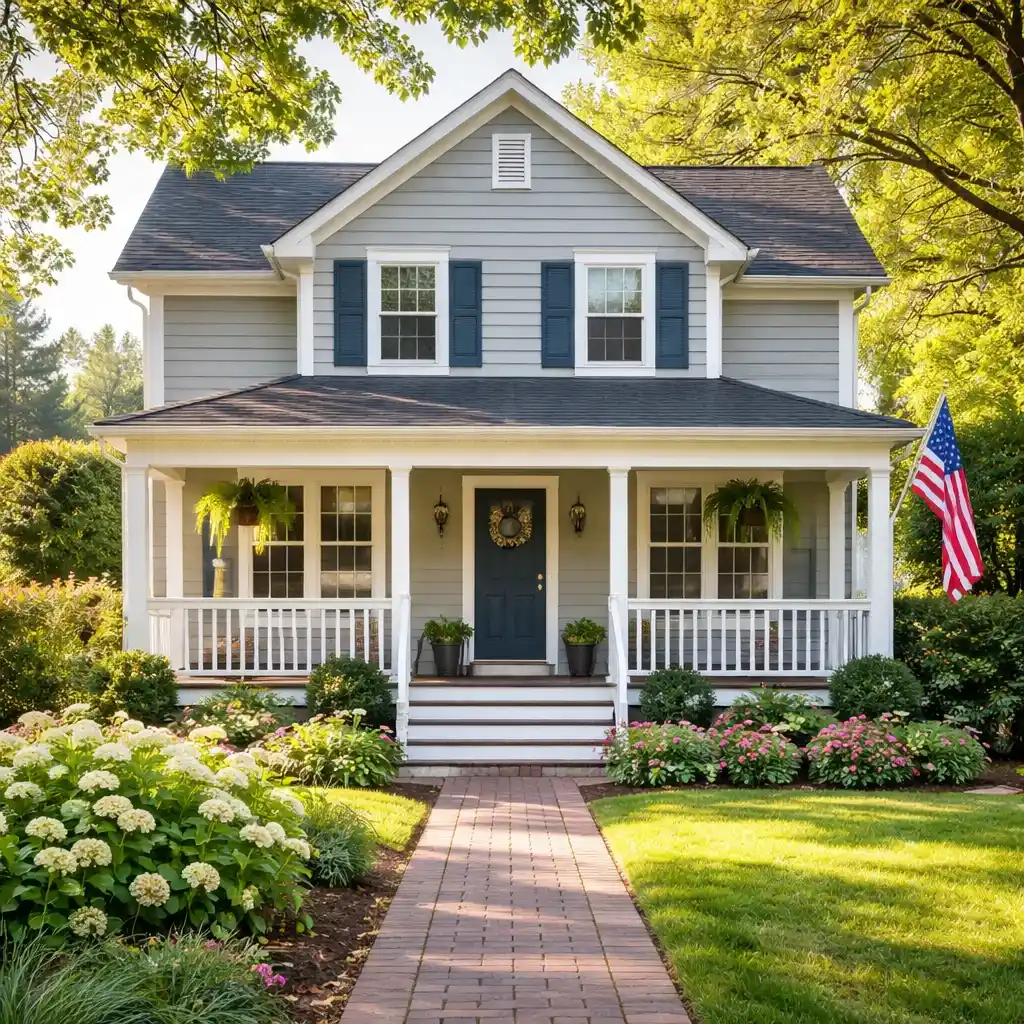
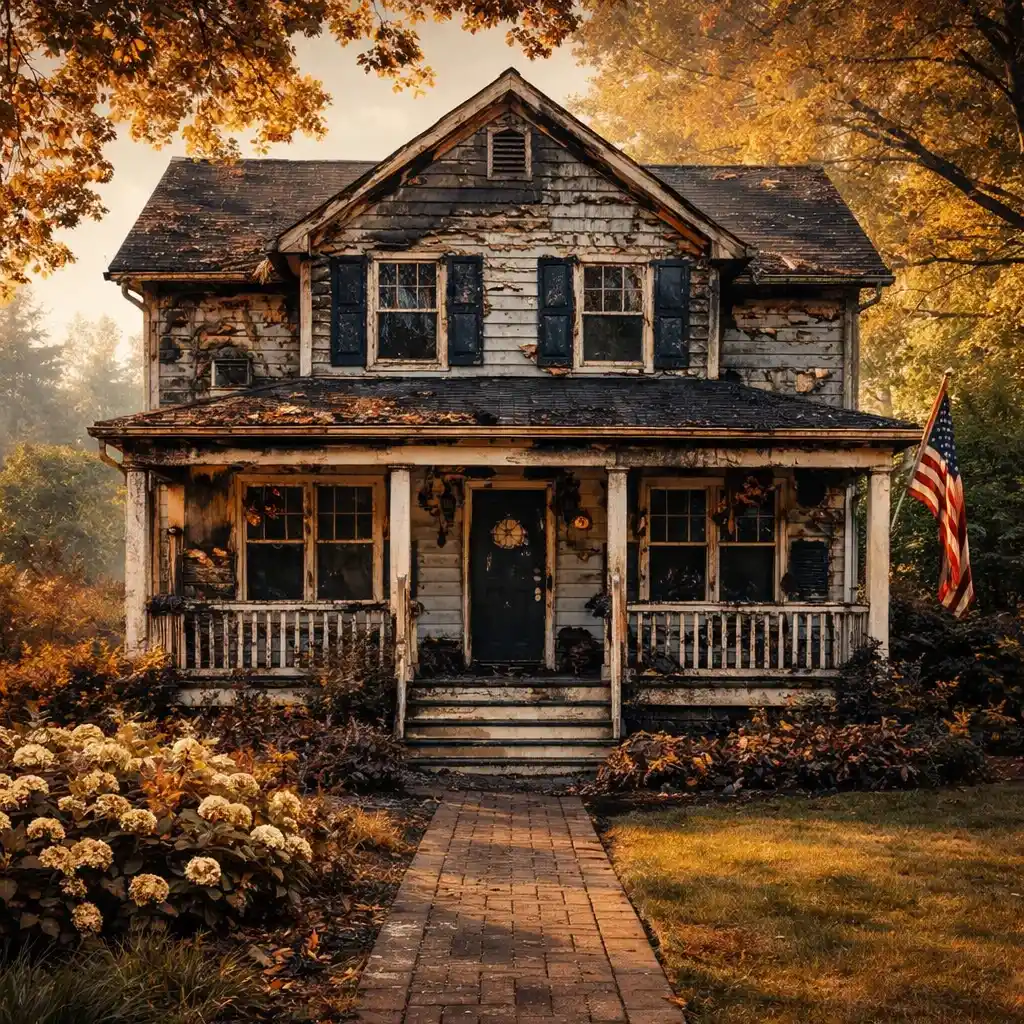
Fix Melting and Blistering
Heat can cause the surface of prints to blister or melt. The AI smooths out these irregularities, recovering the original flat texture.

Colorize Restored Photos
After repairing the severe fire damage, you can choose to apply AI colorization to bring vibrant life back to the salvaged image.

What is Fire Damaged Photo Restoration?
- •To restore fire damaged photos is the process of utilizing artificial intelligence to repair extreme damage caused by heat, smoke, ash, and direct flames.
- •This tool is a lifeline for families who have suffered house fires and wish to salvage their surviving partially damaged photo albums.
- •The AI is capable of identifying charred edges and smoke discoloration, intelligently replacing damaged pixels with clear, contextually accurate visual data.
- •Traditionally, repairing burnt images required highly expensive professional manual restoration. Now, AI makes it accessible and fast.
- •While miracles are possible, areas that are completely reduced to ash cannot be perfectly reconstructed.
How to Restore Fire Damaged Photos (4 Steps)
Step 1: Upload Your Burnt Photo
Carefully scan and upload the photograph that has suffered fire or smoke damage.
Step 2: AI Maps the Damage
The AI system analyzes the image to locate smoke stains, blisters, and burnt-off edges.
Step 3: AI Executes the Repair
With just a click, the system will restore fire damaged photos by clearing dark soot marks and reconstructing missing boundary areas.
Step 4: Download the Rescued Image
Preview the restored version and download your successfully rescued memory.
Why Choose Our AI for Burnt Photos
The fastest way to recover what the fire tried to destroy.
Handles Severe Damage
Built to tackle intense damage like heavy soot, extreme discoloration, and missing corners.
Cost-Effective Recovery
Save hundreds of dollars compared to hiring a manual photo restoration expert.
Pulls Details from the Shadows
AI excels at boosting contrast to reveal faces hidden behind thick smoke stains.
Instant Turnaround
Get your photos back in seconds, not weeks.
Rescue Your Photos Today
Don't throw away burnt pictures. Use AI to restore fire damaged photos and safeguard your family's history.