Remove Blur from Scanned Photos | Fix Blurry Scanned Photos Online
Remove blur from scanned photos instantly with AI. Fix blurry scanned photos, sharpen scanned images, and enhance scanned photo quality for printing and sharing.
Remove Blur from Scanned Photos
Watermark will be added
Images will be public
Select the aspect ratio for generated images
Select the image format
Choose a preset action or use custom prompts
Have any questions? Join our Discord
⚠️ Default 4K image generation. Wait patiently.
Example Result

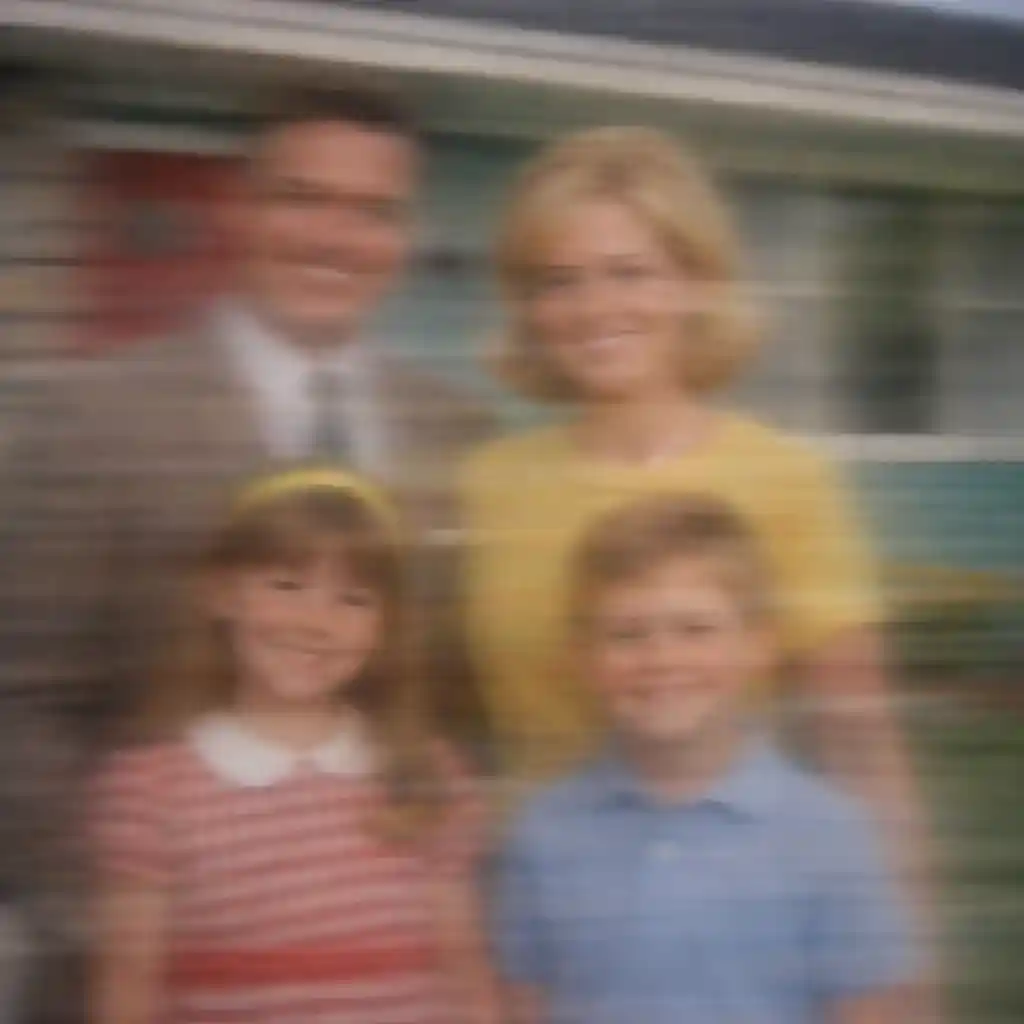
This is a demo showing the before and after effect. Start generating to see your own results!
Remove Blur from Scanned Photos Instantly

Remove Blur from Scanned Photos Instantly
Scanned photos often come out blurry due to movement, low scanner resolution, or dirty glass. Our AI tool can remove blur from scanned photos in seconds, restoring sharpness and clarity to every face and detail.

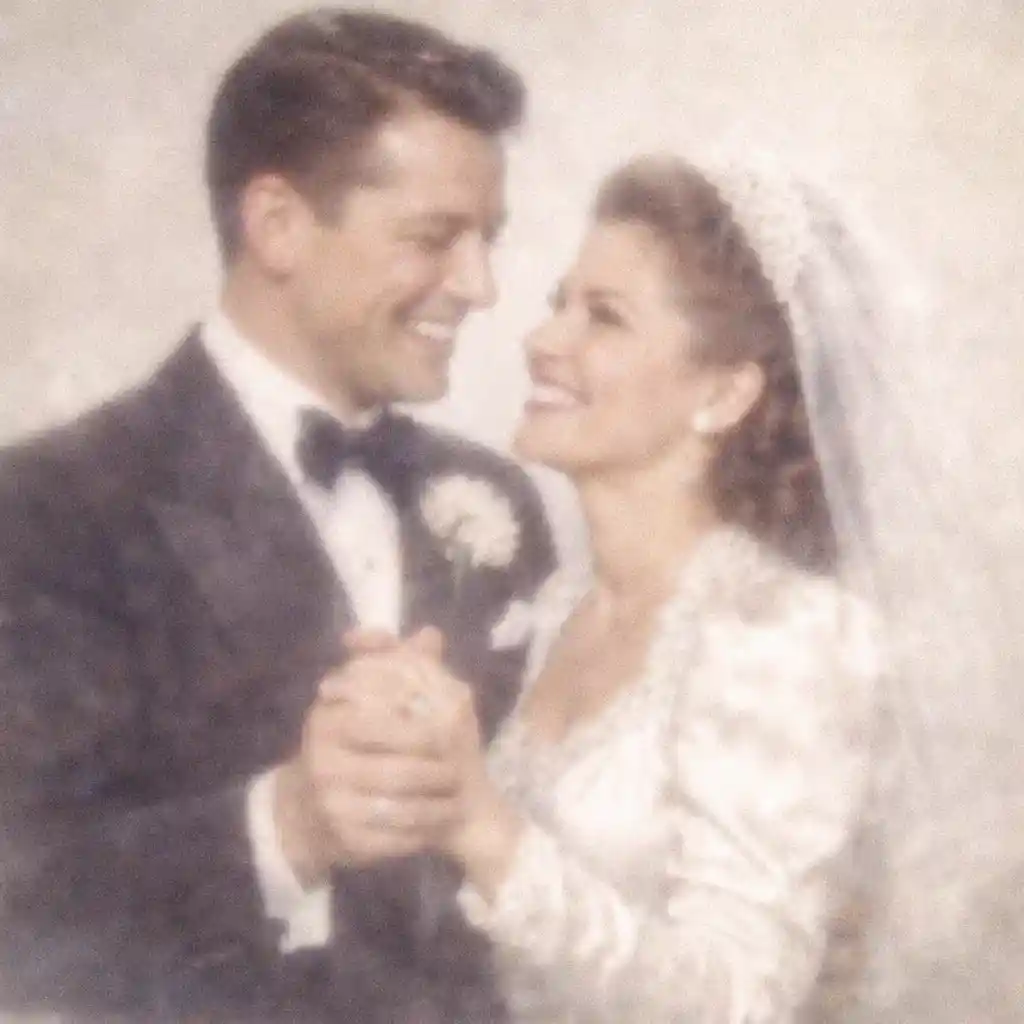
Fix Blurry Scanned Photos Without Losing Quality
When you fix blurry scanned photos with traditional software, you risk adding noise or artifacts. Our AI-powered deblurring technology intelligently sharpens scanned images while preserving natural textures and colors.
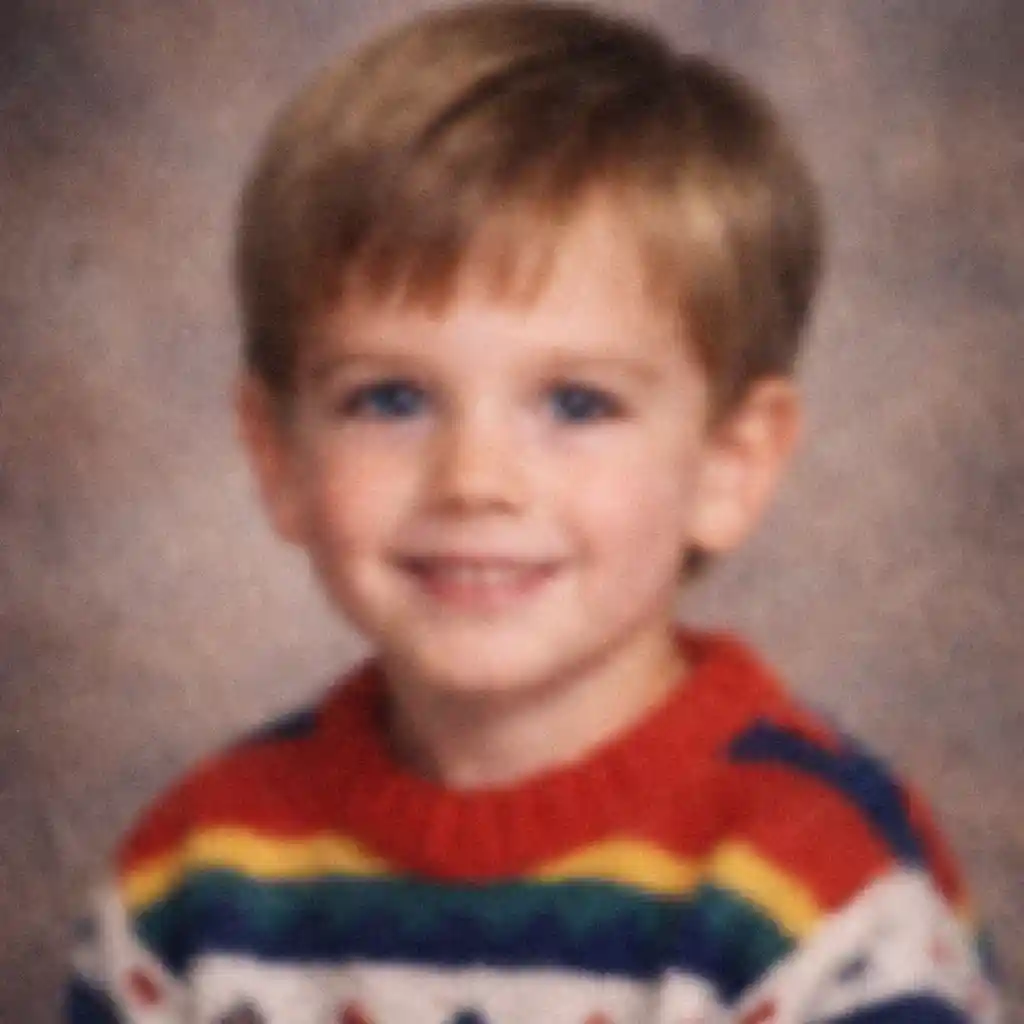
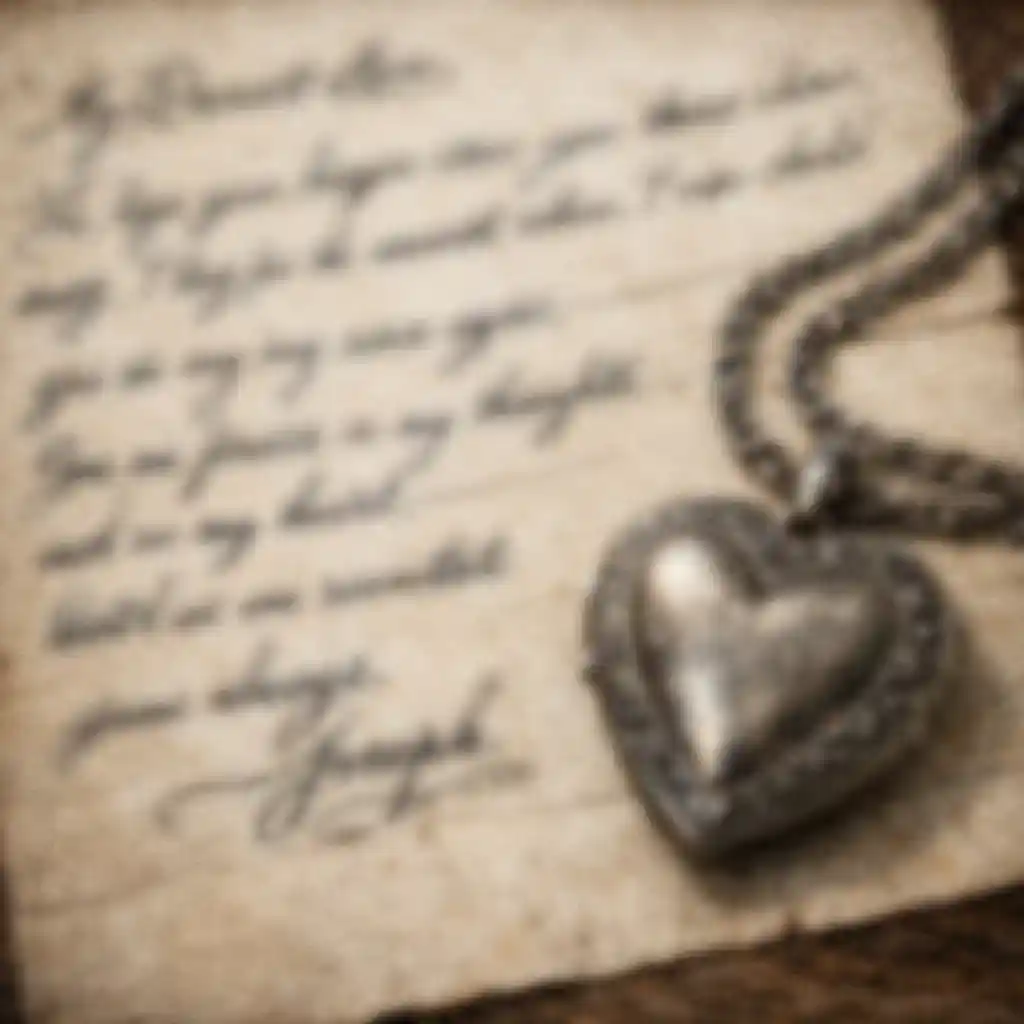
Sharpen Scanned Photos for Printing
Need to print old family photos but the scans look soft and blurry? Sharpen scanned photos to crisp, high-resolution results that look stunning on paper. Perfect for enlarging small scanned prints.


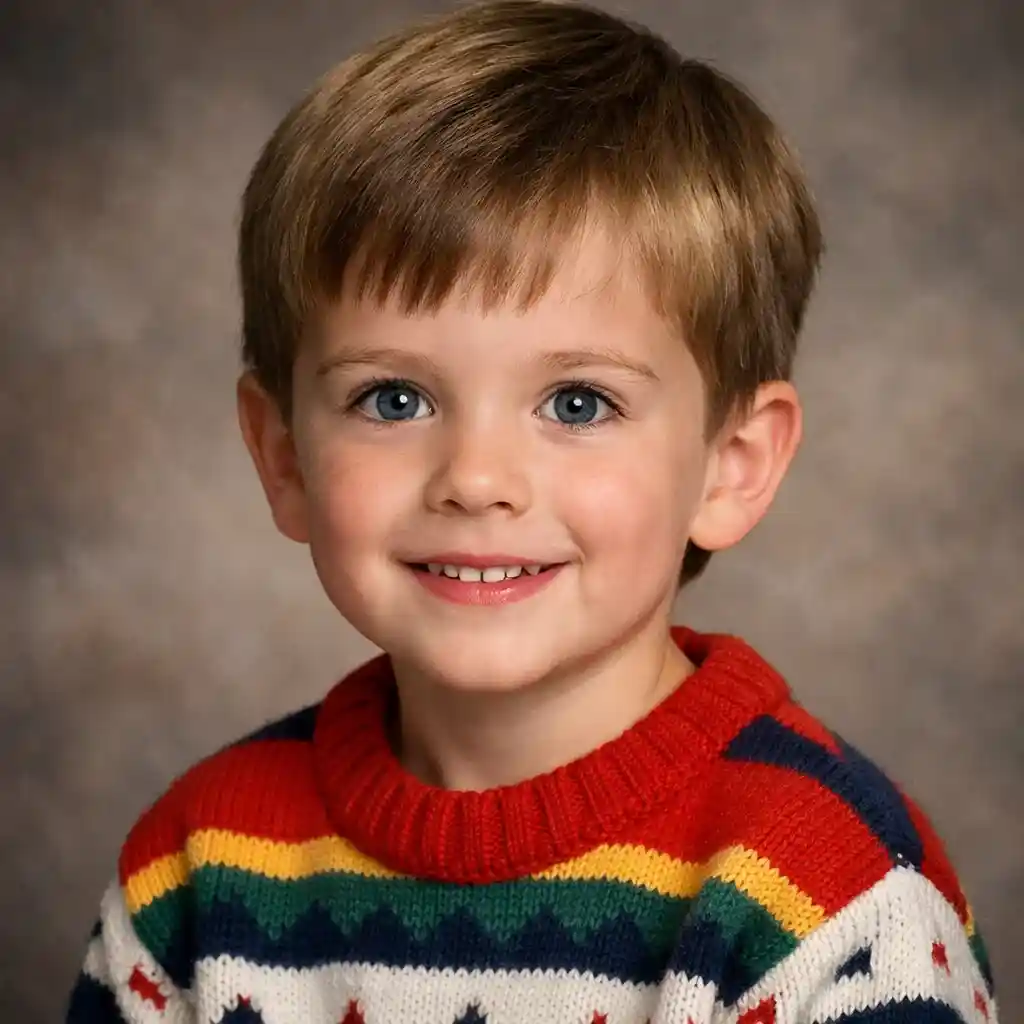
Enhance Scanned Photo Quality with AI
Go beyond simple sharpening. Our tool can enhance scanned photo quality by improving contrast, correcting color shifts from aging, and upscaling low-resolution scans to modern HD standards.

Why Are My Scanned Photos Blurry?
- •Scanned photos can appear blurry for several reasons: the original print was damaged or faded, the scanner resolution was too low, the photo moved during scanning, or the scanner glass was dirty or scratched.
- •When you remove blur from scanned photos using AI, the technology analyzes the image and intelligently reconstructs lost details, producing a sharper and cleaner version without manual editing.
- •To fix blurry scanned photos effectively, AI deblurring works better than traditional sharpening filters because it understands the structure of faces, text, and objects rather than just increasing edge contrast.
- •You can sharpen scanned photos from any source—flatbed scanners, phone camera scans, or even screenshots of old prints—and achieve print-ready quality results.
- •After you enhance scanned photo quality with our AI tool, you can download the result in high resolution for printing, sharing on social media, or archiving digitally.
How to Remove Blur from Scanned Photos (4 Steps)
Step 1: Upload Your Blurry Scanned Photo
Upload the blurry scanned photo you want to fix. Supports JPG, PNG, and WebP formats up to 30MB.
Step 2: AI Analyzes the Blur
Our AI detects the type and severity of blur in your scanned photo—whether it's motion blur, focus blur, or low-resolution softness.
Step 3: Sharpen and Enhance
The AI removes blur from scanned photos, reconstructs lost details, and enhances overall sharpness while keeping the result natural and artifact-free.
Step 4: Download Your Clear Photo
Preview the fixed result and download your now-crisp scanned photo in high resolution, ready for printing or sharing.
Why Use AI to Fix Blurry Scanned Photos
The fastest and most effective way to remove blur from scanned photos and restore clarity.
Works on All Types of Blur
Whether your scanned photo suffers from motion blur, out-of-focus softness, or low-DPI fuzziness, our AI can detect and fix blurry scanned photos of any kind.
Preserves Faces and Fine Details
AI is specially trained to sharpen scanned photos of people, keeping facial features, expressions, and skin tones looking natural and lifelike.
No Software Installation Required
Remove blur from scanned photos directly in your browser. No Photoshop skills needed—just upload, enhance, and download.
Fast, High-Quality Results
Enhance scanned photo quality in seconds. Our AI processes each image in under 30 seconds, delivering print-ready sharpness every time.
Remove Blur from Your Scanned Photos Now
Stop settling for blurry scans. Fix blurry scanned photos instantly with AI—sharpen details, enhance clarity, and bring your memories into focus.