Optimize Photos for Print Online Free | AI Print Optimizer
Optimize photos for print with AI. Increase resolution, sharpen details, fix color, and prepare old photos for large-format printing. Print-ready output in seconds.
Optimize Photos for Print Tool
Watermark will be added
Images will be public
Select the aspect ratio for generated images
Select the image format
Choose a preset action or use custom prompts
Have any questions? Join our Discord
⚠️ Default 4K image generation. Wait patiently.
Example Result
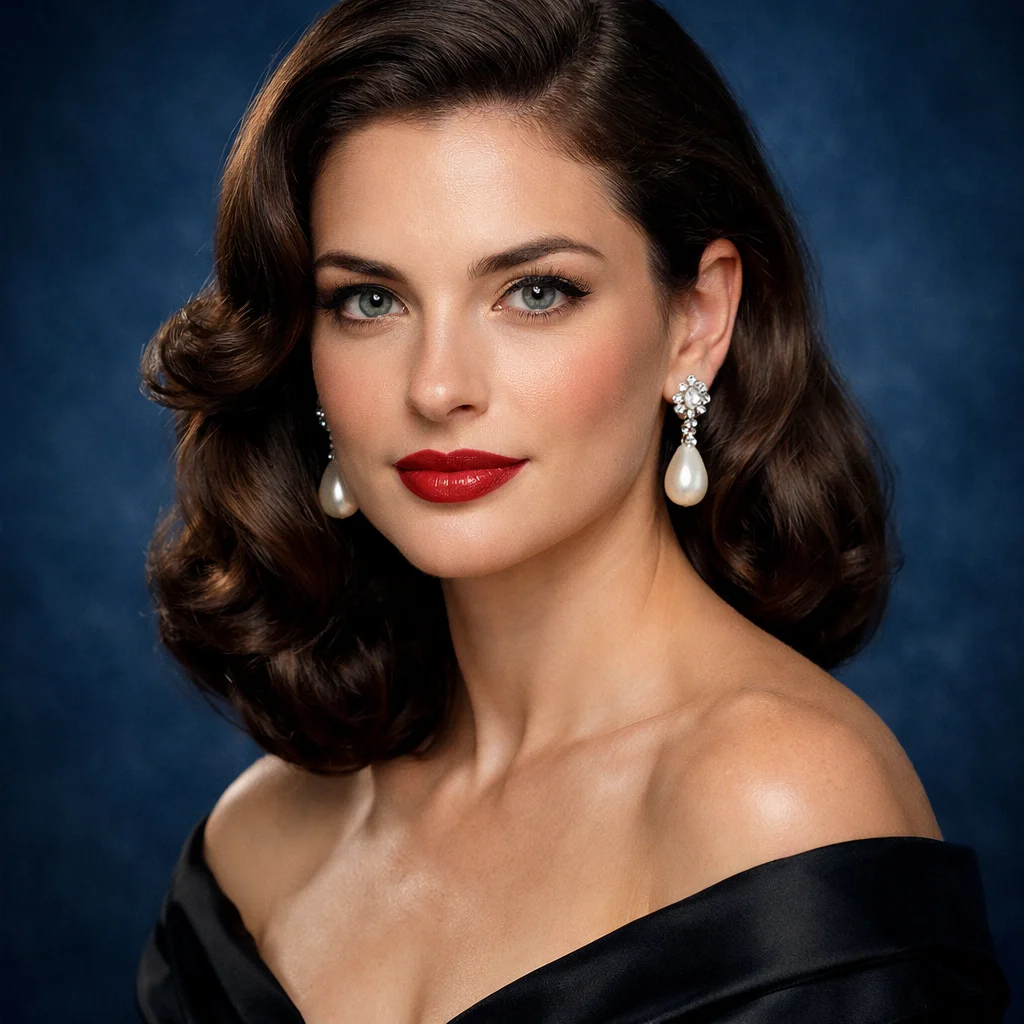
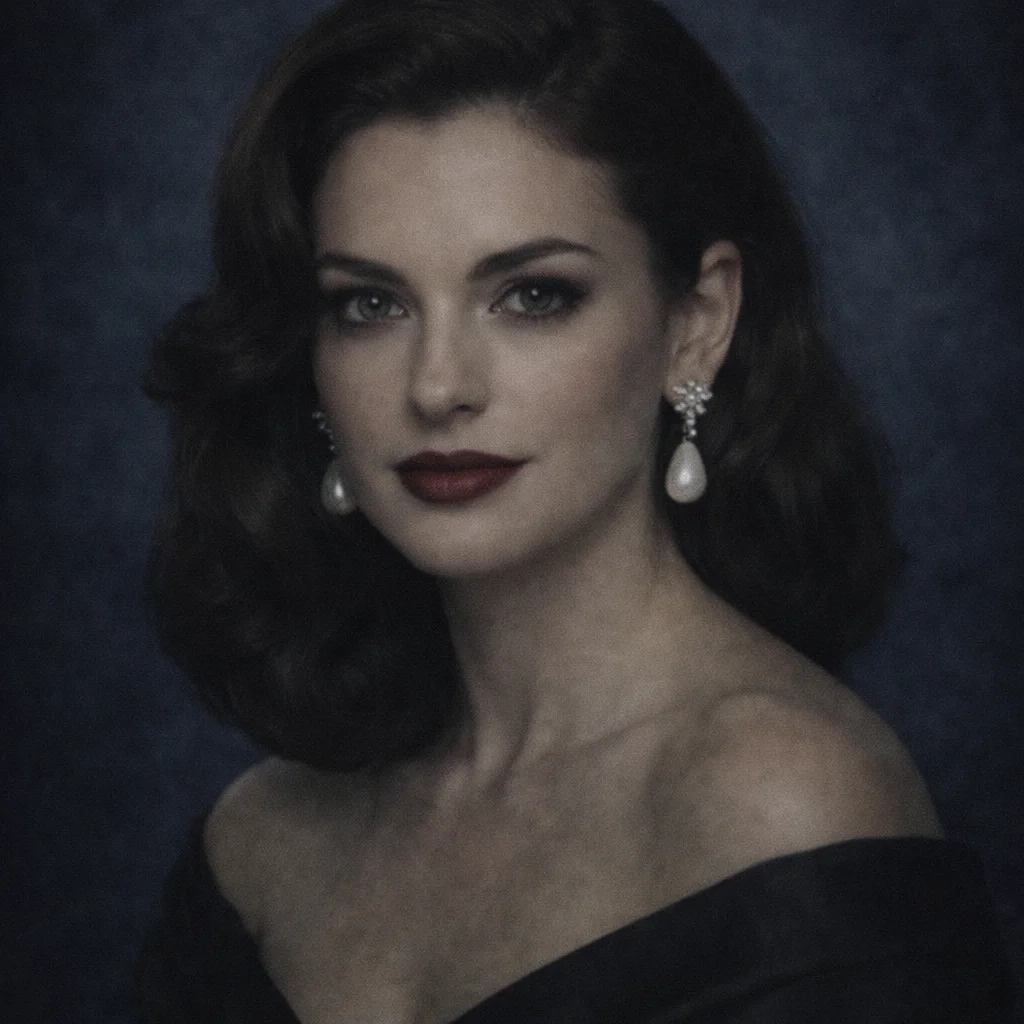
This is a demo showing the before and after effect. Start generating to see your own results!
Increase Resolution for Large-Format Prints
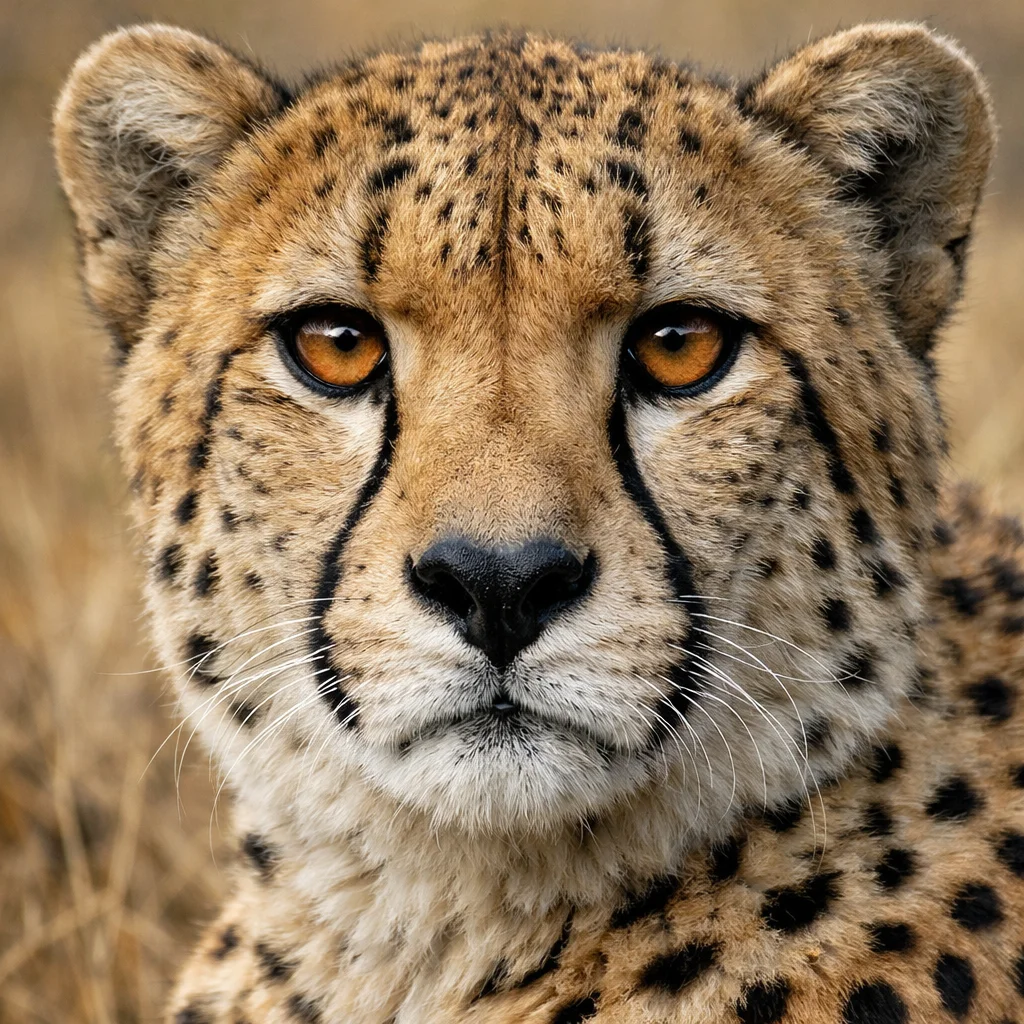
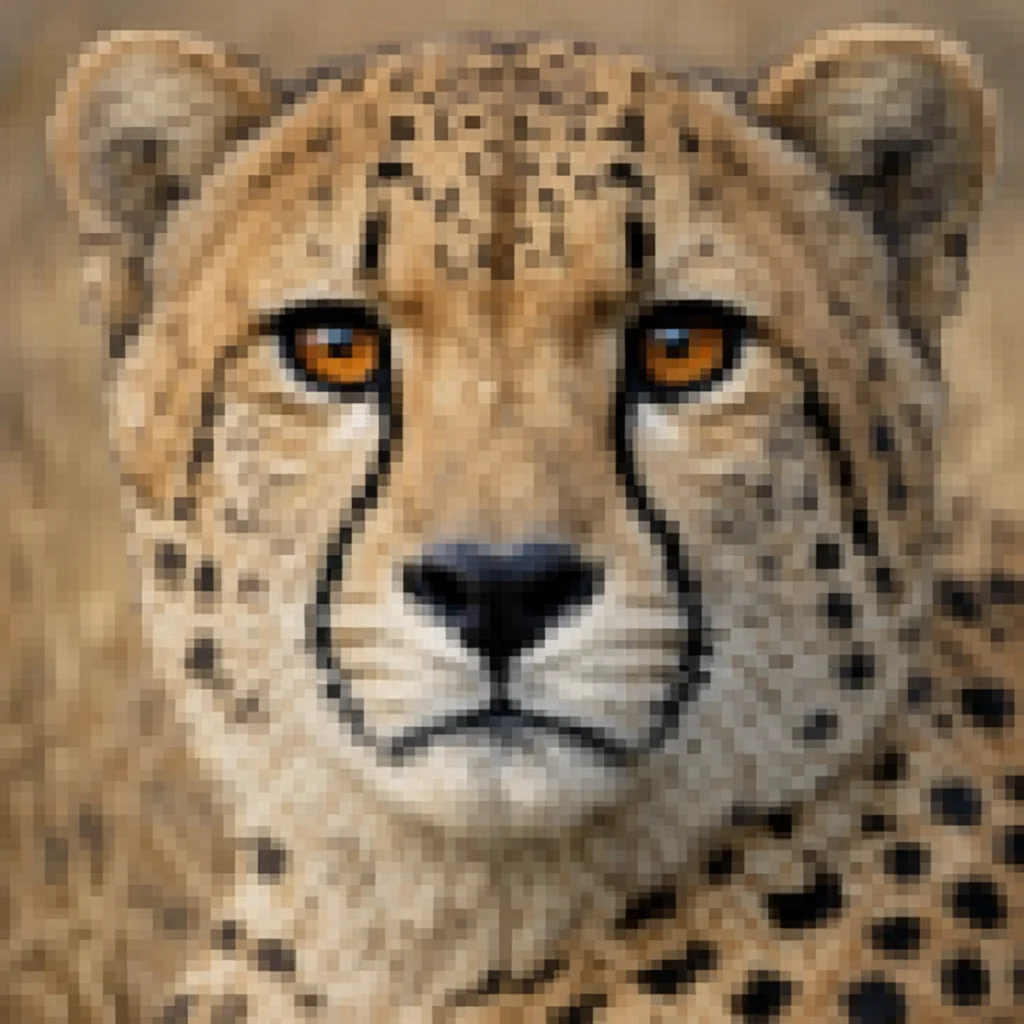
Increase Resolution for Large-Format Prints
Optimize photos for print by using AI upscaling to increase effective resolution without introducing blur or artifacts. Prepare low-resolution images for 5×7, 8×10, and larger print sizes.
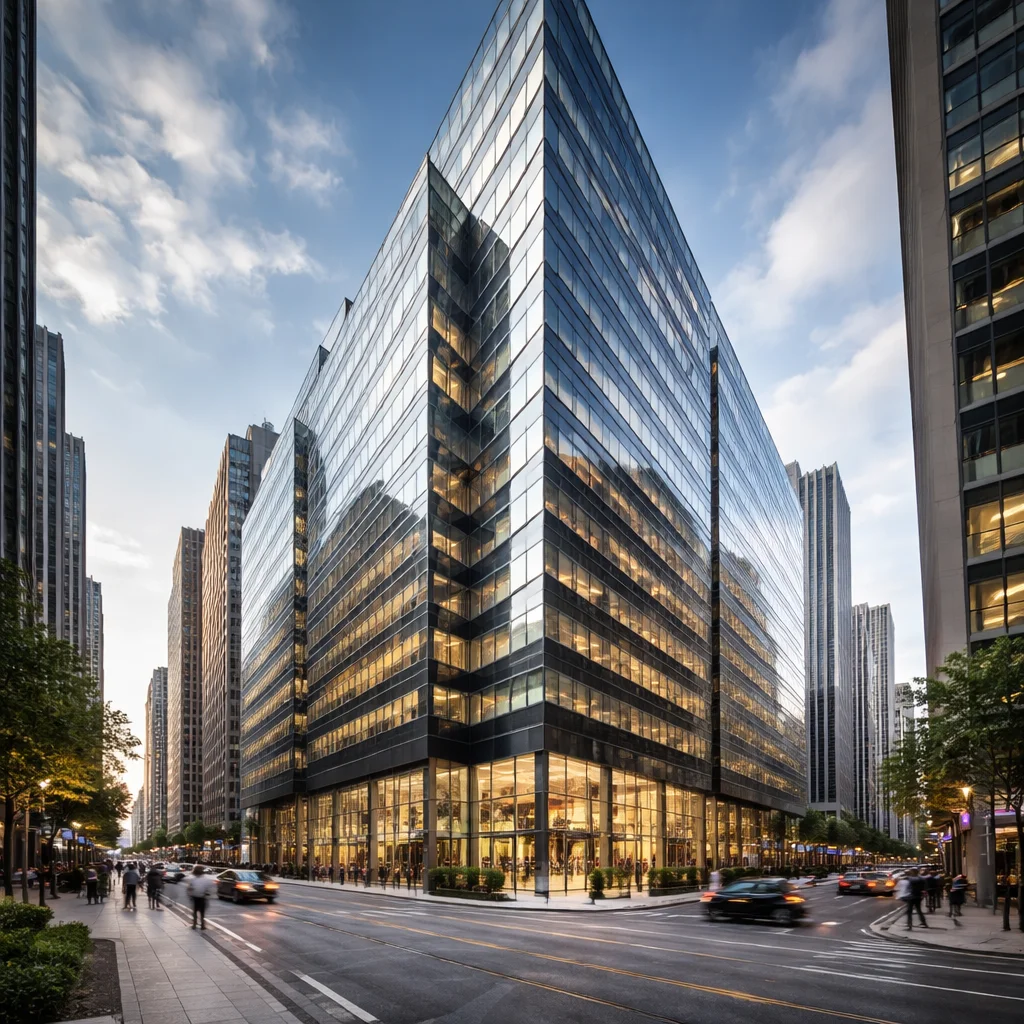
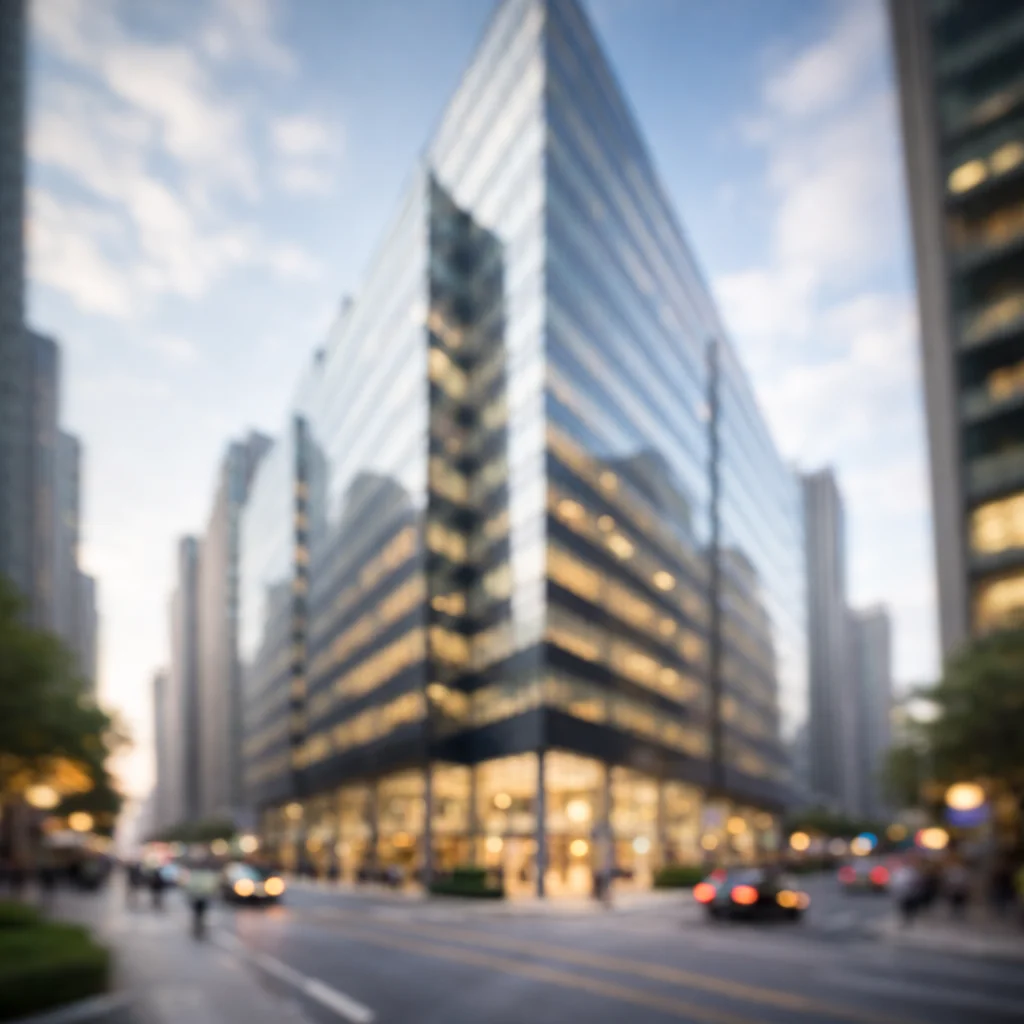
Sharpen Details Before Printing
Optimize photos for print by applying AI sharpening that enhances edges and fine textures. Printing tends to reduce perceived sharpness, so pre-sharpening improves the final result.
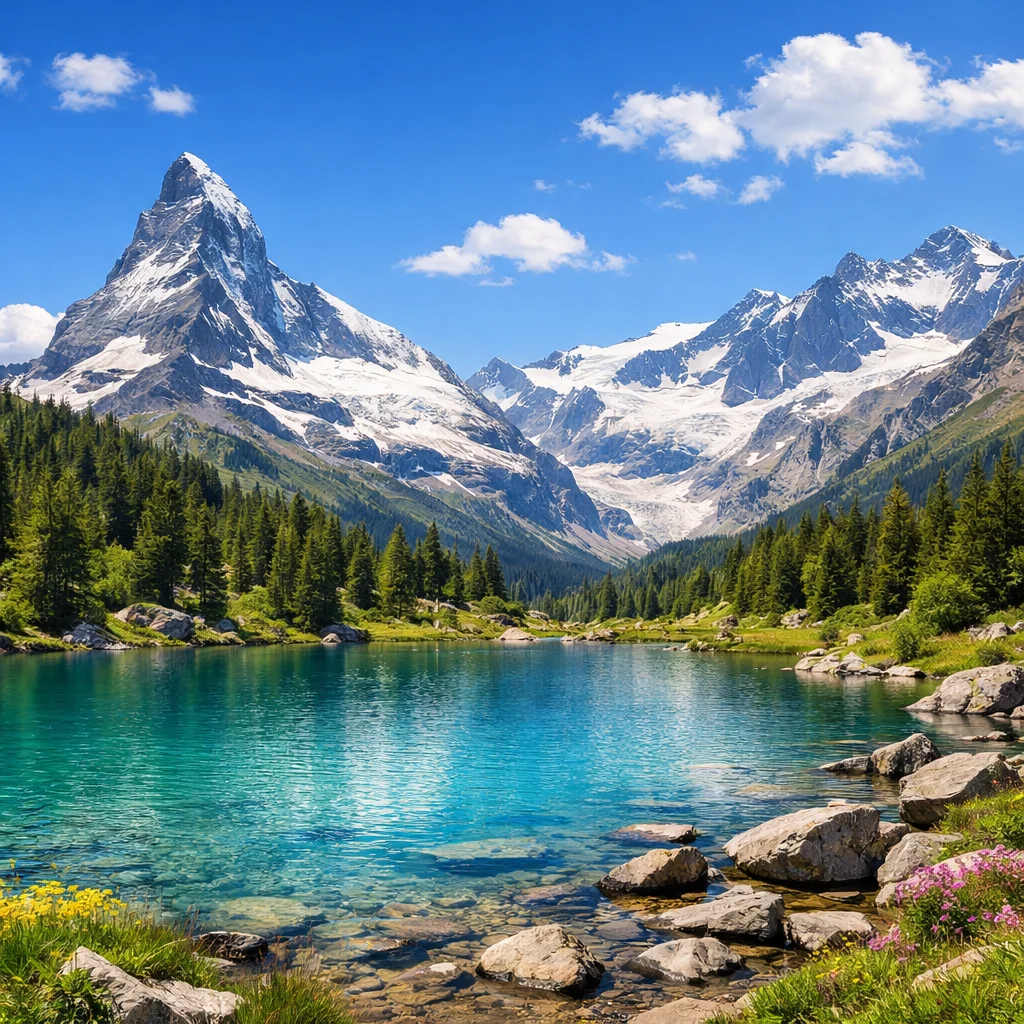
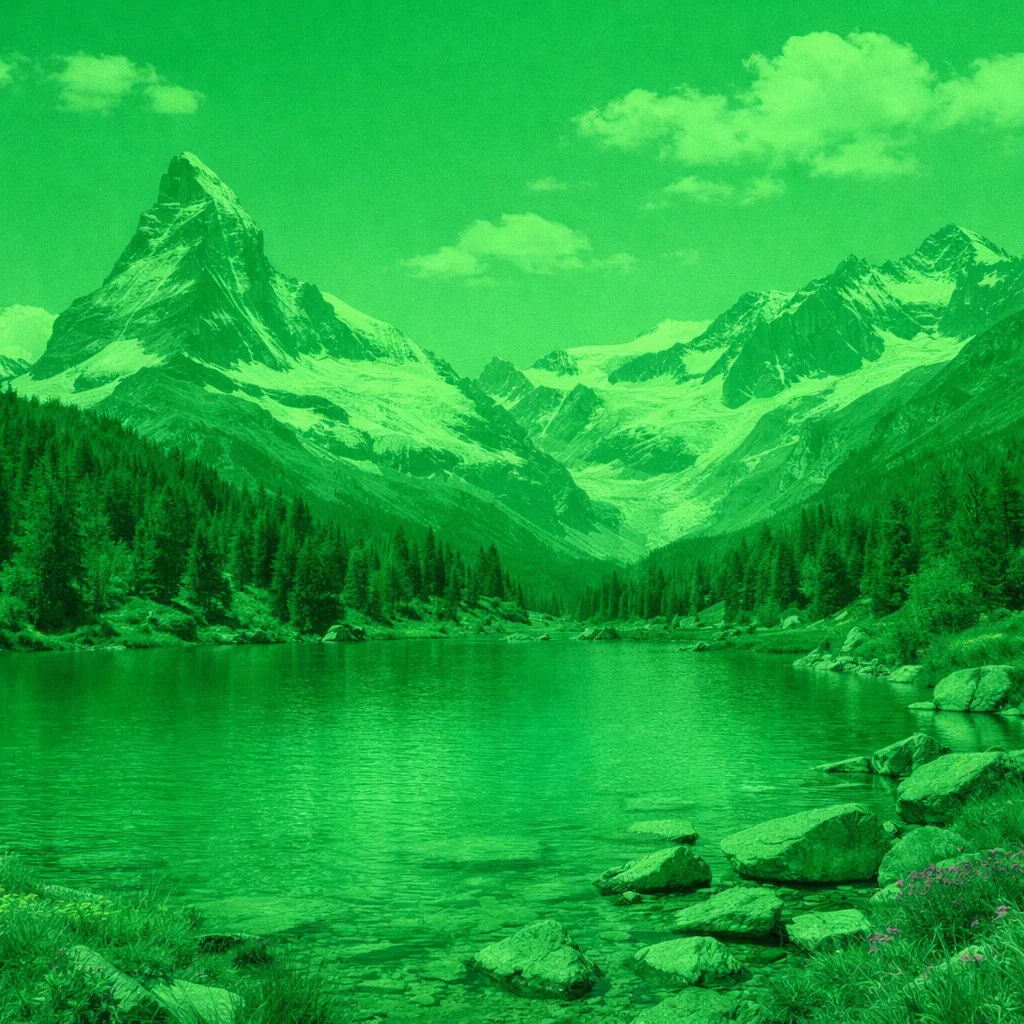
Fix Color and Contrast for Print Output
Optimize photos for print by correcting color casts, improving contrast, and adjusting tonal balance to compensate for differences between screen display and print output.

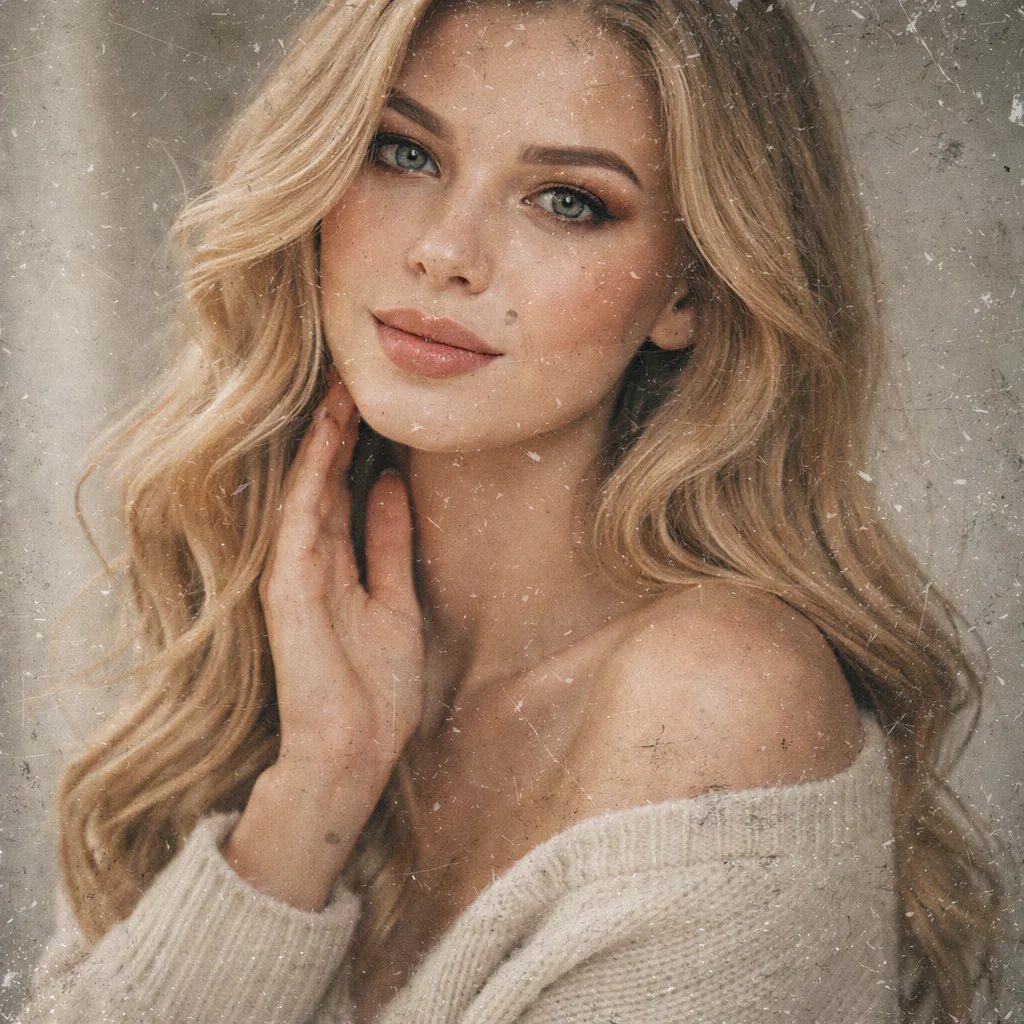
Repair Damage Before Printing Old Photos
Optimize photos for print by repairing scratches, stains, and fading in old images before committing them to print. The restored file produces cleaner physical prints.

What Does Optimize Photos for Print Mean?
- •Optimize photos for print is the process of adjusting a digital image to ensure it prints with accurate color, sharp detail, and sufficient resolution at the intended output size.
- •Screen images and printed images differ in how color, sharpness, and tonal range are perceived—optimization bridges these differences.
- •AI can automatically increase resolution, sharpen key areas, correct color balance, and repair damage to prepare photos for high-quality printing.
- •Optimizing photos for print reduces the risk of soft, dim, or off-color prints that often result from using screen-quality images for physical output.
- •This process is particularly useful for old or low-resolution photos that need upscaling and restoration before being printed at larger sizes.
How to Optimize Photos for Print (4 Steps)
Step 1: Upload Your Photo
Upload the photo you want to prepare for printing—old prints, scanned images, or low-resolution digital photos all benefit from print optimization.
Step 2: AI Analyses Print Readiness
AI evaluates resolution, sharpness, color balance, contrast, and damage to determine what corrections are needed for optimal print output.
Step 3: Optimize Photos for Print Automatically
AI applies upscaling, sharpening, color correction, and damage repair to create a high-quality print-ready version of the image.
Step 4: Download the Print-Ready File
Download the optimized file and send it to your printer, photo lab, or printing service for high-quality physical output.
Why Use AI to Optimize Photos for Print
A fast, automated approach to producing print-ready images with accurate color, sharpness, and resolution.
Covers All Key Print Requirements
Optimize photos for print by addressing resolution, sharpness, color accuracy, and damage repair in one automated workflow.
Suitable for All Print Sizes
AI prepares photos for standard sizes (4×6, 5×7, 8×10) as well as larger formats—ensuring sharp, detailed output at any print size.
Works on Old and New Photos
Optimize photos for print whether the source is a fresh digital photo, an old scanned print, or a low-resolution image file.
Seconds to Process
AI optimizes each image quickly so you can prepare a batch of photos for print without waiting or manual editing.
Optimize Photos for Print with AI
Increase resolution, sharpen details, fix color, and repair damage—optimize photos for print and get professional-quality output every time.