Old photos carry irreplaceable memories — but time leaves its mark. Scratches, cracks, fading, yellowing, and blur can make treasured family photos look like they're beyond saving. The good news? AI photo restoration in 2026 has advanced so much that you no longer need Photoshop skills or a big budget to bring old photos back to life.
The question is: with so many AI tools out there, which one is actually the best AI to restore old photos?
We tested 10 of the most popular AI tools for old photo restoration, comparing them across four dimensions: restoration quality, ease of use, pricing, and free trial availability. Some are free online tools you can use right now in your browser. Others are professional desktop software with advanced controls. All of them use AI to do what used to take hours of manual editing — in seconds.
Transparency note: The #1 pick on this list is our own tool, Restore Old Photos. We built it specifically for this purpose, and we'll show you exactly why we believe it's the best AI for restoring old photos — backed by specific features, real comparisons, and honest limitations.
How We Tested and Ranked These AI Tools
Before diving into each tool, here's the evaluation framework we used. Each tool received a score across four categories:
| Category | Weight | What We Looked At |
|---|---|---|
| Restoration Quality | 40% | Can the AI correctly identify and repair scratches, cracks, fading, blur, stains, and tears? Do faces look natural after restoration? |
| Ease of Use | 25% | Do you need to sign up? How many steps does it take to restore a photo? Is the interface intuitive? |
| Pricing & Free Tier | 20% | What can you do for free? Is the paid version worth the cost? Are there hidden fees? |
| Extra Features | 15% | Does it also support colorization, upscaling, face enhancement, batch processing? |
We tested each tool with the same set of old photos — a scratched family portrait, a faded wedding photo, a torn childhood picture, and a blurry vintage print — so we could compare results side by side.
Quick Comparison Table: 10 Best AI Old Photo Restoration Tools
How to use this table: If you're in a hurry, find your use case in the "Best For" column and jump to that tool's detailed review below.
| Rank | Tool | Best For | Starting Price | Free Tier | Our Rating |
|---|---|---|---|---|---|
| 🥇 | Restore Old Photos | 🏆 Best overall — free preview, no sign-up, all damage types | Free + Paid credits | Free preview + 1 free HD download | ⭐ 4.8 |
| 🥈 | Remini | Face enhancement & mobile use | $9.99/month | 5 free enhancements/day | ⭐ 4.5 |
| 🥉 | Topaz Photo AI | Professional photo restoration | $199 one-time | Free trial (watermarked) | ⭐ 4.6 |
| 4 | Adobe Photoshop | Manual precision & complex repairs | $22.99/month | 7-day free trial | ⭐ 4.4 |
| 5 | VanceAI Photo Restoration | AI-powered photo restoration & enhancement | $4.95/100 credits | 3 free credits/month | ⭐ 4.3 |
| 6 | GFP-GAN | Open-source & completely free | Free | Unlimited | ⭐ 4.0 |
| 7 | Hotpot.ai | All-in-one AI image toolkit | $10/month | Limited daily free | ⭐ 4.1 |
| 8 | Cutout.pro | Budget-friendly with API access | $5/month | 5 free/month | ⭐ 4.2 |
| 9 | Fotor | Casual users who already use Fotor | $8.99/month | Basic restoration free | ⭐ 4.0 |
| 10 | ImgGen AI | Quick try, no registration | Free + Paid | Basic features free | ⭐ 3.9 |
Detailed Reviews: The 10 Best AI Tools to Restore Old Photos
🥇 #1: Restore Old Photos — Best AI for Old Photo Restoration Overall
Rating: ⭐ 4.8/5 | Price: Free preview / Paid HD downloads | Platform: Web (all devices)
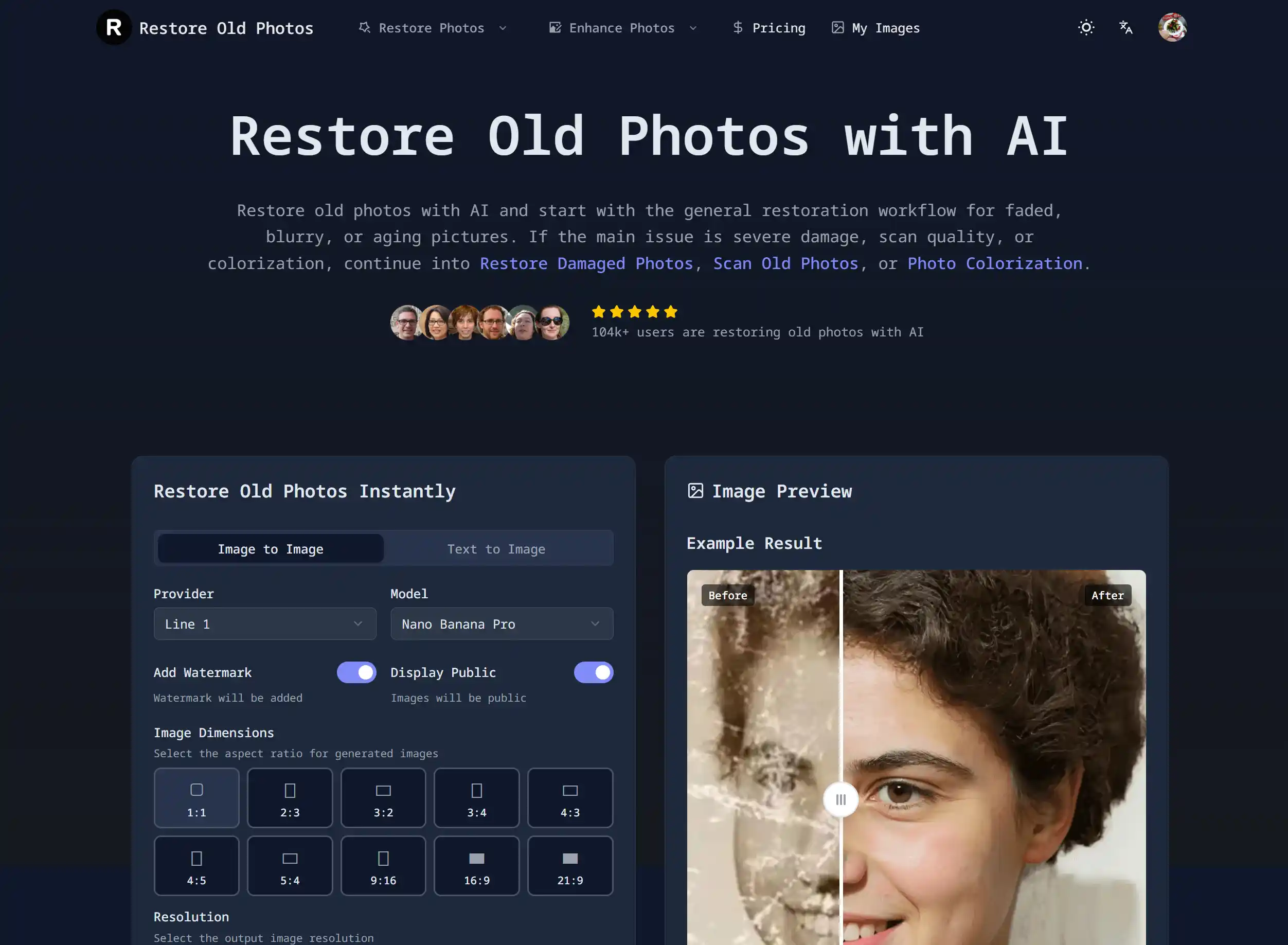
If you're looking for the best AI to restore old photos in 2026, Restore Old Photos is the tool we built from the ground up specifically for this job — and it's the one we recommend trying first. Here's why.
Unlike many AI tools that focus on just one type of repair (like face enhancement or upscaling), Restore Old Photos is designed to handle the full spectrum of old photo damage: scratches, cracks, stains, fading, yellowing, tears, blur, and even missing areas. The AI automatically detects what's wrong with your photo and applies the right fixes — no manual selection, no learning curve.
What makes it the best AI for restoring old photos:
- Truly free preview with no sign-up. Most tools force you to create an account before you can even see if they work. Here, you upload a photo, the AI restores it, and you preview the result in seconds — no email, no password, no credit card.
- All damage types, one tool. Whether your photo has scratches, cracks, faded colors, noise, stains, or tears, the same AI handles everything. You don't need separate tools for different problems.
- Built-in bonus tools. Beyond restoration, you also get AI photo colorization for black and white photos, face enhancement, HD upscaling, and watermark removal — all from the same platform.
- Works on any device. It's entirely browser-based, so it works on Windows, Mac, iPhone, Android — anything with a web browser.
- 19 languages. The interface is available in 19 languages, making it accessible to families around the world restoring their heritage photos.
Honest limitations:
No tool is perfect. The high-resolution download requires credits (though the free preview lets you see the full result before deciding). Batch processing is currently limited — this is designed for restoring individual treasured photos rather than bulk digitization projects. And for extremely severe damage where large portions of the photo are missing, no AI tool — including this one — can perfectly reconstruct what isn't there.
Who it's best for: Anyone who wants to quickly and freely see what AI can do for their old photos. Families restoring heirloom portraits, genealogy enthusiasts preserving ancestor photos, and casual users who don't want to install software or learn complex editing tools.
Bottom line: Restore Old Photos earns the #1 spot because it delivers the best combination of restoration quality, ease of use, and free access. You can try it now for free — no sign-up required.
🥈 #2: Remini — Best AI App for Face Enhancement
Rating: ⭐ 4.5/5 | Price: Free trial / Pro $9.99/month | Platform: iOS, Android, Web
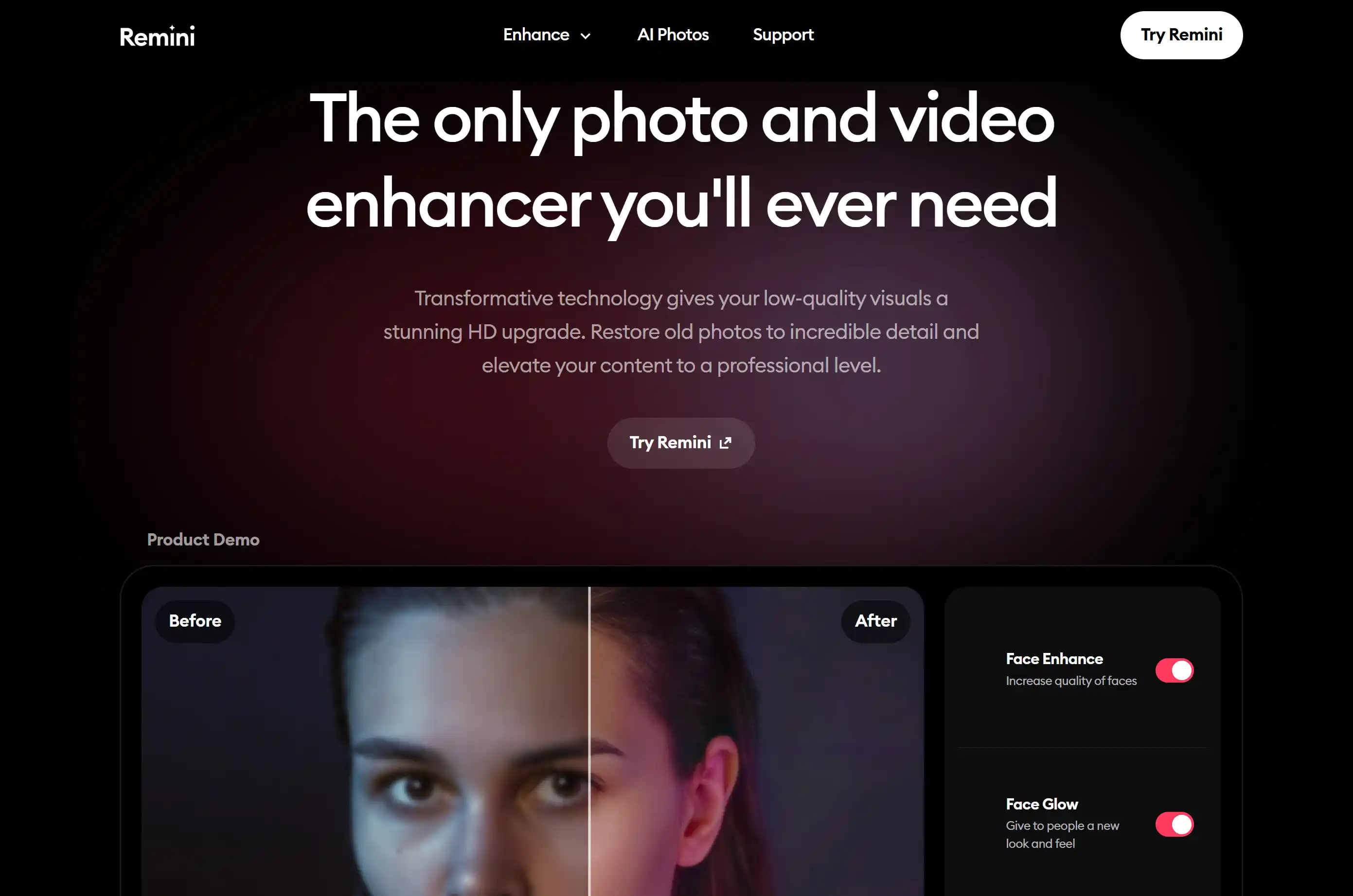
Remini is one of the most well-known AI apps to restore old photos, particularly famous for its face enhancement capabilities. If your old photos have blurry or pixelated faces, Remini's AI can work wonders — sharpening facial features, eyes, and hair with impressive clarity.
What Remini does best: Face enhancement. The AI is trained extensively on facial data, so it knows how to reconstruct natural-looking eyes, skin texture, and facial contours. For old portraits where faces are the main focus, Remini delivers some of the most striking improvements in the industry.
The mobile app experience is excellent — fast, intuitive, and optimized for sharing restored photos directly to social media.
Where Remini falls short: It's primarily an enhancement tool, not a full restoration tool. For scratches, cracks, tears, or stains on the non-face areas of a photo, Remini does very little. The free version includes ads and watermarks, and the subscription model ($9.99/month) adds up over time compared to one-time purchase options. There's also no permanent buyout option.
Who it's best for: Mobile users who primarily want to fix blurry faces in old portraits and selfies.
Rating breakdown: Restoration Quality ⭐⭐⭐⭐ | Ease of Use ⭐⭐⭐⭐⭐ | Value ⭐⭐⭐
🥉 #3: Topaz Photo AI — Best Professional AI Photo Restoration Software
Rating: ⭐ 4.6/5 | Price: $199 one-time purchase | Platform: Windows, macOS
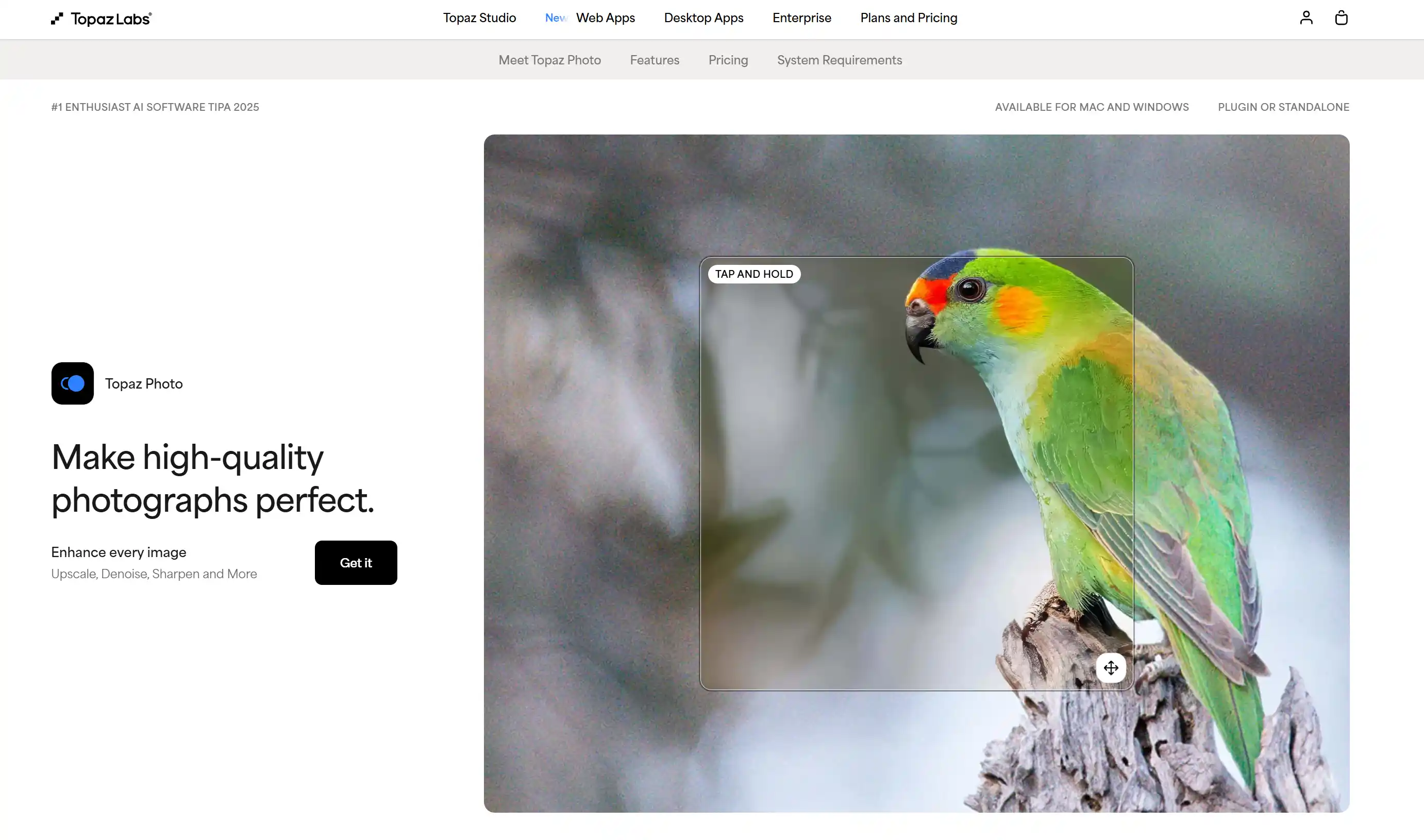
Topaz Photo AI is the best AI software for restoring old photos if you're a photographer, designer, or serious enthusiast who wants professional-grade results. Unlike web-based tools, Topaz is desktop software that combines three AI-powered functions: denoising, sharpening, and upscaling — all in one workflow.
The results are impressively natural. Topaz avoids the "over-processed" look that some AI tools produce. Skin stays skin-like. Details look real, not artificially generated. The software handles RAW files and high-resolution TIFFs, making it suitable for professional workflows.
The trade-offs: At $199, it's the most expensive option on this list — though it's a one-time purchase, not a subscription. You need to download and install it, and it requires a reasonably powerful computer (dedicated GPU recommended). Most importantly, Topaz is designed for enhancing photo quality (noise, sharpness, resolution) — it does not specialize in repairing physical damage like scratches, tears, or cracks. For those, you'd still need a dedicated restoration tool.
Who it's best for: Photographers and semi-professional users who want the highest-quality enhancement and don't mind paying upfront for permanent software.
Rating breakdown: Restoration Quality ⭐⭐⭐⭐⭐ | Ease of Use ⭐⭐⭐ | Value ⭐⭐⭐⭐
#4: Adobe Photoshop (Neural Filters) — Best for Manual Precision
Rating: ⭐ 4.4/5 | Price: $22.99/month (Creative Cloud) | Platform: Windows, macOS, iPad
Adobe Photoshop remains the most powerful image editing software on the planet — and its recent AI features have made old photo restoration significantly easier. The Neural Filters (particularly "Photo Restoration" and "Colorize") can automatically detect and repair common old photo issues. The Generative Fill feature (powered by Adobe Firefly AI) can intelligently reconstruct missing or damaged areas of a photo with remarkable accuracy.
If you need to restore a photo where large sections are torn away or severely damaged, Photoshop's AI generative fill is arguably the best tool available for reconstructing what's missing.
The reality check: Photoshop has a steep learning curve. Even with AI assistance, getting professional-looking results requires understanding layers, masks, and selection tools. The subscription costs $22.99/month — that's $275.88/year, which adds up fast. For simple scratch removal or fade correction, it's overkill. The AI filters are also not as one-click-simple as dedicated restoration tools.
Who it's best for: Professional photo restorers, graphic designers, and anyone who already has a Creative Cloud subscription and is comfortable with Photoshop's interface.
Rating breakdown: Restoration Quality ⭐⭐⭐⭐⭐ | Ease of Use ⭐⭐ | Value ⭐⭐⭐
#5: VanceAI — Best for AI-Powered Photo Restoration & Enhancement
Rating: ⭐ 4.3/5 | Price: Free trial / $4.95 per 100 credits | Platform: Web, Windows, macOS
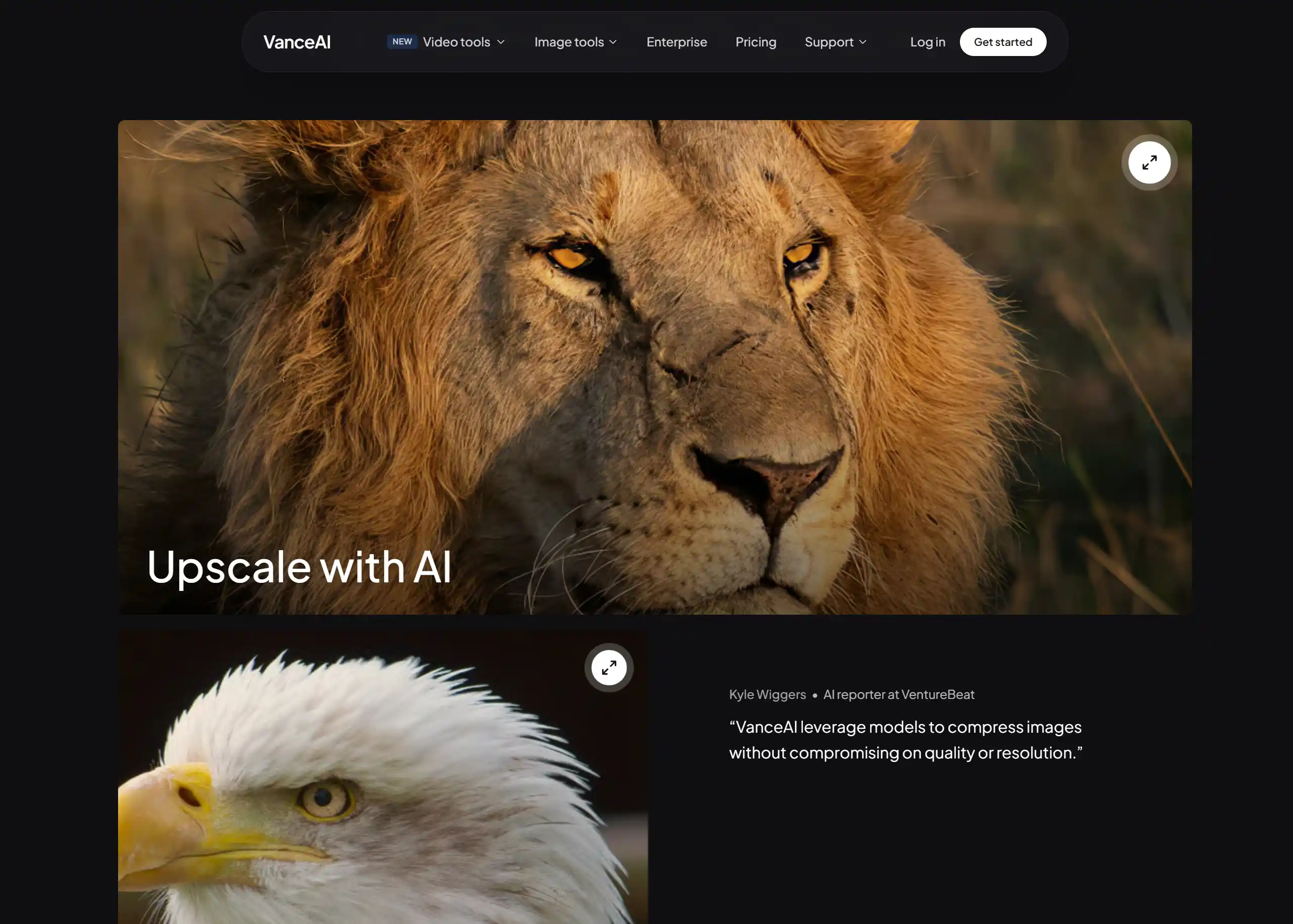
VanceAI is a well-established AI image enhancement platform that offers a dedicated Old Photo Restoration tool alongside a full suite of AI-powered image editing features. If you're looking for a versatile AI platform that handles photo restoration, enhancement, and upscaling all in one place, VanceAI is worth considering.
The Old Photo Restoration tool specifically targets common old photo issues — scratches, fading, yellowing, and blur — and the AI does a respectable job of cleaning them up automatically. Beyond restoration, VanceAI also offers AI colorization, image upscaling (up to 40x), denoising, and sharpening — making it a capable all-around toolkit.
What VanceAI does best: The platform offers batch processing, which is useful if you have multiple old photos to restore at once. The results are generally natural-looking, especially for mild to moderate damage. The desktop software option (for Windows and macOS) is a plus for users who prefer offline work.
The limitations: The credit-based pricing model can be confusing — you buy credits in packs, and different features consume different amounts. While 3 free credits per month let you try the tool, heavy users will need to purchase credit packs, which can add up. The restoration quality, while good, doesn't match the top-tier dedicated tools on this list for severe damage cases. And the tool is just one of many on the platform — old photo restoration isn't VanceAI's sole focus.
Who it's best for: Users who want a versatile AI image platform with solid photo restoration plus batch processing and a wide range of enhancement tools.
Rating breakdown: Restoration Quality ⭐⭐⭐⭐ | Ease of Use ⭐⭐⭐⭐ | Value ⭐⭐⭐
#6: GFP-GAN — Best Free & Open-Source AI for Photo Restoration
Rating: ⭐ 4.0/5 | Price: Completely free (open-source) | Platform: Web Demo, Local Deployment
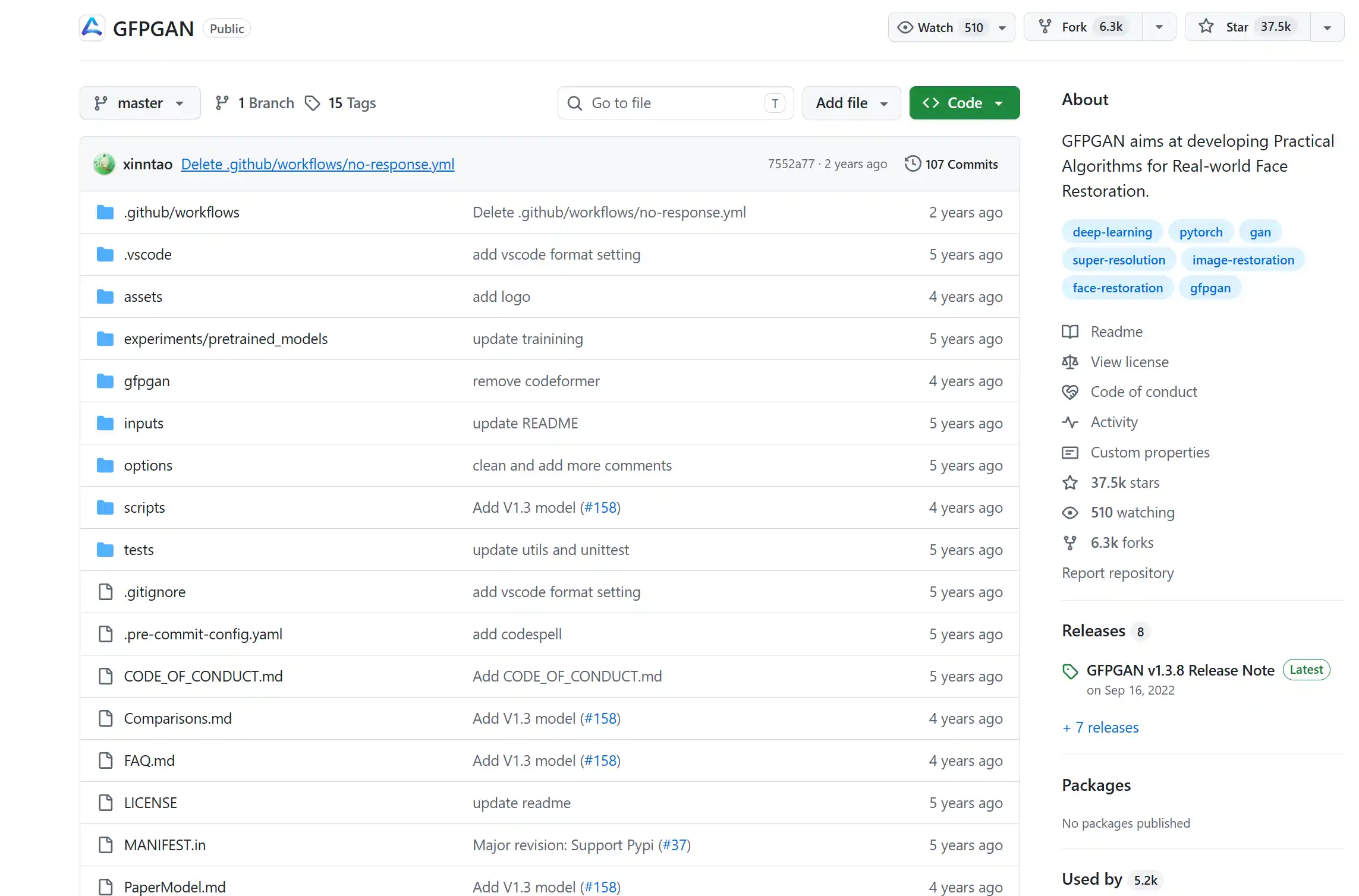
GFP-GAN (Generative Facial Prior GAN) is an open-source AI model developed by Tencent researchers that has become one of the most popular free AI tools for restoring old photos. If your budget is zero, this is your best option.
The face restoration quality is genuinely impressive for a free tool — GFP-GAN can sharpen blurry faces, reduce noise, and improve clarity in old portraits. Because it's open-source, you can deploy it locally on your own machine for unlimited, private use with no restrictions.
The trade-offs for free: The online demo can be unstable and sometimes unavailable. Local deployment requires technical knowledge (Python, Git, command line). The tool focuses almost exclusively on faces — it doesn't handle scratches, stains, tears, or full-photo restoration. The web interface is basic compared to commercial products.
Who it's best for: Technical users and those on a zero budget who are comfortable with developer tools or just need basic face restoration.
Rating breakdown: Restoration Quality ⭐⭐⭐⭐ | Ease of Use ⭐⭐ | Value ⭐⭐⭐⭐⭐
#7: Hotpot.ai — Best All-in-One AI Image Toolkit
Rating: ⭐ 4.1/5 | Price: Free / Pro $10/month | Platform: Web
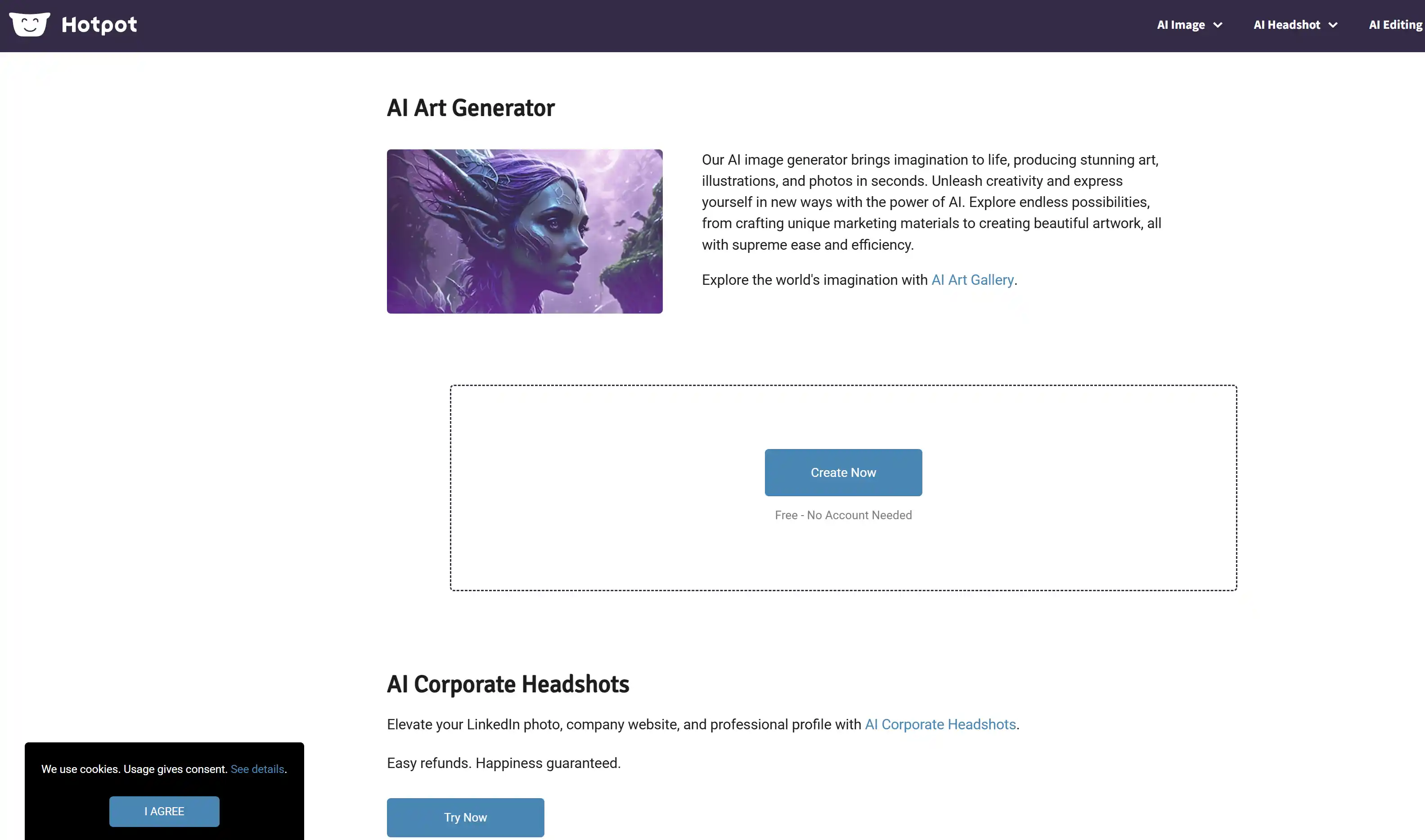
Hotpot.ai is a versatile platform offering a wide range of AI image tools — photo restoration, colorization, upscaling, background removal, and even AI art generation. If you want one platform that does a bit of everything, Hotpot is worth exploring.
The interface is clean and beginner-friendly. The photo restoration tool handles common old photo issues reasonably well, and having colorization and upscaling in the same platform is convenient. There's also batch processing support for multiple images.
Where it falls short: Because Hotpot spreads its development across many features, the photo restoration is good but not best-in-class — dedicated tools like Restore Old Photos or Topaz produce better restoration results. The free tier is fairly limited in daily usage, and high-resolution outputs require a Pro subscription. It's also web-only with no mobile app.
Who it's best for: Users who want multiple AI image tools in one place rather than switching between specialized tools.
Rating breakdown: Restoration Quality ⭐⭐⭐ | Ease of Use ⭐⭐⭐⭐ | Value ⭐⭐⭐
#8: Cutout.pro — Best Budget-Friendly AI Photo Restoration
Rating: ⭐ 4.2/5 | Price: Free / Pro $5/month | Platform: Web, API
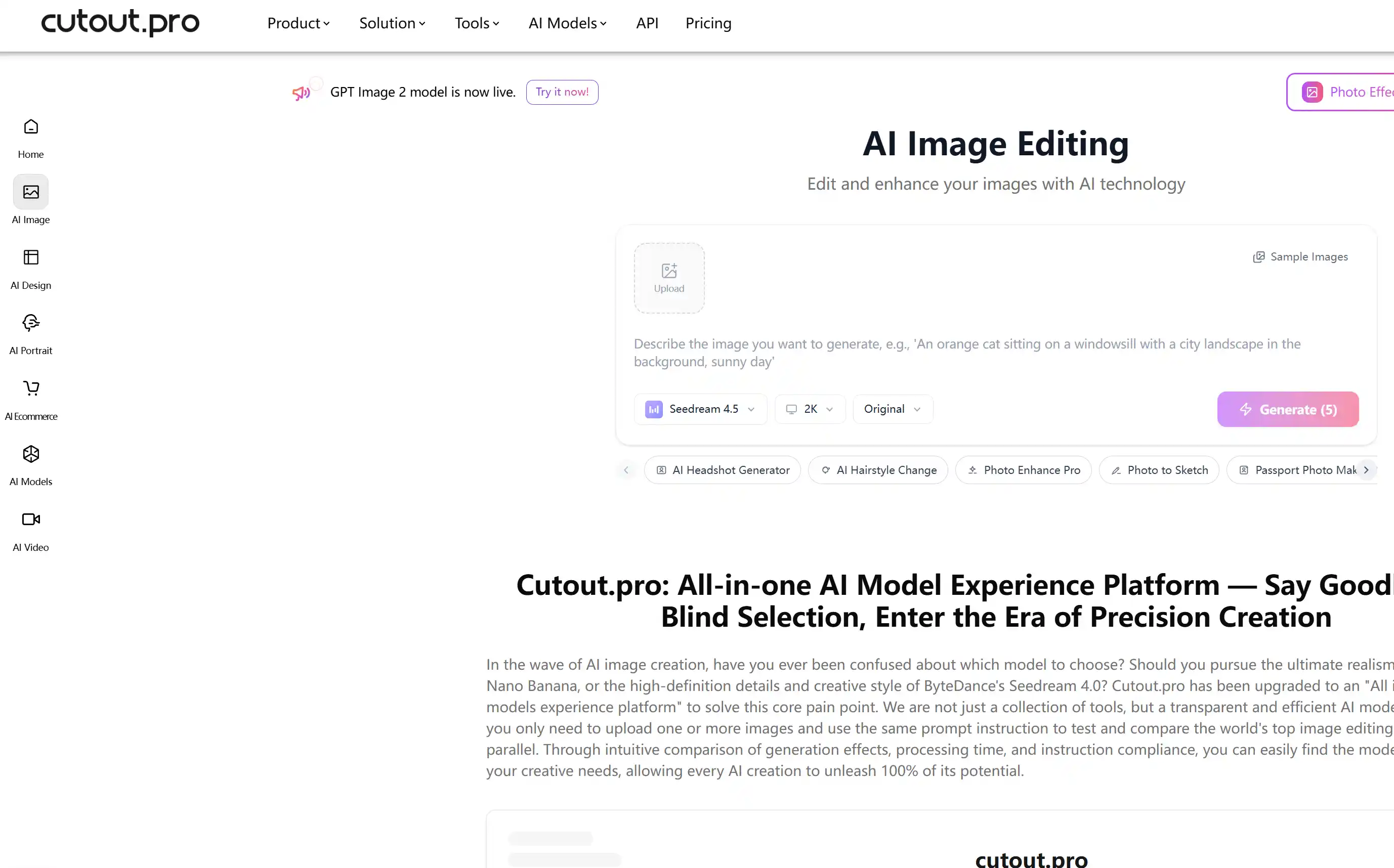
Cutout.pro offers one of the most affordable AI tools to restore old photos, with a Pro plan starting at just $5/month. It provides a dedicated AI photo restoration feature alongside other image editing tools like background removal and image enhancement.
The pricing is the main draw here. At $5/month, it's the cheapest paid option on this list. For developers, Cutout.pro also offers API access, making it possible to integrate AI photo restoration into your own applications or workflows. Batch processing is supported.
The trade-offs: Restoration quality is inconsistent — some photos come out great, others show minimal improvement. The results depend heavily on the type and severity of the original damage. The brand is less established than others on this list, and the interface feels basic. There's no mobile app.
Who it's best for: Budget-conscious users and developers who need API integration for AI photo restoration at a low cost.
Rating breakdown: Restoration Quality ⭐⭐⭐ | Ease of Use ⭐⭐⭐ | Value ⭐⭐⭐⭐
#9: Fotor — Best for Existing Fotor Users
Rating: ⭐ 4.0/5 | Price: Fotor Pro $8.99/month | Platform: Web, iOS, Android
Fotor is a well-established online photo editing platform that has added an AI old photo restoration feature to its extensive toolkit. If you already use Fotor for photo editing, having restoration built in is convenient.
The one-click restoration is simple to use, and Fotor's mobile apps mean you can restore old photos on your phone. The platform also includes a wide range of editing tools — from basic adjustments to AI photo effects — making it a capable all-around editor.
The limitations: Photo restoration is a side feature for Fotor, not the core focus. The AI restoration quality is average compared to dedicated tools. Most advanced features — including higher resolution exports — require a Fotor Pro subscription at $8.99/month. The free version has output quality restrictions.
Who it's best for: Users who already use and like Fotor for general photo editing and want to add restoration capabilities without switching platforms.
Rating breakdown: Restoration Quality ⭐⭐⭐ | Ease of Use ⭐⭐⭐⭐ | Value ⭐⭐⭐
🔟 #10: ImgGen AI — Best for a Quick, No-Registration Try
Rating: ⭐ 3.9/5 | Price: Free / Paid HD | Platform: Web
ImgGen AI rounds out our list as a simple, accessible option for users who want to quickly try AI photo restoration without any commitment. It combines restoration, colorization, and upscaling in a straightforward web interface with no registration required to get started.
The simplicity is appealing — upload a photo, wait for processing, and download the result. For users intimidated by complex tools, this approachable workflow is a plus. The basic features are genuinely free to use.
What holds it back: The feature set is basic compared to every other tool on this list. Restoration quality is below the top-ranked options — it works adequately for mild fading or softness, but struggles with significant damage. The brand is relatively unknown, and the long-term future of the tool (updates, support) is uncertain.
Who it's best for: Someone who wants to quickly try AI photo restoration without creating an account or downloading anything — a low-commitment starting point.
Rating breakdown: Restoration Quality ⭐⭐⭐ | Ease of Use ⭐⭐⭐⭐ | Value ⭐⭐⭐⭐
Which AI Tool Should You Choose?
With 10 tools reviewed, here's a quick decision guide based on what matters most to you:
| If you want... | Choose | Why |
|---|---|---|
| The best overall AI old photo restoration | 🥇 Restore Old Photos (#1) | Best combination of quality, ease, and free access. No sign-up, free preview, all damage types. |
| To fix blurry faces specifically | 🥈 Remini (#2) | Industry-leading face enhancement, great mobile app. |
| Professional-grade desktop software | 🥉 Topaz Photo AI (#3) | One-time purchase, natural results, handles RAW files. |
| Complete manual control over restoration | Adobe Photoshop (#4) | Most powerful editing tools, AI Generative Fill for missing areas. |
| A completely free option | GFP-GAN (#6) | Open-source, unlimited use, impressive face restoration. |
| AI-powered photo enhancement with batch processing | VanceAI (#5) | Multiple AI enhancement tools, batch processing, desktop app option. |
| Multiple AI image tools in one platform | Hotpot.ai (#7) | Restoration, colorization, upscaling, background removal all in one. |
| The most affordable paid option | Cutout.pro (#8) | Pro plan from $5/month, plus API access for developers. |
| A tool you can use entirely on your phone | Remini (#2) or Fotor (#9) | Both have polished mobile apps for iOS and Android. |
Our recommendation: Start with Restore Old Photos (#1). It's free to preview your results, requires no sign-up, and handles the widest range of old photo damage. If it doesn't meet your needs for a specific photo, then try the specialized tool that matches your situation from the chart above.
Frequently Asked Questions
What is the best AI to restore old photos?
Based on our testing, Restore Old Photos is the best AI for restoring old photos overall. It offers free preview without sign-up, handles all common damage types (scratches, cracks, fading, blur, stains, tears), and includes bonus tools like photo colorization and face enhancement. For specific needs like face enhancement only, Remini is also excellent. For professional desktop use, Topaz Photo AI is the top choice.
Is there a free AI tool to restore old photos?
Yes — several. Restore Old Photos lets you preview your restored photo for free without even creating an account. GFP-GAN (#6) is completely free and open-source with unlimited use. Remini (#2) offers 5 free enhancements per day. ImgGen AI (#10) provides basic restoration for free with no registration.
Can AI really restore old damaged photos?
Yes — and the results in 2026 are genuinely impressive. Modern AI models (typically based on GAN or diffusion architectures) can automatically detect scratches, cracks, stains, fading, and blur, then reconstruct the damaged areas based on surrounding pixels and training data. The best AI tools produce results that look natural and preserve the original character of the photo. However, for extremely severe damage where large portions of the photo are physically missing, even the best AI can only make an educated reconstruction — it can't truly restore what no longer exists.
How do AI photo restoration tools work?
AI photo restoration tools use deep learning models trained on millions of images. These models learn to recognize patterns of damage (scratches look different from cracks, which look different from fading) and to reconstruct missing or damaged areas based on what undamaged areas of similar photos look like. When you upload a photo, the AI analyzes it, identifies problem areas, and generates restored versions — all in seconds. Most modern tools use a combination of GAN (Generative Adversarial Network) and diffusion-based architectures.
Is AI photo restoration better than manual Photoshop restoration?
For most people, yes. AI tools can restore a typical old photo in seconds with one click — achieving results that would take an experienced Photoshop user 30-60 minutes of manual work. The AI is also more consistent and doesn't require any learning. However, for highly complex restoration projects — like reconstructing large missing sections of a photo or extremely precise artistic restoration — manual Photoshop work by a skilled professional still offers more control and potentially better results.
Can AI colorize black and white photos too?
Yes — and this is one of the most popular AI features. Many of the tools on this list include AI colorization as a built-in feature, including Restore Old Photos (#1), VanceAI (#5), and Hotpot.ai (#7). The AI estimates realistic colors based on the content of the image — skin tones, sky, grass, clothing — and applies them in a natural-looking way. For the best results, restore the photo first (fix scratches, blur, etc.), then colorize the cleaned-up version.
How much does AI photo restoration cost?
AI photo restoration ranges from completely free to $199. Free options like Restore Old Photos (free preview, no sign-up) and GFP-GAN (fully open-source) can already deliver excellent results at no cost. Mid-range subscription tools like Remini or Hotpot cost $8-10/month. Professional desktop software like Topaz Photo AI costs $199 as a one-time purchase. Most users will find the free options sufficient for typical family photo restoration.
Which AI tool is best for restoring old family photos?
Restore Old Photos is the best AI tool for old family photos because it's specifically designed for the full range of old photo damage — scratches, fading, tears, stains, and blur — and it prioritizes keeping faces natural and recognizable. The free preview with no sign-up makes it easy to try on your family photos immediately. For users who want batch processing and a desktop app, VanceAI (#5) is a solid alternative with its multi-tool AI enhancement platform.
Final Verdict: Start Restoring Your Old Photos Today
The AI photo restoration landscape in 2026 is remarkably accessible. Whether you have a single faded family portrait or a box of damaged vintage prints, there's an AI tool that can help — and most of them let you try for free before committing a penny.
We stand by our #1 recommendation: Restore Old Photos offers the best overall experience — free preview, no sign-up, all damage types, and bonus features like colorization, face enhancement, and HD conversion in one place.
But don't just take our word for it. Pick a tool from the list above, upload an old photo, and see the results for yourself. That faded wedding portrait, that scratched childhood photo, that blurry picture of your grandparents — they're all waiting to be seen clearly again.