Restore Old Passport Photos Online Free | AI to Restore Old Passport Photos
Use AI to restore old passport photos online free. Restore old passport photos to improve vintage passport portraits while keeping faces recognizable for archives, genealogy, and family record preservation.
Drag your image here, or
Reference Image (Max 50MB)


Restore Old Passport Photos Before and After Examples
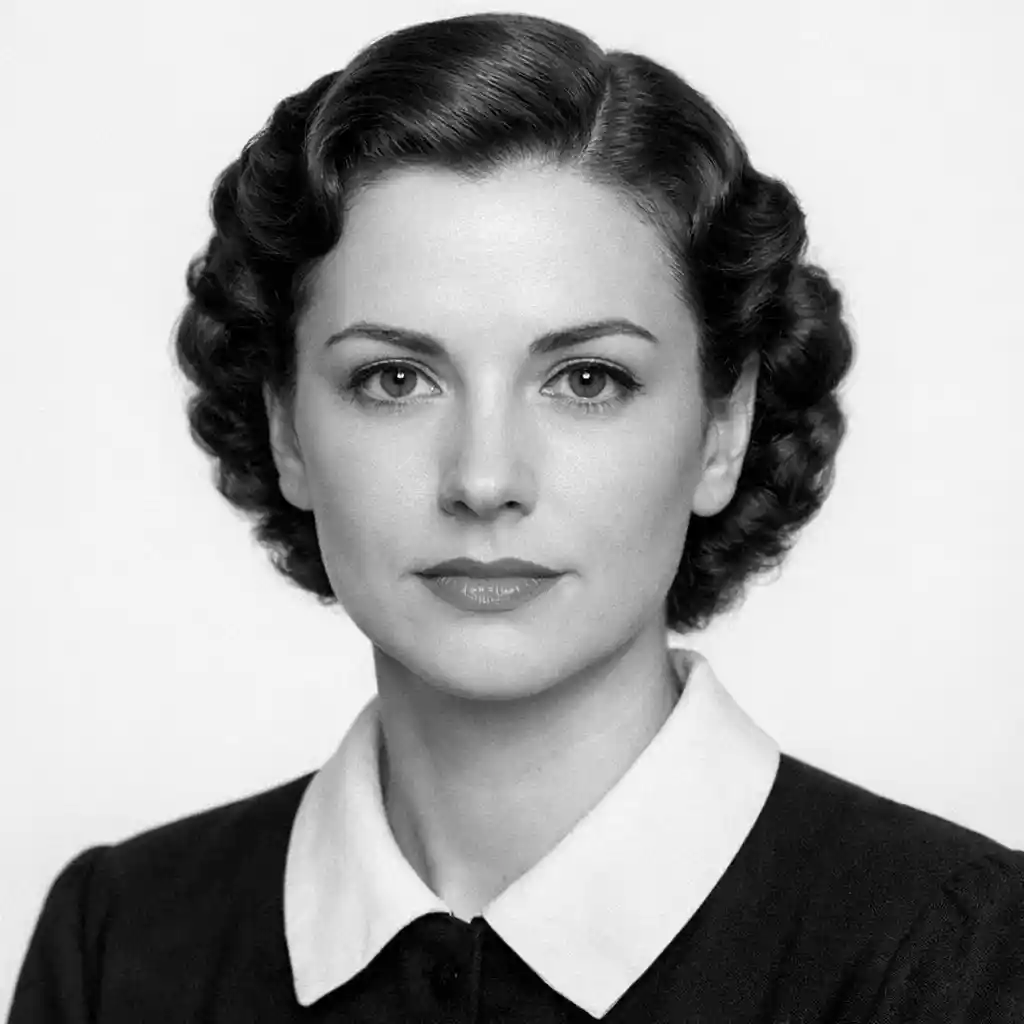
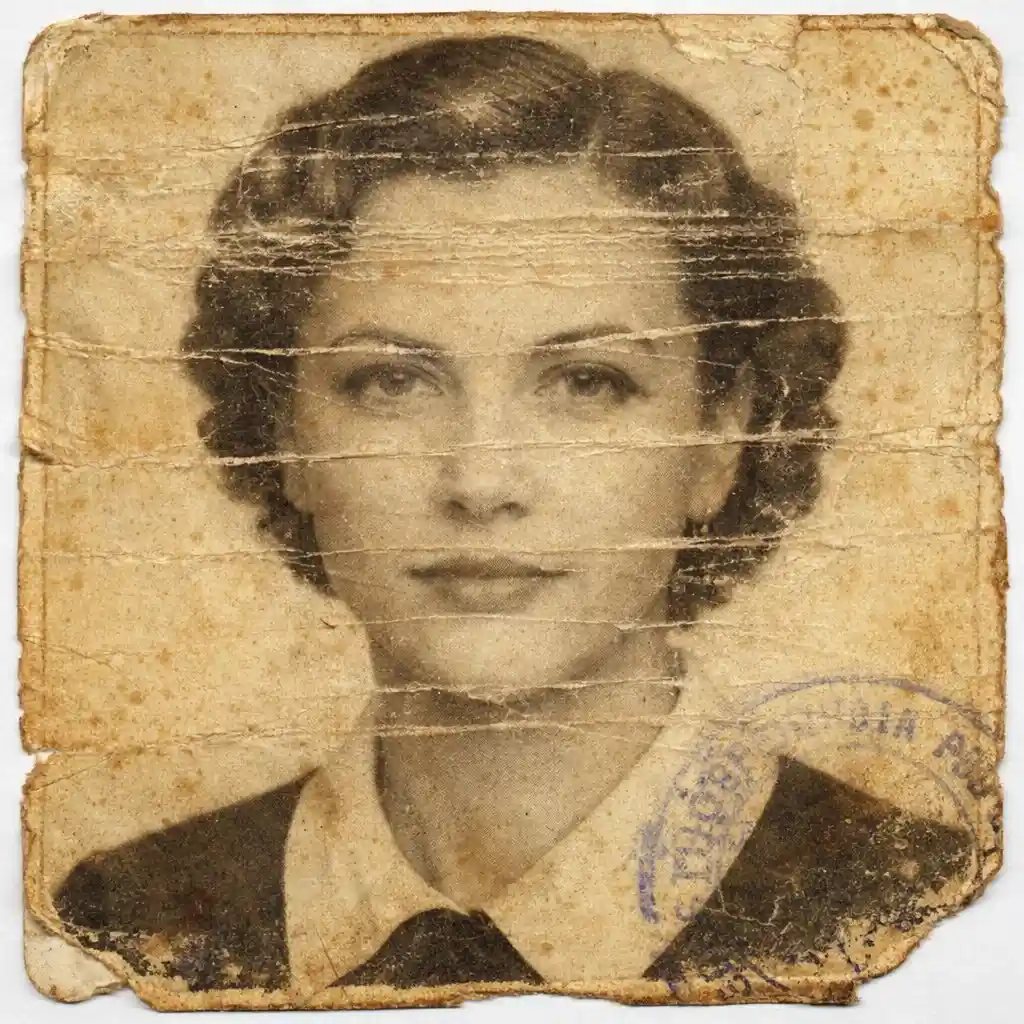
Restore Vintage Passport Portraits for Family Archives
Restore Old Passport Photos helps improve images from old passports and identity documents when you want a cleaner portrait for family archives, record keeping, or historical preservation.
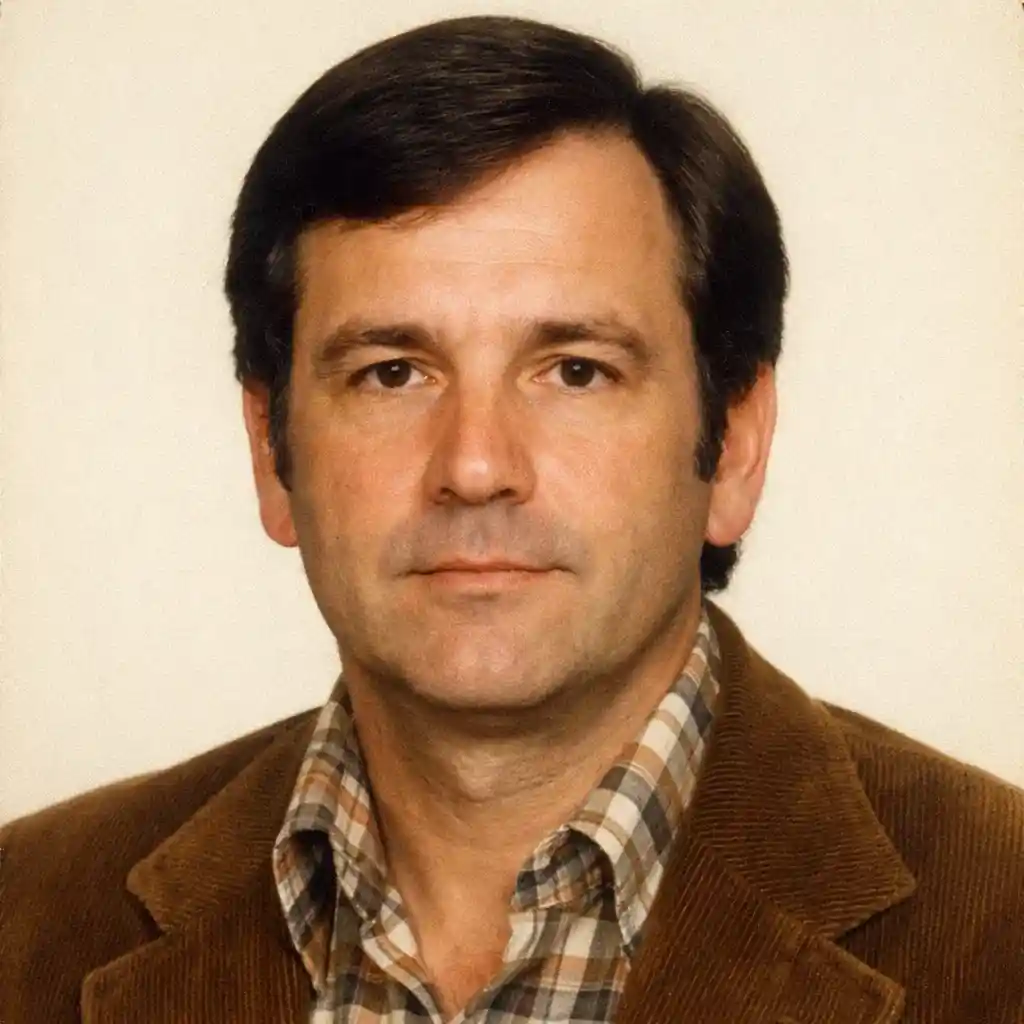
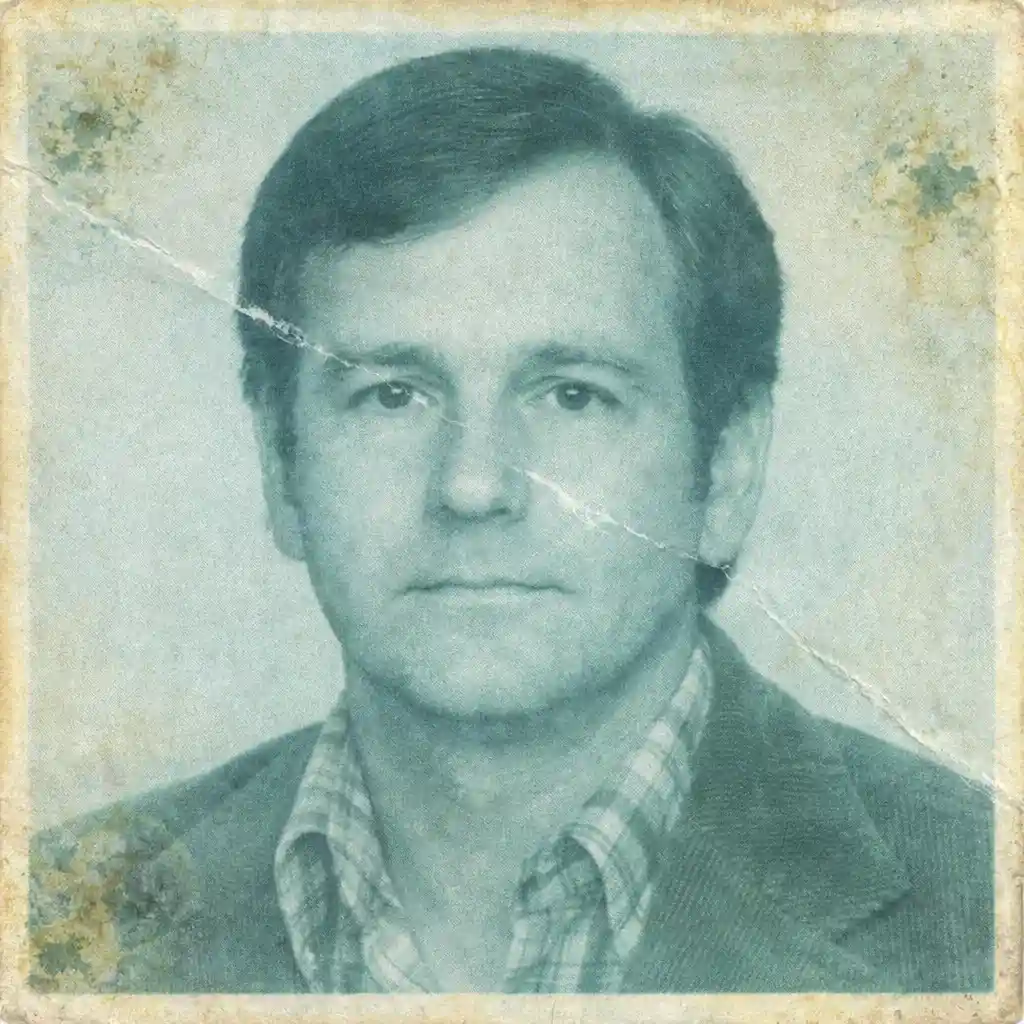
Preserve Identity Photos from Historical Documents
Use Restore Old Passport Photos to improve passport-style document portraits carefully so the face stays recognizable and the old identity-photo feeling remains believable instead of looking overprocessed.

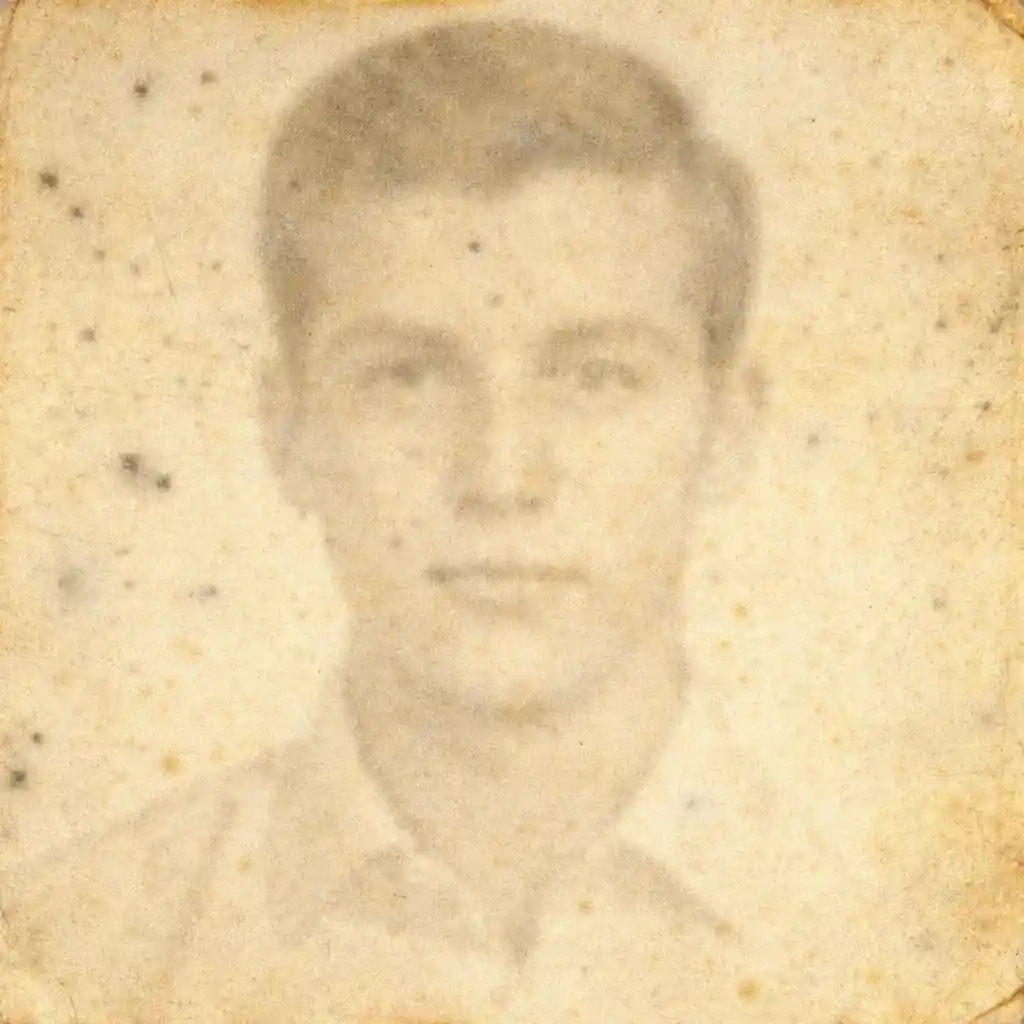
Improve Old Passport Photos for Genealogy Projects
Restore Old Passport Photos makes old passport portraits easier to read and revisit in genealogy projects, immigration-history research, and family record collections without turning them into generic AI portraits.
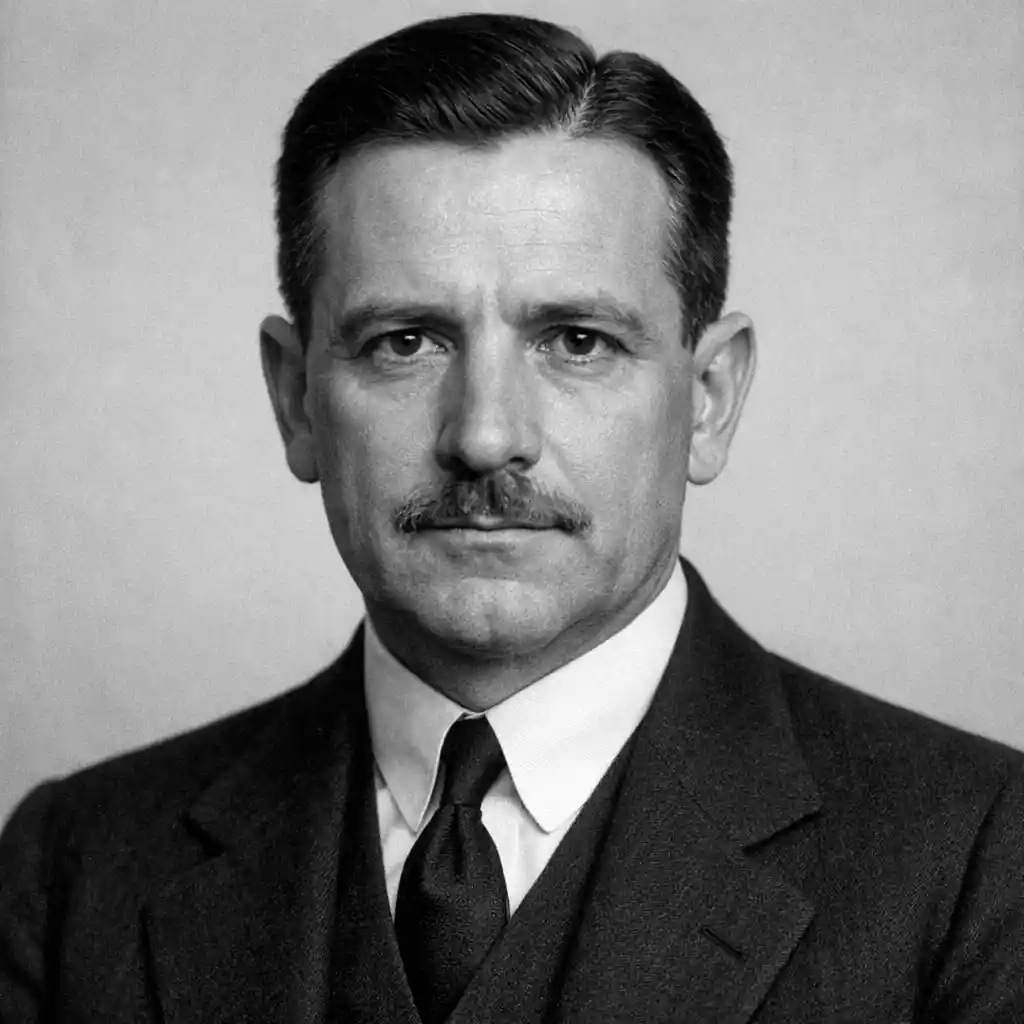
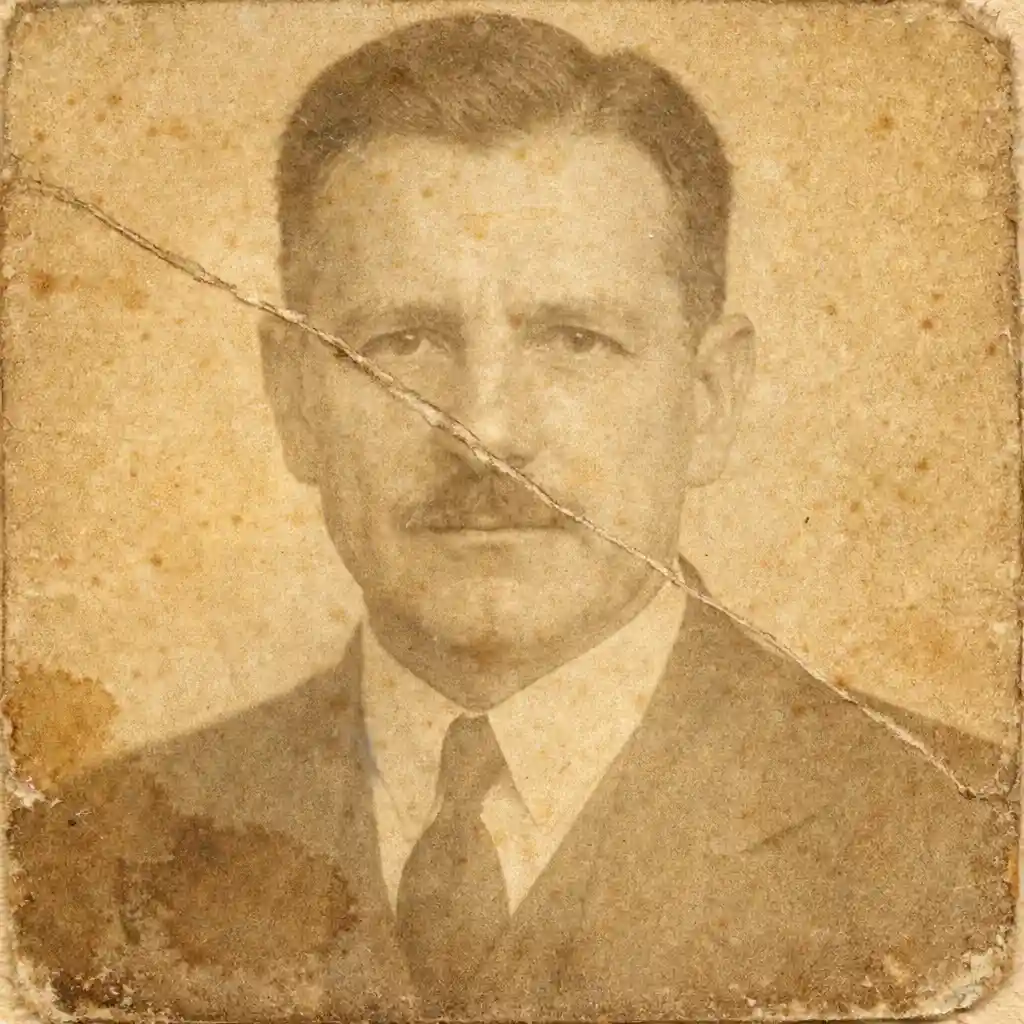
Prepare Passport Portraits for Records and Sharing
Restore Old Passport Photos creates cleaner copies for documentation, archive folders, family-history sharing, and digital backup. If heavy damage or recoloring is the main goal, use the specialist pages instead.

What Does Restore Old Passport Photos Mean?
- •Restore Old Passport Photos means using AI to improve old passport portraits and document photos so identity records are easier to preserve, read, and revisit.
- •Use Restore Old Passport Photos for vintage passport portraits, identification-photo crops, and old document photos where the passport or record context matters as much as the image itself.
- •Restore Old Passport Photos aims to improve the old passport portrait naturally so it is easier to archive, study, and share without making the image look artificially rebuilt or heavily edited.
- •Restore Old Passport Photos is best for passport-record restoration, not for broader family-photo cleanup, old album context, or one single specialist issue such as severe damage, recoloring, or scanning-method advice.
- •Restore Old Passport Photos is useful for genealogy projects, family record collections, archive work, immigration-history materials, and private memory preservation. If you want the broader AI old photo restoration workflow before choosing a passport-specific route, start from Restore Old Photos.
How to Restore Old Passport Photos Online
Step 1: Upload Your Passport Photo
Upload a scanned passport photo, document portrait, or a clear photo of the printed passport image that you want to preserve digitally with Restore Old Passport Photos.
Step 2: Let AI Review the Portrait Carefully
Restore Old Passport Photos reviews the face, small-format portrait details, and overall document-photo quality so it can improve the image in a careful and natural way.
Step 3: Improve the Passport Photo Naturally
Restore Old Passport Photos improves the old passport portrait while trying to keep identity details, facial features, and the original document-photo feeling recognizable.
Step 4: Download and Preserve
Preview the Restore Old Passport Photos result and download the improved passport photo for genealogy research, archive records, family history files, documentation, or sharing with relatives.
Why Choose Restore Old Passport Photos
Restore Old Passport Photos is a careful online workflow for improving vintage passport portraits and old identity photos while keeping faces and document context recognizable.
Built for Passport and Identity Portraits
Use Restore Old Passport Photos for old passport photos, identification portraits, and document-based headshots that need a more specialized approach than broad old-photo restoration.
Keeps Faces and Identity Details Recognizable
Restore Old Passport Photos aims to preserve facial structure, expression, and the small-format portrait feeling so the result still looks like the original person and record.
Helpful for Archives, Records, and Genealogy
Restore Old Passport Photos helps prepare old passport photos for archive work, genealogy projects, family record folders, immigration-history research, and digital preservation.
Clear Specialist Tool Boundaries
If the main issue is severe physical damage, black-and-white recoloring, scan workflow, broader family restoration, or old album context, Restore Old Passport Photos helps direct you to the better specialist route instead of forcing one page to do everything.
Preserve Old Passport Photos for the Future
Use Restore Old Passport Photos to improve vintage passport portraits naturally so they are easier to archive, document, share, and revisit in family-history work.